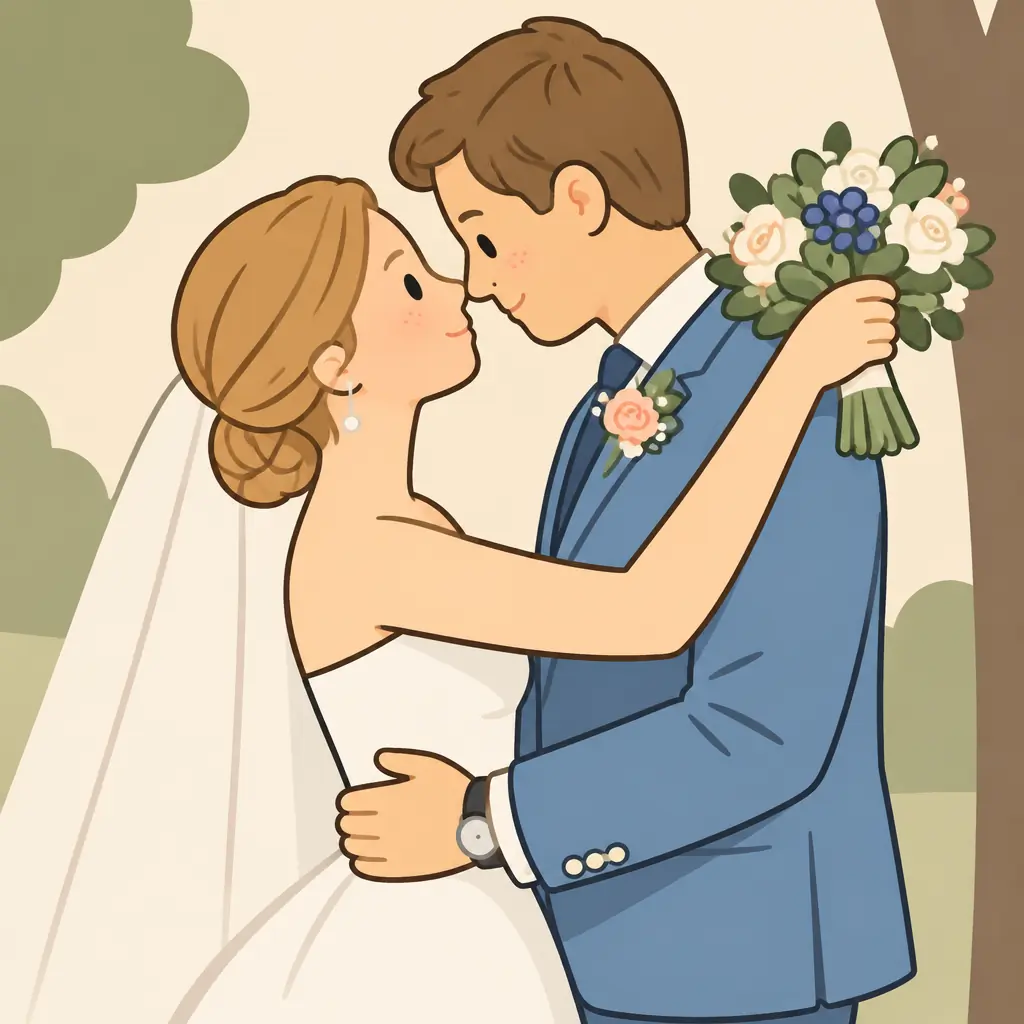
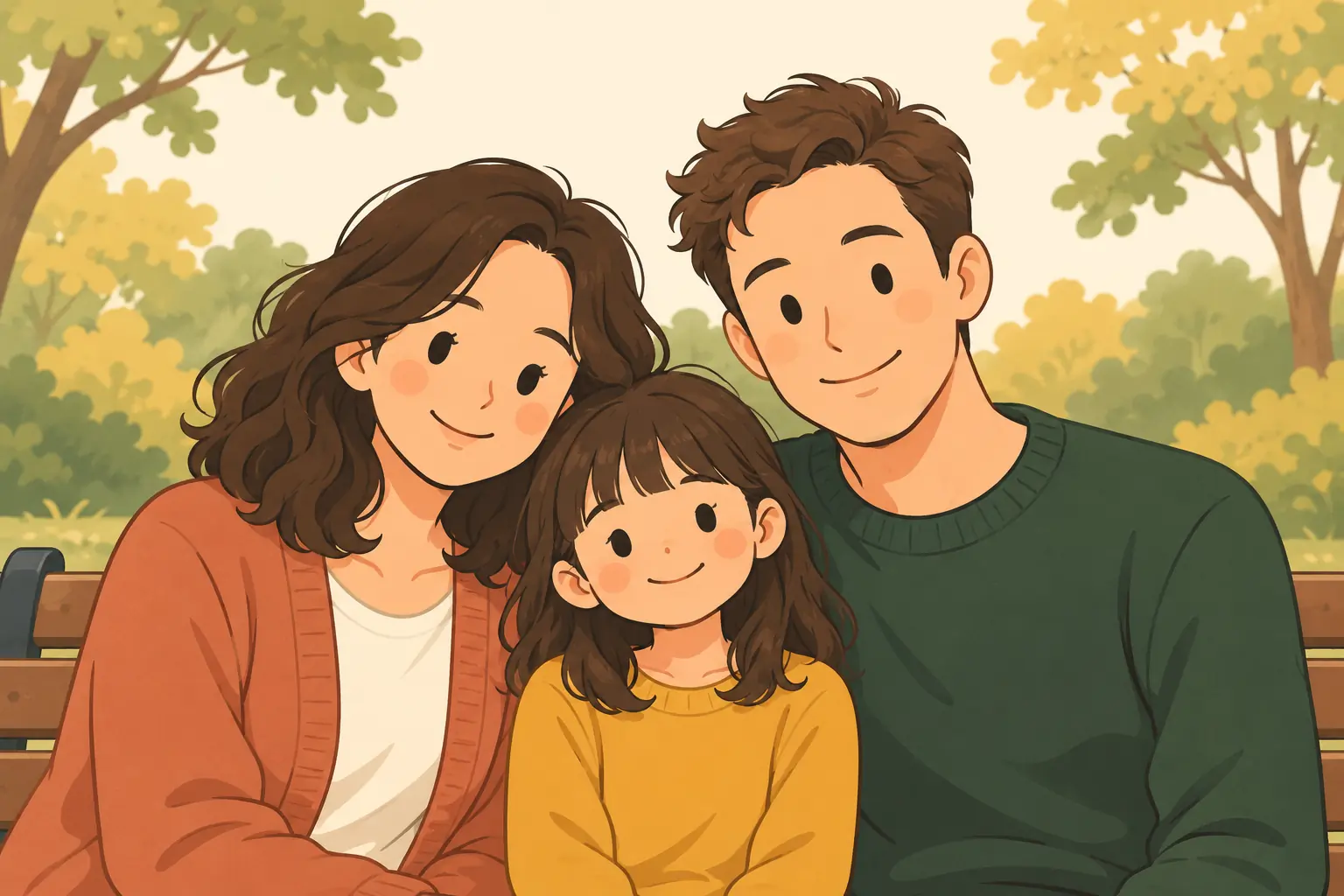
Cozy illustration
Dot-like eyes, rosy cheeks and gentle warm colors create a simple, affectionate portrait of people or pets.
Loading the creation workspace…
Give a familiar face, a favorite pet or a travel photo a different look. Choose from 12 styles, from bold ink outlines and hand-drawn anime to luminous watercolor and textured oil painting. Create in your browser without installing an app.
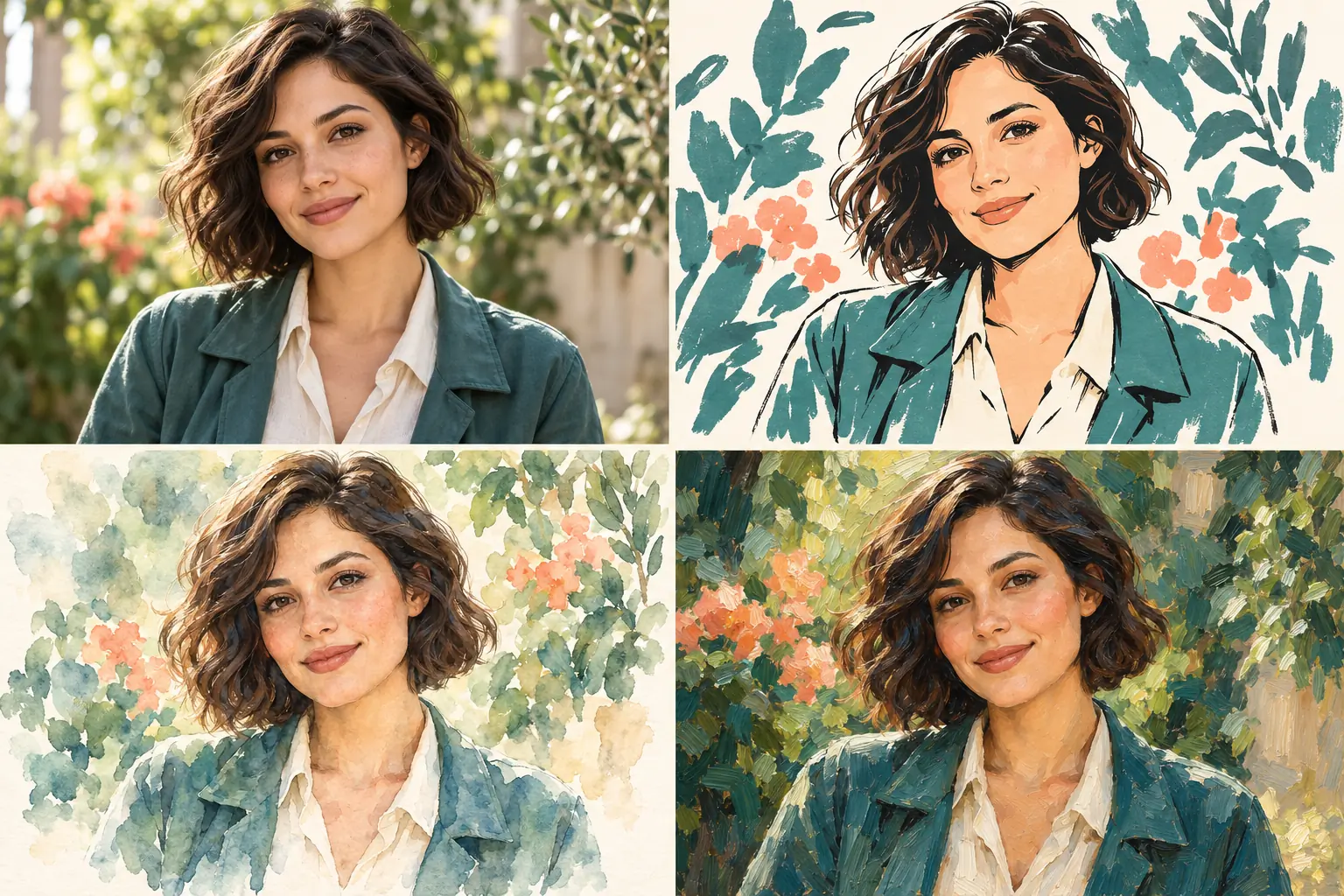
This AI tool redraws your photo with the linework, colors and texture of your chosen style. It aims to carry over distinctive features and poses while creating a new image. Fine details and backgrounds may change, particularly in more stylized looks.
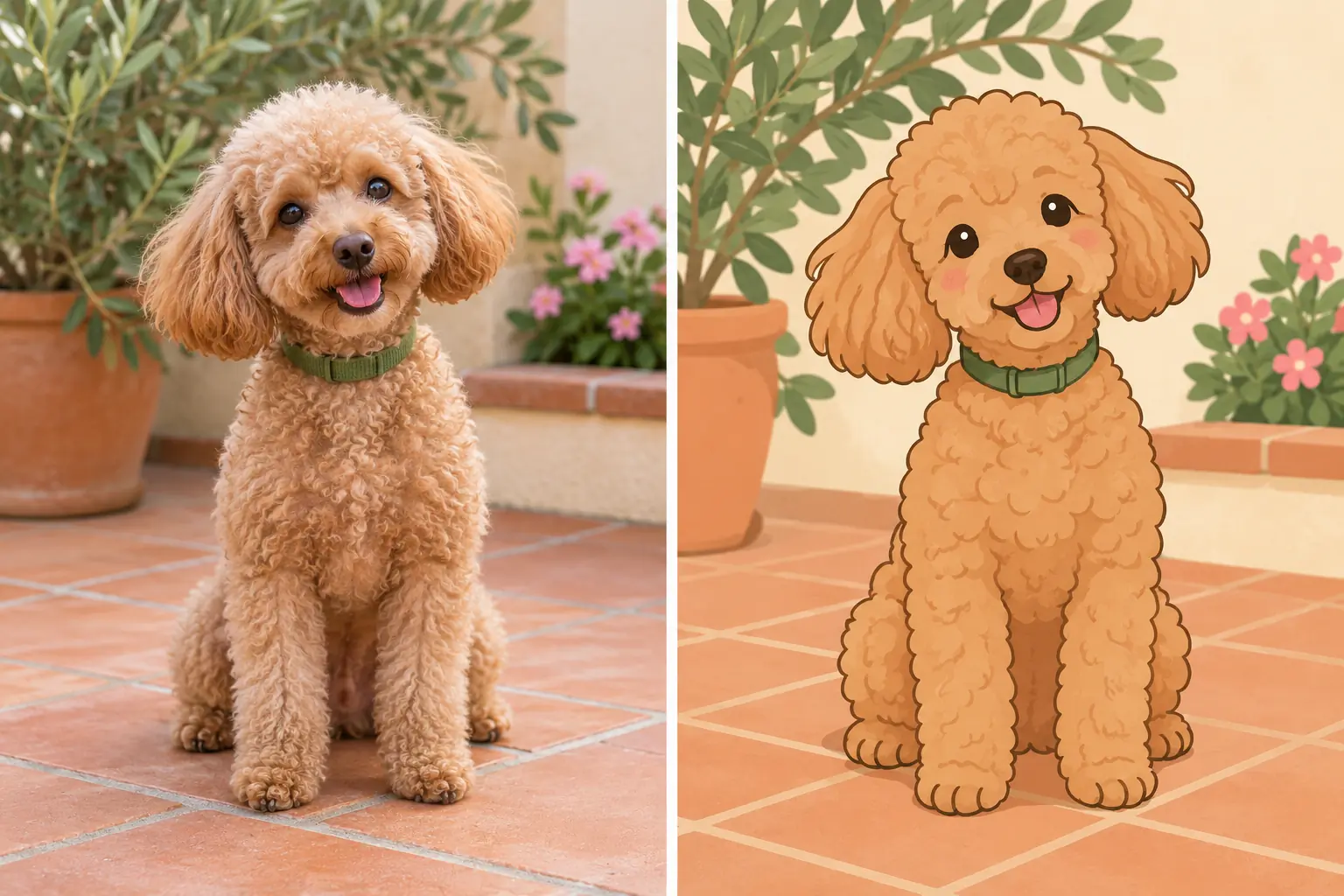
Compare the examples to find your look: flat cartoon colors, transparent paint, detailed ink strokes or a dramatic sunset silhouette.
Dot-like eyes, rosy cheeks and gentle warm colors create a simple, affectionate portrait of people or pets.
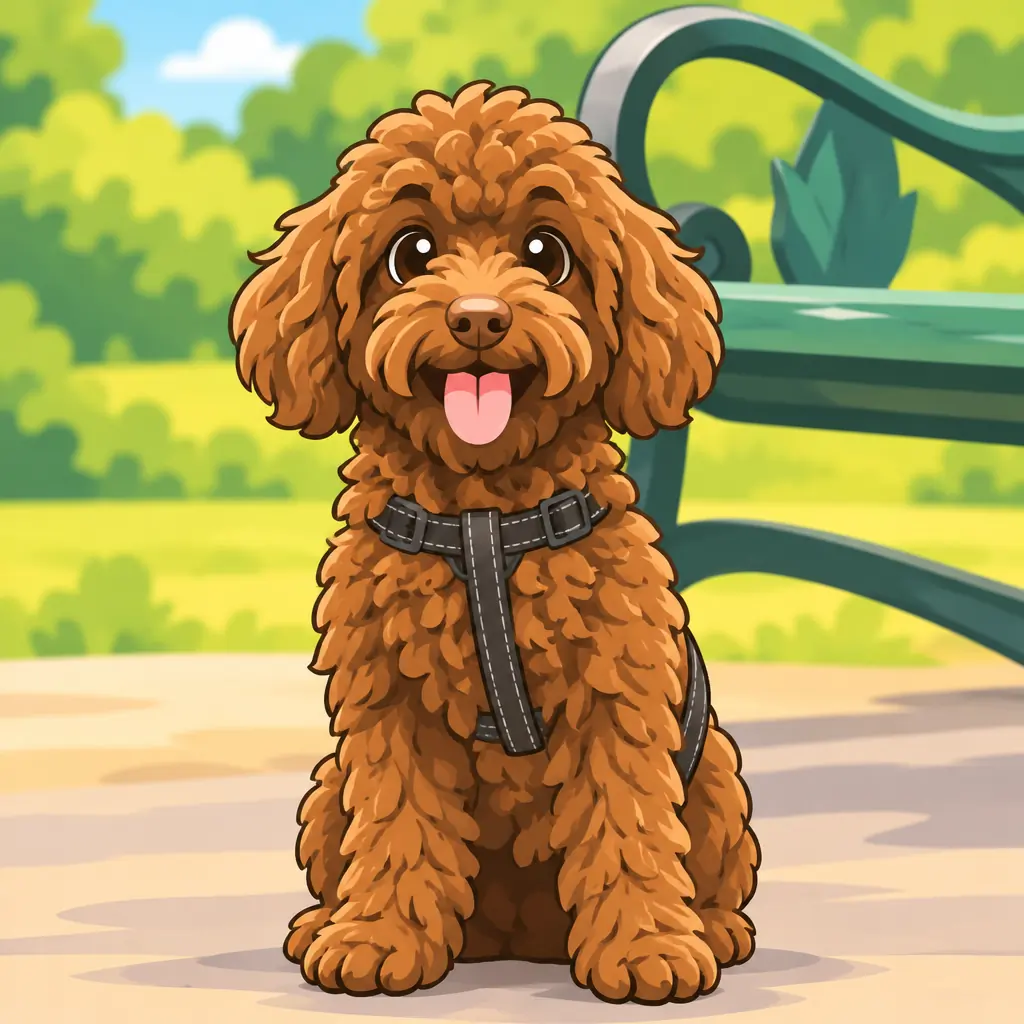
Turn a photo into a colorful 2D cartoon with rounded shapes, lively eyes, clean contours and simple cel shading.
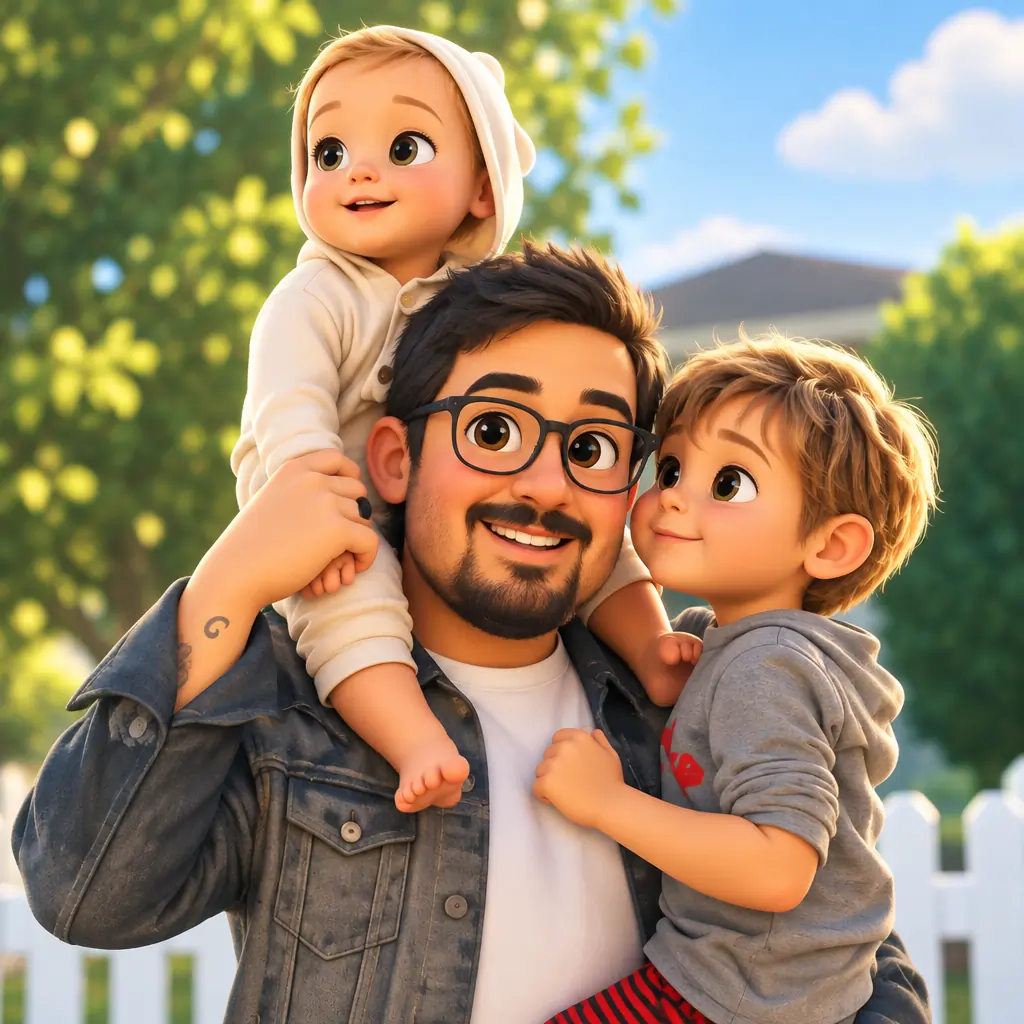
Expressive eyes, rounded character shapes and soft lighting create an animated-film look. The result is a still image, not a 3D model.
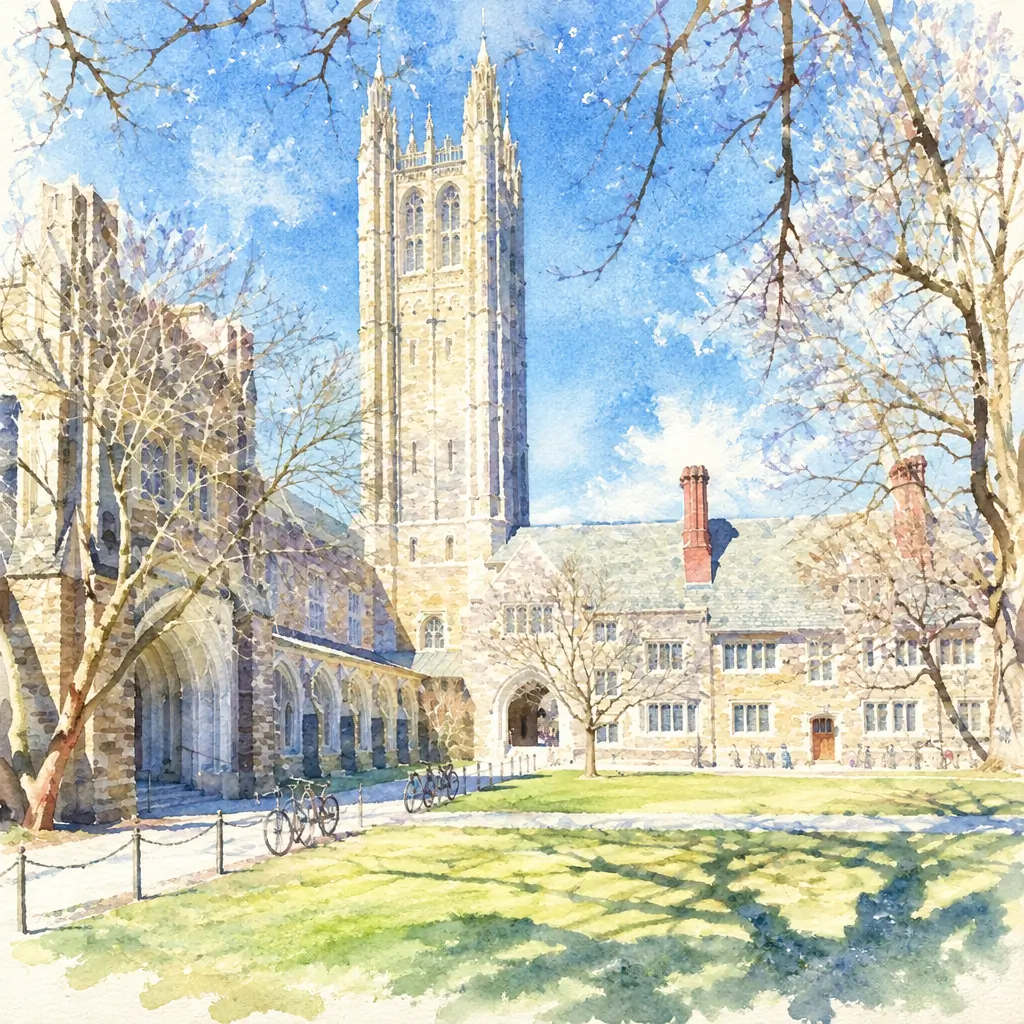
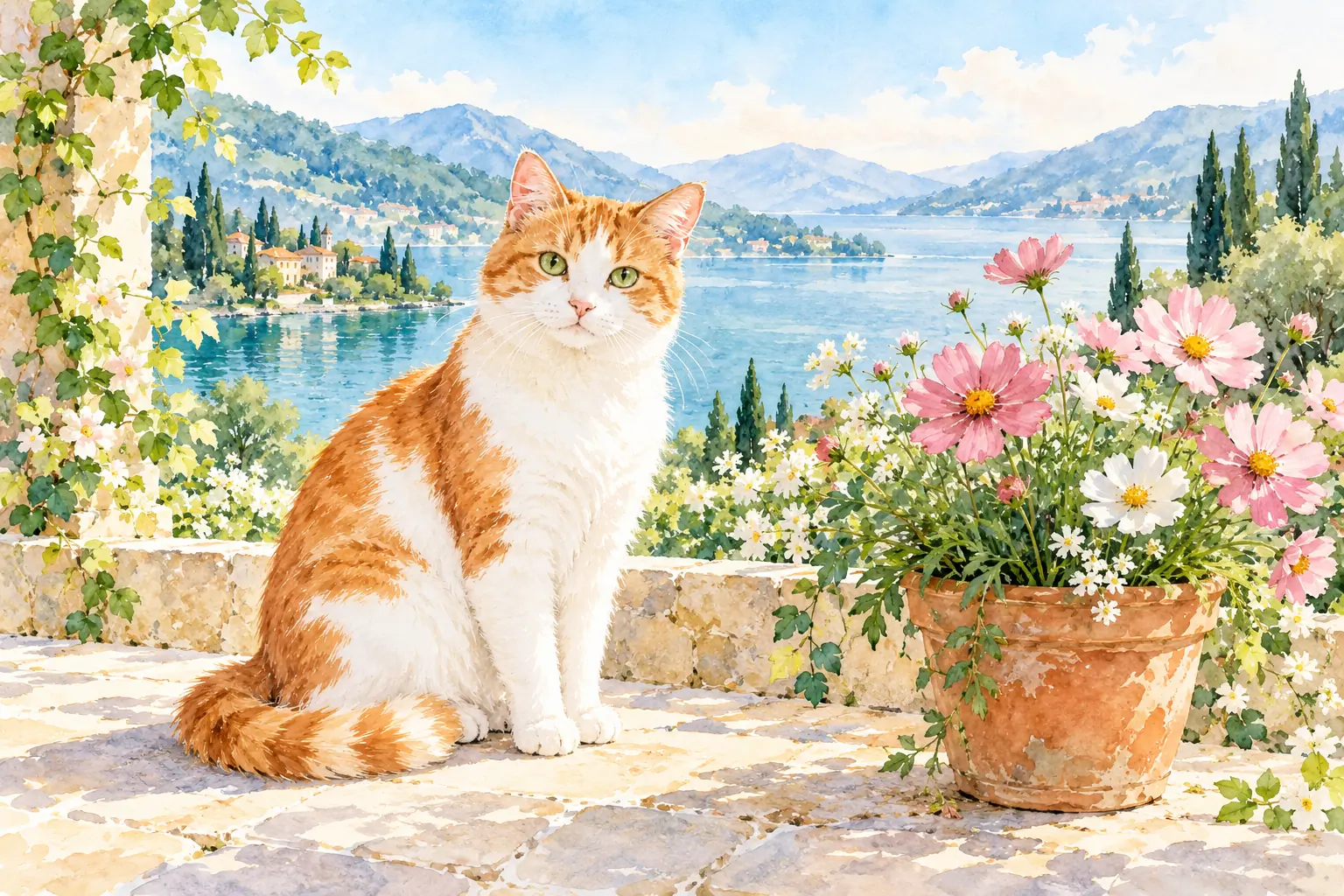
Transparent washes, soft pigment blooms and white paper bring an airy painted look to portraits, flowers and scenery.
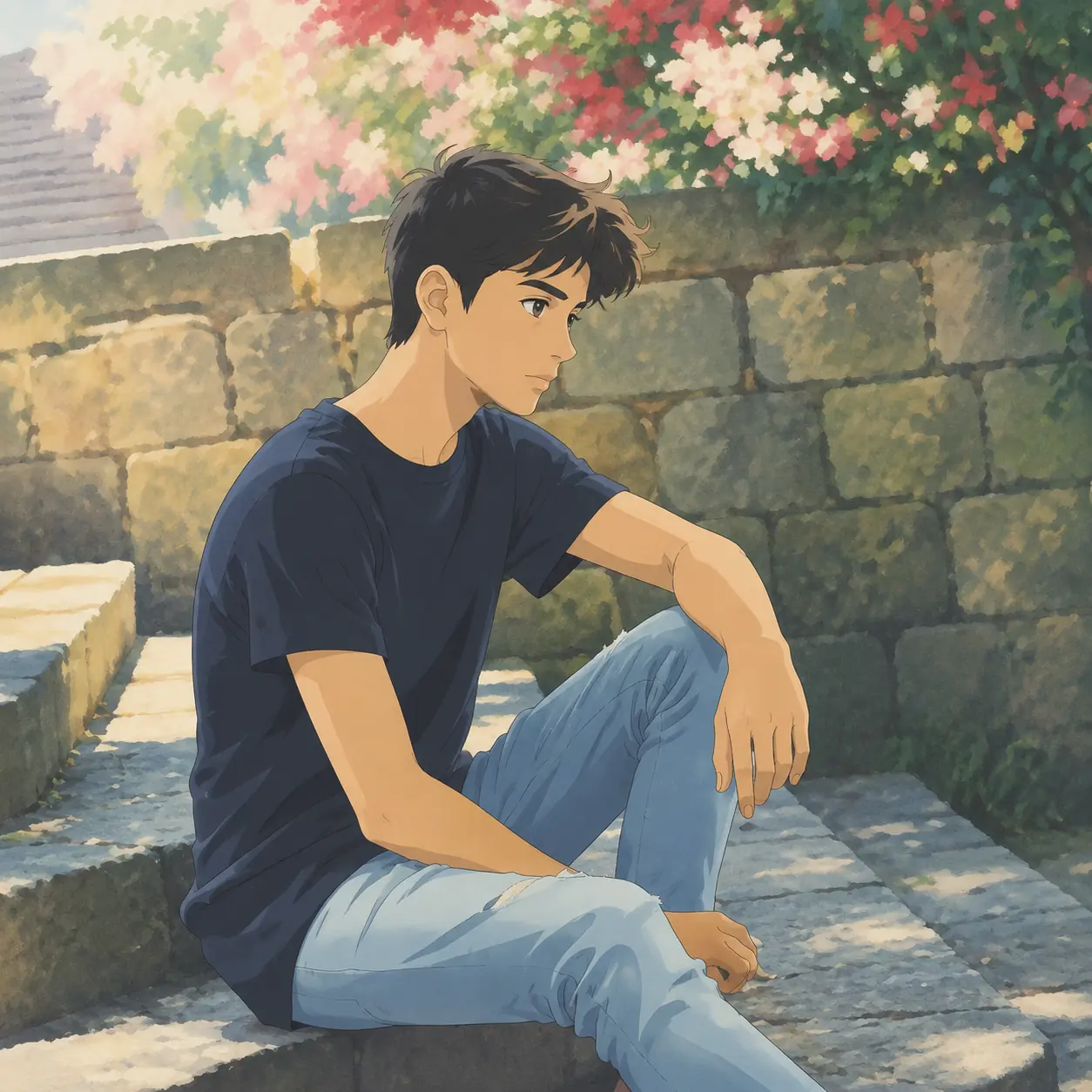
Delicate character lines and softly painted surroundings give everyday photos a nostalgic hand-drawn anime feel.
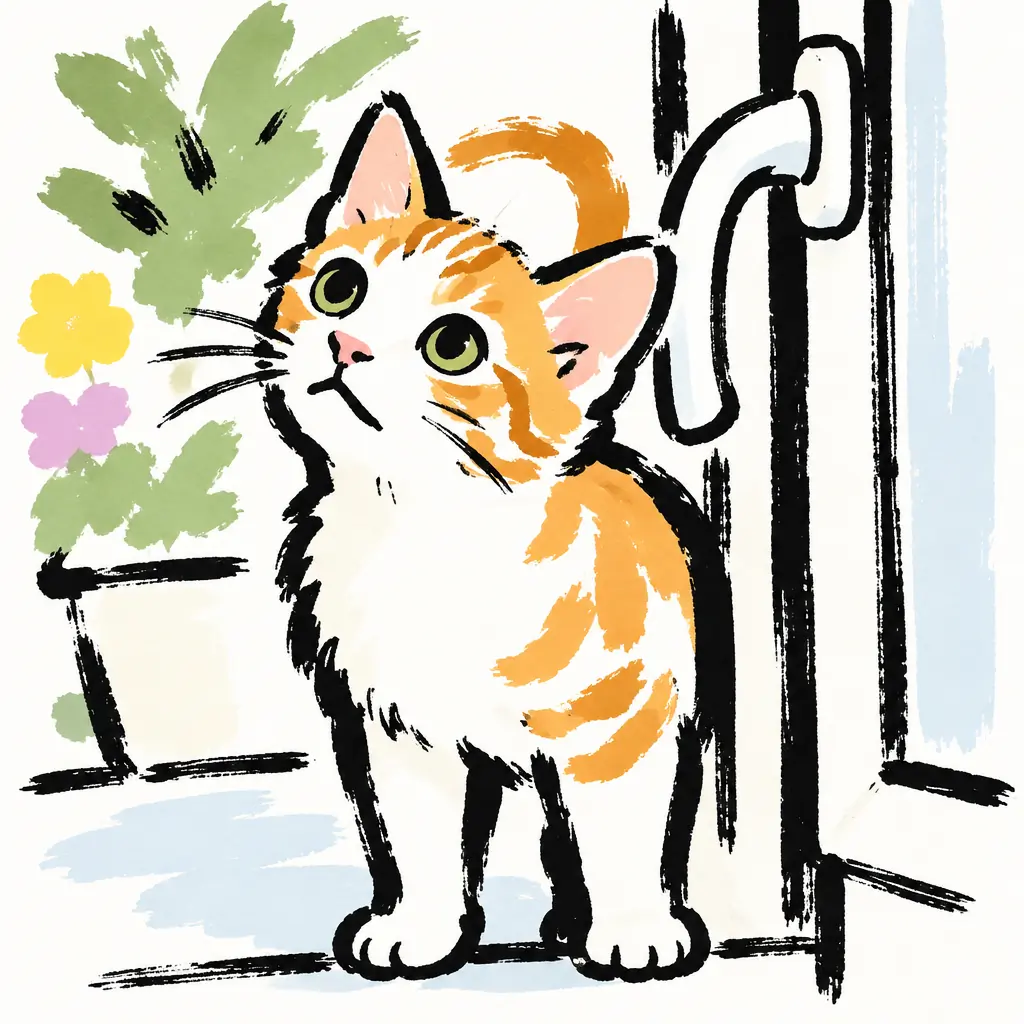
Thick black brush lines, loose color patches and open white space give portraits and pets a playful graphic look.
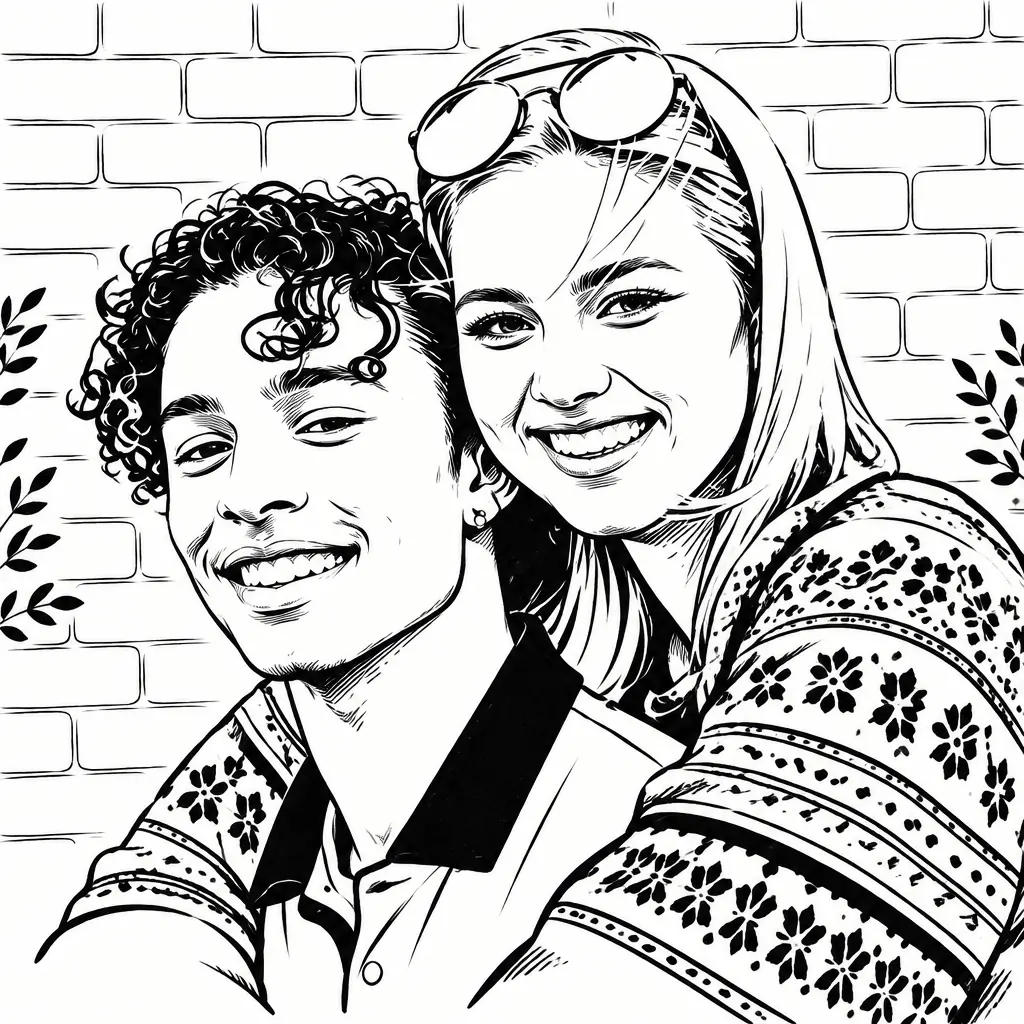
Fine black ink and cross-hatching create light and shade. Unlike a coloring page, this drawing uses lines to build tonal depth.
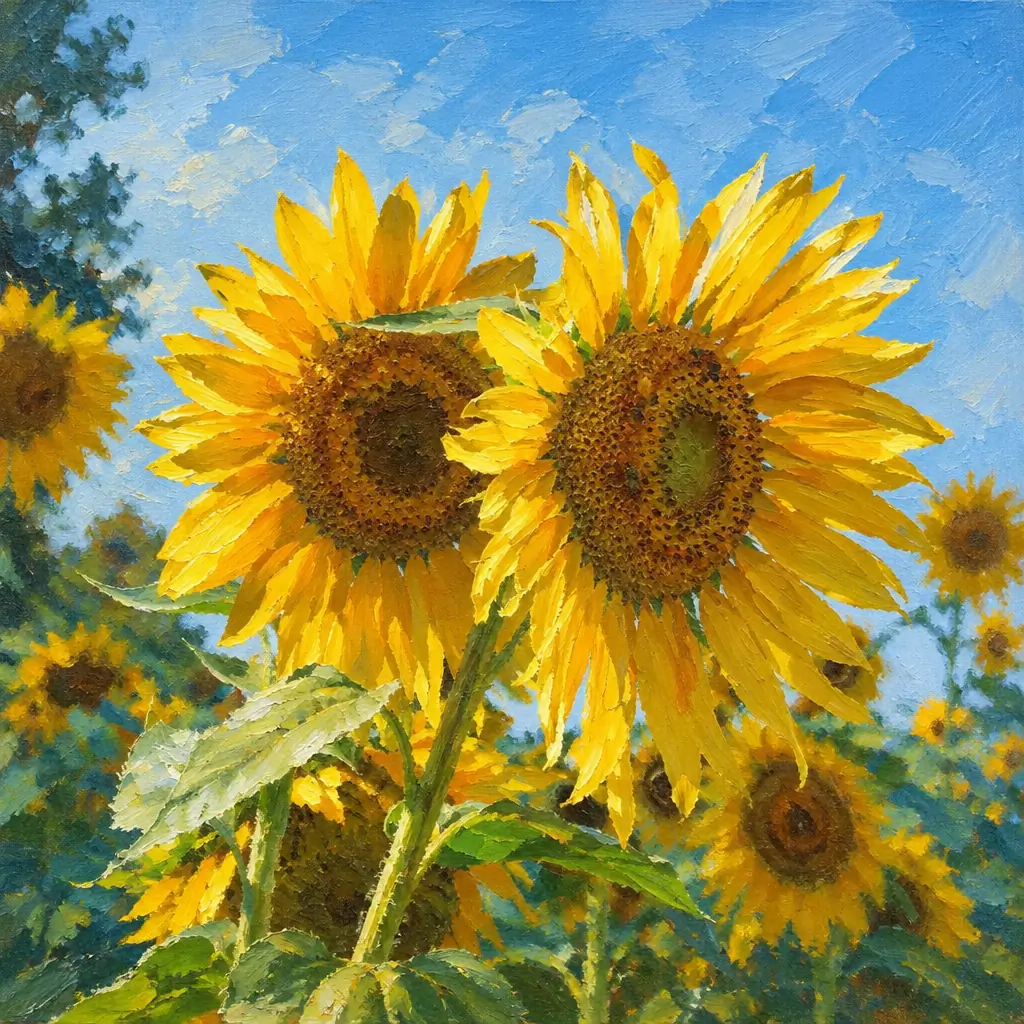
Reinterpret your photo through layered color, visible brushwork and selective thick-paint accents, from portraits to landscapes.
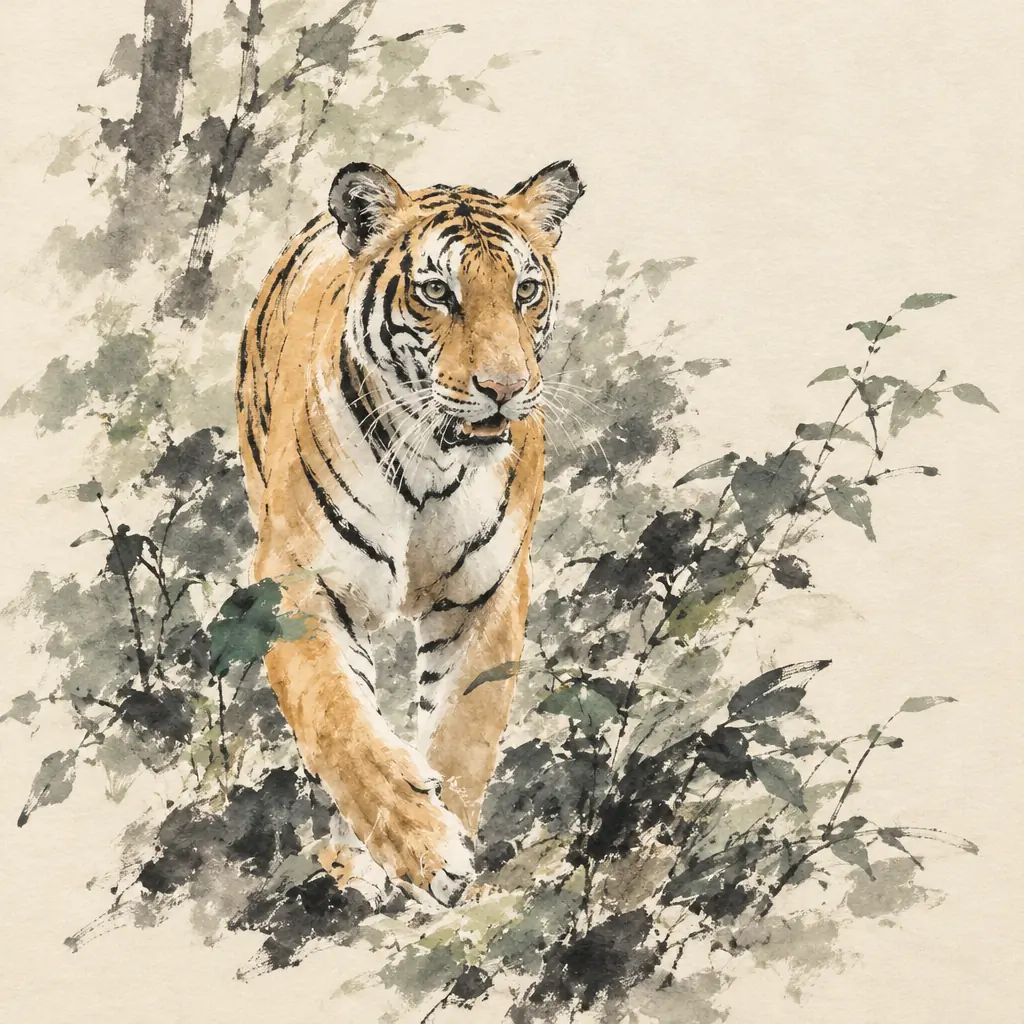
Flowing brush contours, deep black accents, diluted ink and restrained color reinterpret your scene with generous paper-white space.
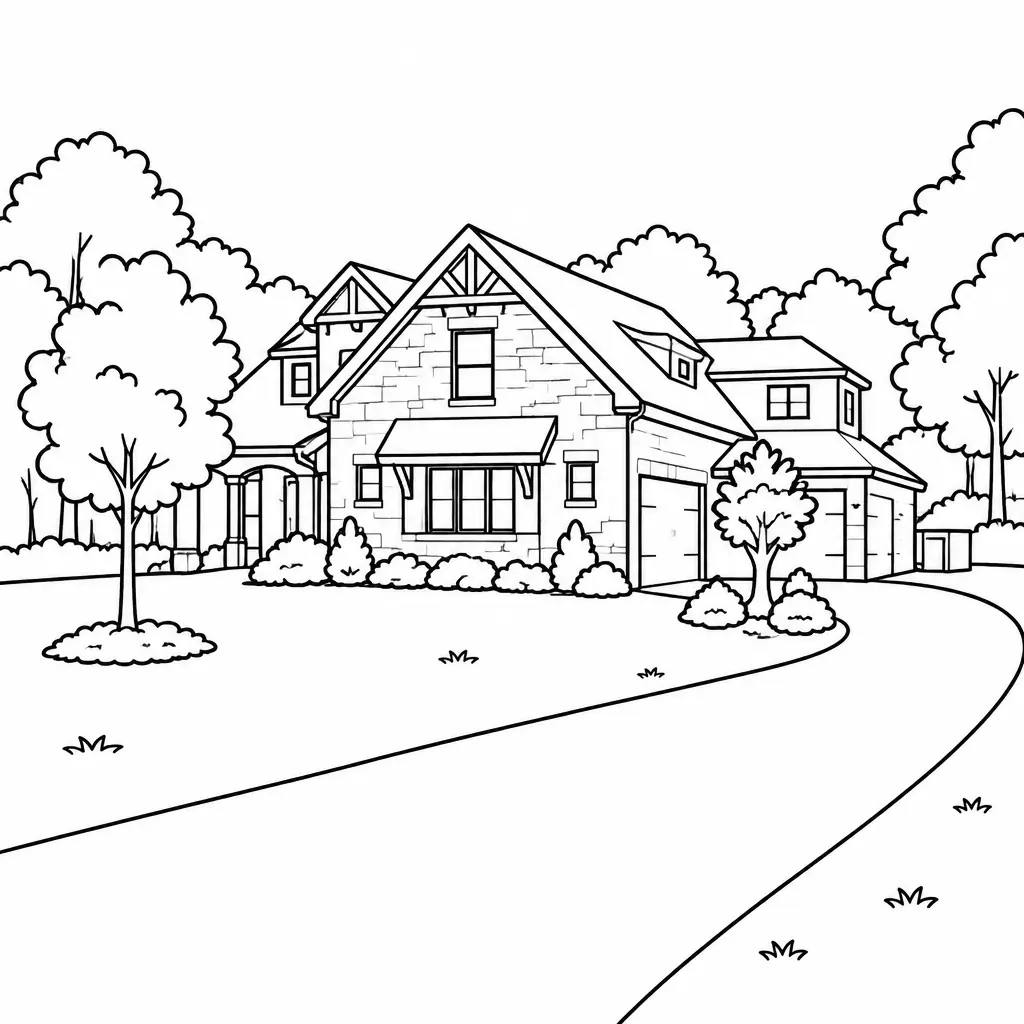
Turn a photo into black outlines on white, with simplified details and open areas designed for coloring.
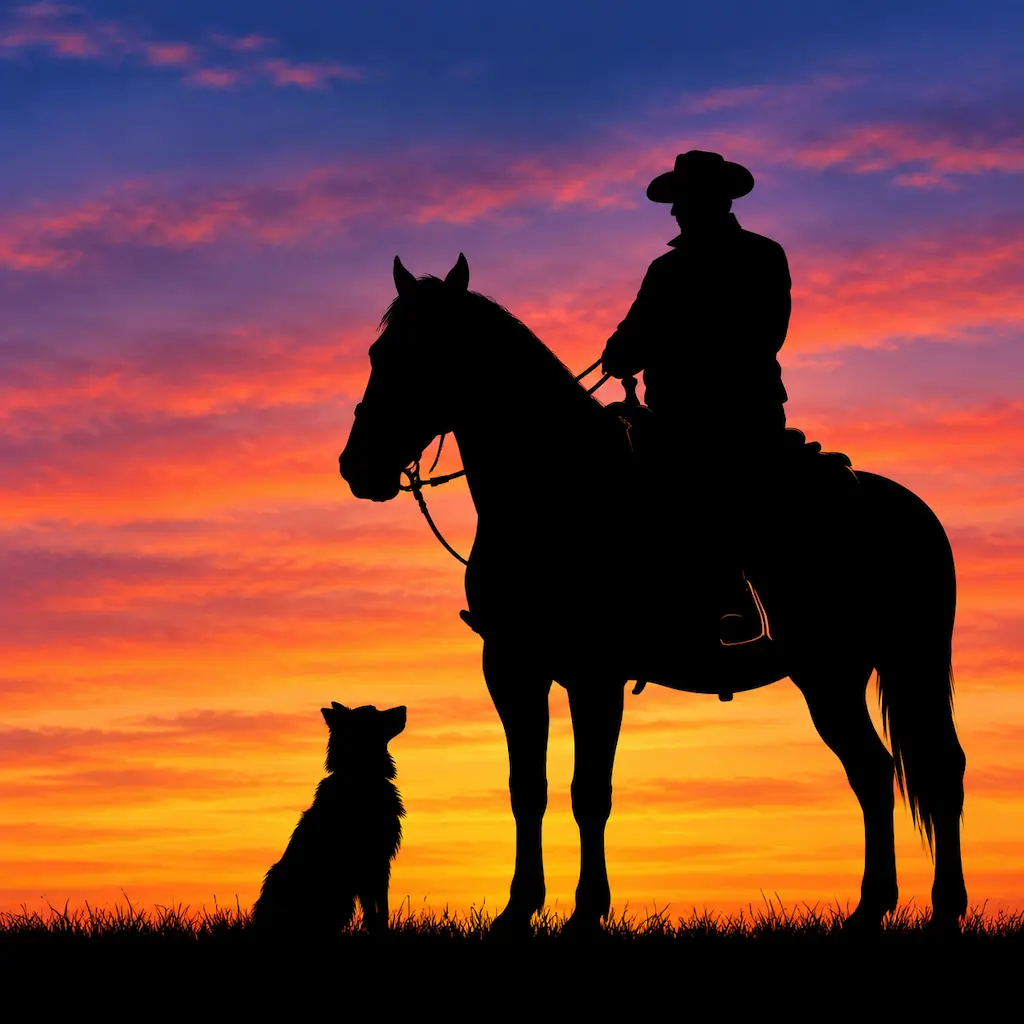
Reduce subjects to dark silhouettes against an orange-to-violet sunset sky. Poses and profiles carry the image instead of facial details.
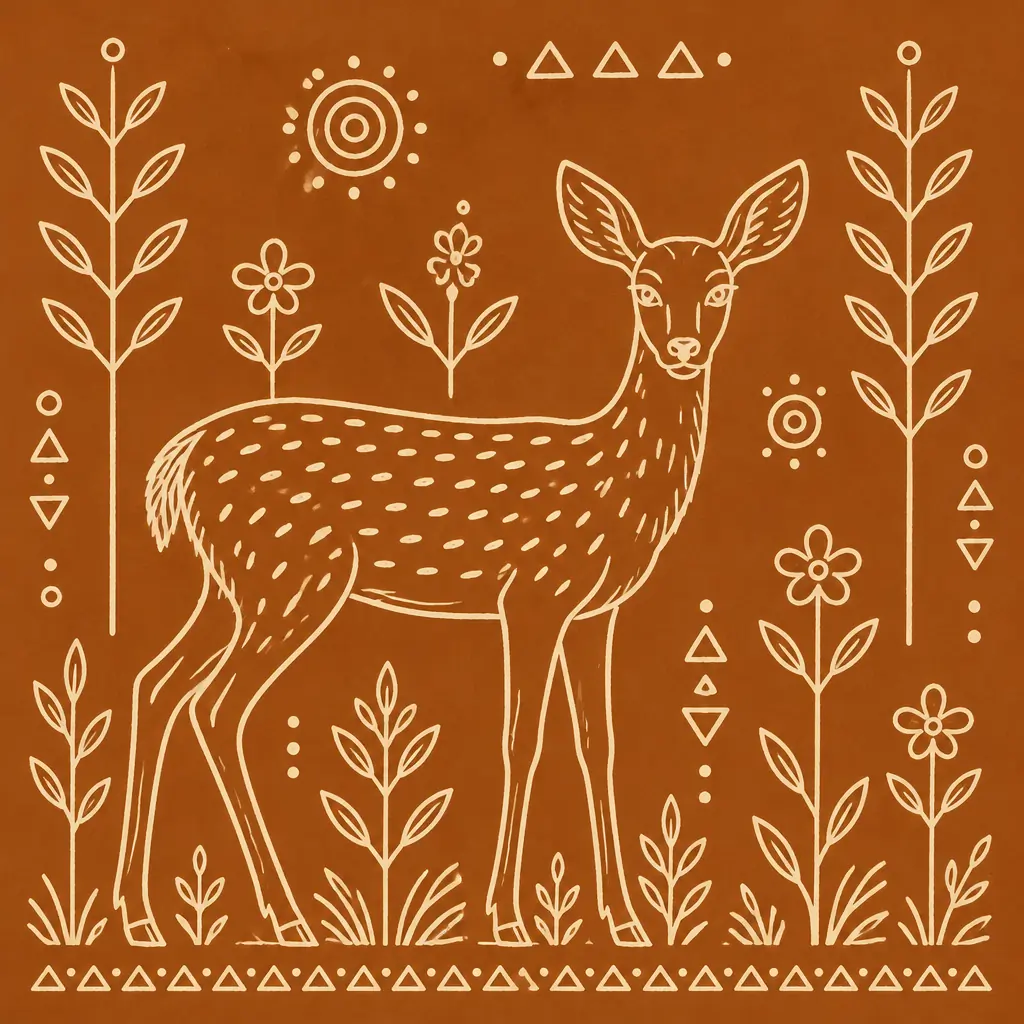
Ivory outlines on an ochre-brown ground combine recognizable subjects with geometric and botanical motifs inspired by Warli art.
Pick a photo and a style. You do not need to write a long prompt.
Choose a portrait, pet or landscape image in JPG, JPEG, PNG or WebP format, up to 10MB.
Select a visual preset and add optional notes. Check the model, output settings and displayed credit cost before generating.
Review faces, hands and important markings. Download a result you like, or change the style and generate another version.
Explore several ways to redraw the same photo without moving between separate tools for every art style.
Use optional notes to ask for details such as distinctive curls, coat markings or a quieter background.
Use a compatible photo on your phone or computer. There is no app to install.
Choose a look for a profile picture, a shared memory or a favorite subject.
Try bold outlines or a cartoon portrait for your social profile. Adjust the finished image to the size and crop required by your platform.
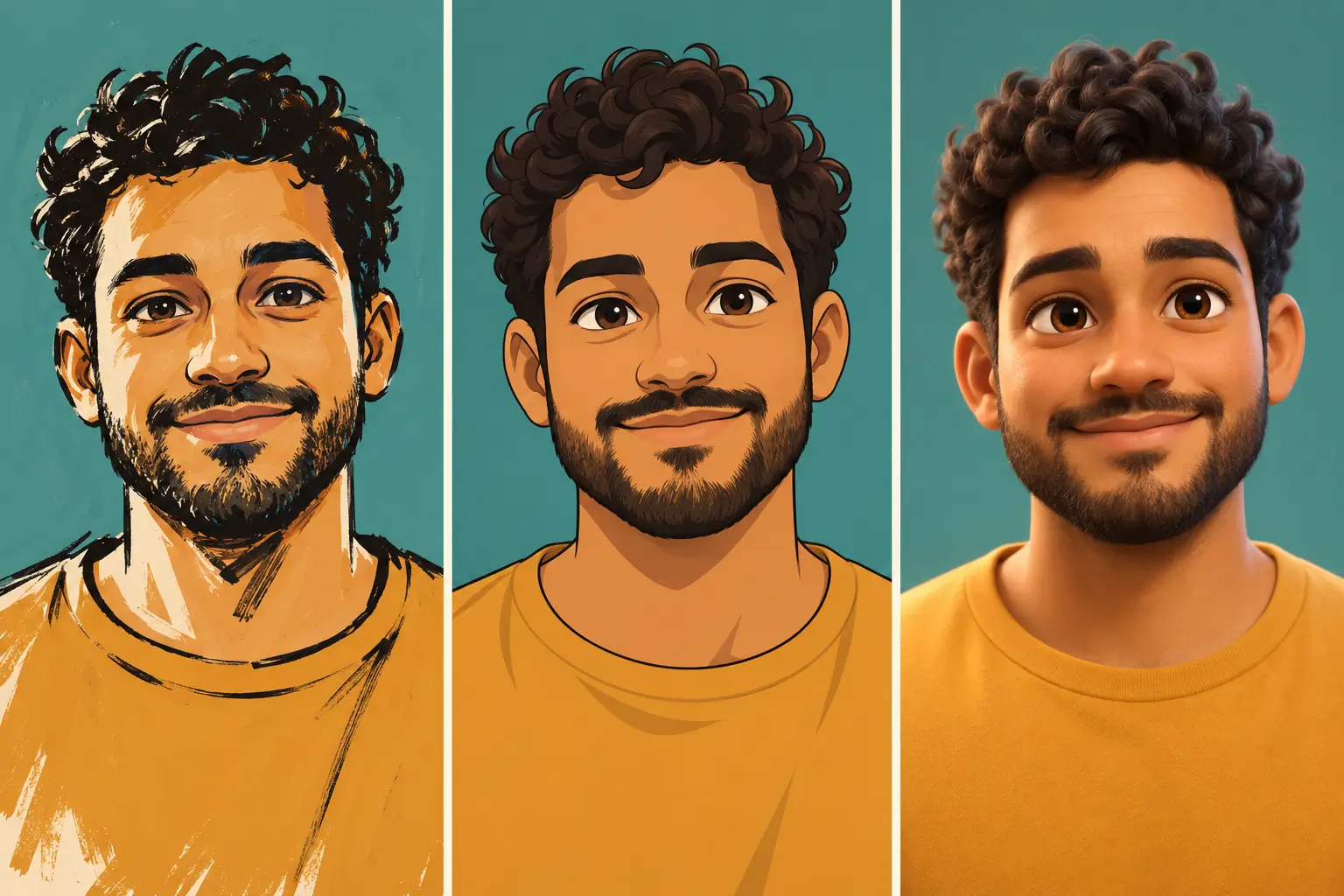
Try a cozy illustration or hand-drawn anime look for a meaningful photo. Review the people, expressions and hands in group images.
Explore your pet’s features in different styles, turn flowers into watercolor, or give a travel landscape the texture of oil paint.
Choose a related tool for other edits before or after illustration.
Upload one image and start with the look that catches your eye.
Upload one photo, select an art style and generate. Each style already has its drawing instructions, so a long prompt is unnecessary. You can add your preferences in the optional notes field.
Generation requires sign-in and credits. Free credits from check-in rewards can be used if you have enough for the selected settings. The credit cost depends on the model and output settings; check the amount shown on the generate button.
Yes. Use your browser without installing an app. Upload one JPG, JPEG, PNG or WebP image up to 10MB. Convert HEIC photos to a supported format first.
Yes. You can try different styles on animals, flowers and scenery as well as people. Results aim to carry over distinctive shapes, markings and colors, but detail accuracy varies with the source image and selected model.
The instructions aim to preserve recognizable features, poses and relationships, but exact reproduction is not guaranteed. Cartoons deliberately change proportions; sunset silhouettes omit facial details and replace the background. Check the result before saving.
Coloring pages use outlines and white areas left for coloring. Pen sketches use hatching and denser ink strokes to create shade and depth as a finished black-and-white drawing. Review fine lines in either result.
No. It generates a still image with the appearance of a 3D animated scene. It does not export an editable 3D model or an animated video.
Image downloads for free users include a watermark. Watermark-free downloads depend on paid access. Check the options available in the download panel.
Yes. Change the style and generate again. Each generation uses one selected style; increasing the output count produces more images in that style. Each generation uses credits according to its settings.