
Loading the creation workspace…
Denoise images online with AI
Grainy night portraits and colored speckles in dark backgrounds can distract from a photo. Upload an image to try noise reduction while aiming to preserve its original look. Use your browser without installing an app.
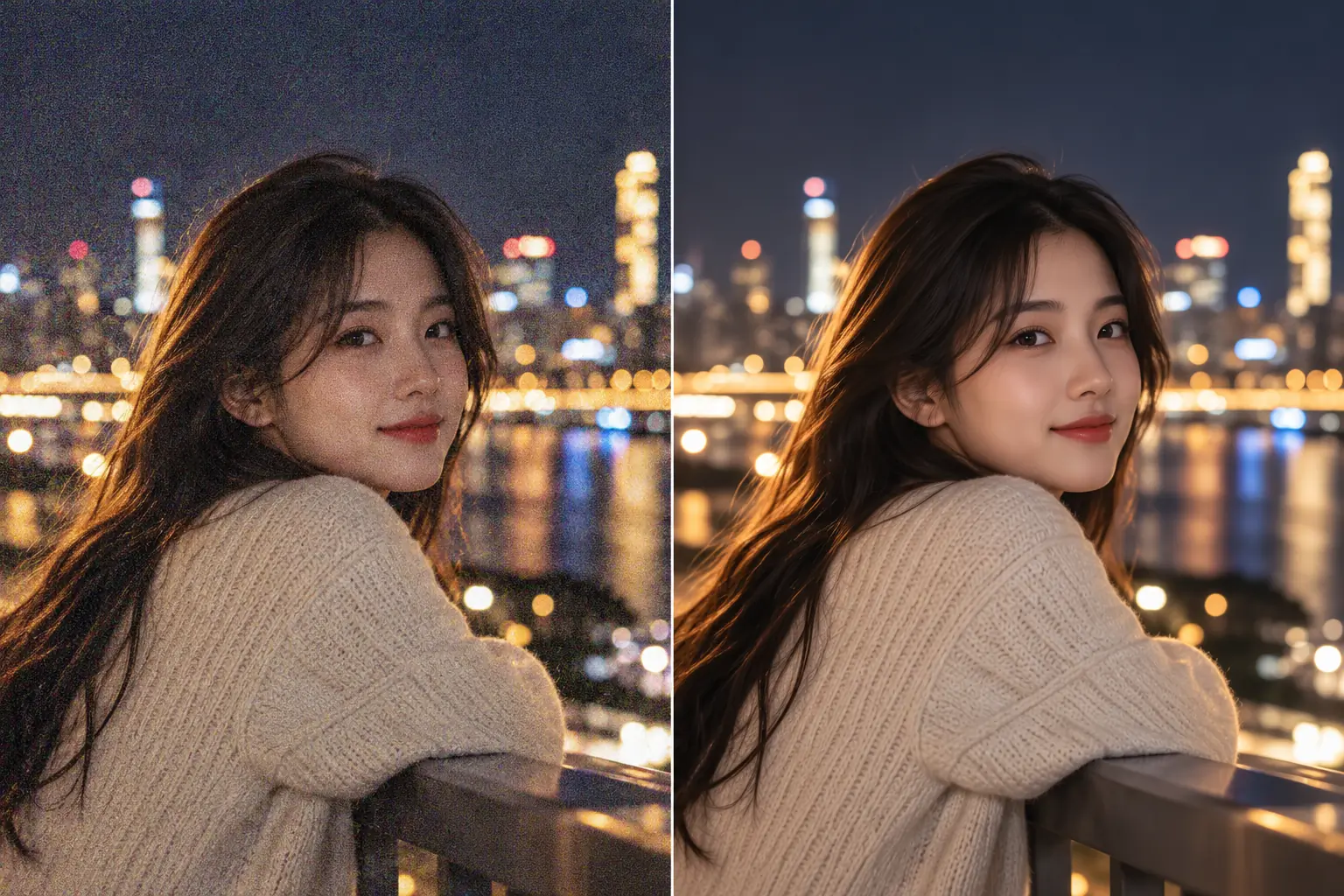
What does an image denoiser do?
Low-light and high-ISO photos can show grain and colored speckles. This tool aims to reduce luminance and color noise while retaining facial features, individual hairs and fabric texture. It is designed for photo noise reduction rather than enlargement or relighting.
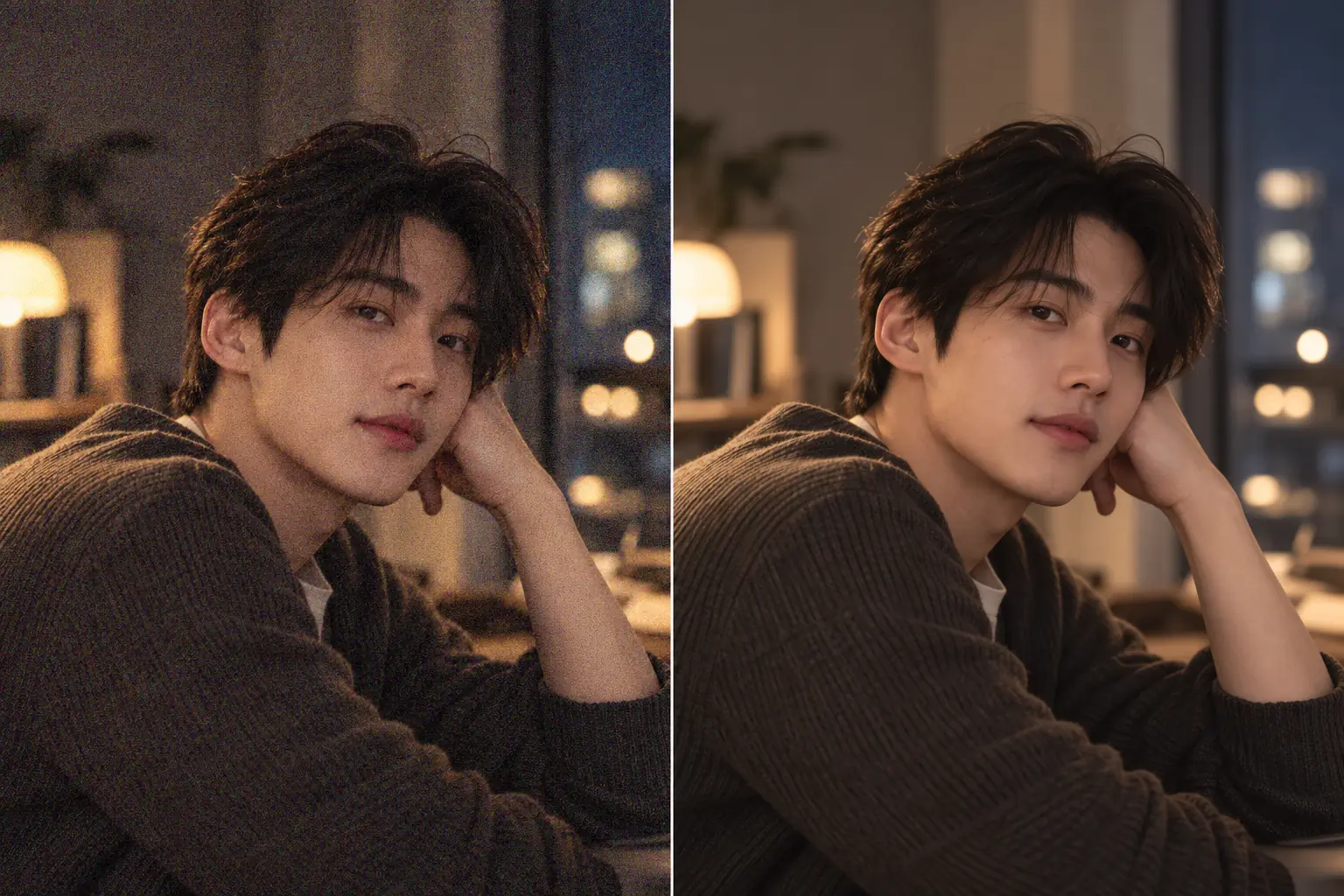
How to denoise an image in three steps
Upload, generate, then compare the result with your original.
Upload one photo
Choose the original noisy photo in JPG, JPEG, PNG or WebP format, up to 10MB.
Add optional guidance and generate
Describe textures you want to keep, then press Generate. You can also select a model and its output settings.
Review and download
Compare faces, hair, clothing and text with the original. Download the result if you are happy with it.
Reduce photo noise with natural detail in mind
Grain and color noise
Try reducing visible grain and red, green or blue speckles in dark areas.
Describe details to preserve
Add guidance about skin, hair or clothing without brushing a selection.
Use your phone or computer
Open the tool in an iPhone or desktop browser and select a supported photo.
Photos to try denoising
Try noise reduction on photos taken in dim light.
Night portraits
Try a portrait taken under streetlights. Ask to retain facial features and hair while avoiding excessive skin smoothing.
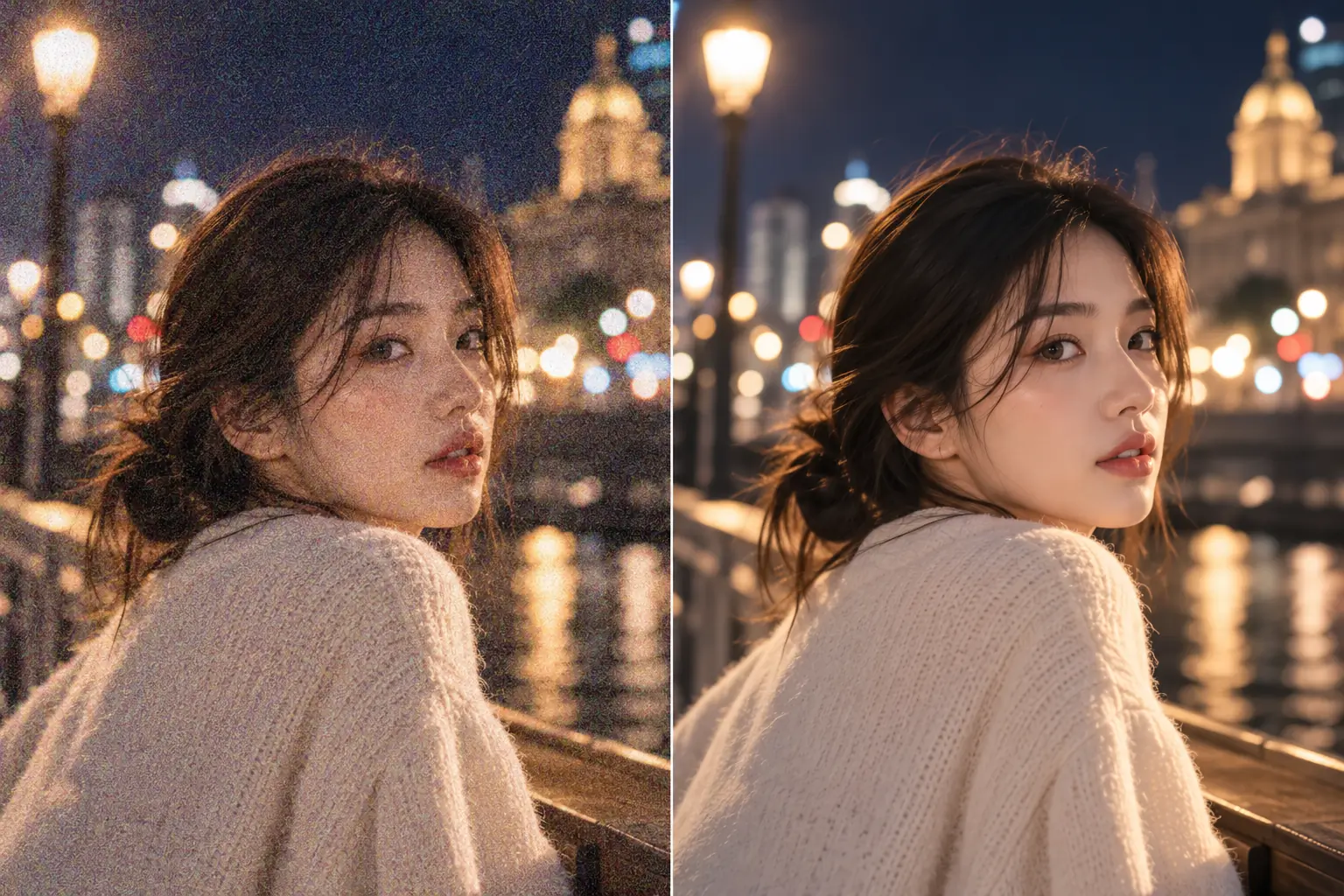
Indoor smartphone photos
Reduce distracting grain and color speckles on walls and dark backgrounds in selfies or family photos.
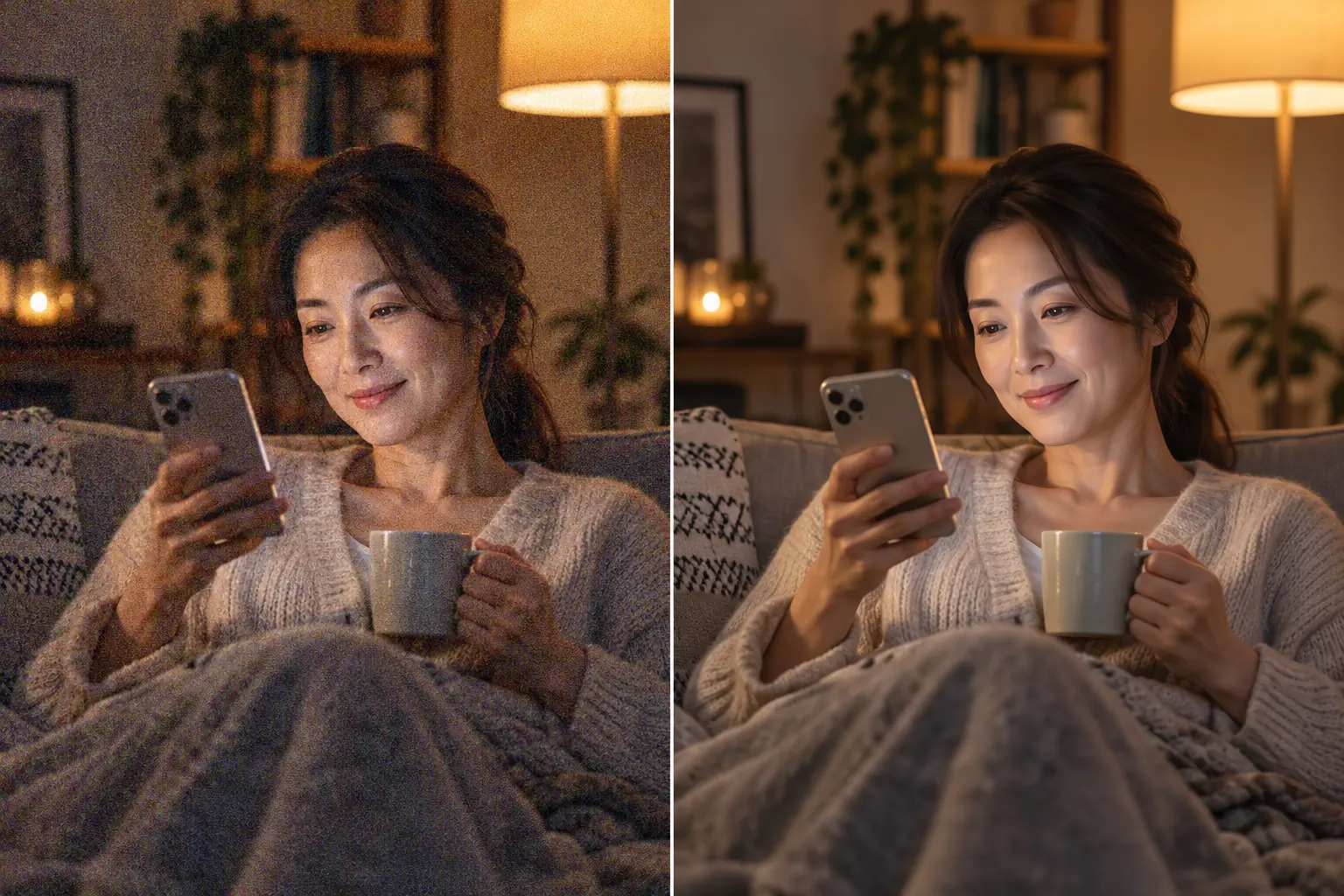
Low-light couple photos
Try an outdoor or evening terrace photo. Check both faces, expressions and clothing after generation.
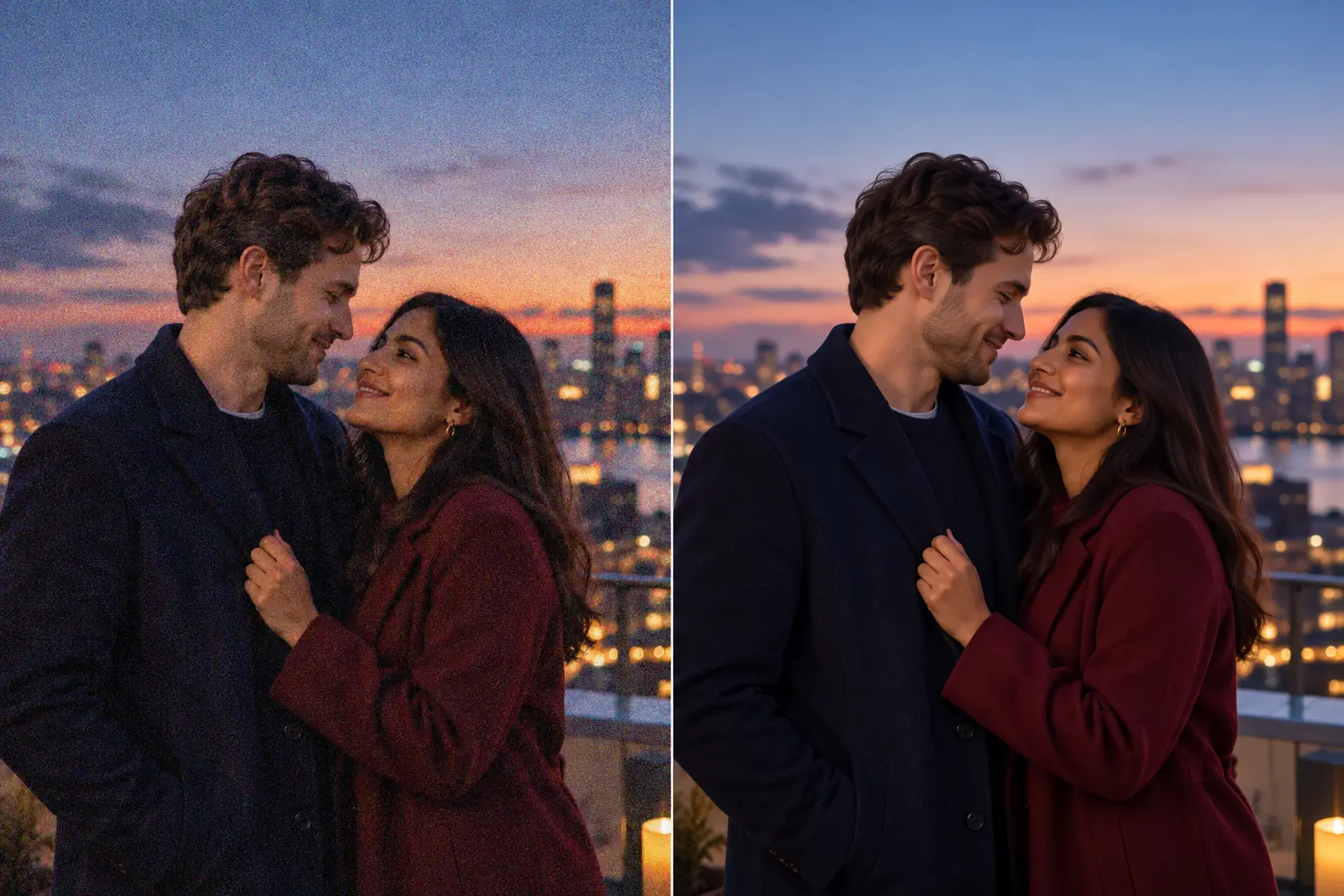
Choose a tool suited to the other changes you want to make.
Give grainy photos a more natural finish
Choose a noisy photo and review the denoising result.
Image denoiser FAQs
Upload one photo and press Generate. Optionally describe the textures to preserve or the noisy areas to focus on.
This tool targets grain and color noise. It does not guarantee enlargement or correction of motion blur or missed focus. For enlargement, try the AI Image Enhancer.
The instructions aim to retain facial features and natural texture, but details may change. Some noise or slight softness may remain in heavily noisy photos. Always compare with the original.
Yes, in your browser. Upload a JPG, JPEG, PNG or WebP photo up to 10MB. Convert HEIC to a supported format first. One source photo is edited at a time.
Generation requires signing in and credits. Free credits from check-in rewards can be used if your balance covers the required amount. Check the credit cost shown on the Generate button.
The instructions request the original aspect ratio and resolution where supported. Actual output depends on the selected model and output settings; check them before generating.
Complete removal or accurate recovery of lost detail is not guaranteed. Heavy compression blocks, scratches and missing text are different problems. Results depend on the source photo and model.