
Loading the creation workspace…
AI Romantic Scene Generator – Turn Your Ideas into Images
Use AIKissfiy's AI Romantic Scene Generator to create romantic love scenes, anime-style romantic scenes, and cinematic romantic visuals.
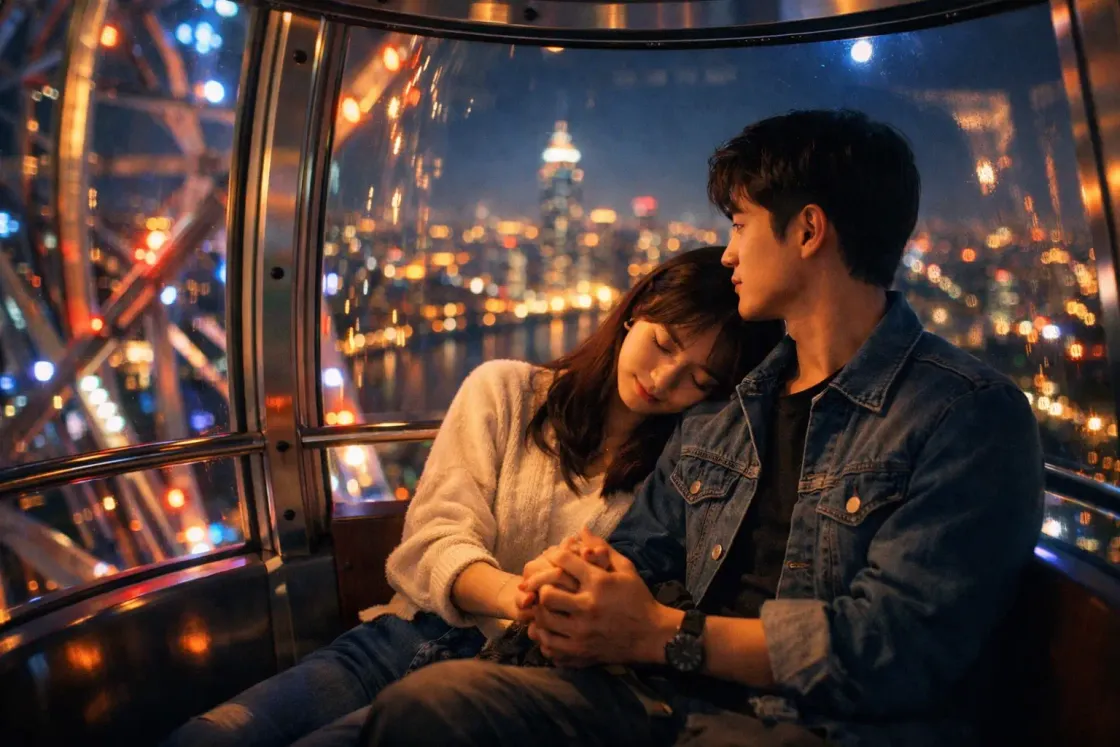
How to Create Romantic Scene with AIKissfiy?
Step 1 – Describe Your Scene
Enter a description of your romantic scene. You can also add reference photos if your selected model supports them.
Step 2 – Generate Image
Check the model, image settings, and required credits, then start generating your image.
Step 3 – Download or Continue Creating
Download your image. To create a video or GIF, continue in a separate video generation or conversion tool.
What is AI Romantic Scene Generator?
This tool creates static romantic scene images from written descriptions. Models that support reference photos can also use your uploaded images.
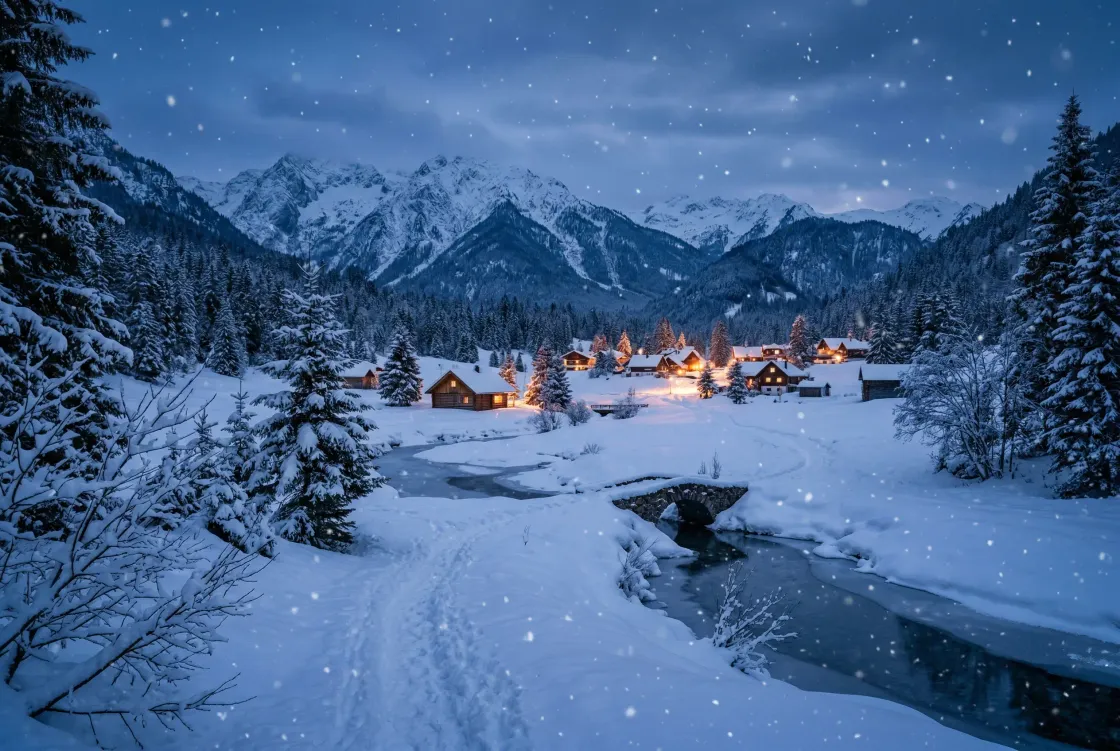
What Can AI Romantic Scene Generator Do?
Romantic Love Scenes
Design beautiful romantic love scenes for storytelling, social media, or personal projects with just a prompt.
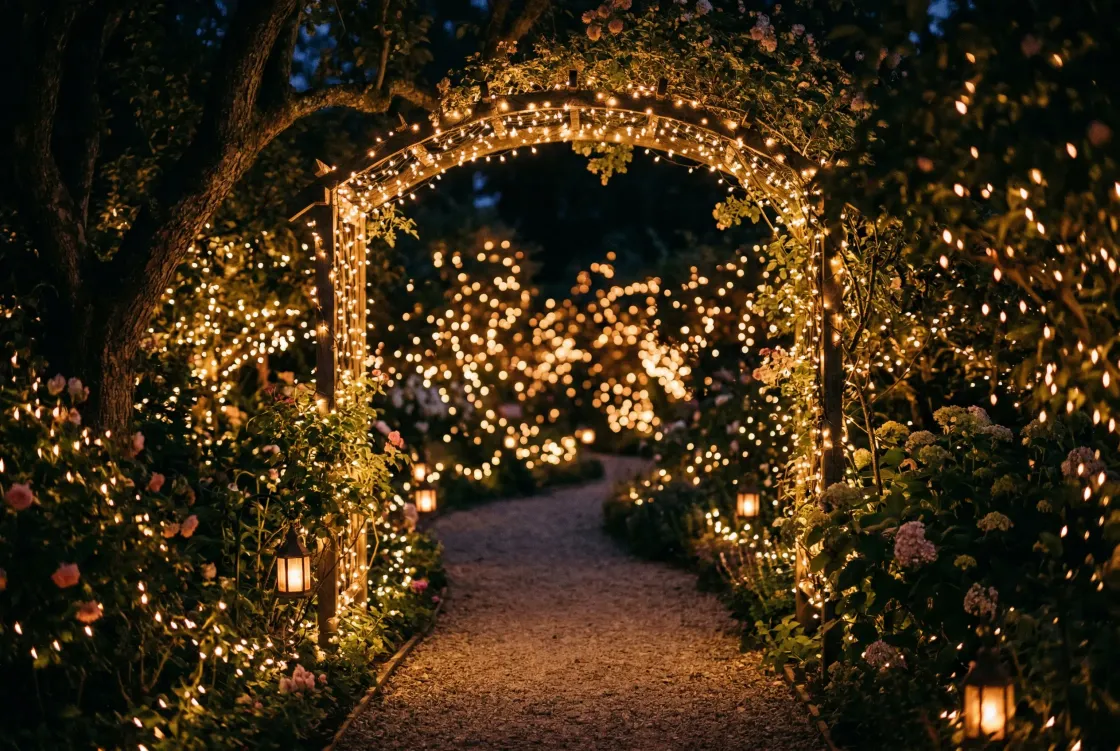
Anime Romantic Scenes
Generate anime romantic scenes with stylized characters and dreamy lighting. Perfect for anime fans and creators who want to bring illustrated romance ideas to life.
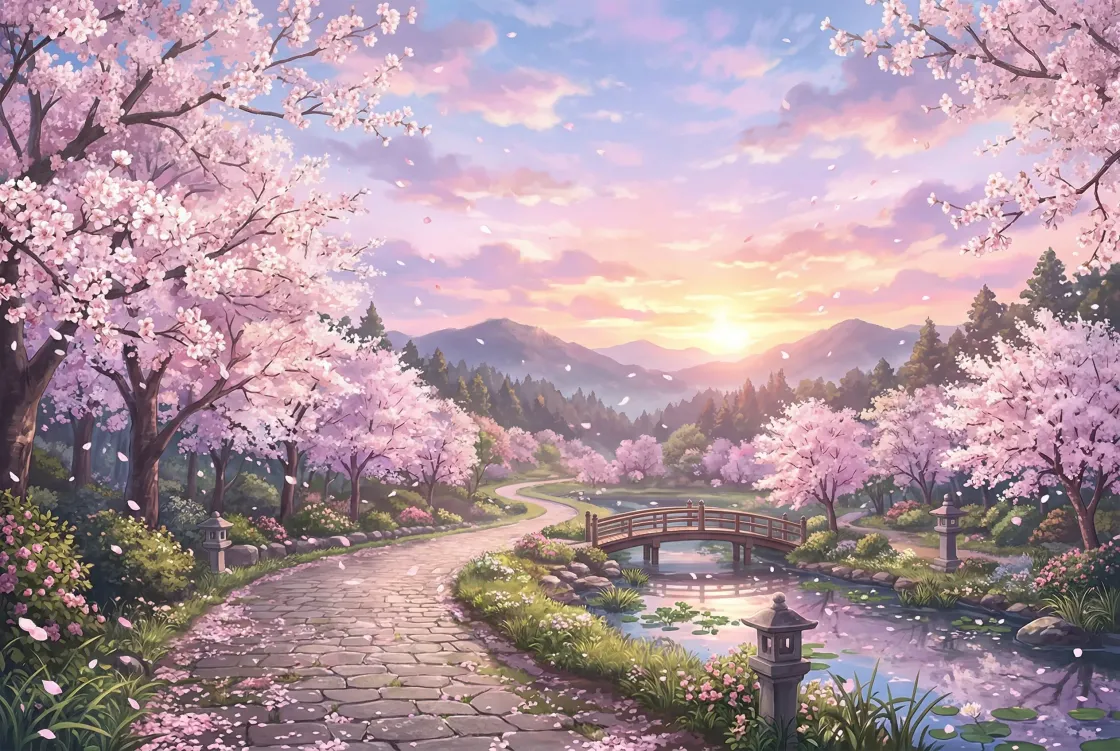
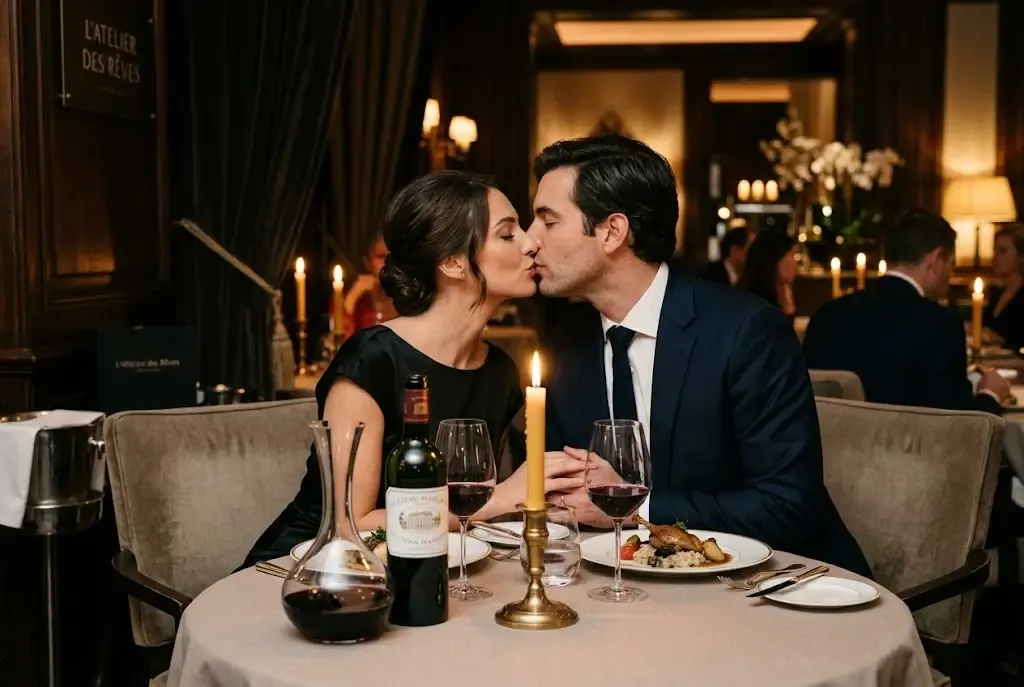
Romantic Kissing Scenes
Design intimate romantic kissing scenes with natural poses and emotional depth. Great for creating engaging visuals that capture affection and cinematic romance.
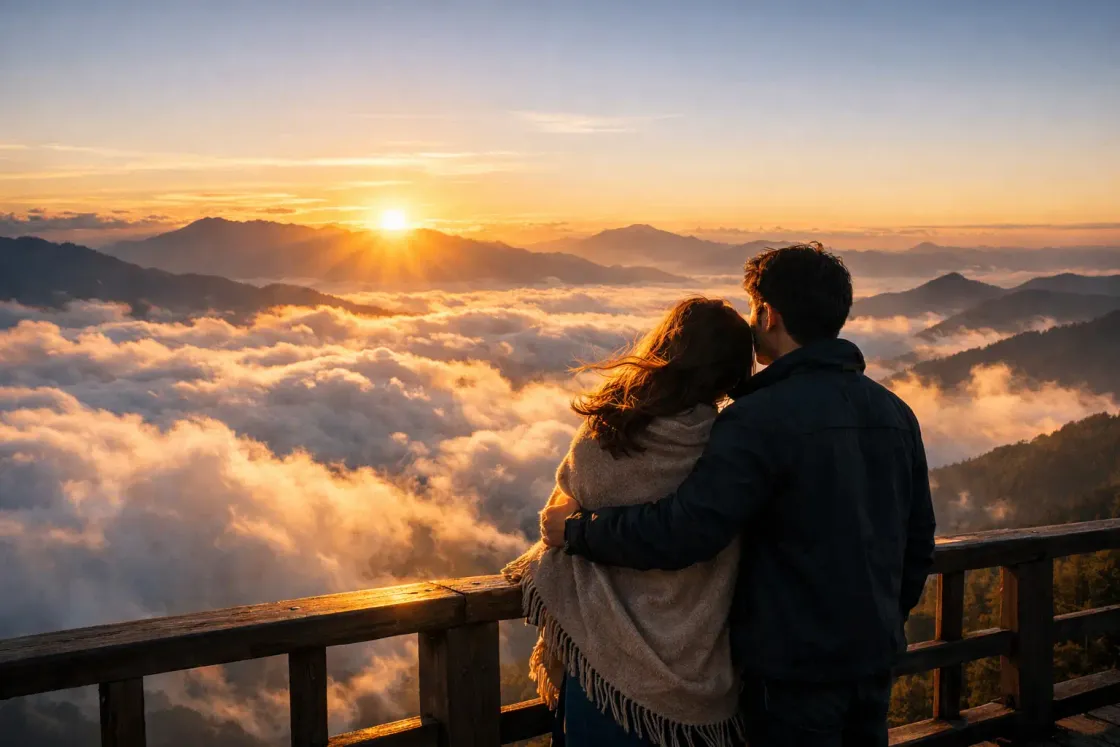
Romantic Film Scenes
Produce romantic film scenes with dramatic lighting and composition. Perfect for creating movie-like visuals or visualizing romantic storytelling ideas.
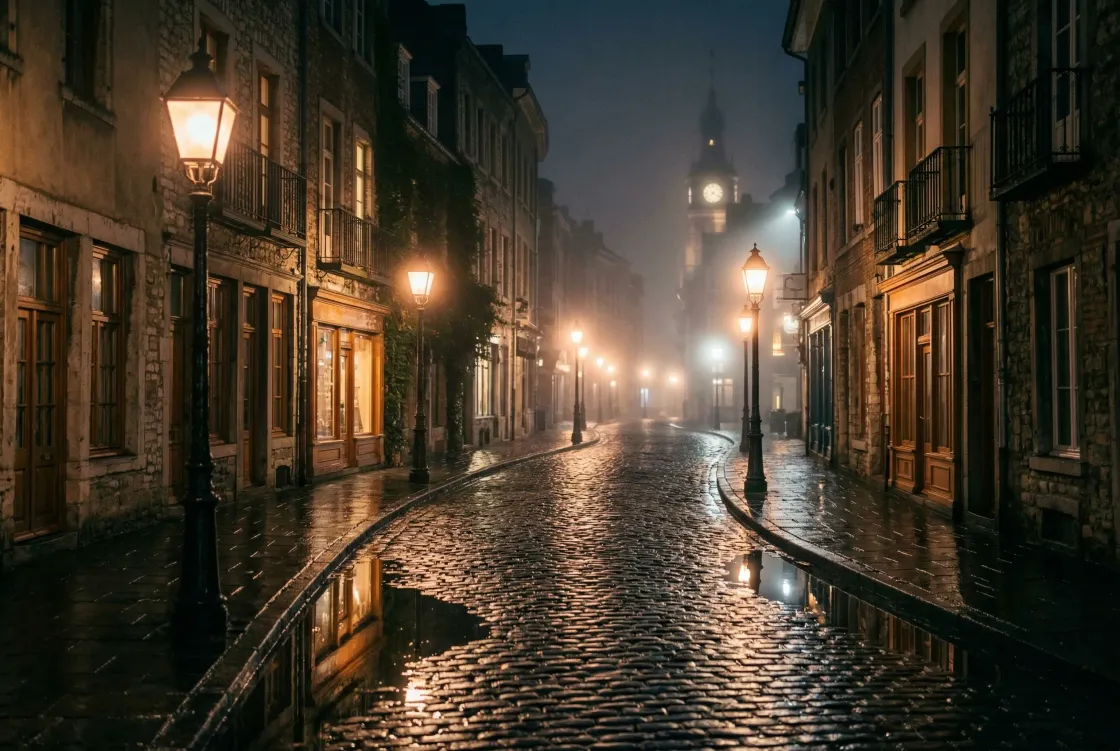
Background for Video & GIF Creation
Plan backgrounds and compositions as images, then use separate video generation and GIF conversion tools to create moving content.
Why Choose AIKissfiy's AI Romantic Scene Generators?
Text & Image Input
Guide your scene with a text prompt and add reference photos on models that support them.
High-Quality Visuals
Describe the lighting, colors, and composition in your prompt to create cinematic romantic scene images.
Seamless Workflow
Use your generated images as material in separate video generation or editing tools.
Ready to create your romantic scene now?
Turn your romantic ideas into vibrant, beautiful images.
User Reviews of AIKissfiy’s AI Romantic Scene Generator
I created a beautiful romantic kissing scene in seconds—it felt like a movie moment!

Sophia M.
The romantic film scene style is incredible. Lighting and emotions look so real.

Liam A.
I love making anime romantic scenes—they’re perfect for my creative projects.

Emma T.
This tool turns simple ideas into stunning romantic love scenes effortlessly.

Noah W.
I used it for a surprise gift—our romantic scene looked magical!

Ava T.
Fast, easy, and super realistic. The best AI for creating romantic visuals.

Ethan C.
AI Romantic Scene Generator FAQs
Eligible signed-in accounts can claim free credits through daily check-in. Generation uses credits based on the selected model and settings. Check the interface for eligibility and the credits required.
Yes! You can generate anime romantic scenes, romantic film scenes, and more.
Generation time depends on the selected model, settings, and queue. Once complete, you can view and download your image.
Absolutely. You can describe any romantic love scene, and AI will generate it.
This page generates static images. Supported reference photo formats and limits depend on the selected model. Videos and GIFs require separate video generation and conversion tools.
We take appropriate measures to protect your personal information from unauthorized access, disclosure, alteration, or destruction. We use industry-standard security measures such as SSL encryption to protect your data during transmission. Uploaded original photos are used to process your request and are completely deleted one hour after upload. Saved character data and generated results have separate retention periods; see the Privacy Policy.