
Price
- AIKissfiy
- From $0.05/photo
- Photoshoot
- $150–$600
- Other AI Tools
- From $0.20/photo
Turn your selfies into realistic Hinge profile photos that still look like you. Create natural portraits, lifestyle shots, hobby photos, and a varied lineup that shows more of your personality.
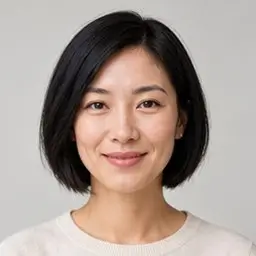
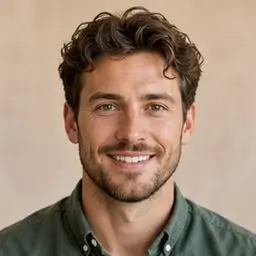
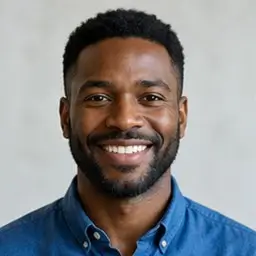

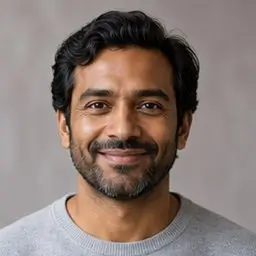
Loved by 10,000+ singles
★★★★★
Pick references featuring hobbies, travel, and everyday moments.
Use a clear photo to keep your identity consistent.
Create conversation-worthy pictures and add your favorites to Hinge.
Create a clear main portrait with balanced lighting, natural eye contact, and a recognizable appearance that immediately shows who you are.
Create Your Hinge Photos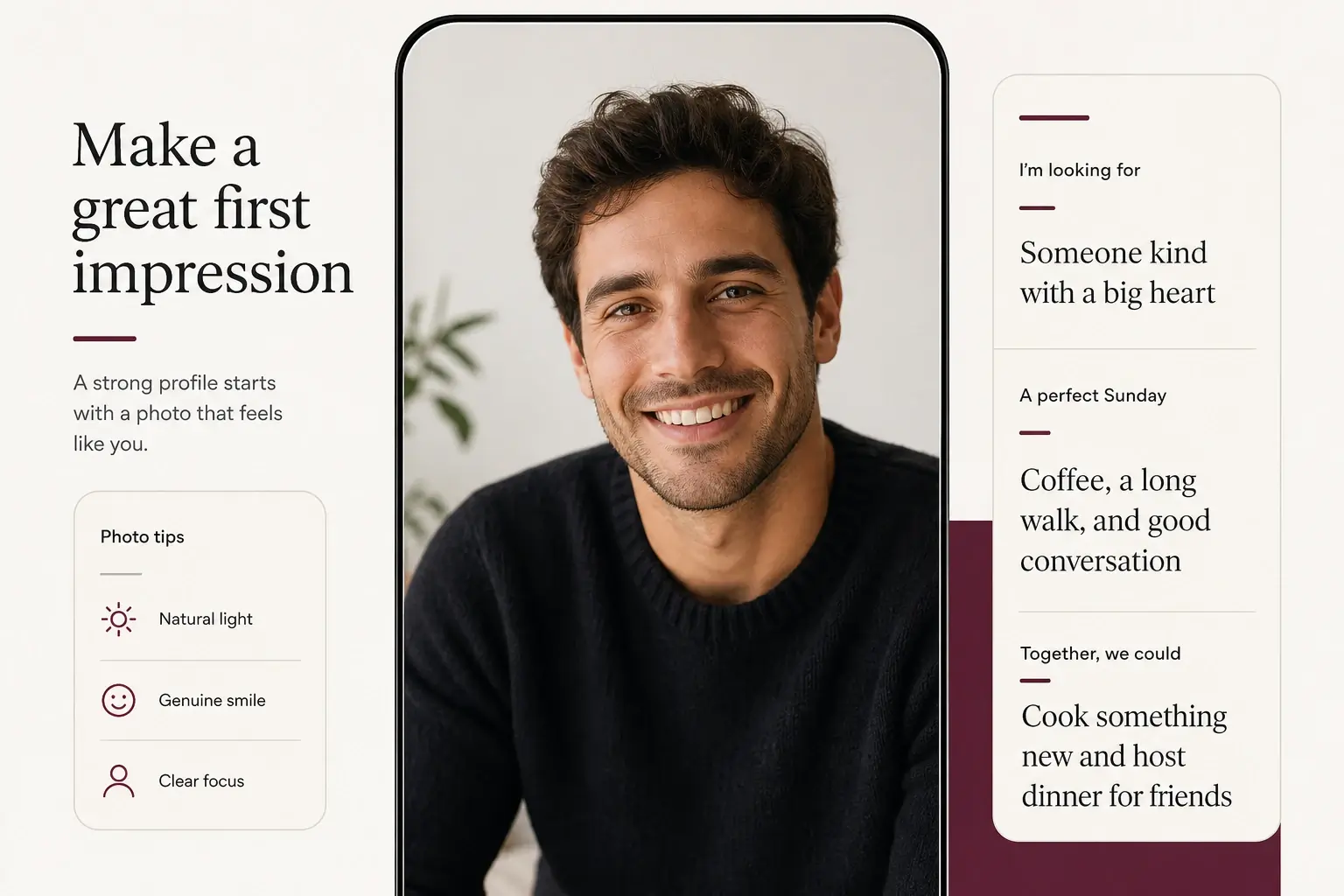
Explore outdoor, fitness, travel, cafe, pet, hobby, and smart-casual styles that reveal more than your appearance alone.
Create Your Hinge Photos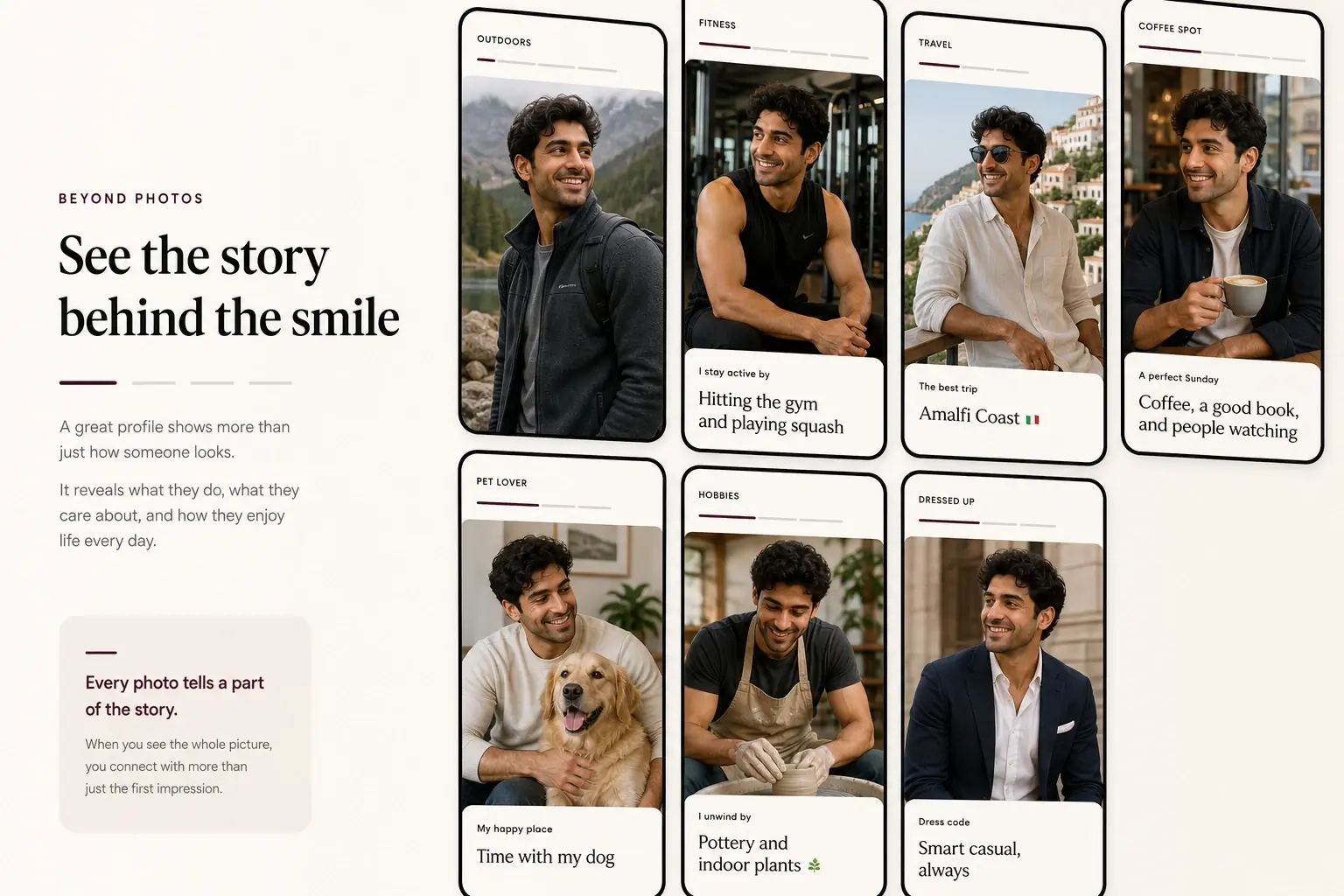
Avoid filling your profile with several versions of the same selfie. Combine portraits, full-body images, activities, and lifestyle scenes to make your profile feel more complete and easier to comment on.
Create Your Hinge Photos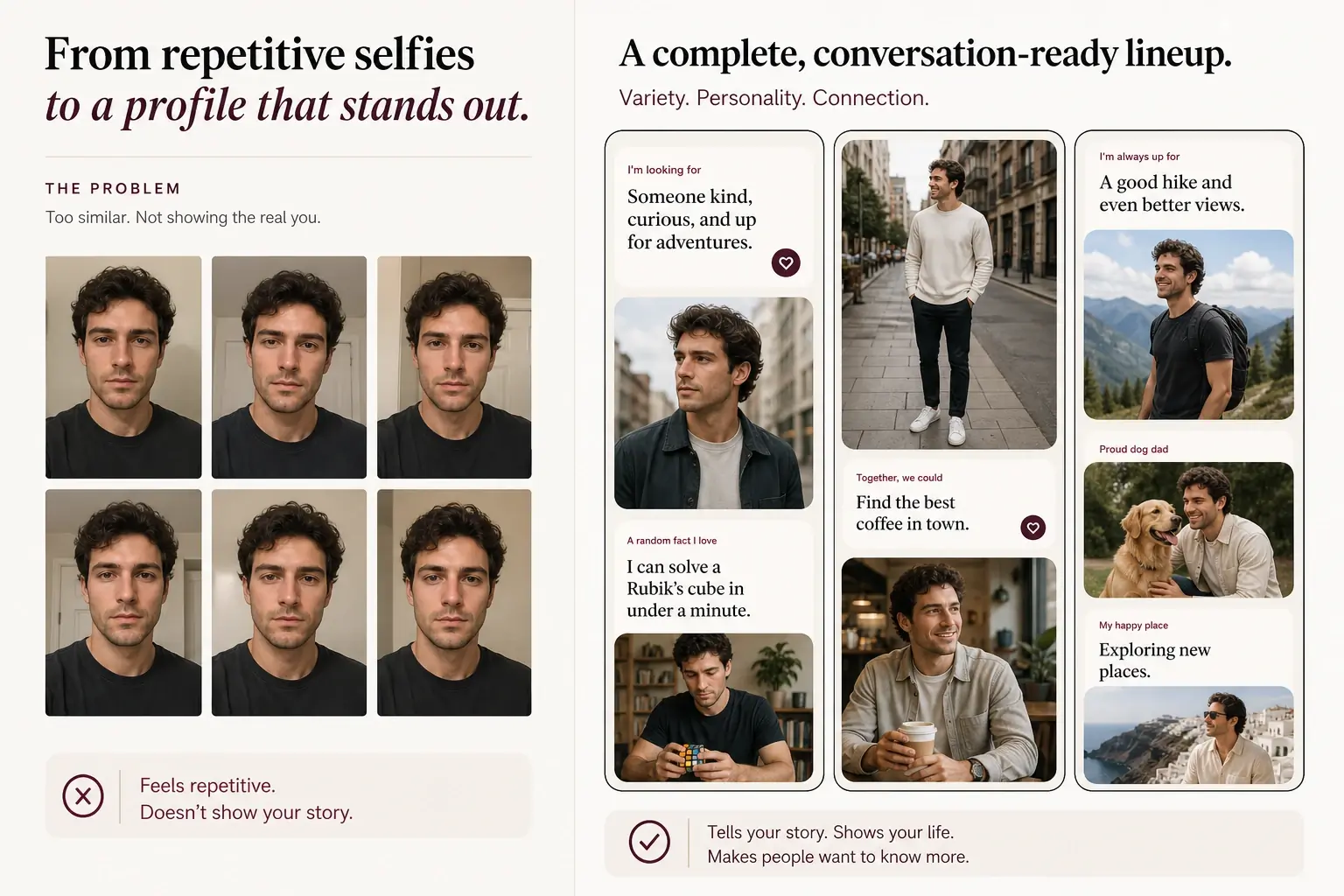
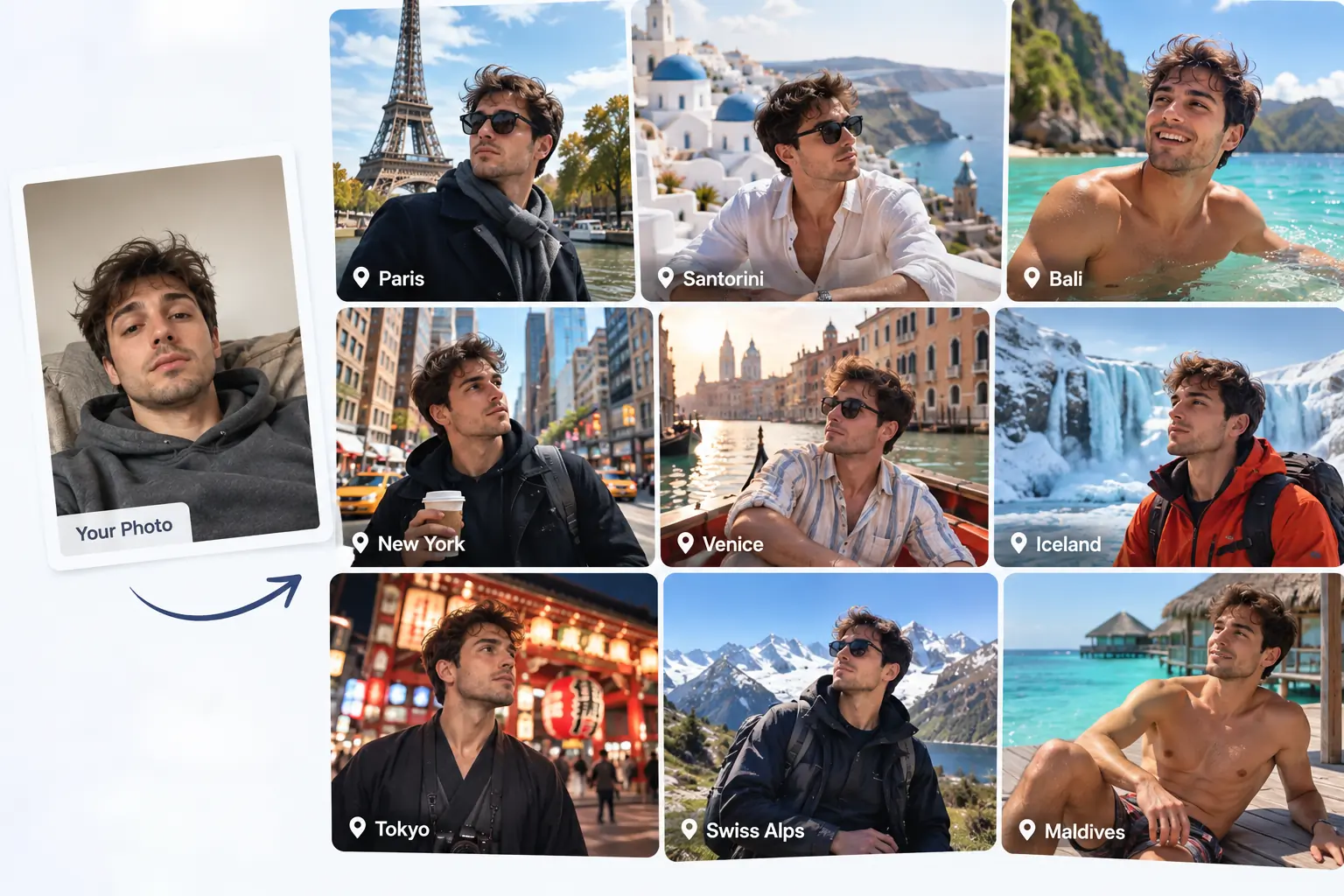
Upload one photo and create up to 20 realistic travel photos without leaving home. Explore different destinations, outfits, poses, and vacation scenes while keeping you recognizable in every image.
Turn your photos into gym, workout, and fitness photos with different poses, outfits, and training scenes.
Create attractive, natural-looking dating photos with different outfits, settings, and poses.
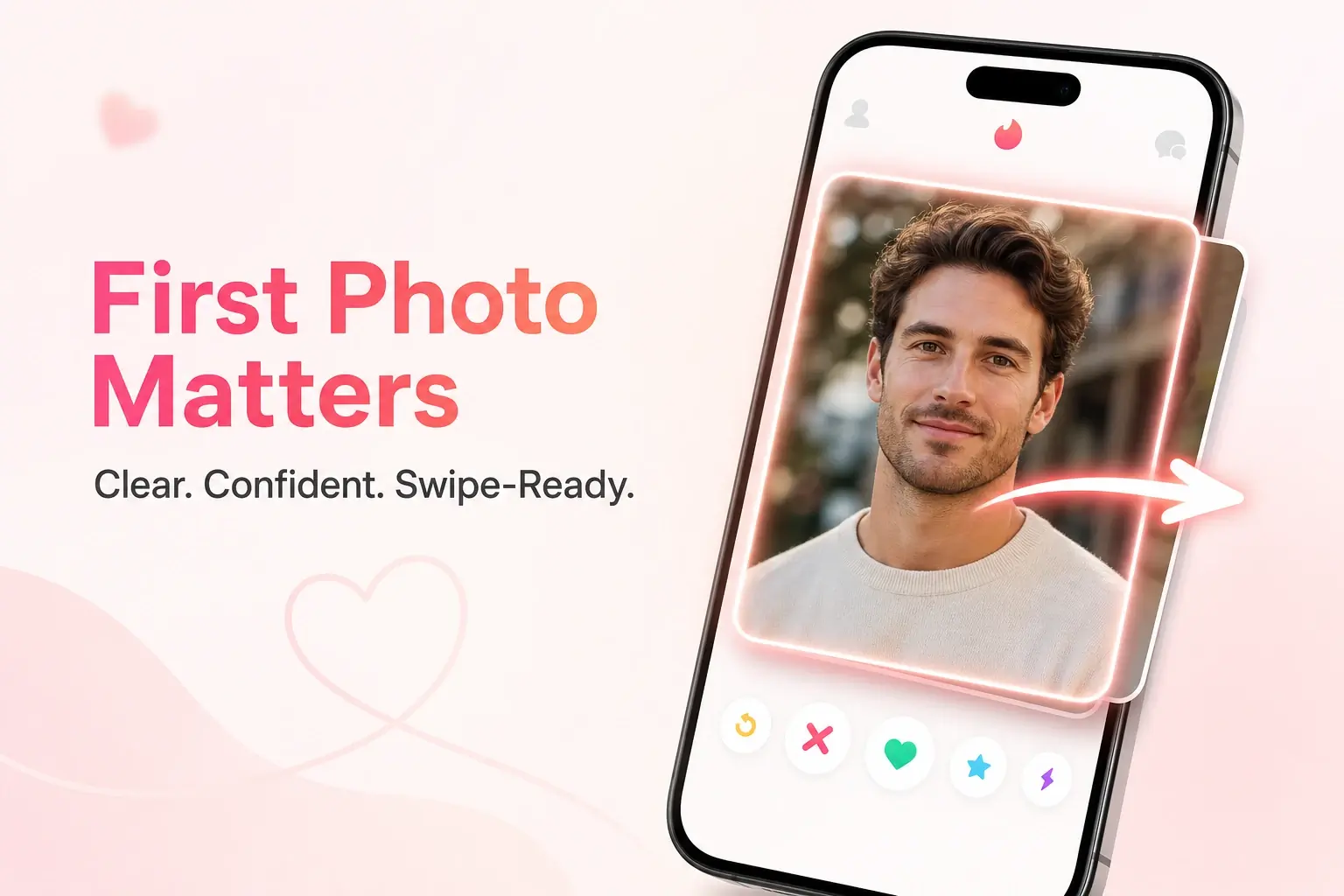
Turn your selfies into camera-realistic Tinder profile photos that look natural, clear, and ready to use — like real photos taken on a phone or camera, not fake-looking AI edits.
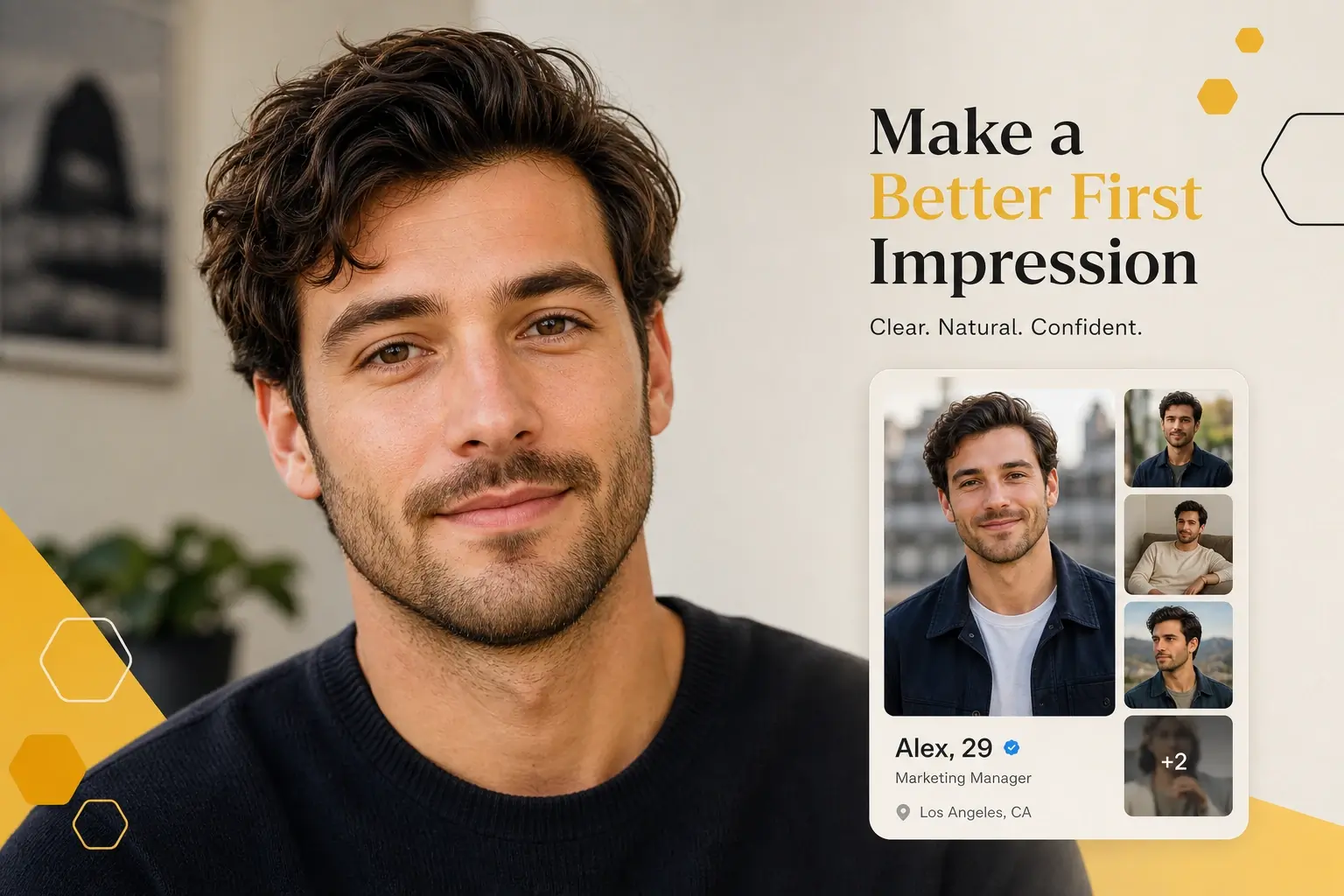
Turn your selfies into natural, confident Bumble profile photos in minutes. Explore realistic portraits and lifestyle styles that still look like you.
Turn your photo into stylish fashion images with different outfits, poses, and photography styles.
Turn your selfies into realistic, varied Hinge photos that still look like you. Create a stronger first impression, show more of your personality, and build a complete profile lineup in minutes.
“My old profile was mostly close-up selfies. The different photo packs helped me build a much more varied lineup without making the photos feel unrelated.”

Ethan Miller
“I was mainly worried that the results would not look like me. The best portraits kept my face recognizable while improving the lighting, outfit, and overall composition.”
Ryan Cooper
“The outdoor and cafe photos gave my profile more personality. They looked much more natural than using several versions of the same headshot.”

Daniel Brooks
“The natural smile portrait worked well as my main photo. It looked approachable without feeling like a corporate headshot or an overly staged photoshoot.”
Liam Parker
“I liked the travel and activity styles because they gave people something specific to ask about instead of only showing what I look like.”
Noah Bennett
“I tested several outfits and settings, then selected the photos that felt closest to my real lifestyle. The variety was the most useful part for me.”

Mason Reed
An AI Hinge Photo Generator turns uploaded selfies into realistic dating profile photos designed for Hinge. It can create clear portraits, outdoor lifestyle images, hobby photos, travel scenes, cafe pictures, and smart-casual looks.
Upload several recent, clear selfies and choose a Hinge photo pack. AIKissfiy generates new profile photos based on your appearance, selected style, and scene. Review the results and download the photos that represent you best.
AIKissfiy is designed to preserve your recognizable facial identity and overall appearance. For more consistent results, upload recent selfies from different angles with clear lighting and minimal filters.
A strong main photo clearly shows your face, uses balanced lighting, has a simple background, and includes a natural expression. Avoid group photos, heavy filters, sunglasses, and anything that makes you difficult to recognize.
Photos involving travel, hobbies, pets, cooking, fitness, books, outdoor activities, food, or cultural experiences give potential matches something specific and natural to comment on.
Combine different photo functions instead of uploading several similar portraits. Start with a clear main photo, then add a full-body image, a lifestyle photo, an activity or hobby photo, and one or two personality-driven scenes.
Use generated photos only when they accurately represent your current appearance and lifestyle. Avoid photos that significantly change your face, age, body type, profession, interests, or personal background.
No. Profile visibility, verification, likes, comments, and match outcomes are controlled by Hinge and depend on many factors. AIKissfiy helps create realistic, varied profile photos but cannot guarantee specific results.