
Loading the creation workspace…
AI Save the Date Video Maker
Upload 3–5 couple photos, add your names and wedding date, and create a personalized digital save the date video with AI.
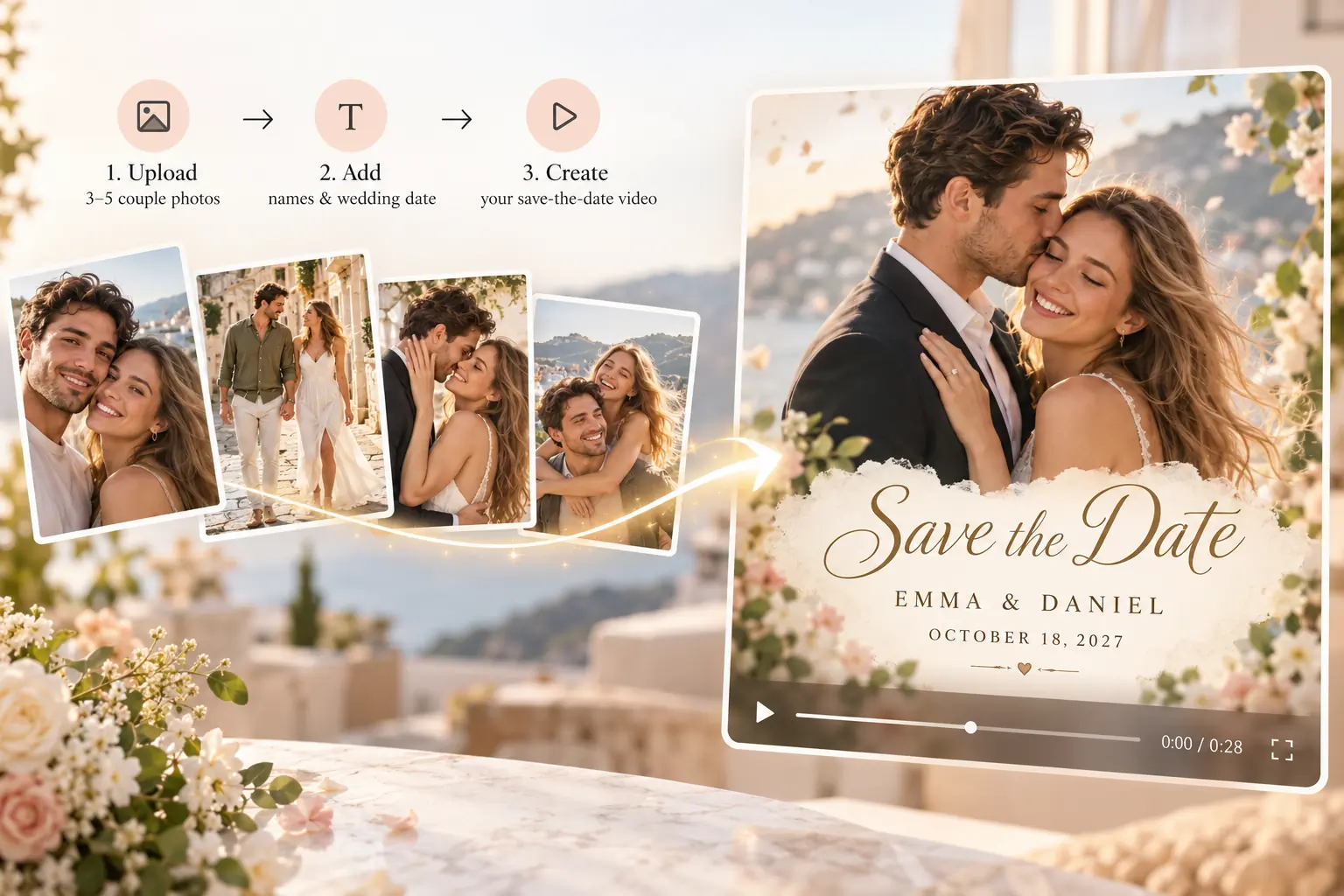
How to Make a Save the Date Video Online
Step 1 – Upload Your Photos
Upload 3–5 of your favorite couple, engagement, or pre-wedding photos. Arrange them in your preferred order.
Step 2 – Add Your Wedding Date
Enter your names and wedding date, add an optional location, and choose your background music style.
Step 3 – Generate Your Video
Click Generate and AI combines your photos with motion, transitions, and date announcements. Background music is added when audio generation is enabled.
What Is an AI Save the Date Video Maker?
An AI Save the Date Video Maker turns your couple photos into a personalized wedding date announcement video. Instead of creating traditional save the date cards or manually editing a video, simply upload your photos and enter your wedding date. AI brings everything together into a digital save the date with motion and text, plus background music when audio generation is enabled, ready to share with family and friends.
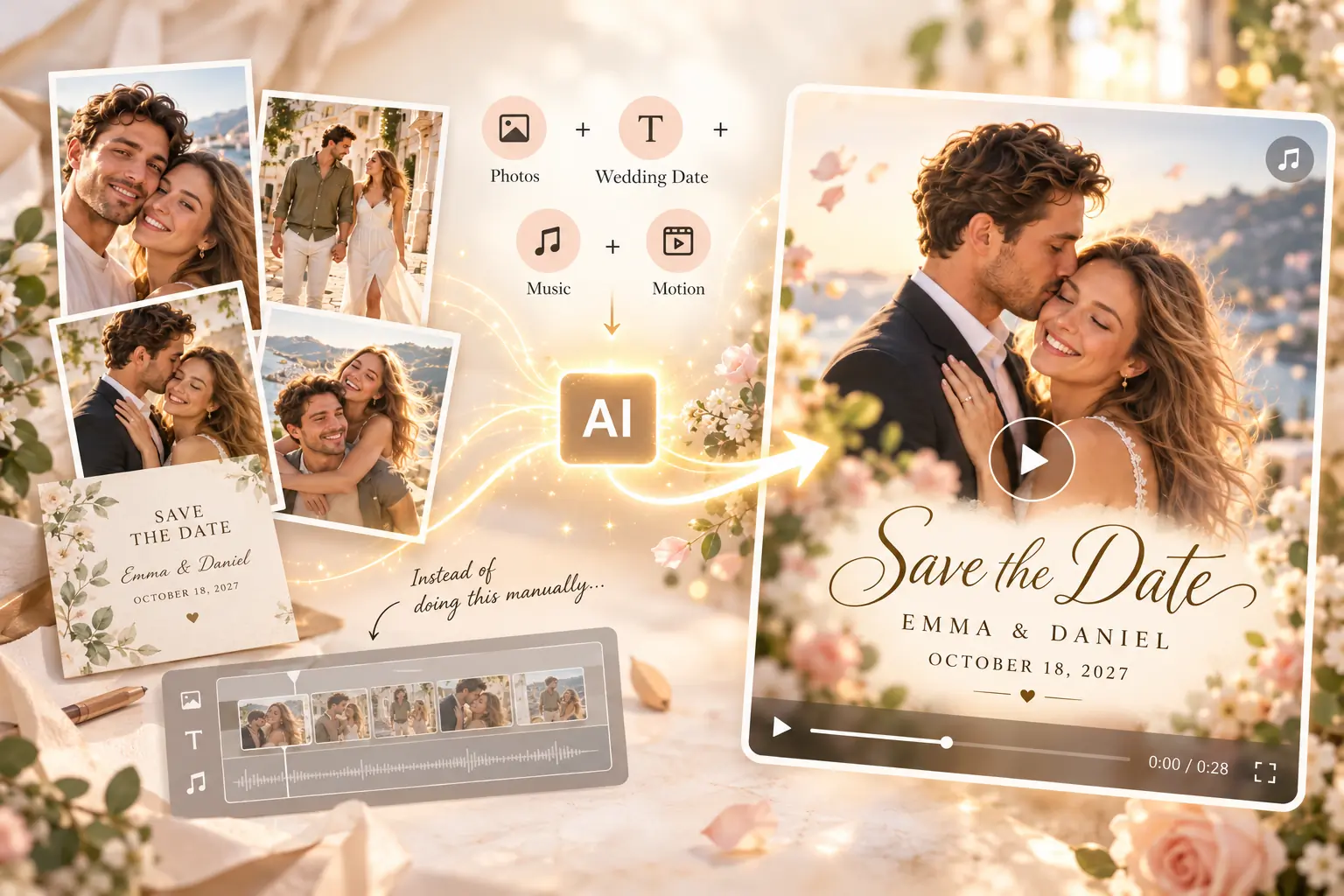
Create a Digital Save the Date with Your Photos
Announce Your Wedding Date in a Personal Way
Turn your favorite couple photos into a beautiful save the date video featuring your names and wedding date. Make your big announcement more memorable than a traditional card.
Create Save the Date Video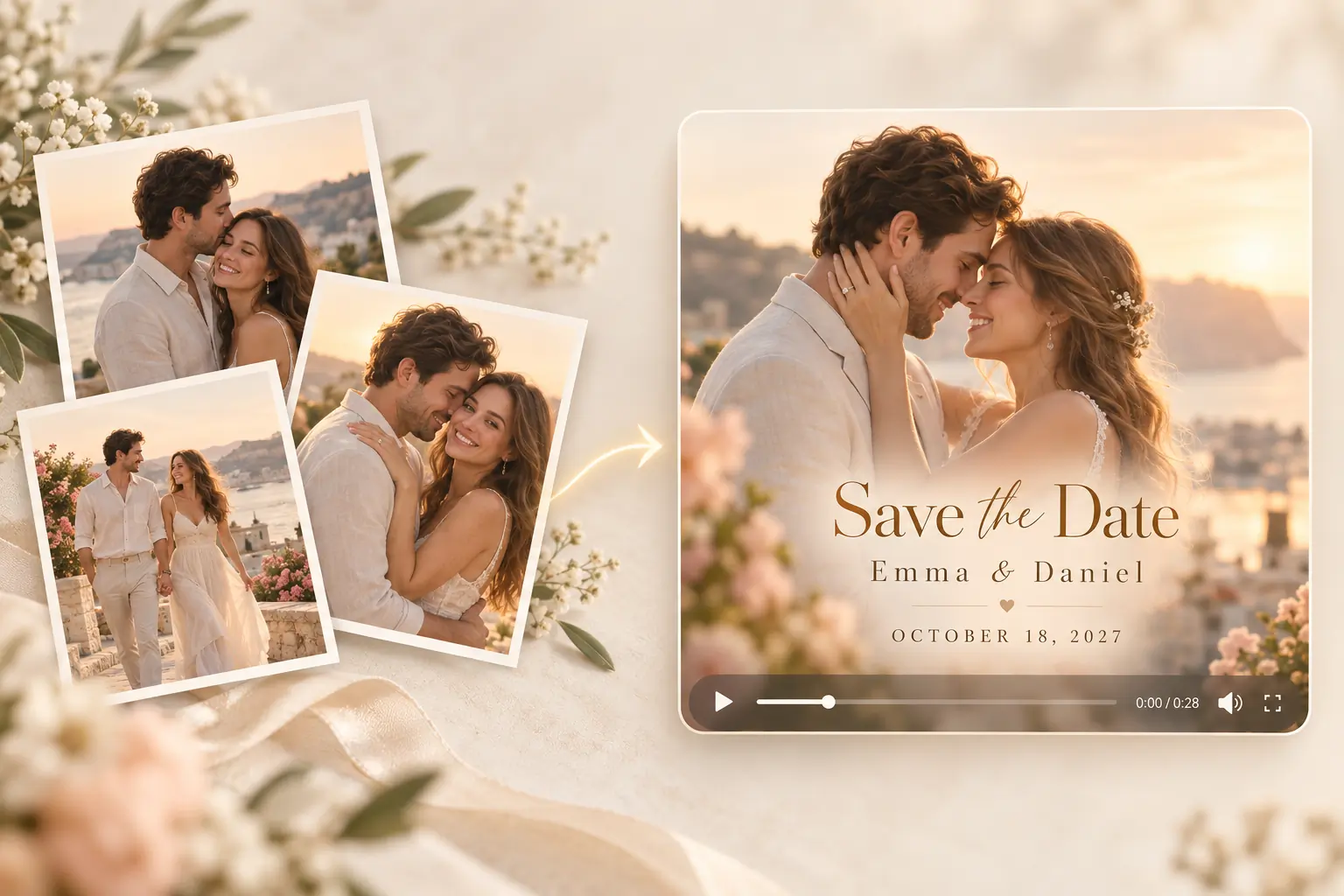
Turn Engagement Photos into a Save the Date Video
Bring your engagement portraits and favorite couple moments together in one video with smooth motion and a personalized date announcement. Add romantic music when audio generation is enabled.
Create Save the Date Video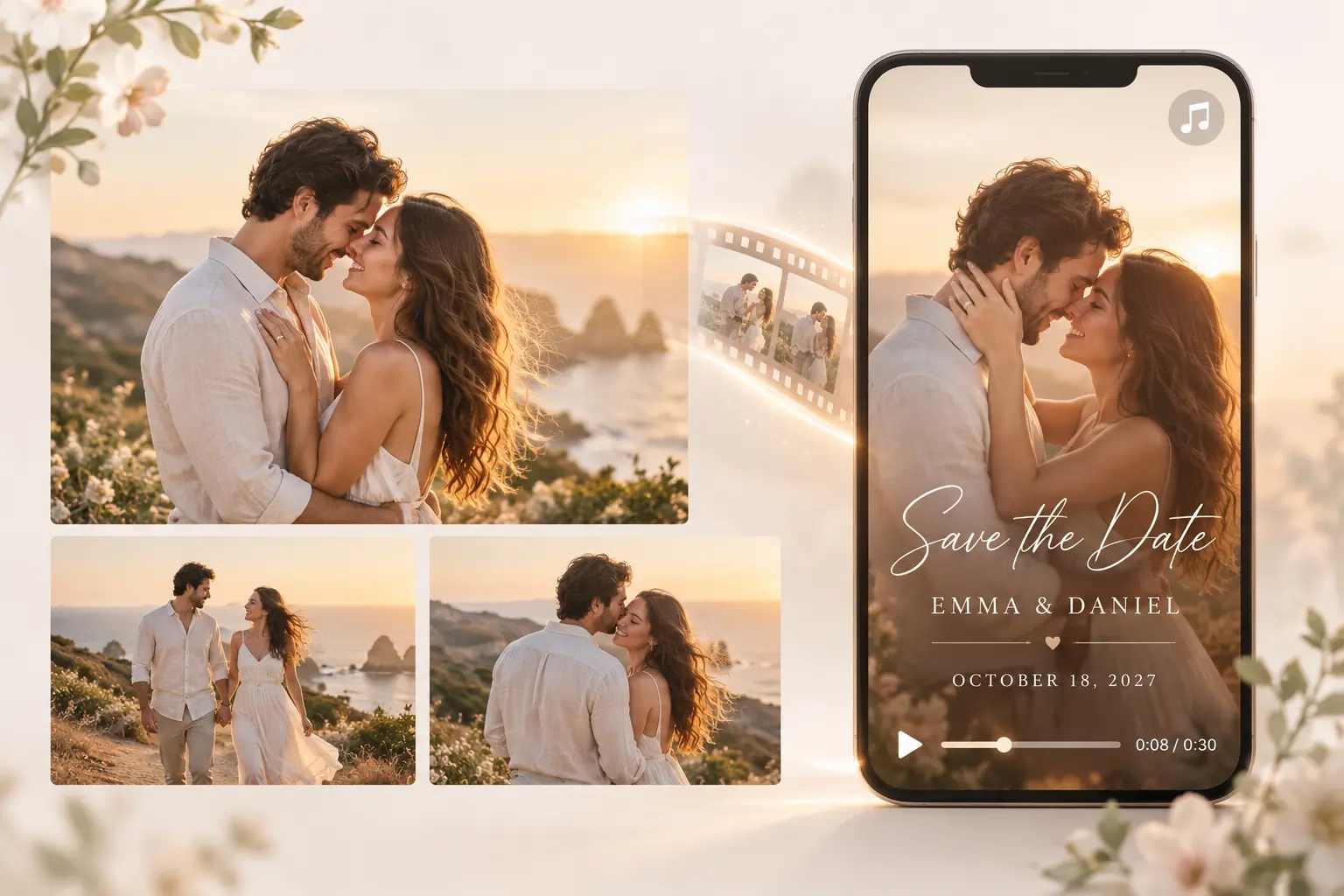
Share Your Digital Save the Date Online
Create an electronic save the date video you can download and share through messaging apps, email, or social media. Let your guests know the date before sending formal wedding invitations.
Create Save the Date Video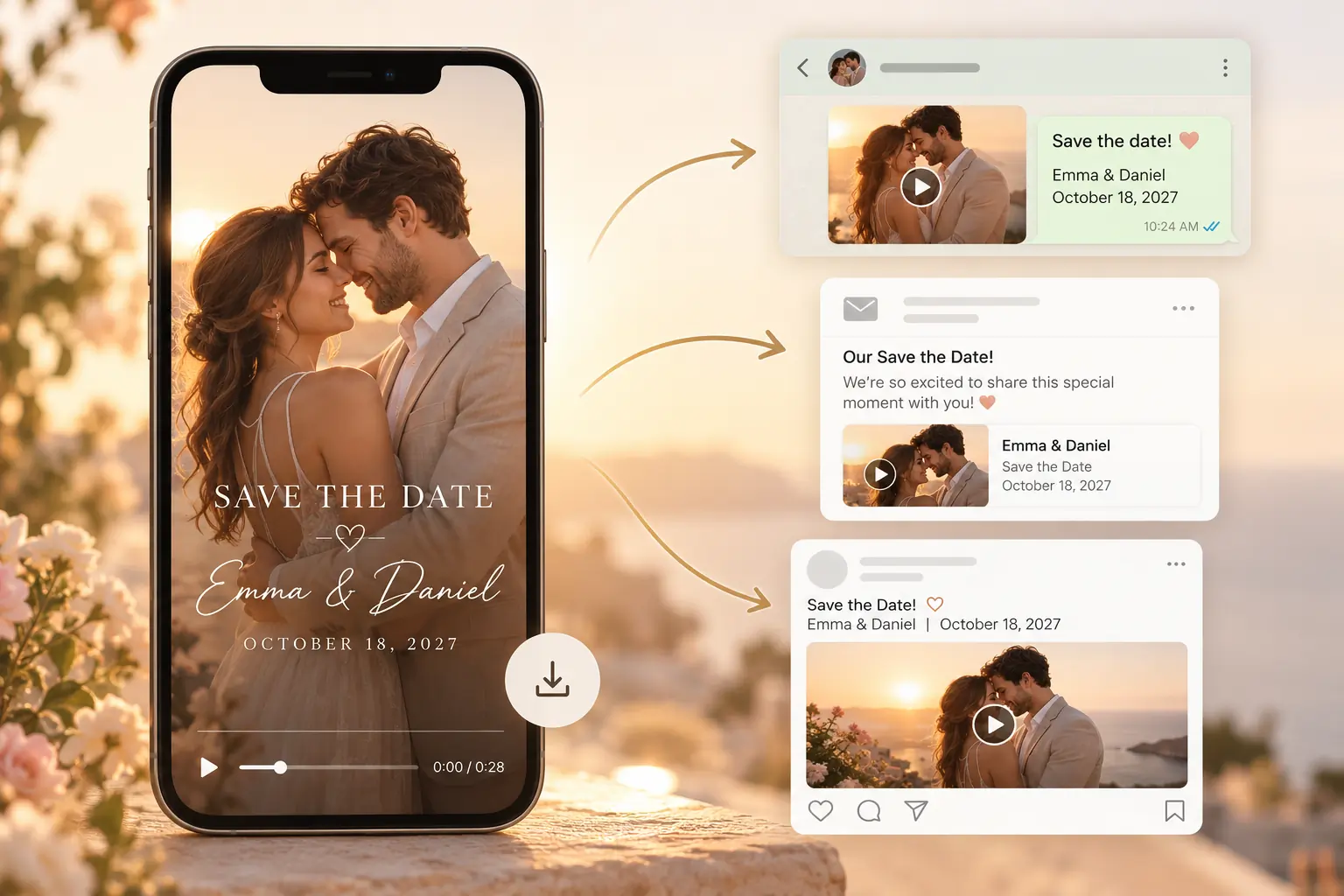
Why Choose AIKissfiy’s Save the Date Video Maker?
Turn Photos into a Video
Combine 3–5 couple or engagement photos into one personalized save the date video.
Personalized Date
Add your names and wedding date automatically, without manually designing text or layouts.
Smooth Motion & Transitions
Bring your favorite photos to life with gentle motion and seamless transitions.
Automatic Background Music
Choose a music style and let AI add matching background music when audio generation is enabled.
Easy to Share Online
Download your digital save the date video and share it with family and friends.
No Video Editing Needed
No templates to edit or complicated timelines to manage. Just upload your photos, add your date, and generate.
Make Your Wedding Date Announcement Special
Your wedding celebration starts with a date worth remembering. Turn your favorite couple photos into a personalized save the date video and share the excitement with everyone you love.
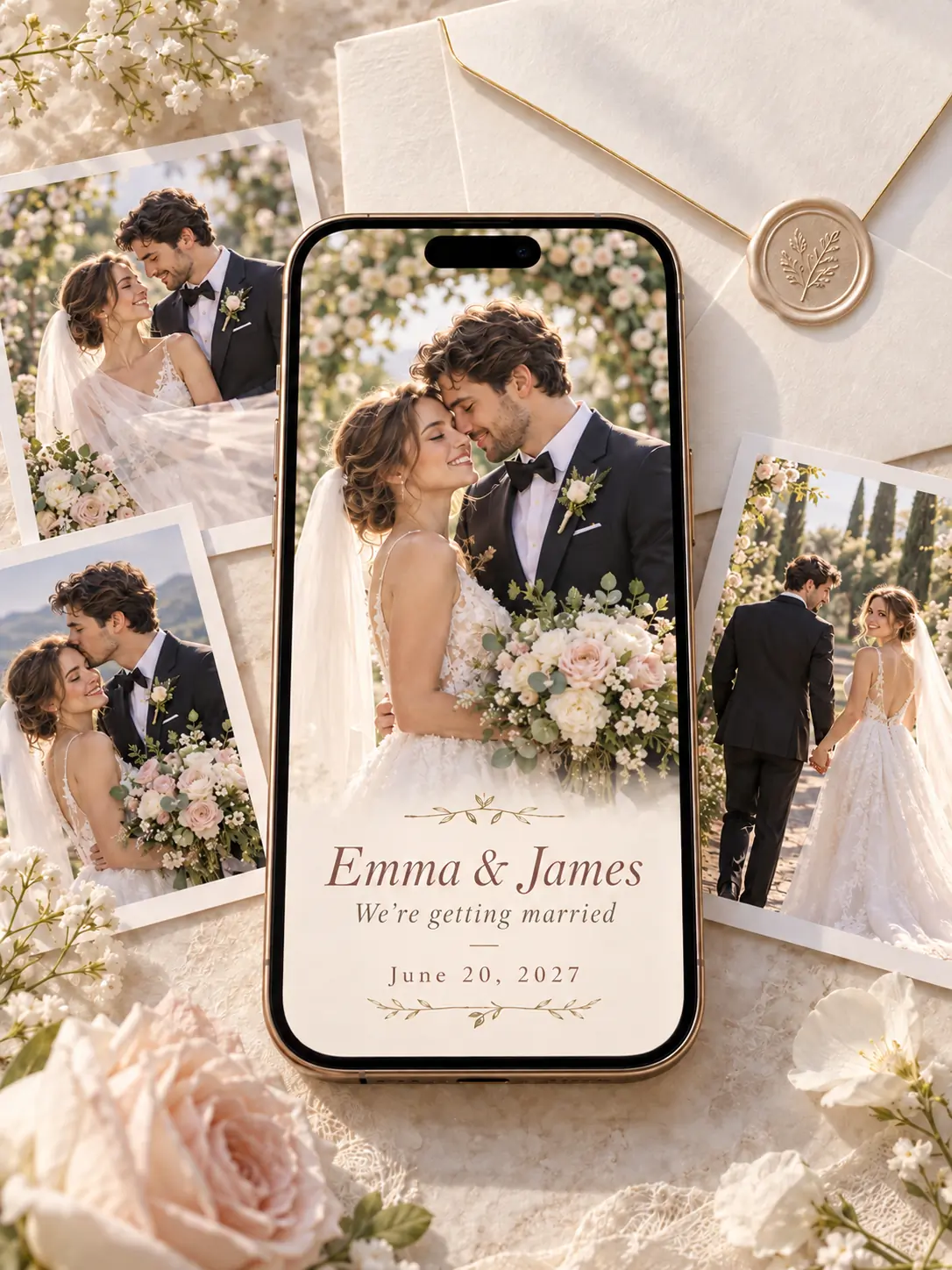
Wedding Invitation Video
Turn your photos and wedding details into a personalized video invitation for your guests.
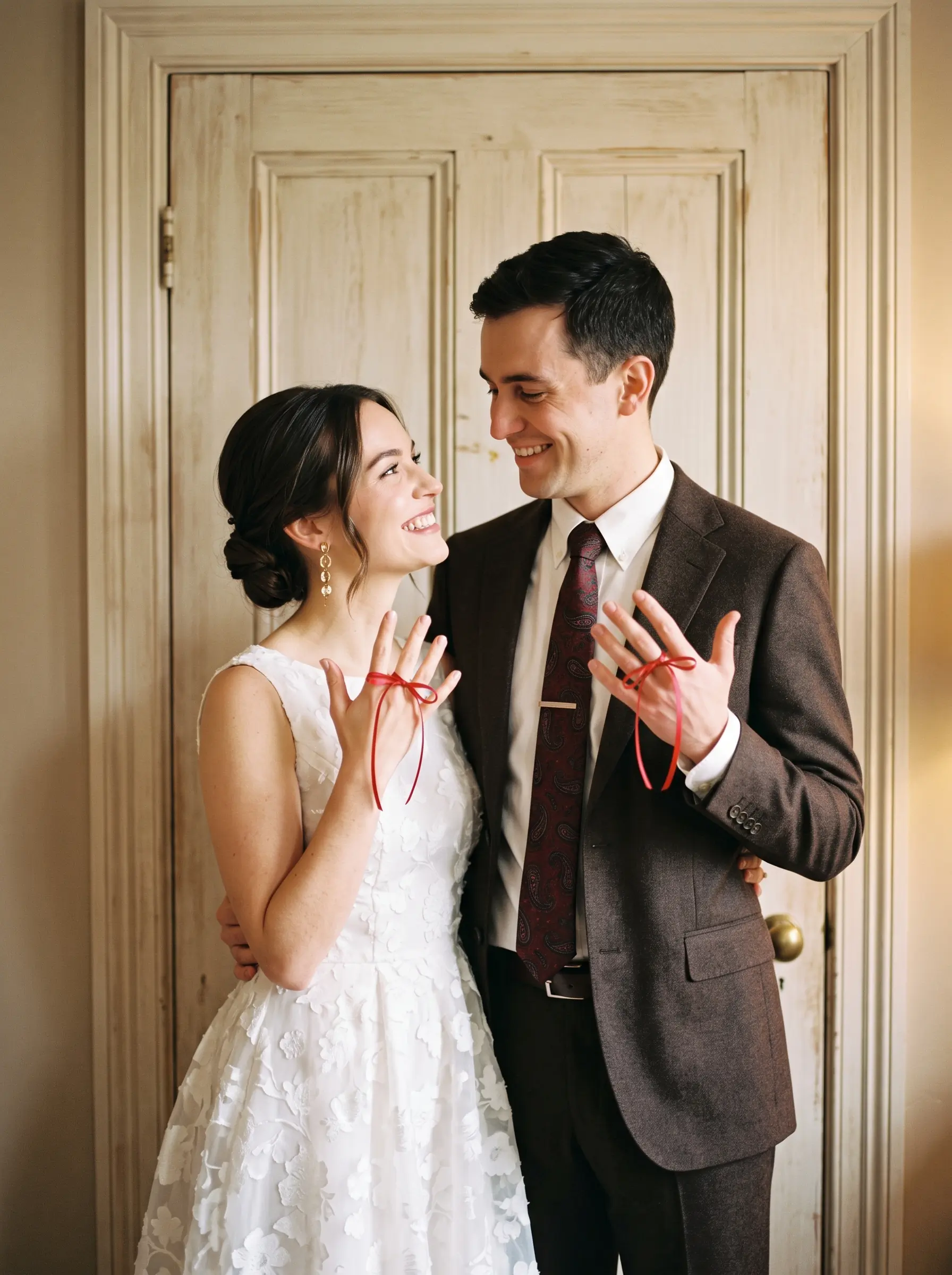
AI Engagement Photo Generator
Create beautiful engagement portraits to celebrate your upcoming wedding.
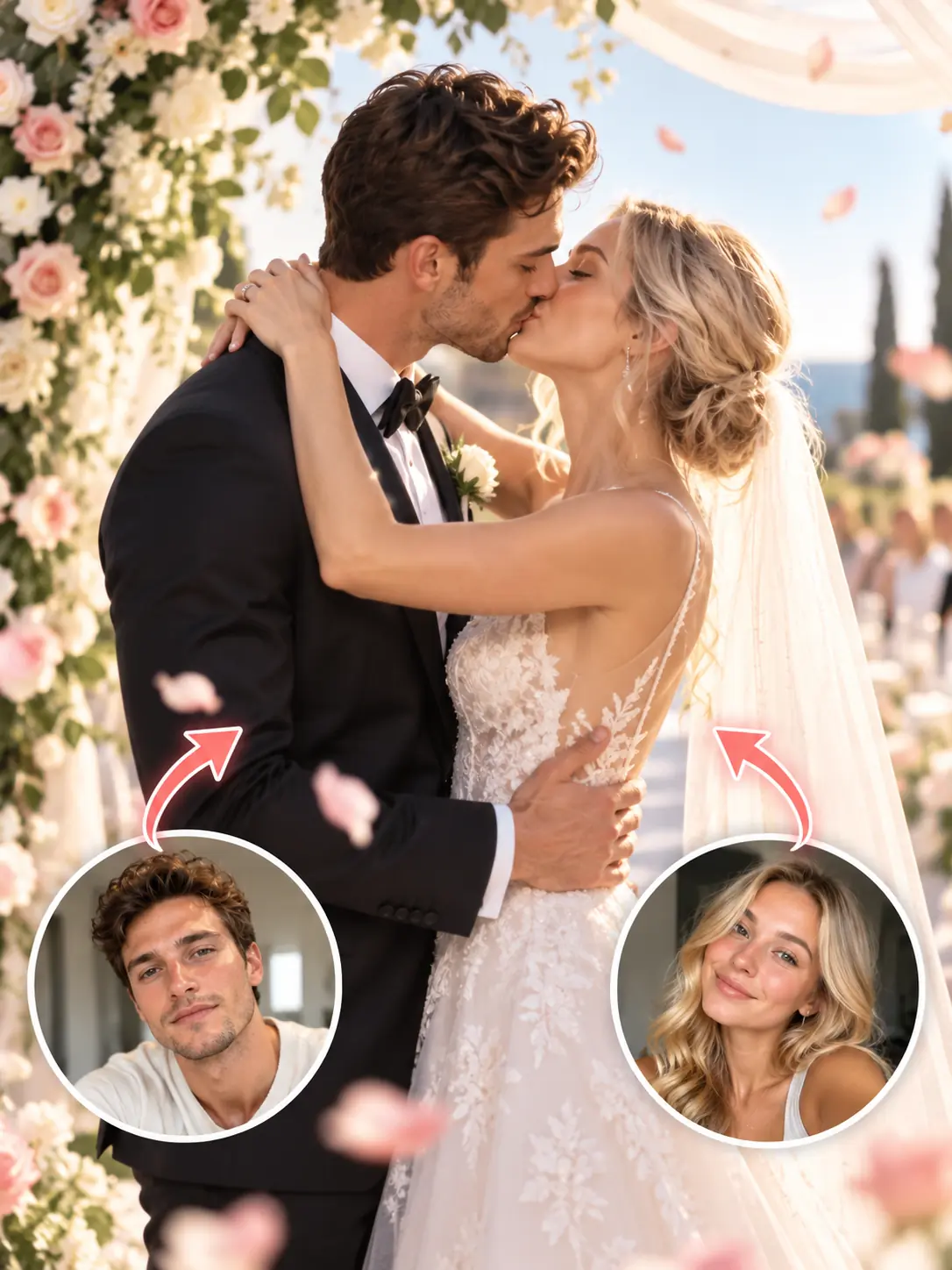
AI Wedding Video
Bring special wedding moments to life with cinematic AI-generated videos.
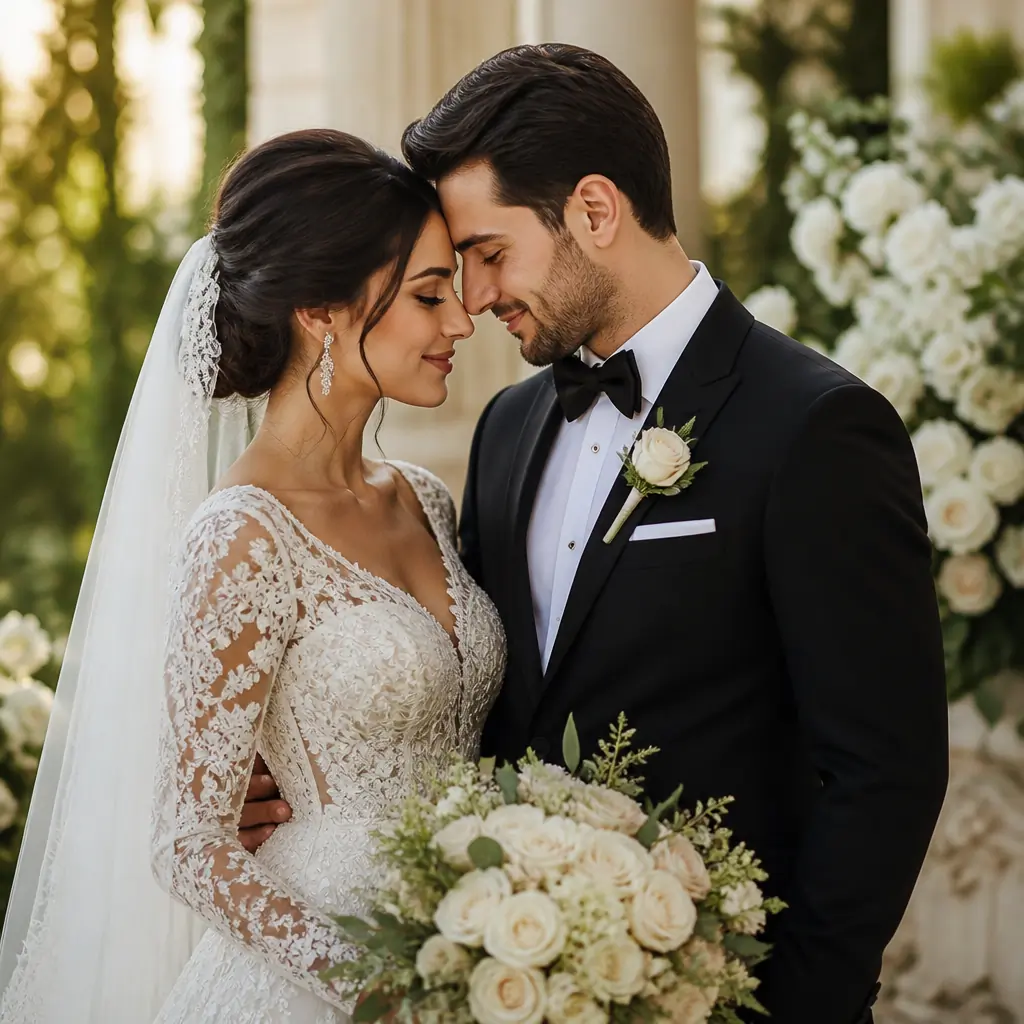
AI Wedding Photo
Create elegant wedding portraits and romantic wedding photos with AI.
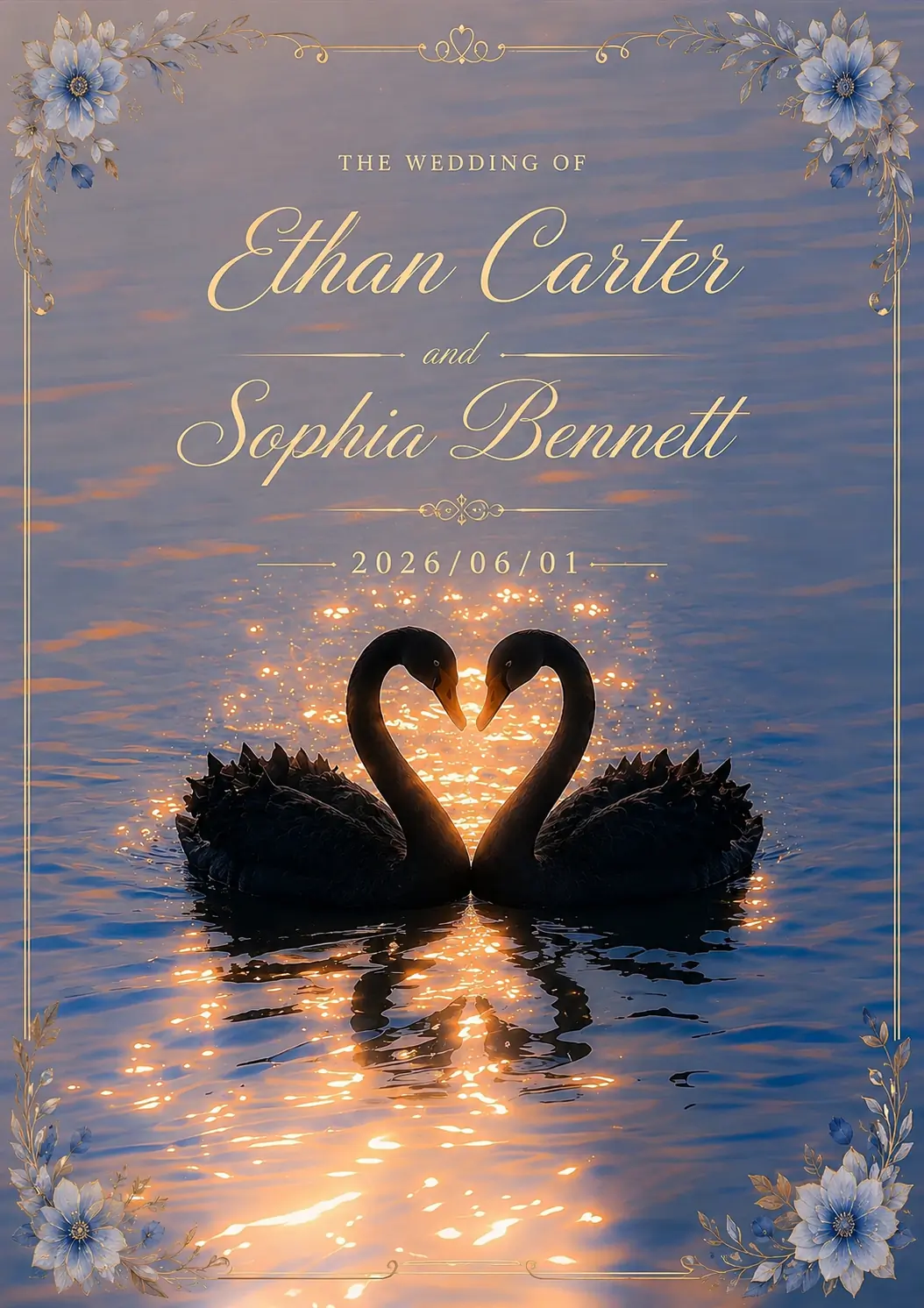
AI Wedding Card
Design personalized wedding cards with your photos and AI.
Save the Date Video FAQ
A save the date video is a digital wedding announcement that lets family and friends know your wedding date in advance. It typically includes the couple’s names, wedding date, photos, and music.
Upload 3–5 couple photos to AIKissfiy, enter your names and wedding date, and choose a background music style. AI combines your photos with motion, transitions, and personalized date text.
A save the date video announces your wedding date so guests can plan ahead. A wedding invitation video provides more detailed information, including the ceremony time, venue, and location.
Yes. AIKissfiy lets you create a digital save the date in video format using your own photos. You can share it electronically instead of printing and mailing traditional cards.
Yes. Choose Relaxing, Light, Cheerful, Elegant, or Upbeat as your music style. Background music is generated when audio is enabled in your selected video model.
The default duration is 6 seconds for 3 photos, 8 seconds for 4 photos, and 10 seconds for 5 photos. Longer durations may be available depending on your selected model.
Yes. Download your generated video and share it through social media, messaging apps, email, or directly with family and friends.