
Loading the creation workspace…
Virtual Wedding Dress Try-On Online
Try on beautiful wedding dresses with AI before your big day. Upload your photo, choose a bridal gown from our collection or add your own dress reference, and preview a full-length bridal look.
Free Credits Available
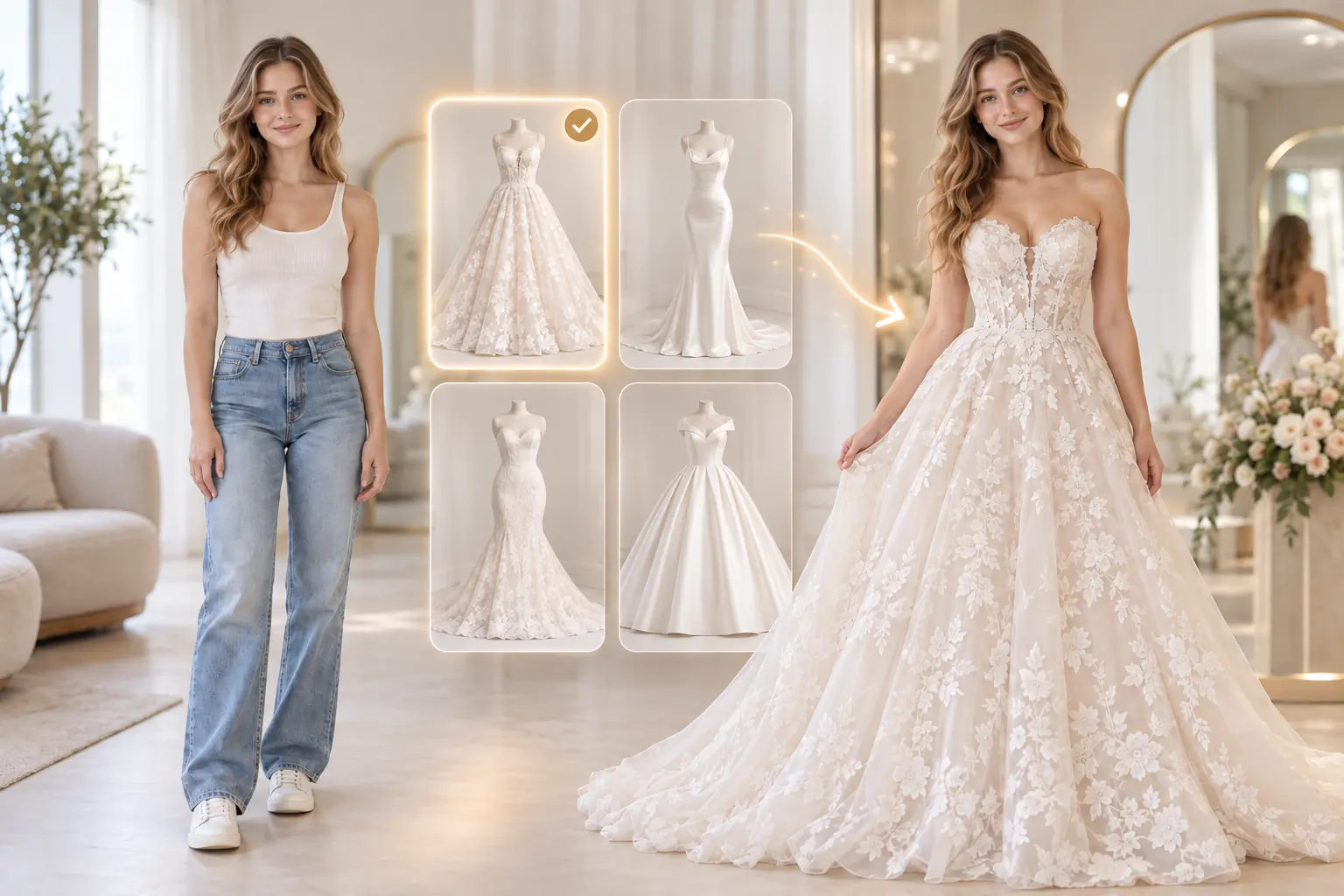
What Is a Virtual Wedding Dress Try-On?
A virtual wedding dress try-on is an AI-powered tool that lets you preview bridal gowns using your own photo. Select a preset wedding dress or upload a dress reference to generate a full-length portrait. Keep your original setting or choose a simple studio background. AI aims to keep your appearance recognizable while showing a similar gown, including its silhouette, fabric, and details.
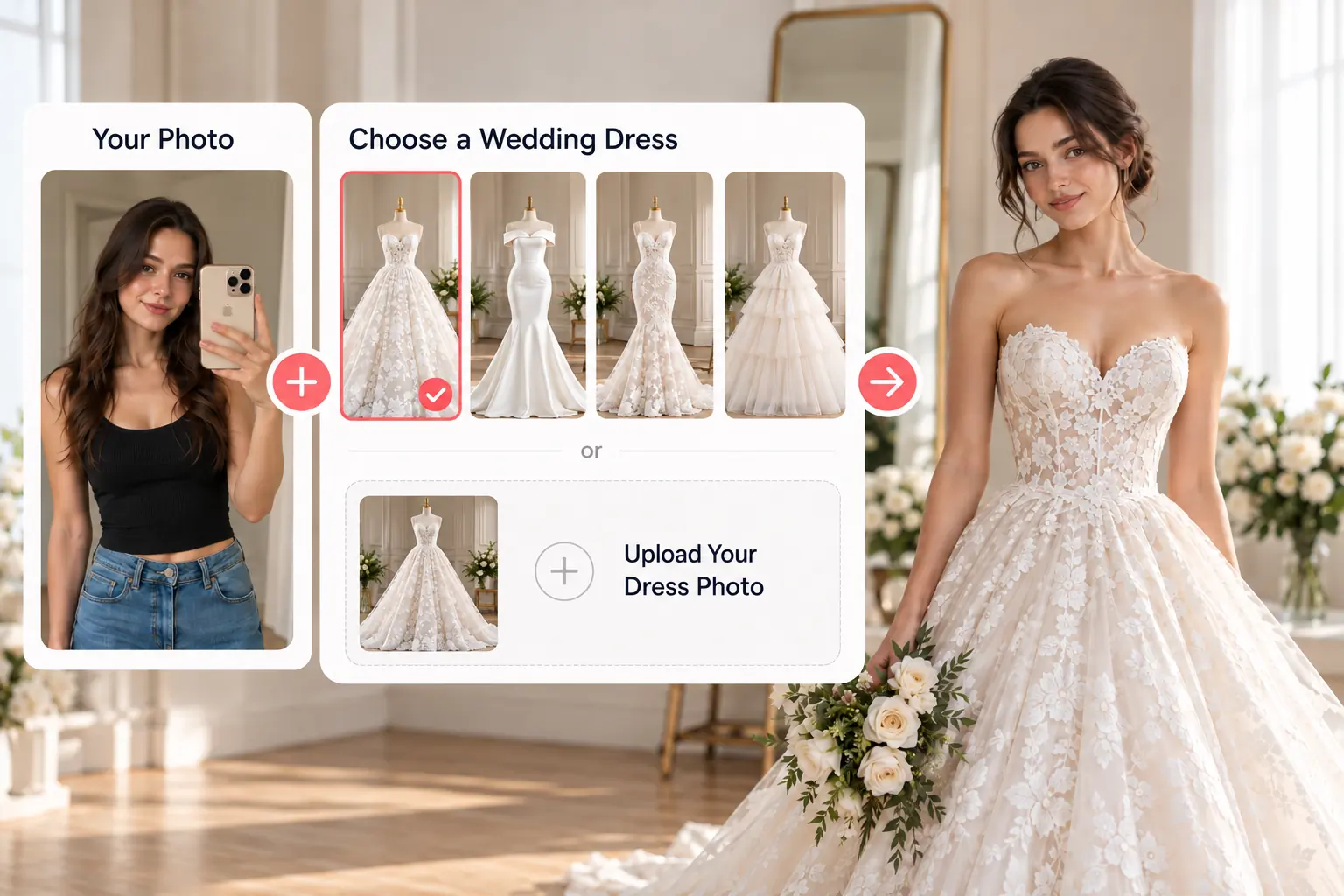
How to Try On Wedding Dresses Online with AI
Explore your bridal look in three simple steps using a photo and a wedding dress reference.
Step 1 – Upload Your Photo
Upload a clear photo of yourself or select an existing AI character. A full-body photo gives AI more information about your proportions.
Step 2 – Choose a Wedding Dress
Browse our preset bridal gowns or upload a photo of a wedding dress you love. Then choose to keep your original background or use a studio setting.
Step 3 – Try On with AI
Generate a full-length preview of your selected wedding dress in your chosen setting, then view and download your new bridal look.
Why Choose AIKissfiy's Virtual Wedding Dress Try-On?
Two Ways to Try On Wedding Dresses
Choose from our ready-to-use bridal gown collection or upload your own wedding dress reference to explore a look you love.
Try On Your Favorite Wedding Dress
Found a beautiful wedding dress online? Use its photo as a reference and preview a similar design on yourself before trying it in person.
Explore Different Bridal Styles
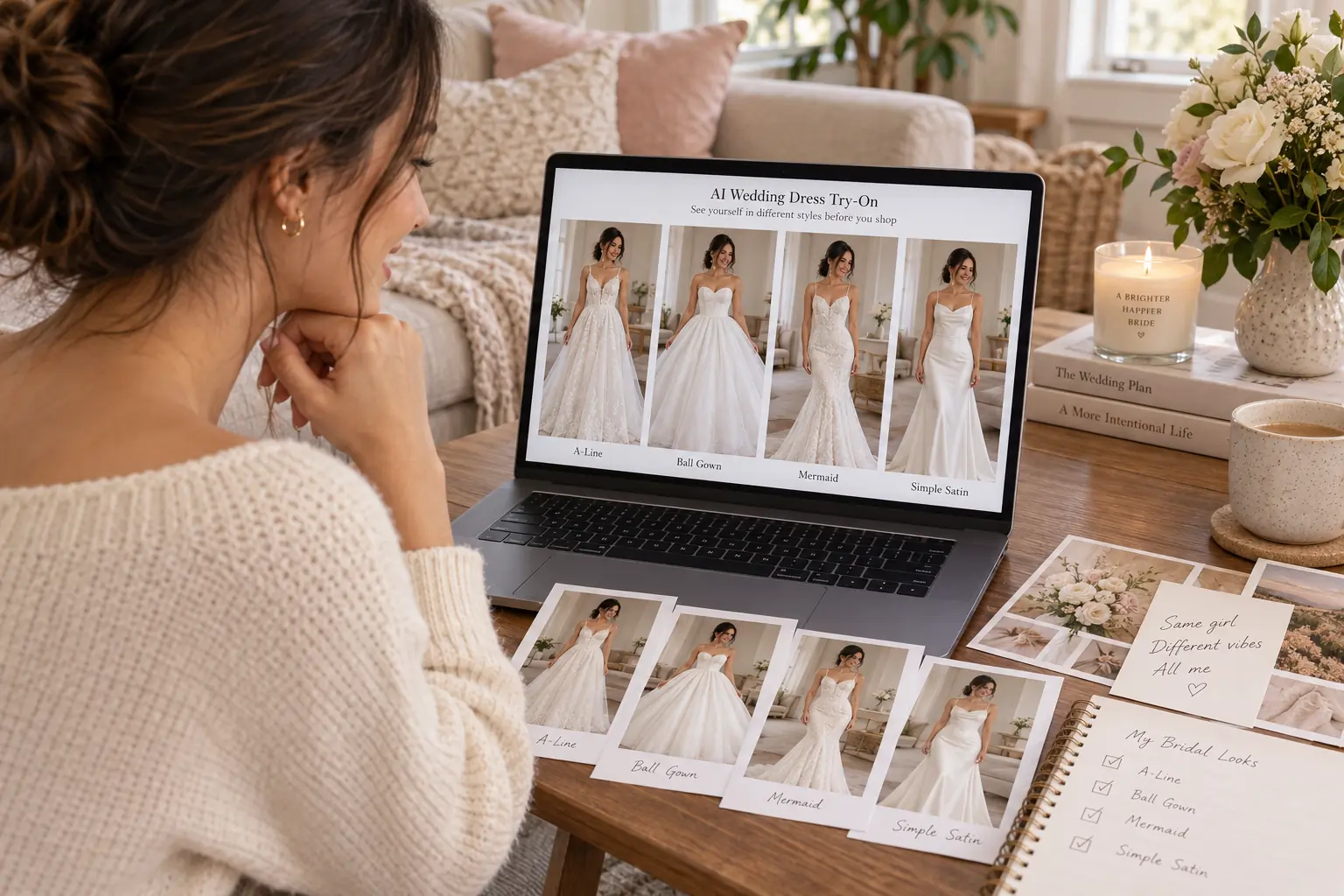
Compare romantic lace gowns, elegant satin dresses, classic A-line silhouettes, and other bridal styles to discover your favorites.
Keep Your Appearance Recognizable
AI aims to preserve your recognizable facial features, hairstyle, and visible body characteristics while creating a full-length portrait with your original setting or a simple studio background.
Preview Wedding Dresses from Home
Explore different bridal looks from your phone or computer before visiting bridal boutiques, without scheduling a fitting appointment.
No Editing Skills Required
Upload your photo, choose a wedding dress, and let AI create your try-on preview. No manual photo editing is needed.
Explore Wedding Dress Looks with AI
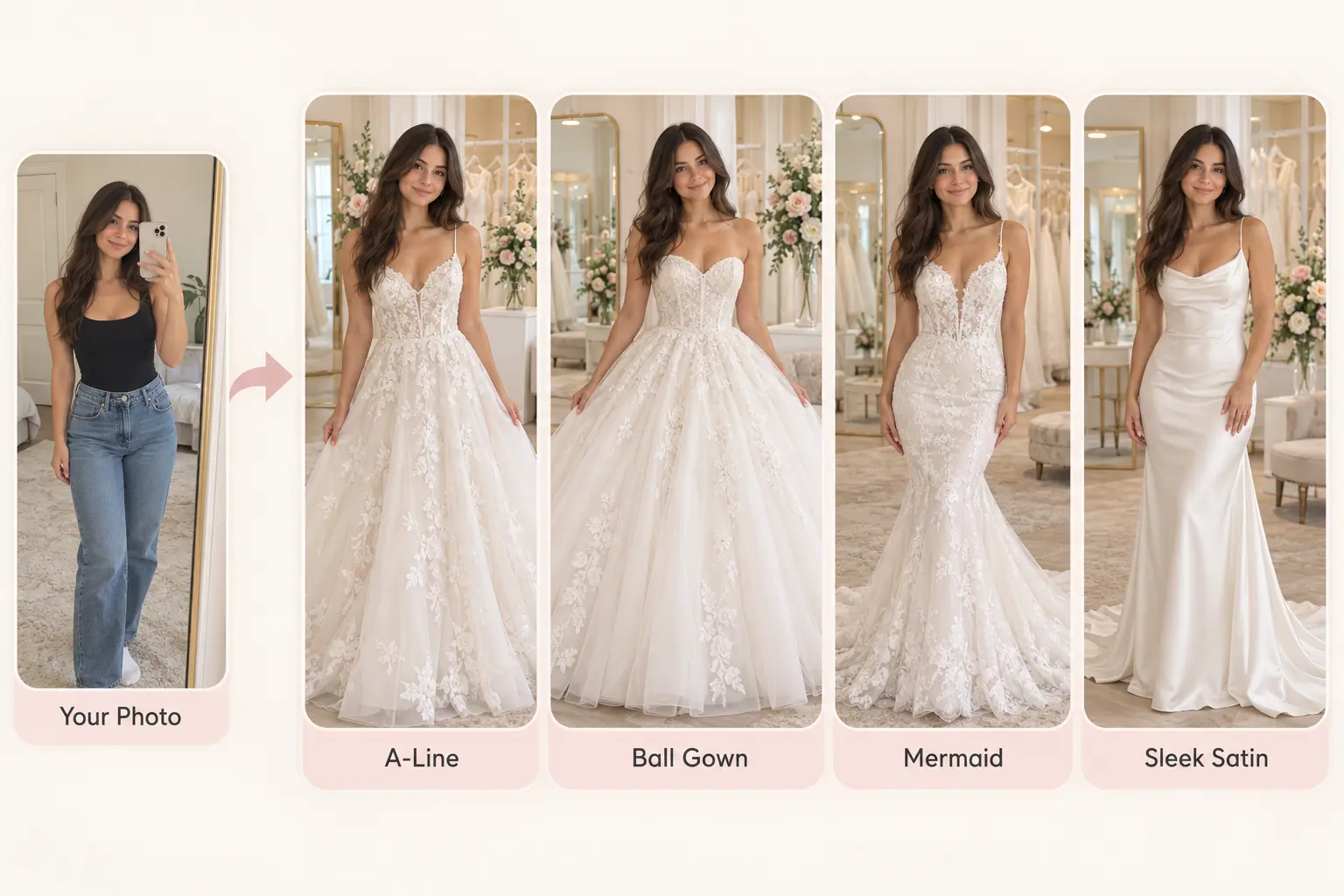
Compare Different Wedding Dress Styles
Compare A-line, ball gown, and mermaid styles with our virtual wedding dress try-on. Preview each look using the same photo and find your favorite.
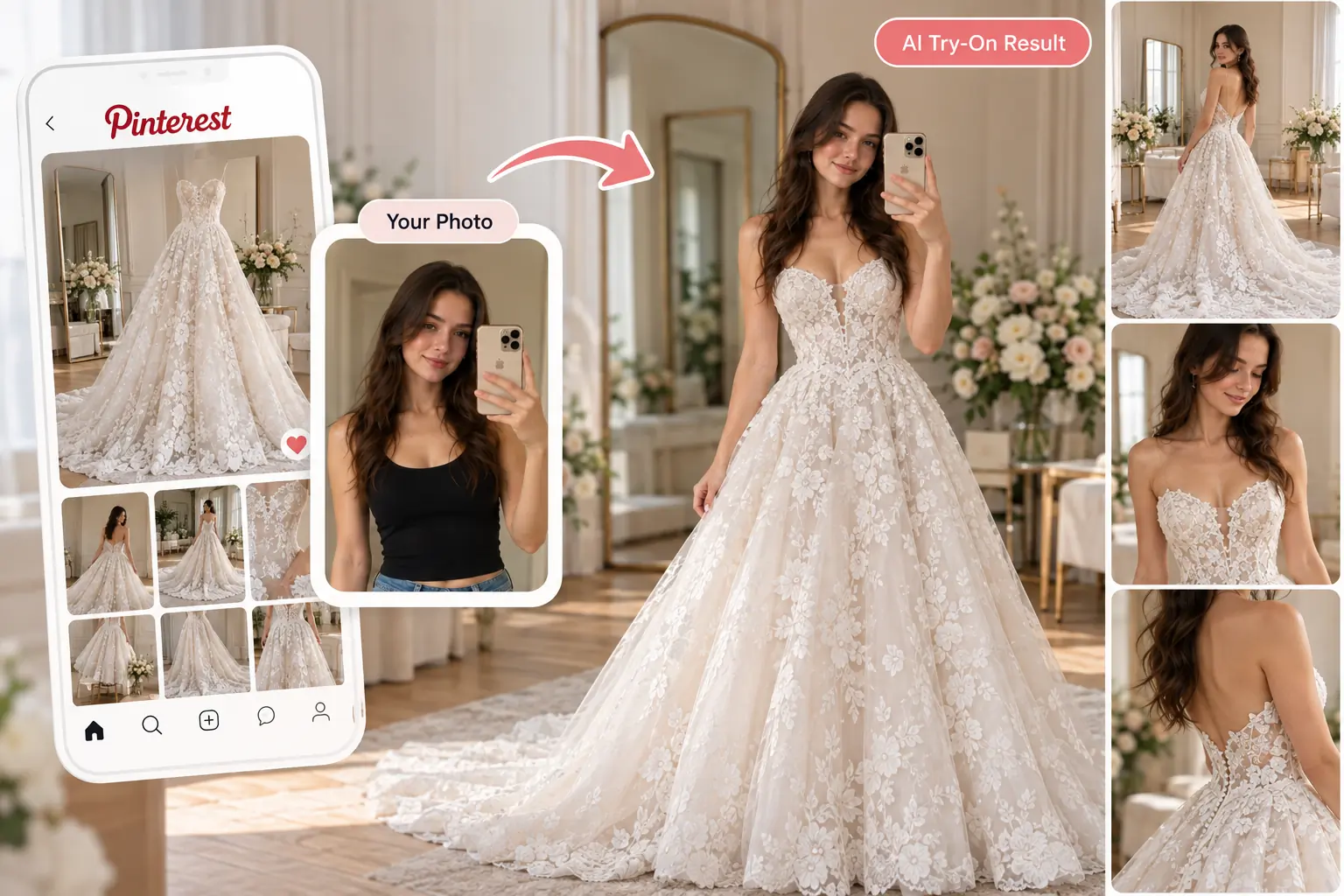
Try On a Wedding Dress You Found Online
Found a wedding dress on Instagram or Pinterest? Upload its photo as a reference and preview a similar bridal style on yourself.
Explore Bridal Looks Before Dress Shopping
Preview wedding dresses with AI before visiting bridal shops. Download your favorite looks to narrow down the styles you want to try in person.
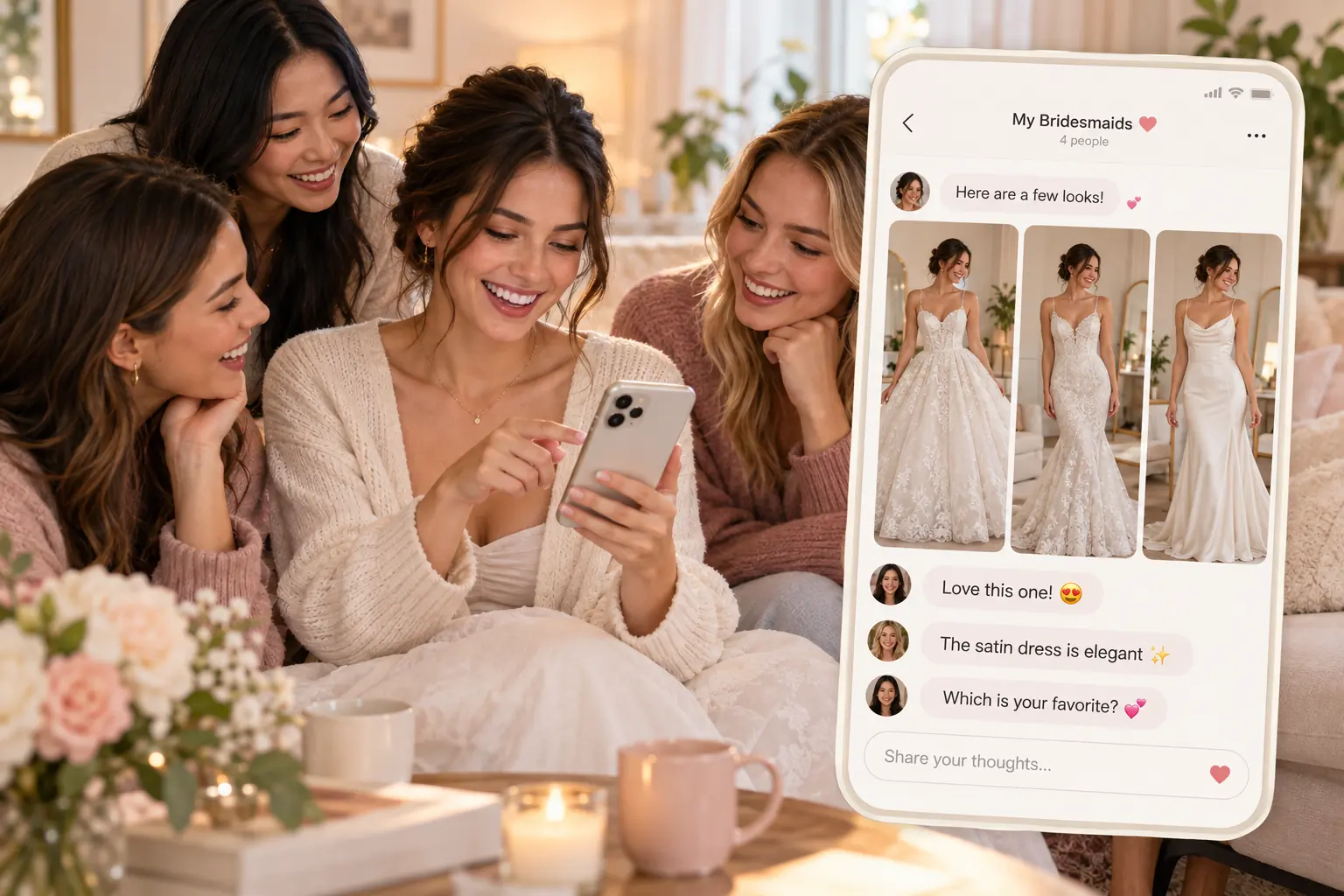
Share Your Favorite Wedding Dress Looks
Share your wedding dress try-on photos with your partner, friends, or family. Compare favorite looks and get opinions before choosing.
Ready to See Yourself in a Wedding Dress?
Try on your dream wedding dress with AIKissfiy. Upload your photo, choose a bridal gown from our collection or add your favorite dress reference, and discover your bridal look.
Free Credits Available
Continue exploring your wedding look and creating memorable images with AIKissfiy.
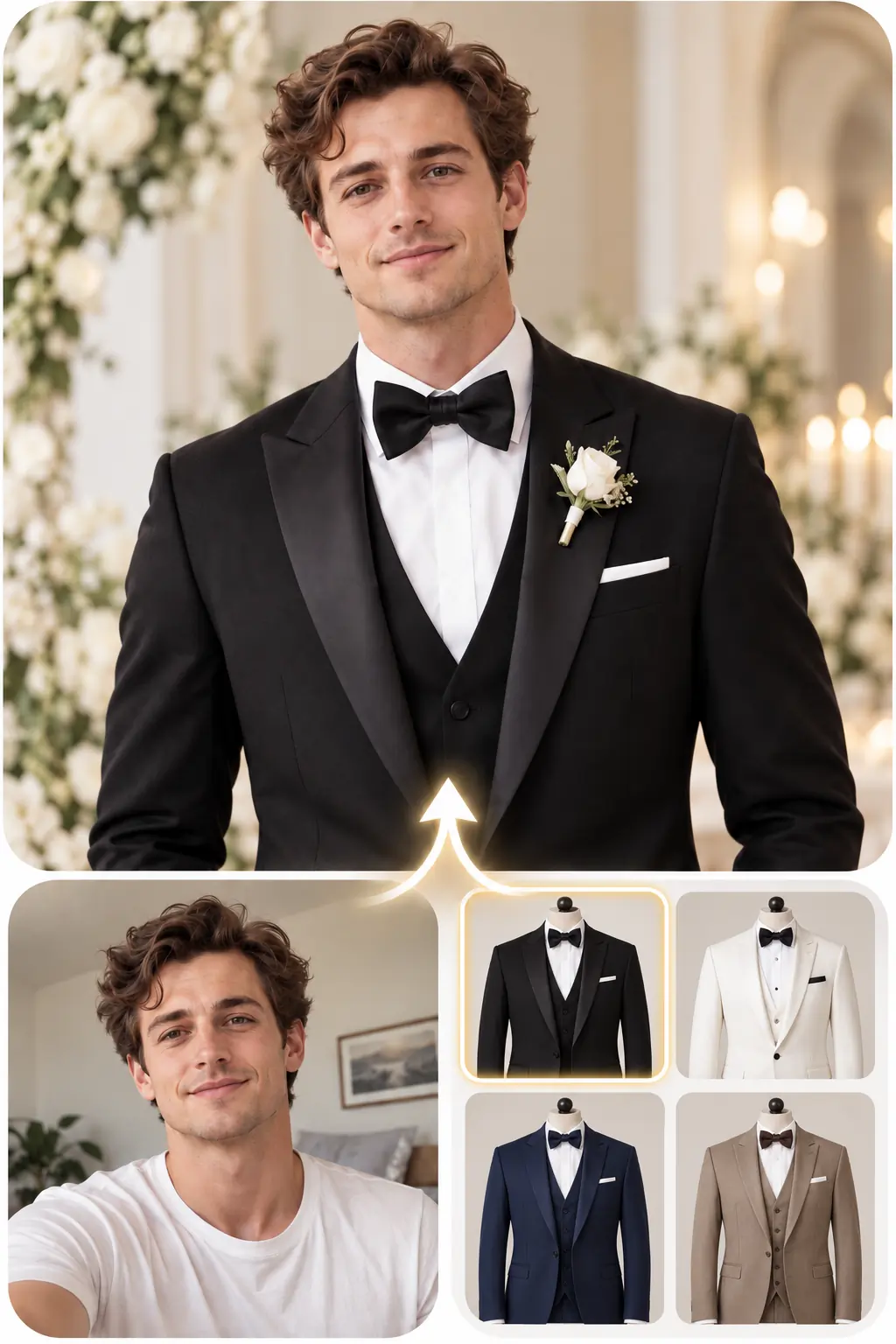
AI Wedding Suit Try-On
Try on wedding suits with AI and explore different groom looks.
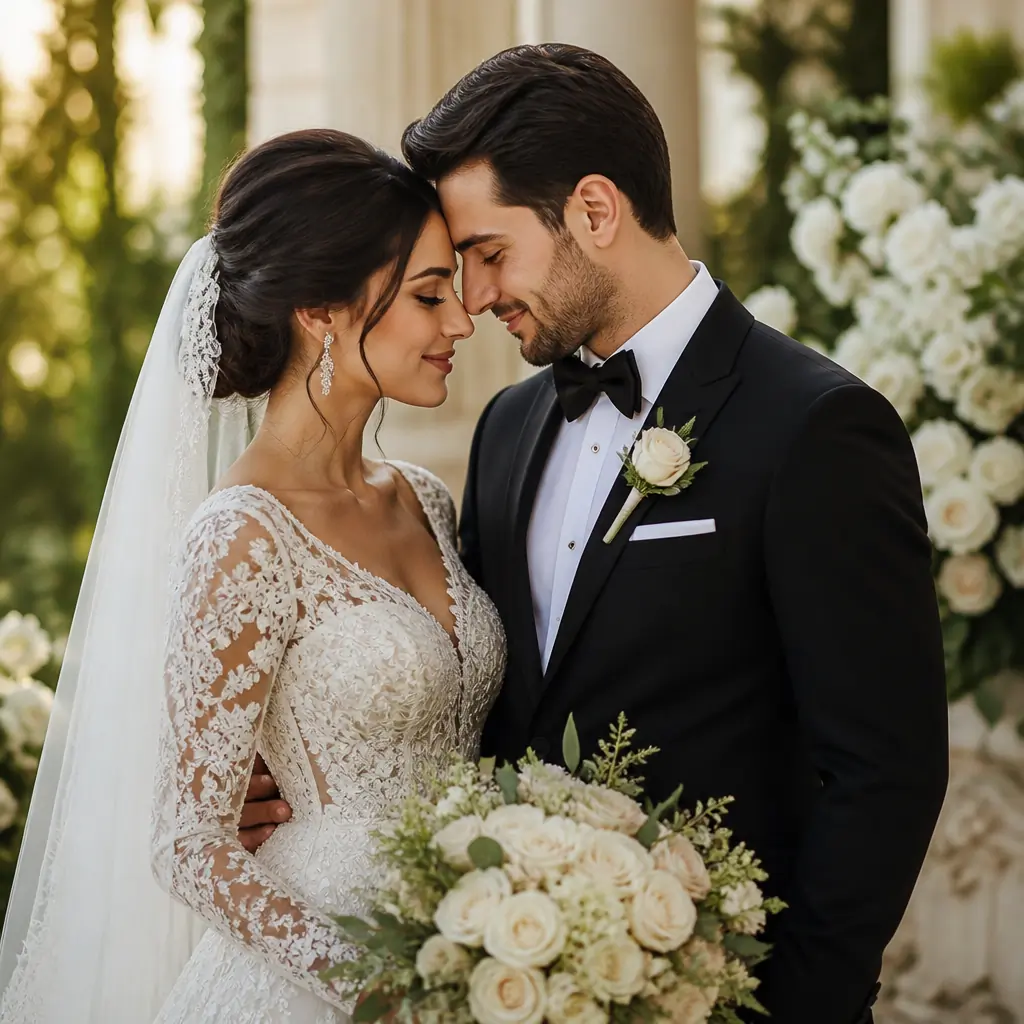
AI Wedding Photo
Generate elegant wedding photos and portraits without a photoshoot.
AI Bridal Hairstyle Try-On
Explore different bridal hairstyles using your photo and find a style that complements your wedding look.
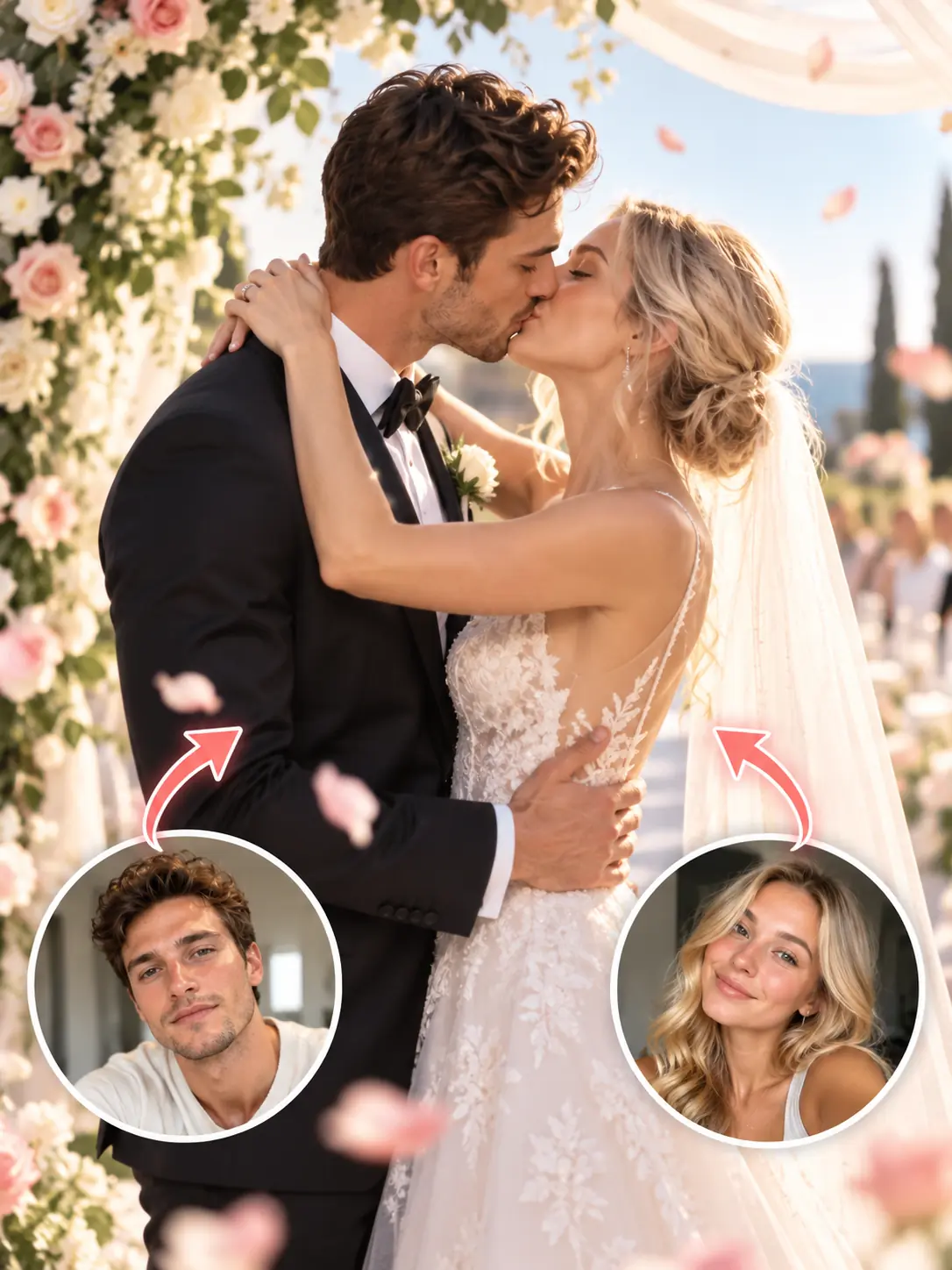
AI Wedding Video
Bring wedding photos to life with romantic AI-generated motion.
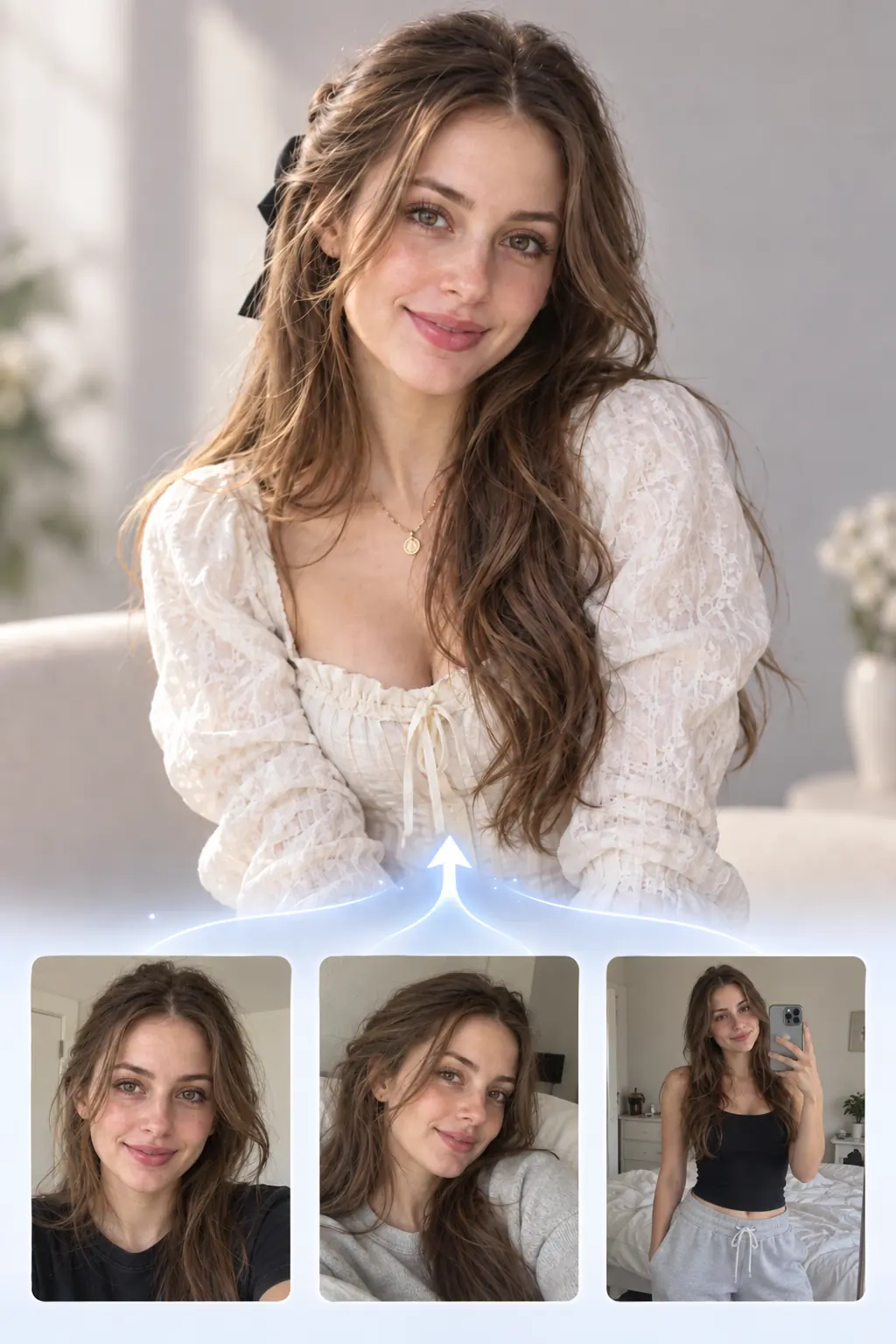
AI Character Generator
Create a reusable AI character for photos and videos in different styles.
AI Clothes Changer
Change outfits in your photos and explore more clothing styles with AI.
What Users Say About AIKissfiy's Wedding Dress Try-On
I wasn't sure whether an A-line or mermaid wedding dress would suit me better. Trying both styles on the same photo made it much easier to compare how they looked.

Andrew M.
I often see beautiful wedding dresses on social media and wonder how they would look on me. I uploaded a dress photo I liked and got to see myself wearing a similar style. It was a fun way to try looks I discovered online.
Sarah J.
What I liked most was that the result still looked like me. My face and hairstyle stayed recognizable, while the wedding dress gave the photo a completely different look.

Matthew R.
Before visiting bridal shops, I wanted to explore a few different wedding dress styles. Seeing them on my own photo helped me figure out which designs I wanted to try in person.

Lauren K.
I sent a few wedding dress previews to my sister and friends to get their opinions. It was fun comparing the different looks together before deciding which styles I liked most.

Christopher B.
The process was straightforward. I uploaded my photo, chose a wedding dress reference, and let AI handle the rest. I didn't need any photo editing experience to try a new bridal look.

Victoria S.
Have Questions About Virtual Wedding Dress Try-On?
It is an AI-powered tool that uses your photo and a preset or uploaded wedding dress reference to create a full-length bridal preview. You can keep your original background or choose a studio setting.
Upload a clear photo or select an existing AI character, choose a preset wedding dress or upload your own dress reference, and generate your try-on preview.
Yes. AI uses the visible design, silhouette, fabric, color, and details of your reference to create a similar bridal look. It is a visual preview, not an exact garment reproduction.
Yes. Choose different preset gowns or upload different dress references while reusing the same photo or AI character to compare bridal looks.
AI aims to keep your face, hairstyle, and visible physical characteristics recognizable. It creates a full-length standing portrait, so the pose and framing may change. By default, it keeps and naturally extends your original background; you can instead choose a light studio background. If your photo shows only part of your body, AI infers the areas that are not visible. Results may vary.
Yes. AI previews can help you narrow down styles to try in person, but they do not replace physical fittings or accurate sizing.
Use a clear, well-lit photo with an unobstructed face. Full-body photos give AI the most information about your proportions; three-quarter photos also work. For dress references, choose an image that clearly shows the complete gown and its details.
You can start with available free credits, including credits claimed through daily check-in when available. Generating images uses credits; additional generations may require more credits.