
Loading the creation workspace…
Remove reflections from photos and see beyond the glass
Reflected lights on a window, a photographer’s silhouette, or buildings mirrored in a shop window: upload your photo and use AI to remove reflections that obscure the scene. Get started in your browser without installing an app.
The images shown are AI-generated illustrations.
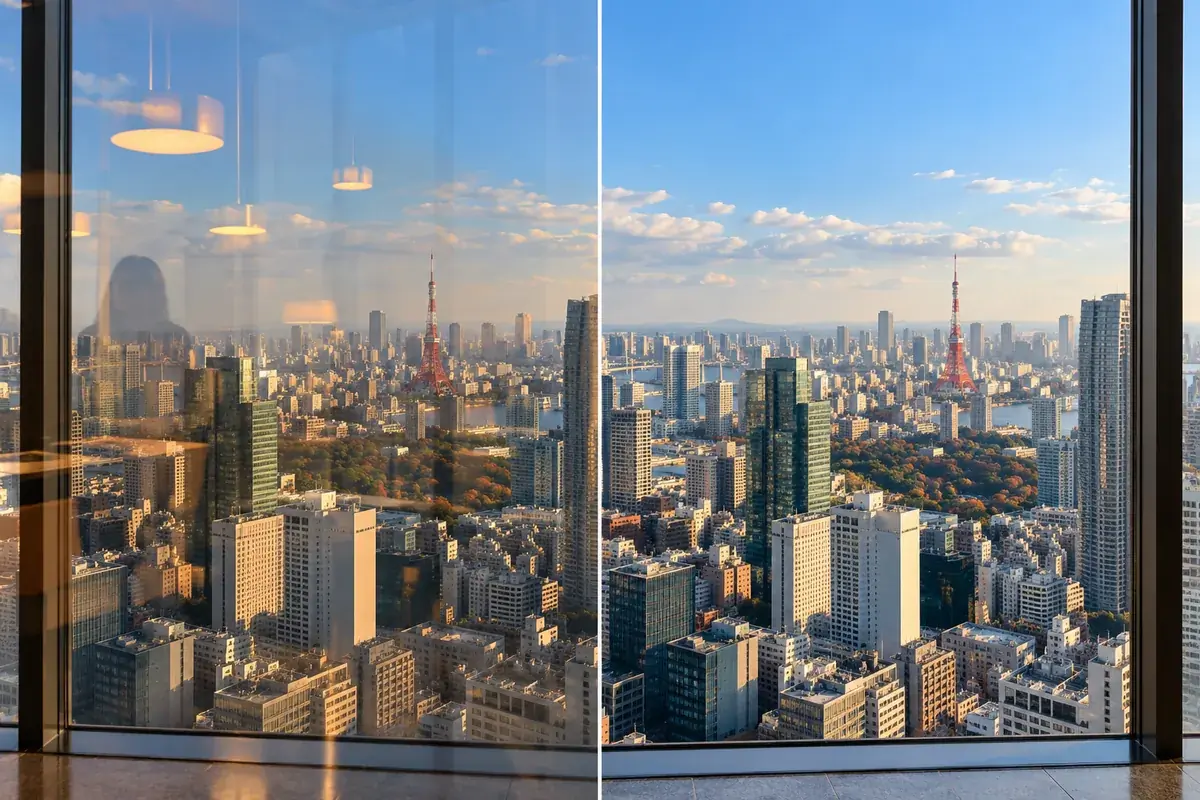
Remove glass reflections without just changing the brightness
Photos taken through glass can capture people or lights reflected from the camera side. This AI reflection remover edits that overlapping layer to make the subject behind the glass easier to see. Describe what to remove and keep to guide the edit, rather than simply changing the brightness of the whole photo.
How to remove reflections from a photo in 3 steps
Choose a photo, optionally describe the reflection, and review the result.
Upload one photo
Choose a photo with distracting glass reflections. JPG, PNG and WebP files up to 10MB are supported.
Add instructions if needed
Optionally enter a request such as “remove the reflected lights and keep the sky colors,” then click Generate.
Compare and download
Compare the result with your original, checking for remaining reflections and changes to shapes, colors or text. Download the image when you are happy with it.
A simpler way to edit photos taken through glass
No brushing required
The AI uses your photo and any written instructions to remove reflections without manual brush selection.
Describe what should stay
Ask to keep the products behind the window or the blue of the sky, along with specifying the reflections to remove.
Use your iPhone or computer
Start by selecting a photo in your browser. Upload iPhone photos in JPG, PNG or WebP format.
When glass reflections get in the way
Try editing reflections that overlap the subject in photos taken through transparent glass.
Reflections in window-view photos
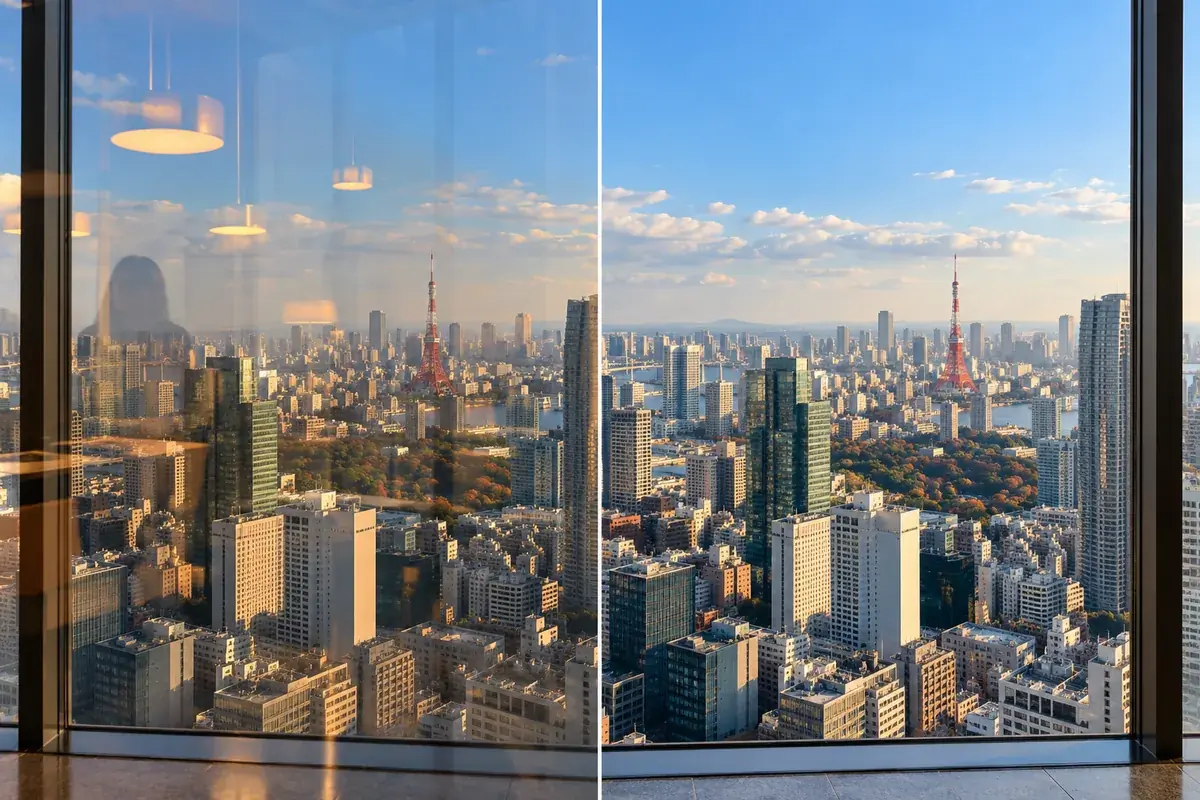
Try removing indoor lights or furniture reflected over a view from an observation deck or room. Ask to keep the outdoor buildings, sky and window frame.
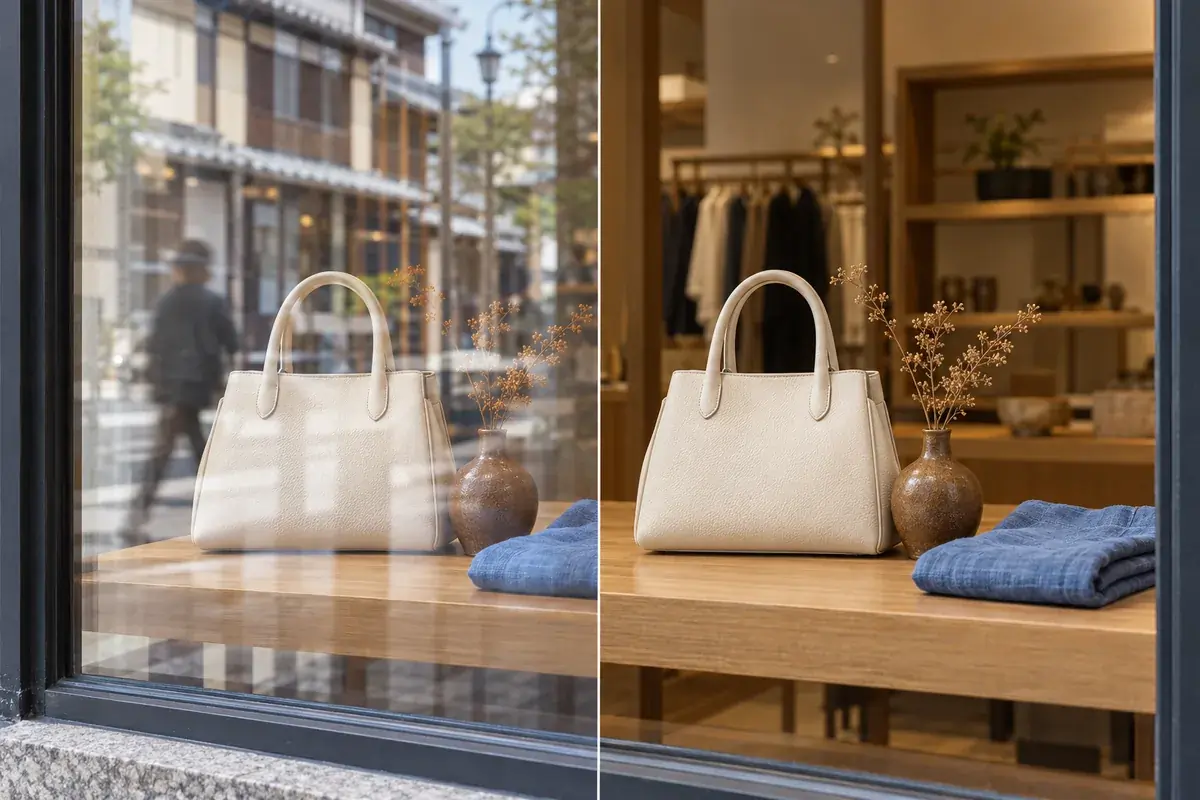
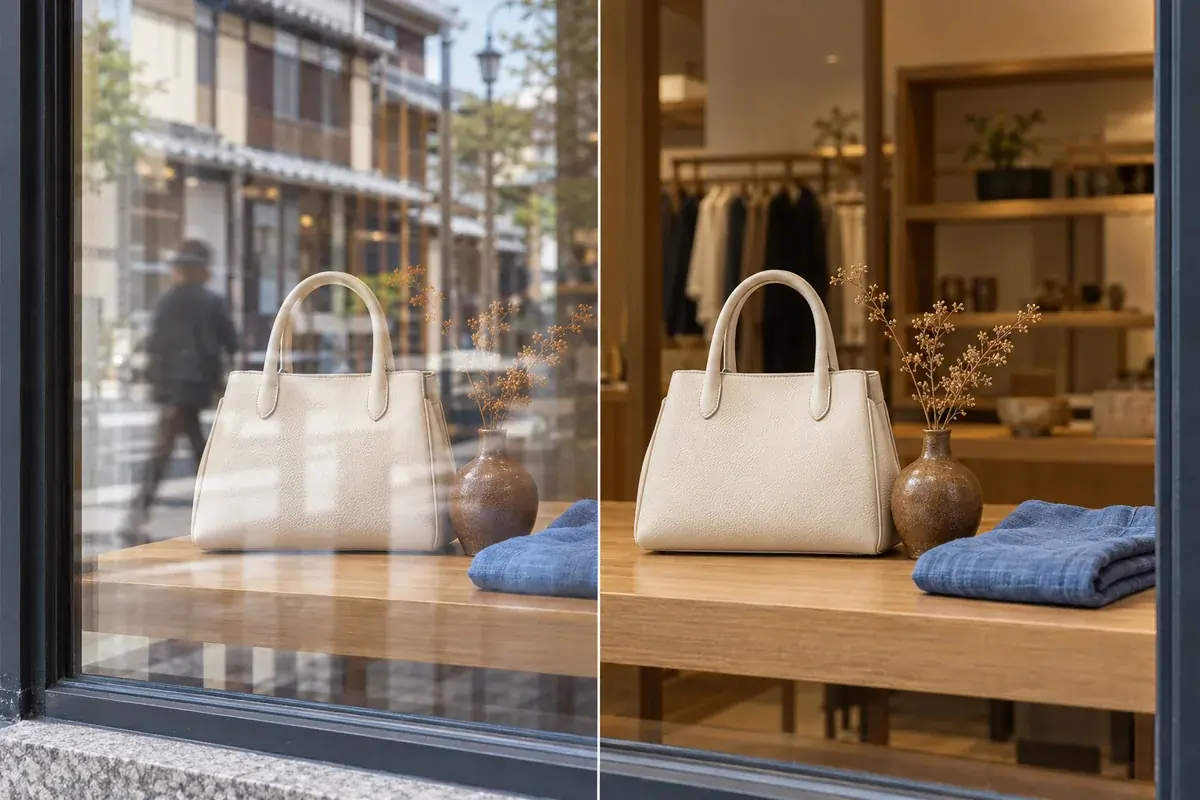
Reflections over shop-window displays
When reflected pedestrians or buildings obscure a display, specify the glass reflections separately from genuine highlights on the products. Compare product shapes, colors and label text with the original after editing.
Indoor lights reflected in car or train windows
Try removing reflected lights or the photographer’s silhouette from photos taken through a vehicle window. Ask to keep the scenery outside. Fine details concealed by strong reflections may not be restored accurately.
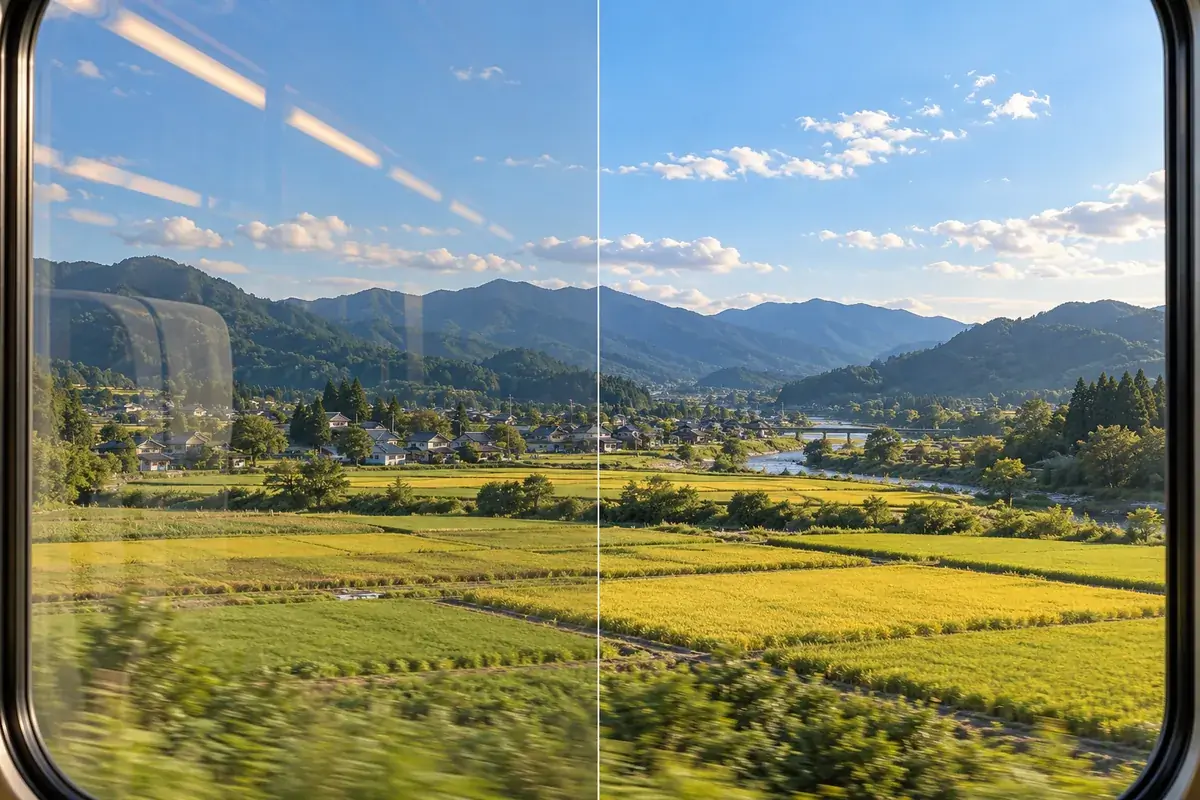
After removing reflections, adjust image quality or the background if needed.
Ready to remove distracting reflections?
Choose a photo, describe what to remove and keep, and review the result.
Photo reflection removal FAQ
Upload one photo and click Generate. If the reflection is hard to distinguish from the subject, use the optional field to add instructions such as “remove the reflected person and keep the view outside the window.”
The AI uses the photo and any optional instructions to distinguish the subject behind the glass from overlapping reflections. It can misidentify them, especially when both are sharp. Describe what to keep and compare the result with your original.
Yes. Use the tool in your iPhone browser and choose a JPG, PNG or WebP image. Convert HEIC photos to a supported format before uploading.
Generation uses credits. Free credits earned through check-in rewards or other available offers can be used if you have enough for the task. Sign in to check available rewards, your balance and the required credit amount shown on the generation button.
Upload one JPG, JPEG, PNG or WebP photo up to 10MB. This page takes one source photo at a time.
Complete removal and exact restoration are not guaranteed. Details concealed by strong reflections or blown-out highlights may not be recoverable. Check the result for changes to text, faces and product details.
No brush selection is required. The AI edits the photo using the image and any optional written instructions. This page does not provide pixel-level mask selection.
The tool primarily targets reflections in photos taken through transparent glass, such as windows and display cases. Eyeglass glare and flash overexposure involve different conditions and may not respond in the same way. It cannot restore a scene behind an opaque mirror.
This page is designed for glass reflections. For dark shadows caused by blocked light, use the AI Shadow Remover.