
Loading the creation workspace…
AI Background Remover - Make Any Background Transparent
Remove backgrounds from images automatically with AI. Isolate your subject and create a clean transparent background in just a few clicks.
What Is an AI Background Remover?
An AI Background Remover is an online tool that automatically detects the main subject of an image and removes the surrounding background. With AIKissfiy, you can remove backgrounds from photos, make backgrounds transparent, and prepare clean images for design, social media, product photos, and more without manual selection.
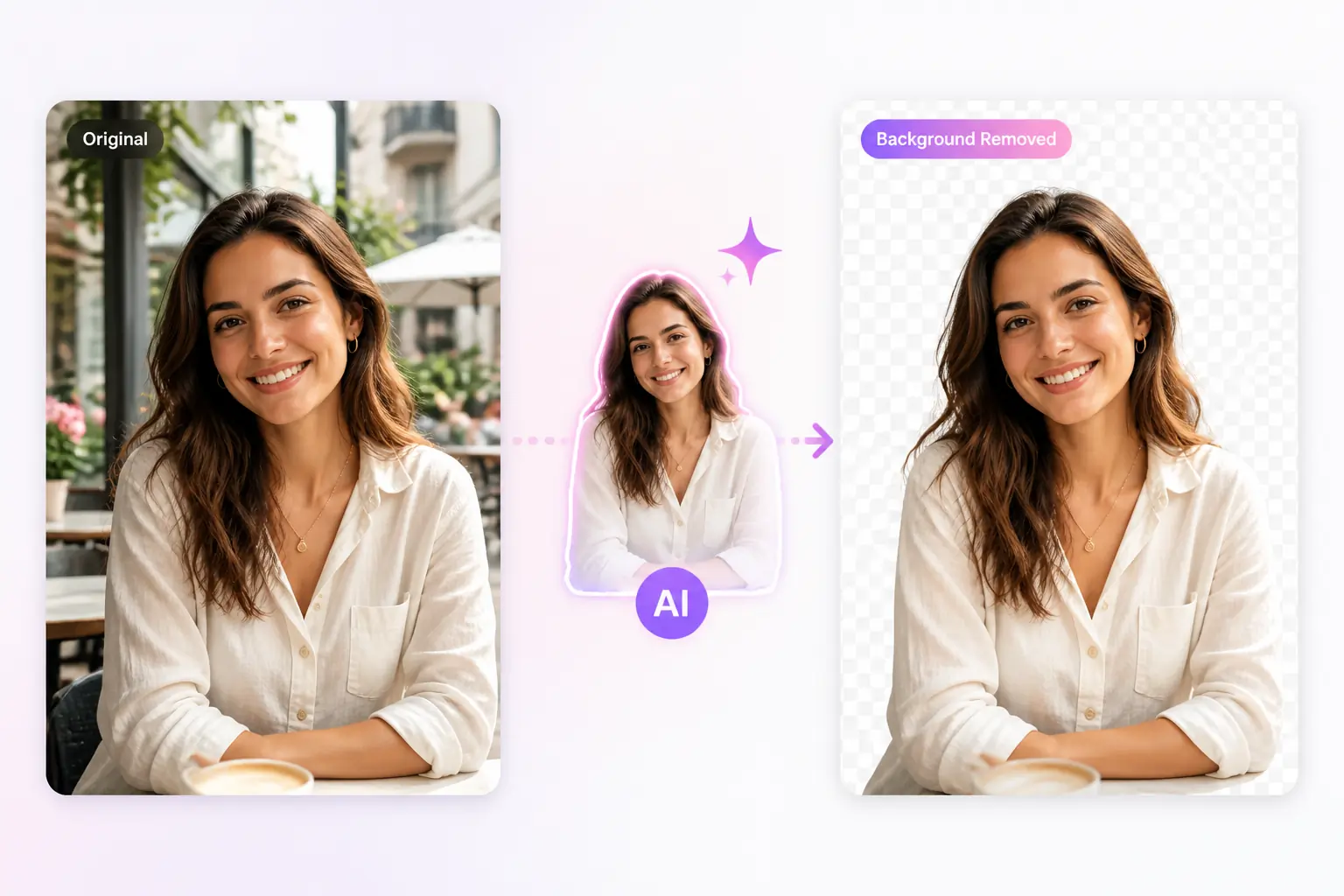
How to Remove a Background with AI
Remove your image background in 3 simple steps.
Step 1 - Upload Your Image
Choose the photo you want to edit.
Step 2 - Remove the Background
Let AI automatically detect the subject and remove the background.
Step 3 - Download Your Image
Preview the result and download your image with a transparent background.
Why Choose AIKissfiy's AI Background Remover?
Easy Online Editing
Remove image backgrounds directly in your browser with a simple and straightforward workflow.
Clean AI Results
AI detects the main subject and removes distracting background areas while keeping the image easy to reuse.
Fast AI Processing
Save time on manual selections and background editing with automated AI processing.
Works with Different Images
Use the tool for portraits, product photos, social images, lifestyle photos, and other everyday images.
No Editing Skills Required
You don't need Photoshop or professional photo-editing experience. Simply upload your image and let AI handle the work.
Simple Workflow
Upload, remove, preview, and download without navigating through complicated editing tools or settings.
Make Your Images Easier to Use
Create Transparent Backgrounds Instantly
Turn ordinary photos into images with transparent backgrounds, making them easier to place into designs, presentations, social posts, or other creative projects.
Prepare Images for More Designs
Make image backgrounds transparent so the same photo can work across different layouts, colors, banners, thumbnails, and visual designs.
Remove White Backgrounds Without Manual Editing
Quickly remove white backgrounds from product images, portraits, logos, and other photos without selecting every edge by hand.
Explore More
Continue creating and editing your photos with AIKissfiy. Improve image quality, adjust backgrounds, or create entirely new looks with AI.
Make Your Background Transparent with AI
Upload your image, remove the background, and create a clean transparent result in just a few clicks.
Free Credits Available
What Users Say About AIKissfiy's AI Background Remover
I needed a transparent version of a product photo for a design. Removing the background was quick and much easier than editing it manually.

Emma R.
The original background was too distracting. The tool helped me isolate the subject and gave me a much cleaner image to work with.

Daniel M.
I often need transparent images for social media graphics. The upload and background removal process is really straightforward.

Sophia L.
It saved me from manually selecting around the subject. I uploaded the photo and had a usable result in just a few steps.

Chris T.
Removing the white background from my product image made it much easier to reuse across different layouts.

Olivia K.
I don't use professional editing software, so I like that the whole process is simple and browser-based.

Ryan P.
Have Questions About AIKissfiy's AI Background Remover?
An AI Background Remover automatically detects the main subject of a photo and removes the surrounding background.
Upload your image to AIKissfiy and let AI detect the subject and remove the background automatically.
Yes. You can remove the existing background and create an image with a transparent background for easier reuse in other designs.
Use AIKissfiy to remove the image background while keeping the main subject visible. The removed area becomes transparent.
Yes. The AI Background Remover can detect the main subject and remove white or other simple backgrounds automatically.
You can use portraits, product photos, lifestyle images, social media photos, logos, and many other common image types.
No. AIKissfiy works online, so you can remove backgrounds without Photoshop or advanced editing skills.
You can try AIKissfiy's AI Background Remover using available free credits. Additional generations or premium features may require credits.