
Models
Upload Couple
Upload photo
Passion Level
Character Action
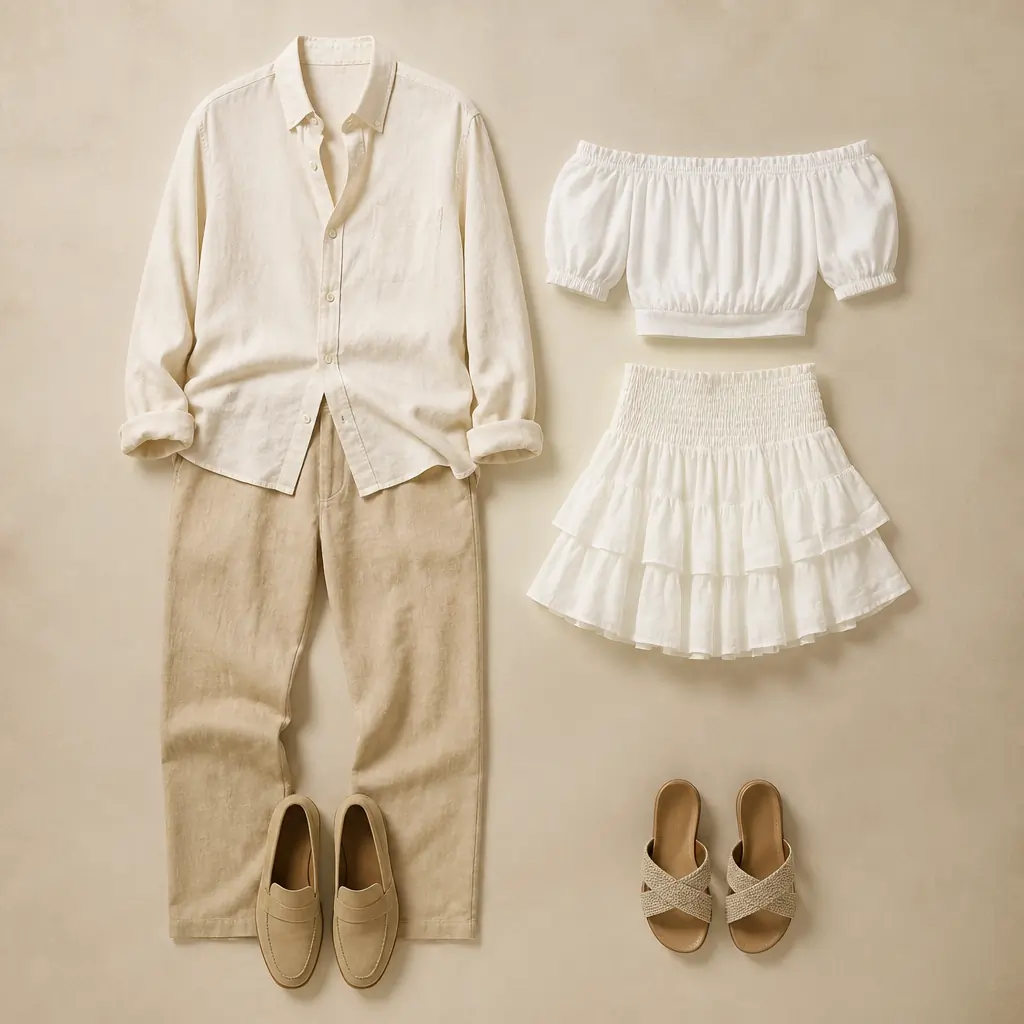
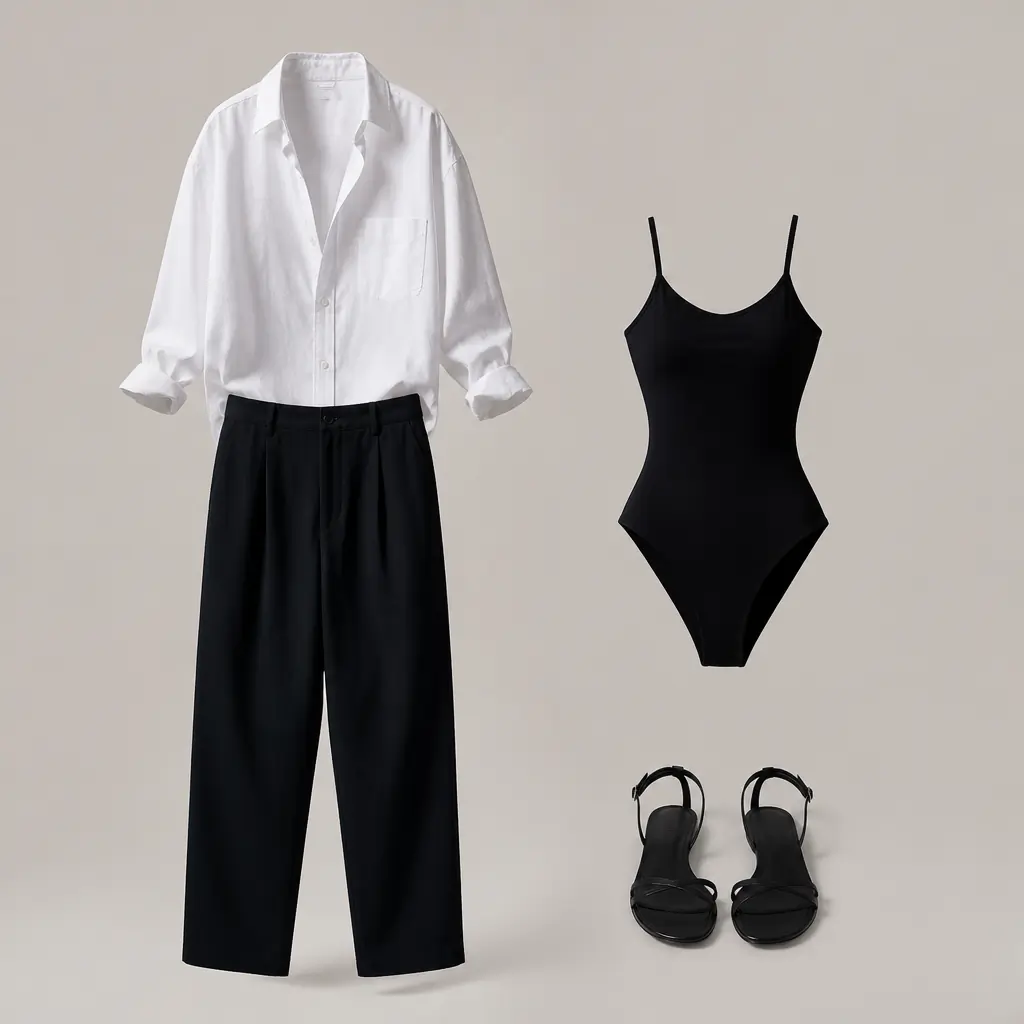
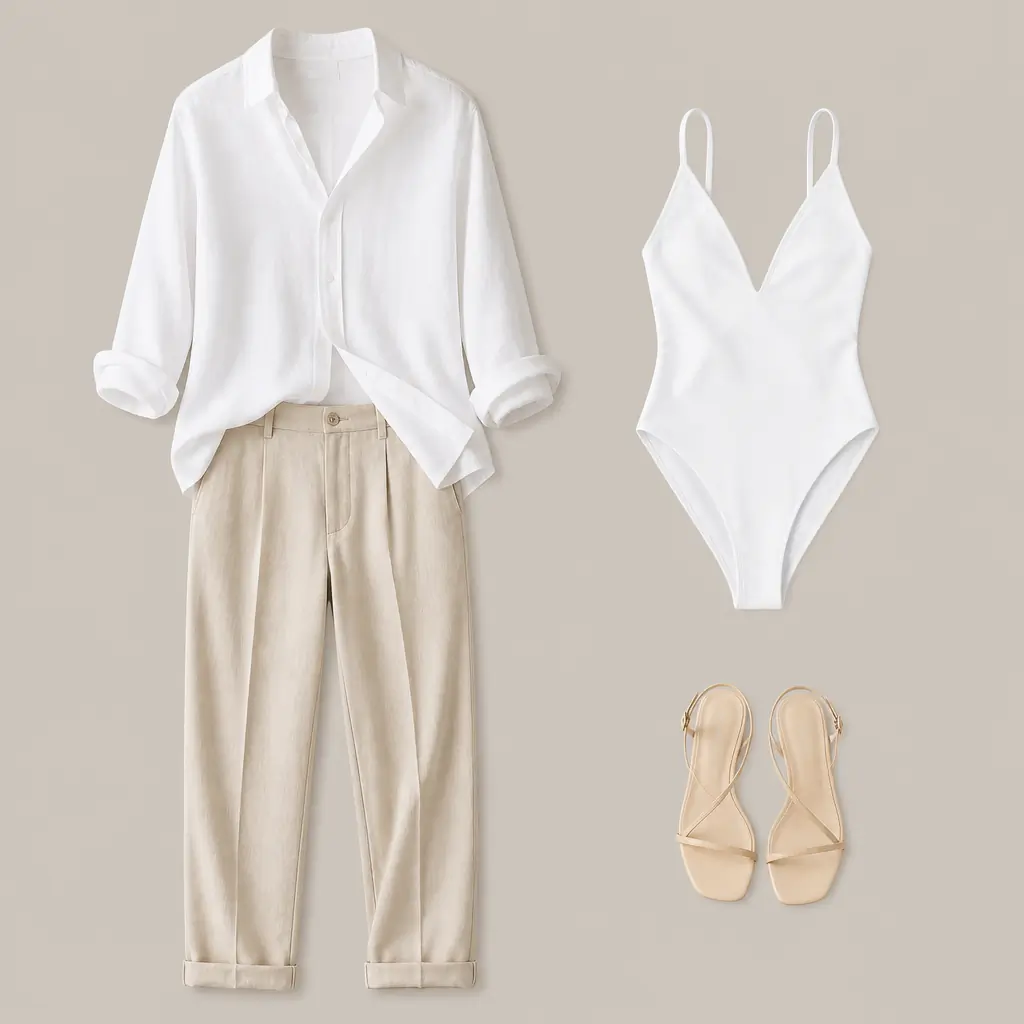
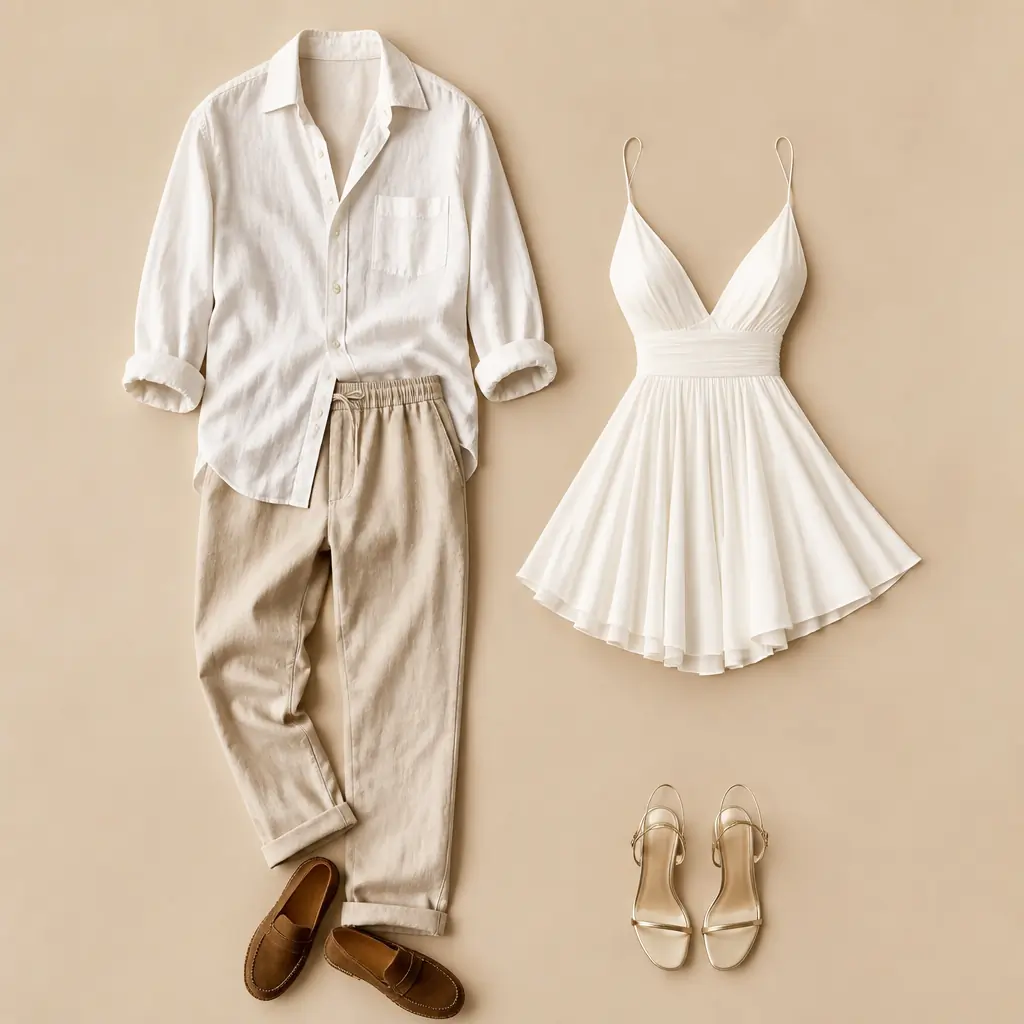
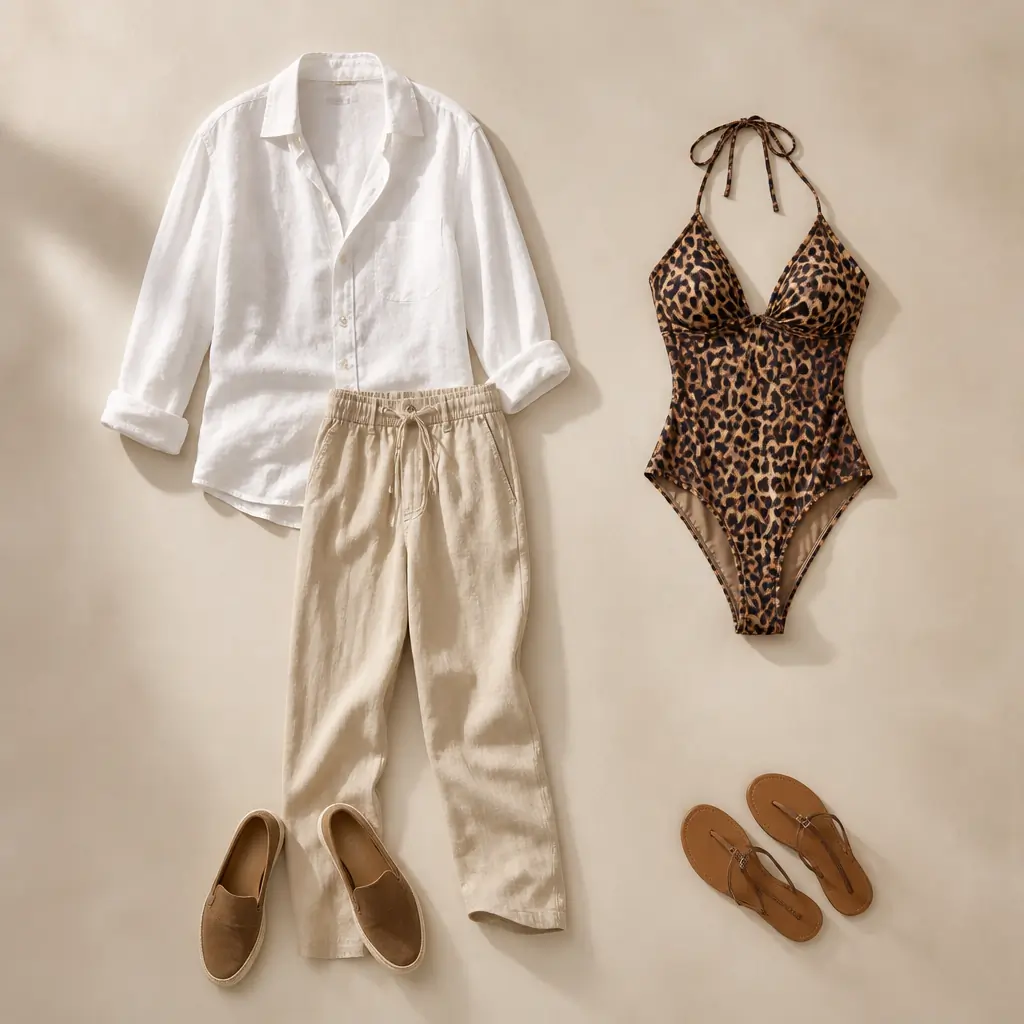
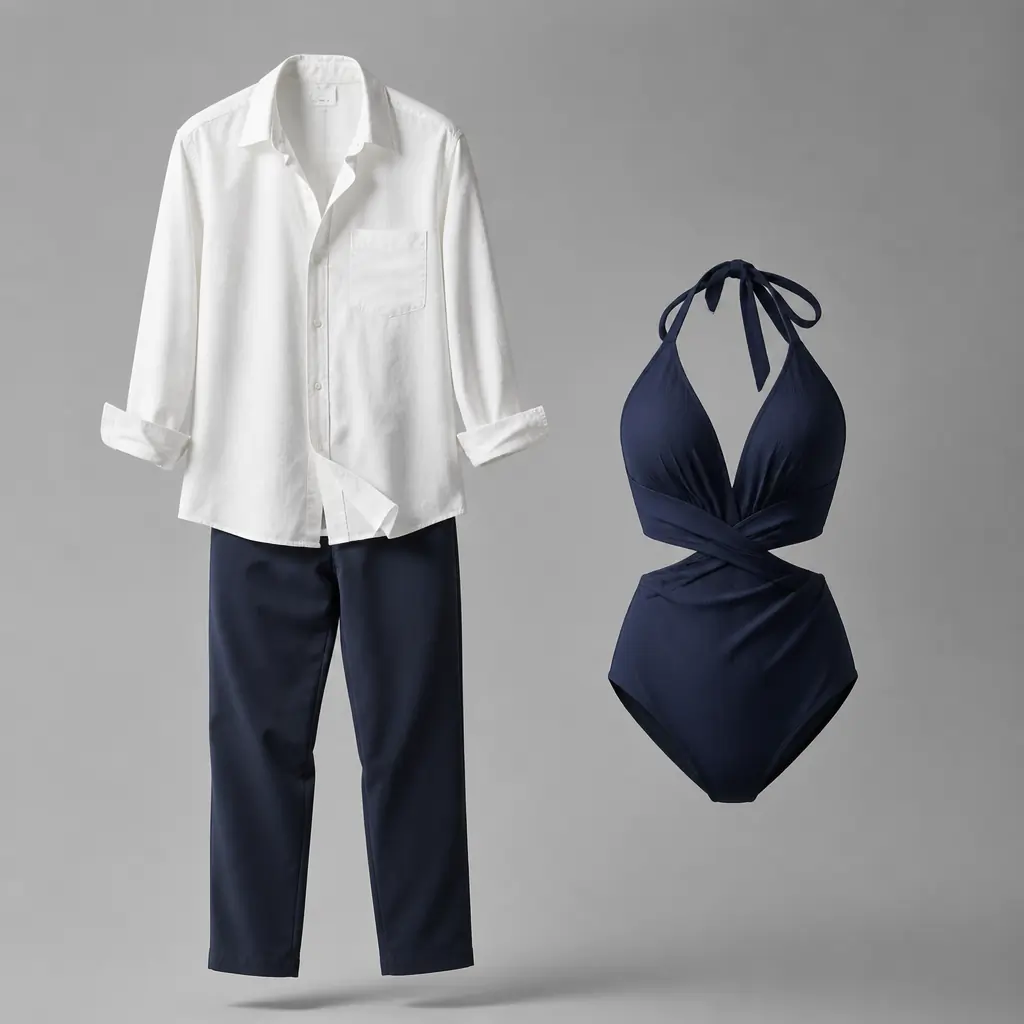
Upload Clothing(Optional)
Generate Audio
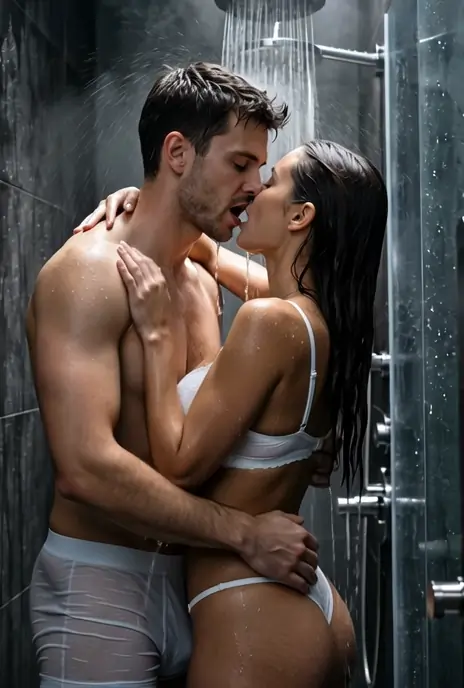
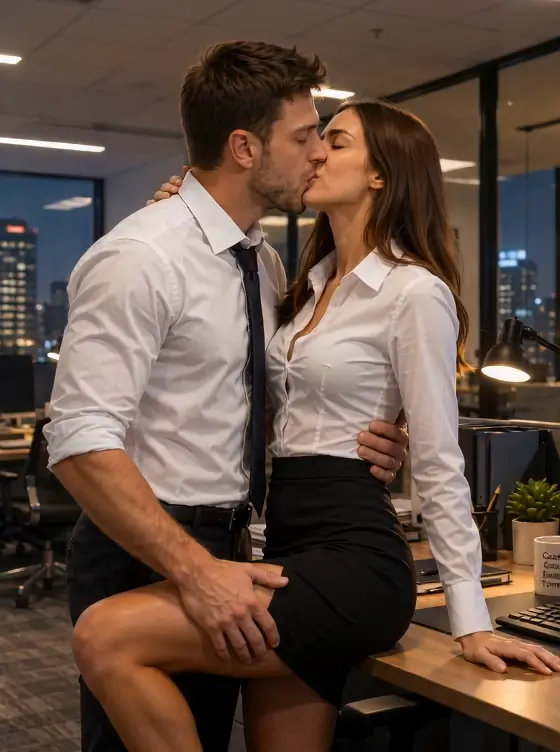
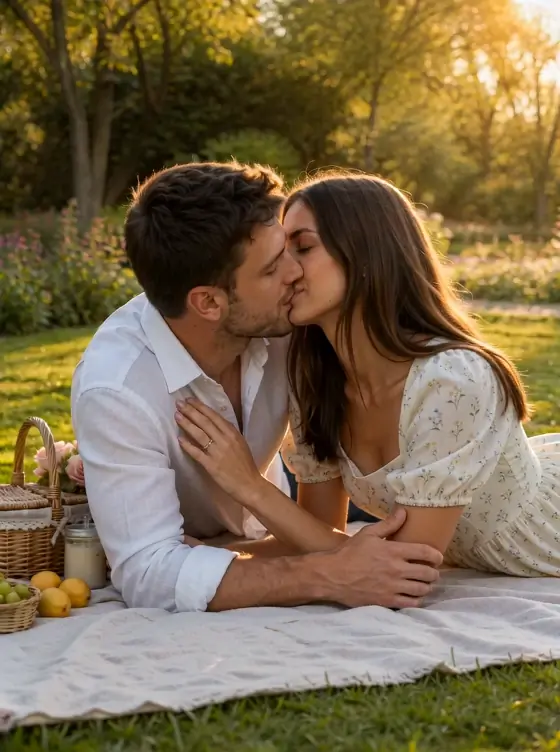
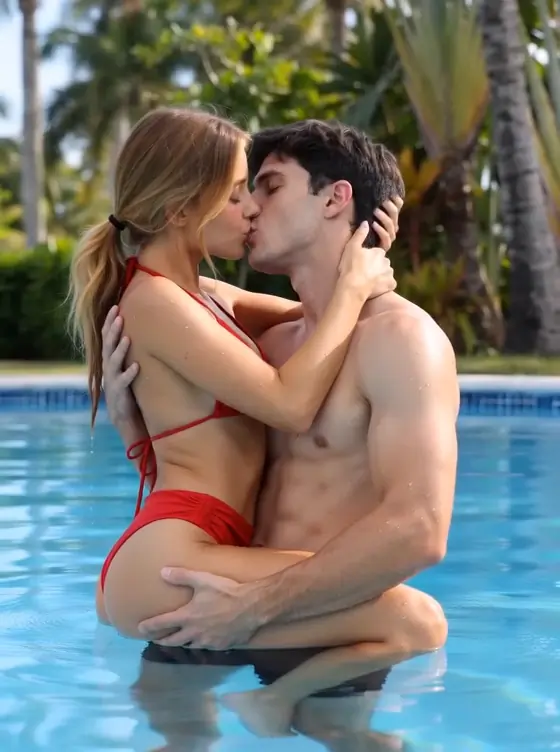
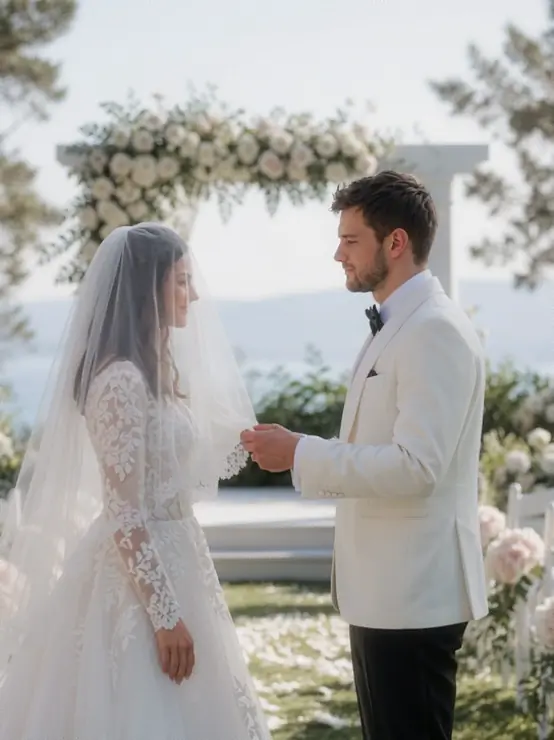
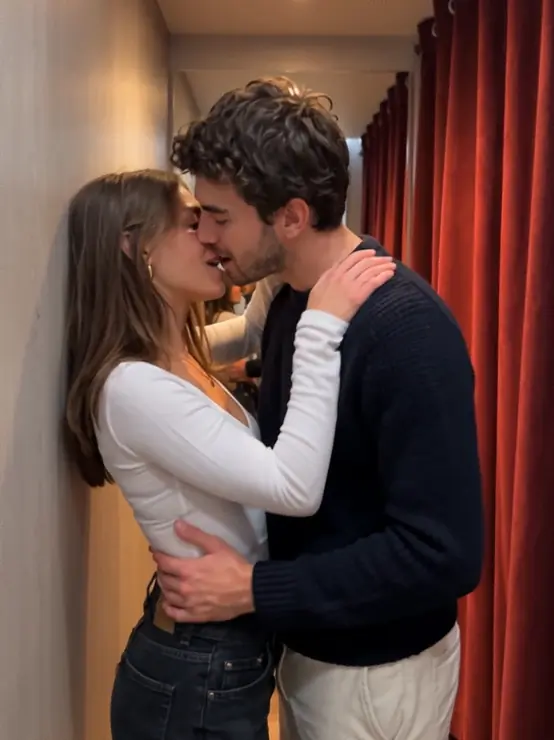
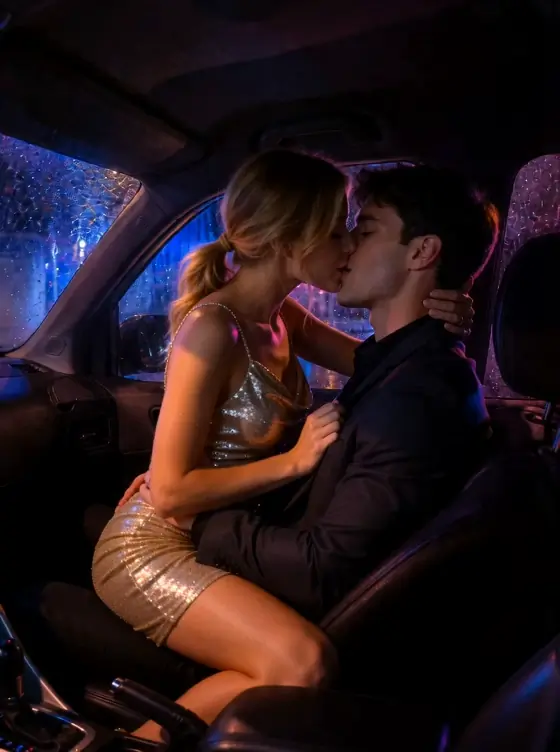
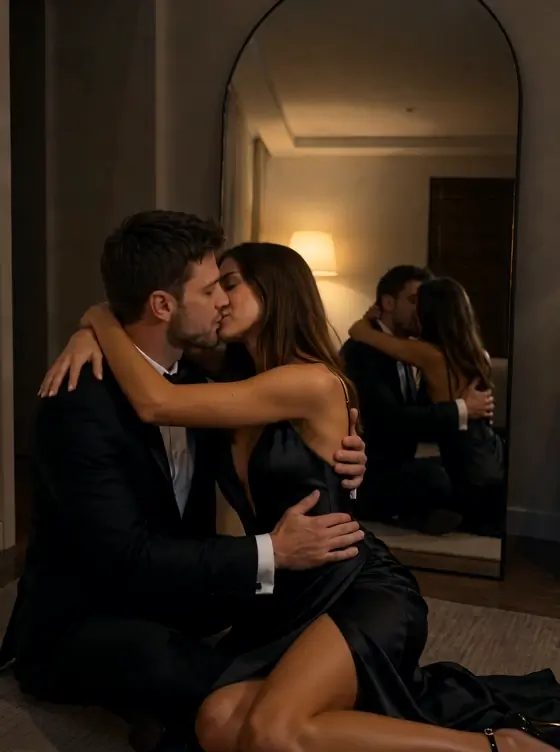
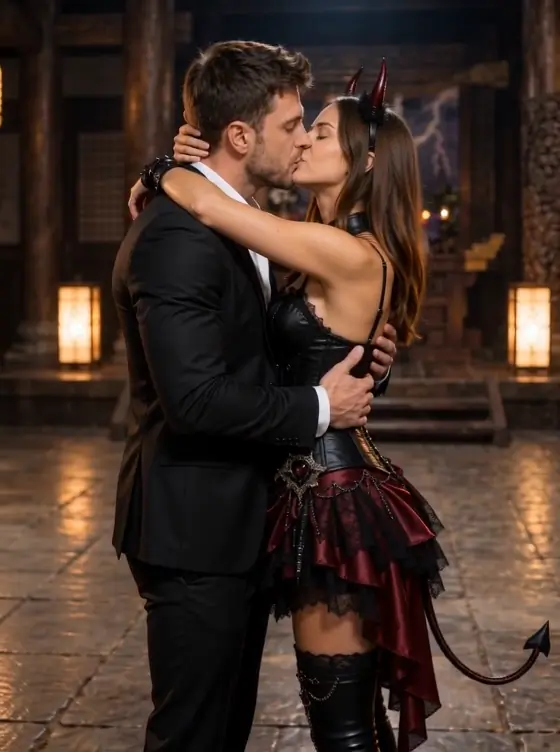
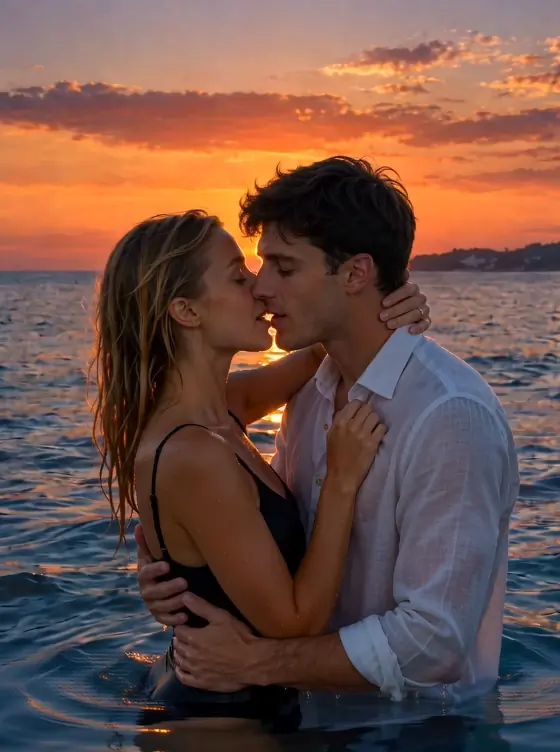
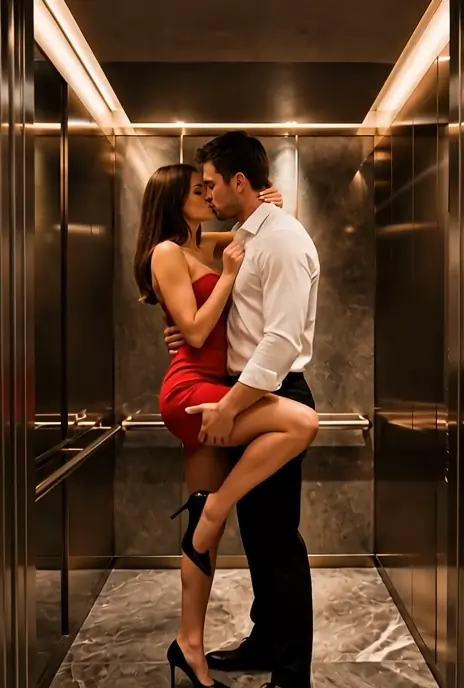
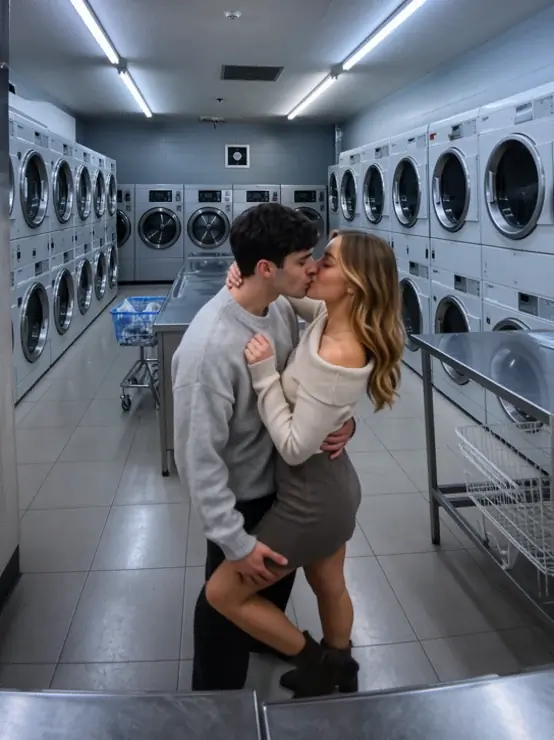
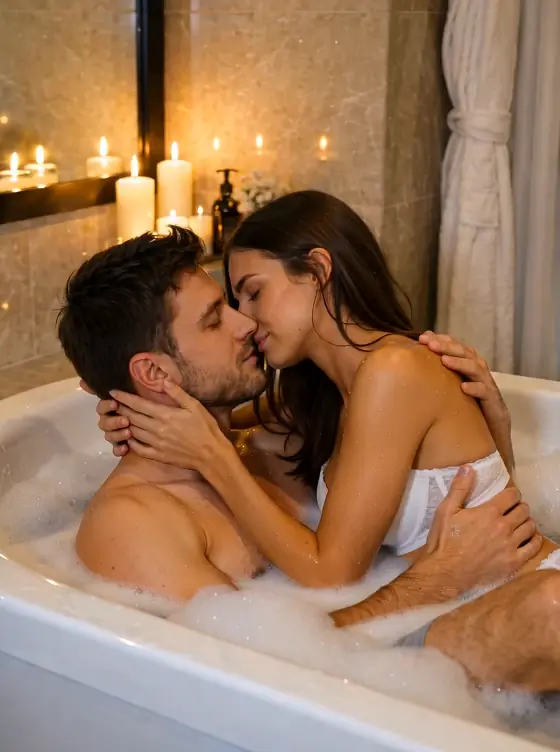

Experience Kissing in Different Scenes
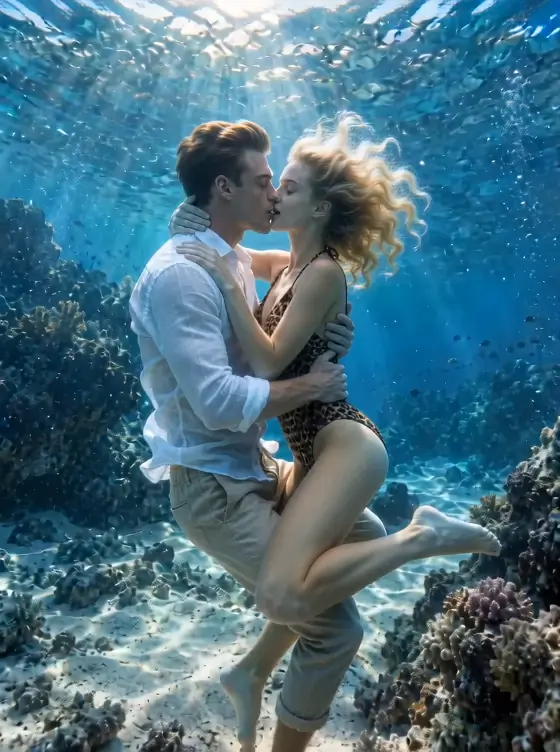
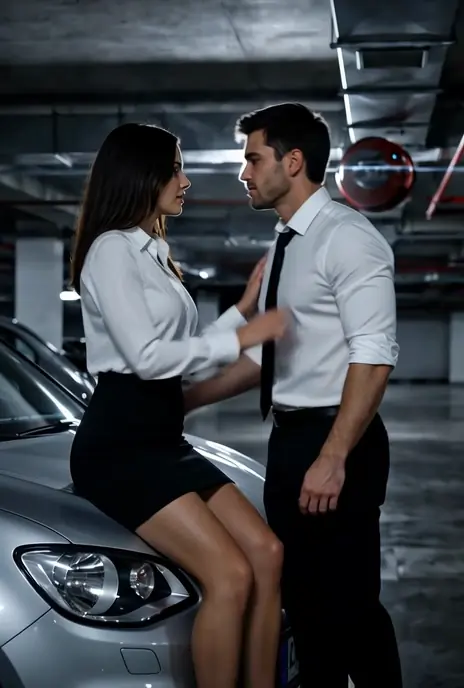
Choose a scene, upload your photos, and see yourselves kissing in romantic, cinematic, playful, and unexpected settings—from weddings and sunsets to cars, elevators, pools, and more.
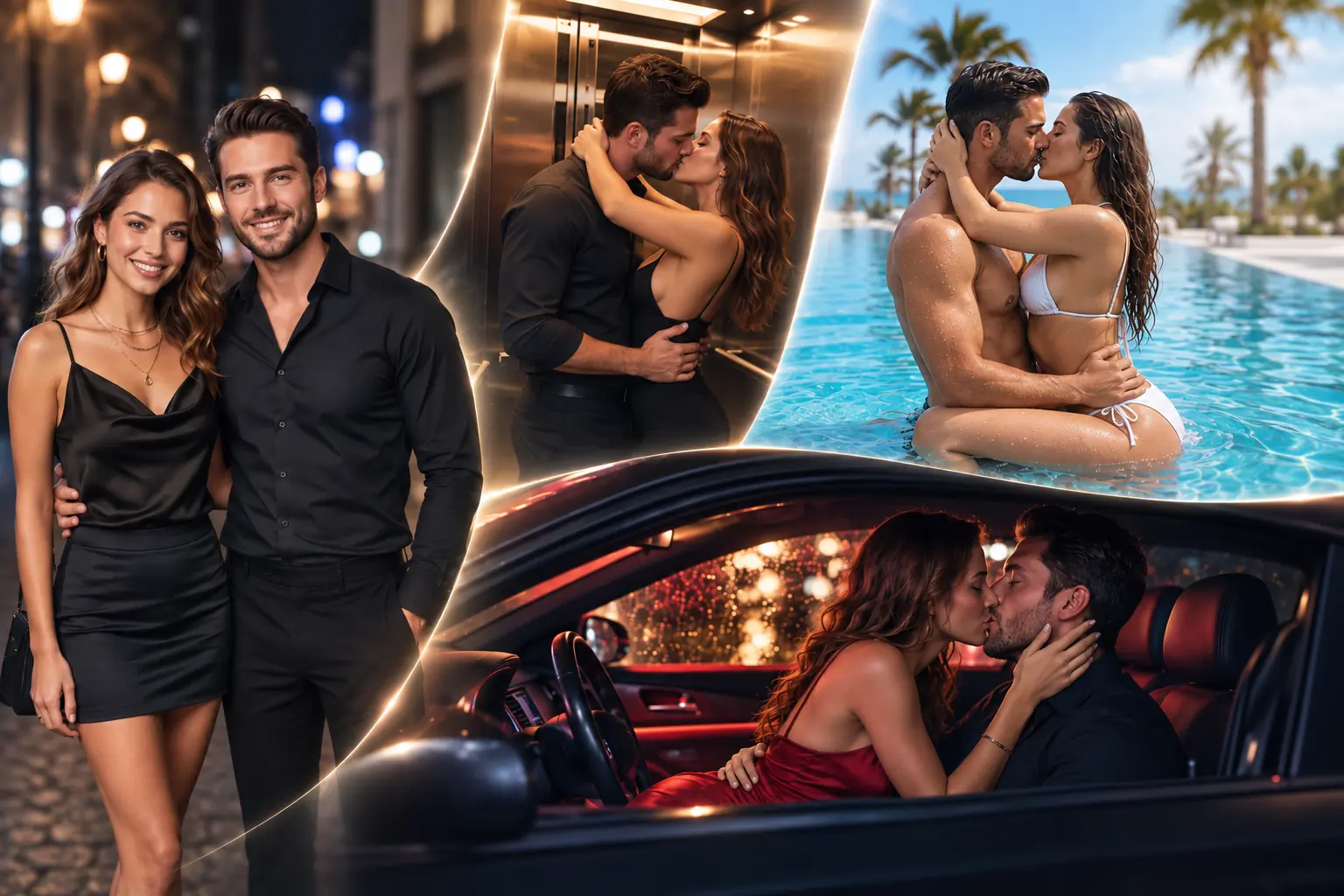
Create Your Kiss in 3 Simple Steps
Choose a moment you love, add your photos, and let AI bring the whole scene to life.
Step 1 — Pick a Kiss Effect
Browse the effects above and choose the setting, mood, and moment you want to create.
Step 2 — Add Your Photos
Upload two individual photos or one couple photo. Choose from available outfit options to fit the effect.
Step 3 — Make It Yours
Choose your kiss intensity and video settings, then generate your new kissing moment.
What Are AI Kiss Effects?
AI Kiss Effects turn your photos into complete kissing moments—not just a simple kiss animation. Each effect brings together its own setting, atmosphere, pose, camera style, outfits, and kiss intensity. The same two photos can become a romantic wedding kiss, a spontaneous elevator moment, a rainy-night car kiss, or something completely different. Simply choose the effect that catches your eye, add your photos, and let AIKissfiy build the moment around them.
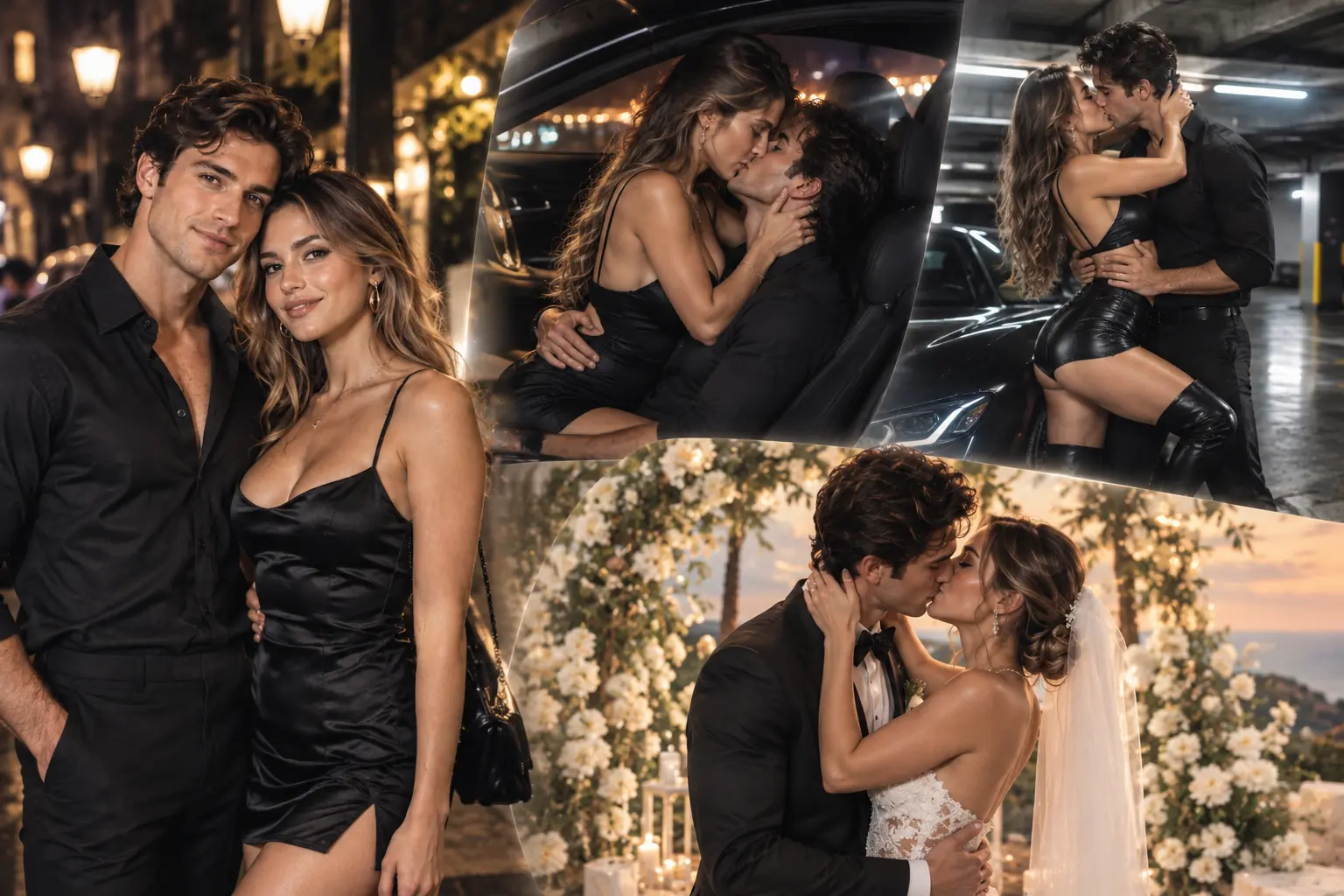
Get Better Results from Every Kiss Effect
A good source photo makes it easier to keep the people recognizable while bringing them naturally into a new scene.
Start with Clear Faces
Use photos where the face is sharp, well lit, and easy to recognize.
Keep Faces Uncovered
Avoid sunglasses, masks, hands, heavy hair coverage, or anything that hides important facial features.
Use Natural Photos
Photos with natural lighting and minimal filters usually give AI a cleaner identity reference to work with.
Avoid Extreme Angles
Front-facing or slightly angled portraits usually work better than strongly tilted, turned-away, or heavily cropped faces.
Different Moods
The same photos can feel completely different with another effect or kiss intensity. Experiment until you find the moment that feels right.
Leave Some Space
Avoid overly tight crops so AI has more room to preserve facial details.
Where Will Your Next Kiss Happen?
Choose a Kiss Effect, add your photos, and turn an ordinary picture into a moment you couldn’t capture in real life.
Explore More
AI Kissing Generator
Create a kissing video from your photos.
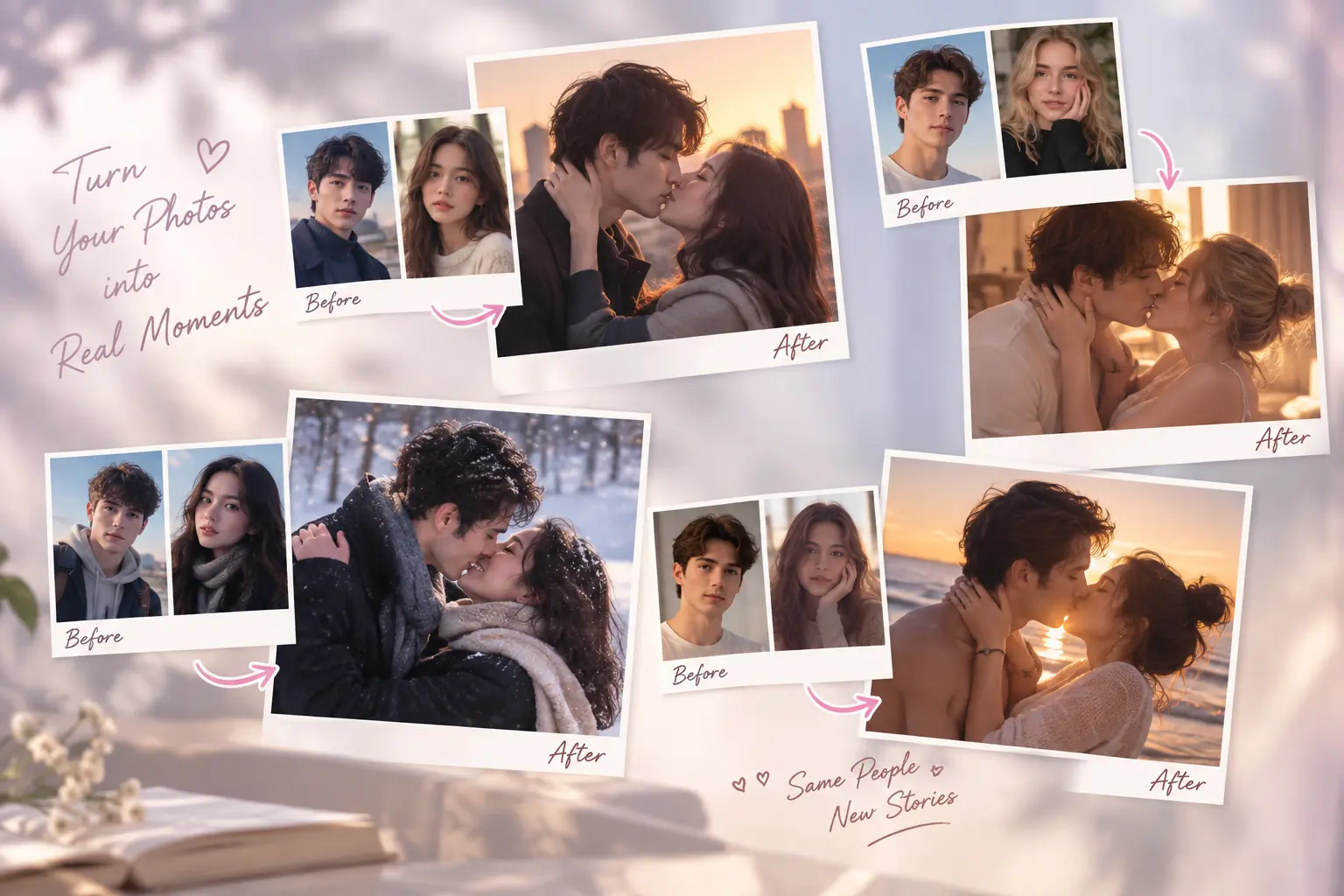
AI Kiss Photo Generator
Create personalized kissing photos from one couple photo or two portraits.
AI Love Story
Create a short romantic story from your photos.
AI Romantic Video
Create romantic moments with AI.
AI Wedding Video
Turn your couple photos into wedding-inspired videos.
AI Anniversary Video
Make memorable anniversary videos from couple photos.
AI Kiss Effects FAQ
AI Kiss Effects are ready-made video experiences that place your photos into different kissing moments. Each effect combines its own scene, atmosphere, poses, camera treatment, and kissing style.
The AI Kissing Generator focuses on creating kissing videos from your photos and exploring different ways to kiss. Kiss Effects go further by placing the couple into complete predefined experiences with different settings, outfits, poses, and visual moods.
Yes. You can upload two individual photos or use one couple photo, depending on the available input option.
Yes. Supported effects let you choose between different kiss intensities so you can change the mood of the final video.
Available effects include outfit options designed to match the scene. You can choose the look you prefer before generating.
No. The scene and main action are already built into each effect. Choose an effect, add your photos, adjust the available options, and generate.
Yes. The Kiss Effects collection is designed to keep growing, with new settings, moods, and creative moments added over time.
You can start with available free credits. Additional generations, higher-quality settings, or premium options may require credits.