
Loading the creation workspace…
AI Wedding Invitation Video Generator
Upload 3–5 couple photos, add your wedding details, and turn them into a personalized wedding invitation video with AI.
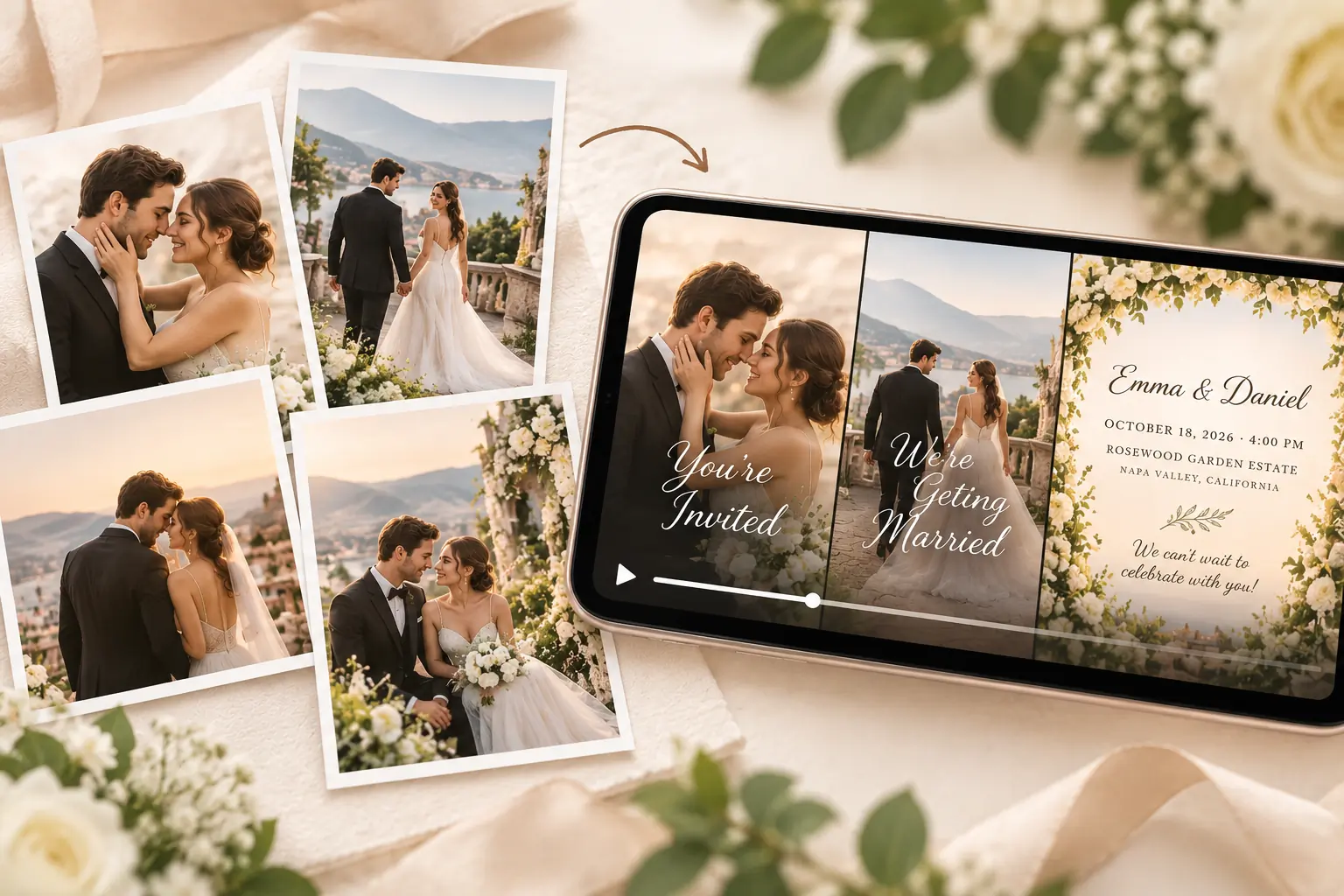
How to Create a Wedding Invitation Video
Step 1 – Upload Your Photos
Upload 3–5 of your favorite couple, engagement, pre-wedding, or wedding portraits. Arrange them in the order you want them to appear.
Step 2 – Add Your Wedding Details
Enter the bride’s and groom’s names, wedding date, time, venue, and location. Add an optional address or invitation message, then choose your music style.
Step 3 – Generate Your Invitation Video
Choose your model and video settings, then generate. AI brings your photos together with motion, invitation captions, and background music when audio is enabled.
What Is an AI Wedding Invitation Video Generator?
An AI Wedding Invitation Video Generator turns your couple photos and wedding details into a personalized video invitation. Instead of manually arranging a timeline, creating animations, adding transitions, or designing invitation text, AI combines your photos and information into a wedding video you can share with your guests.
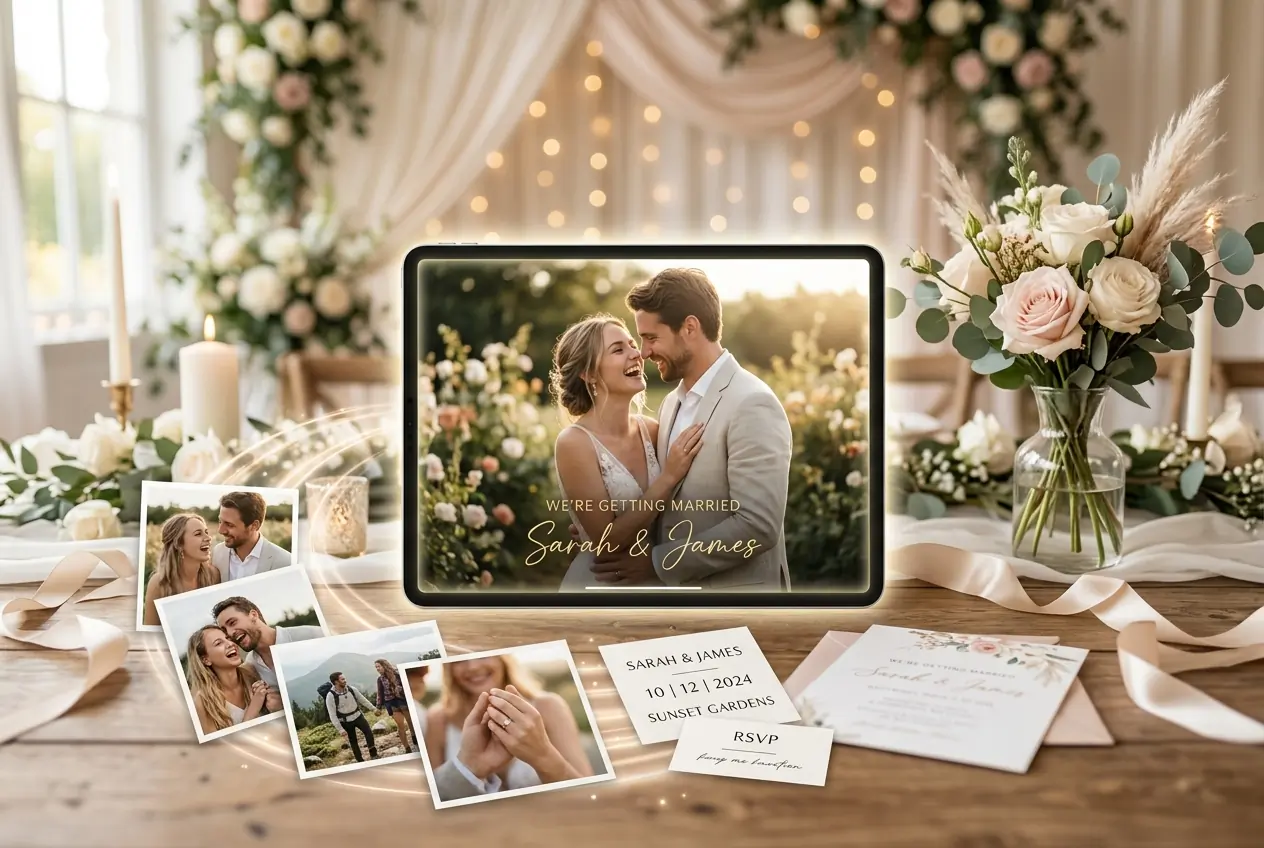
Create a More Personal Wedding Invitation with AI
Turn Your Photos into a Wedding Invitation Video
Bring 3–5 couple photos together in one elegant video with smooth motion, transitions, and personalized wedding details.
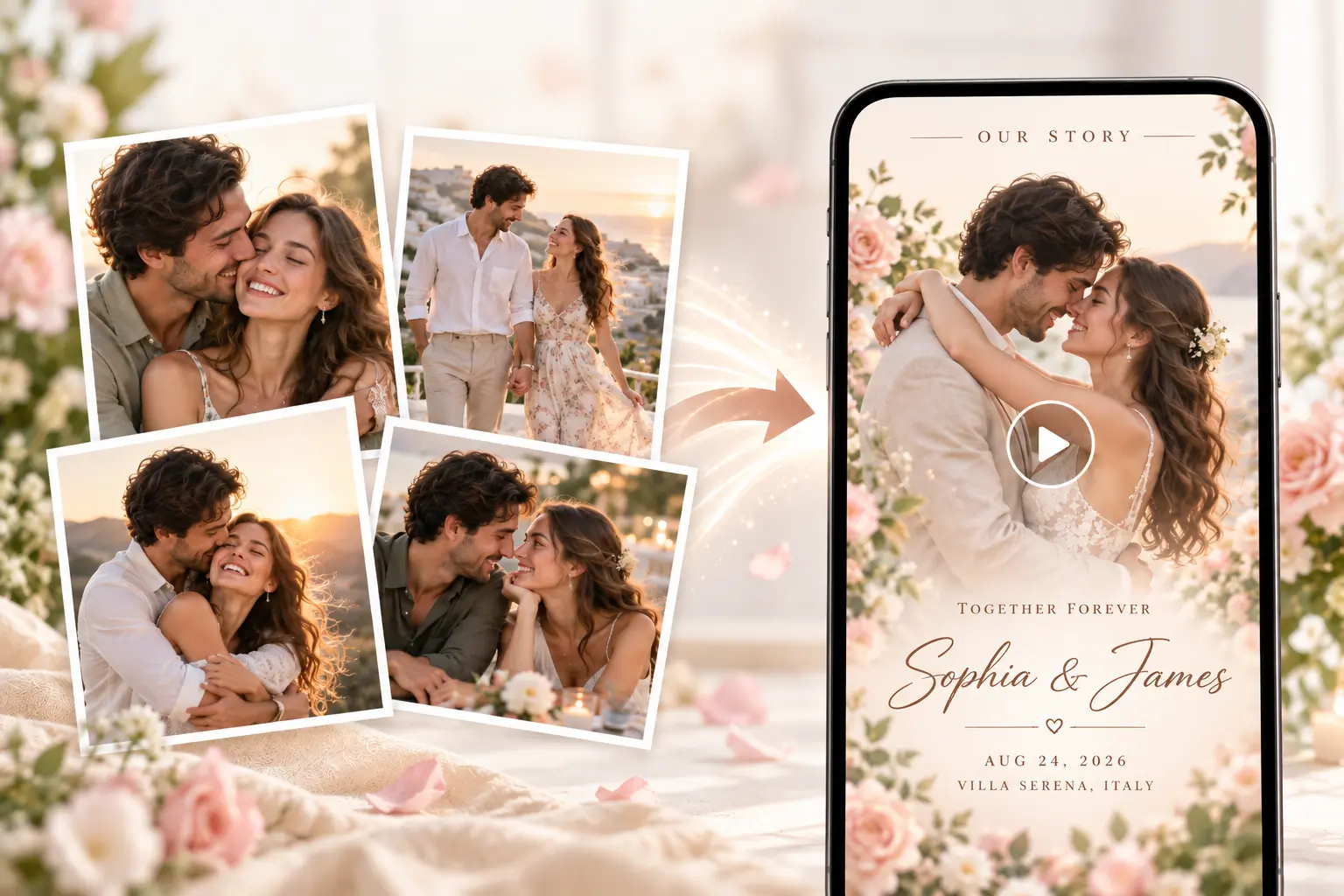
Tell Your Wedding Story Through Photos
Use your favorite couple and engagement photos to create an invitation that feels more personal and meaningful to your guests.
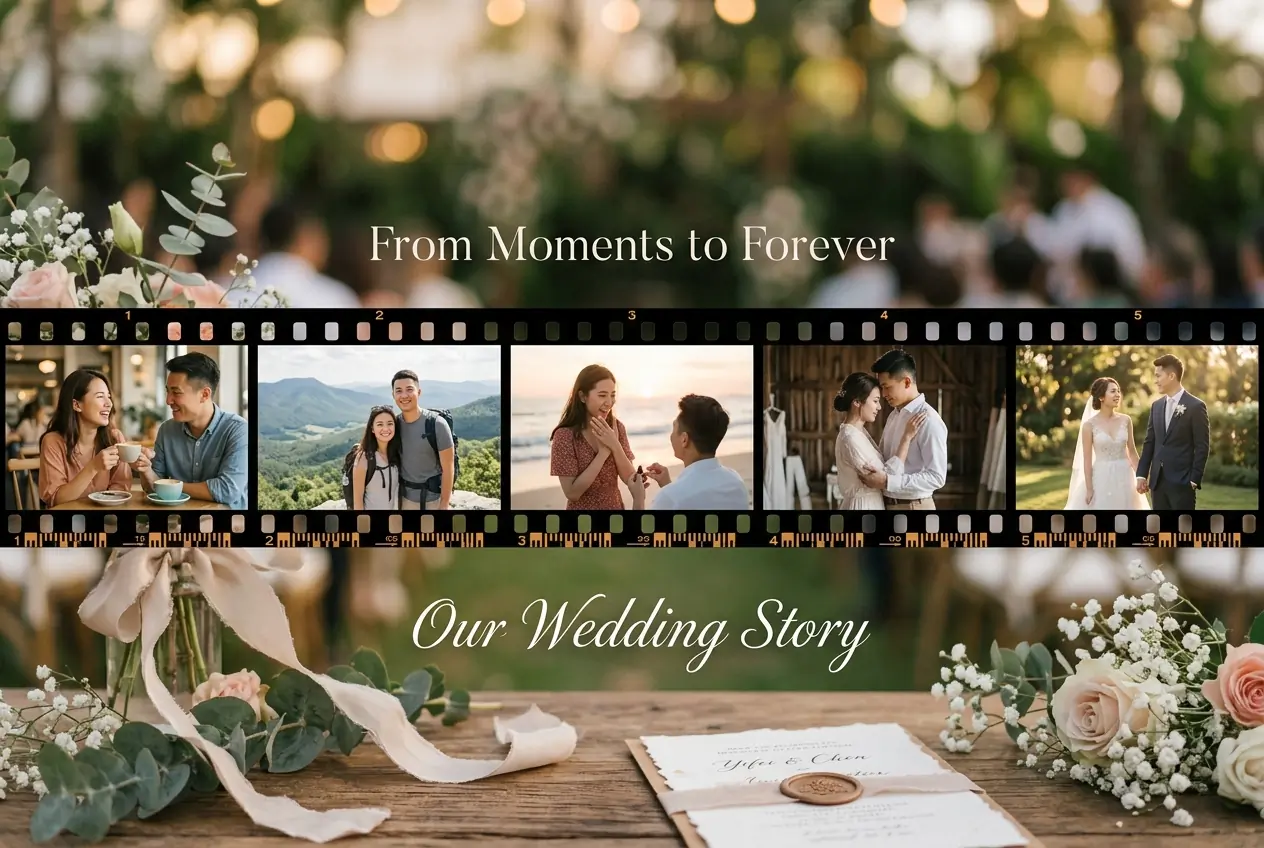
Create a Digital Wedding Invite Ready to Share
Create a wedding invite video you can download and send to family and friends through messaging apps or share on social media.
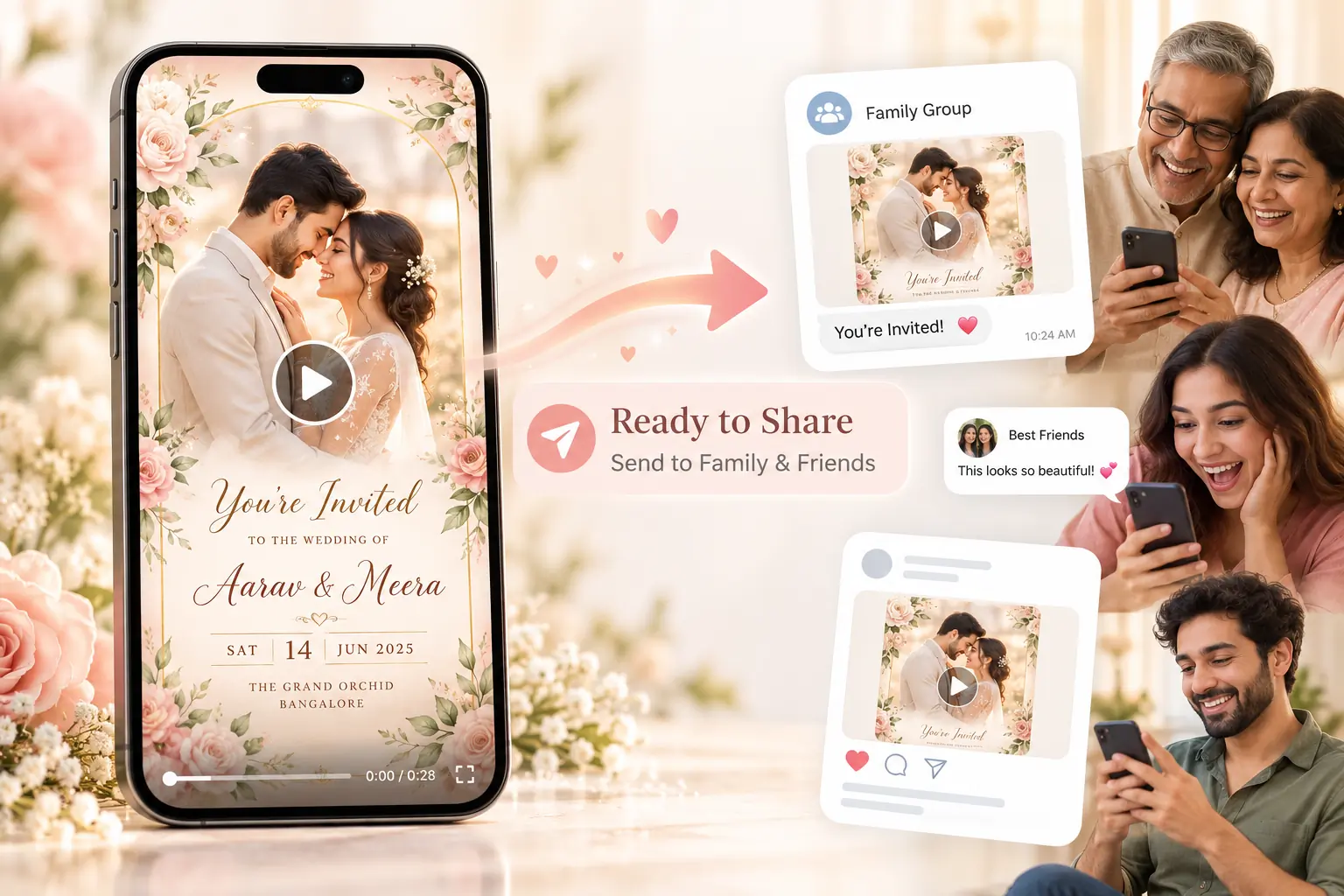
Why Choose AIKissfiy’s Wedding Invitation Video Generator?
Turn Multiple Photos into One Video
Upload 3–5 photos and let AI automatically bring them together into a complete wedding invitation video.
Add Wedding Details Automatically
Names, date, time, and venue become part of the invitation video without manual text editing or layout design.
Automatic Background Music
Add matching background music automatically to make your wedding invitation video feel more polished and complete.
More Than a Photo Slideshow
Subtle photo motion, smooth transitions, invitation text, and background music make your video feel more complete than a traditional slideshow.
No Video Editing Needed
No timeline editing, animation settings, voice recording, or complicated video software. Upload your photos and wedding details, then generate.
Made for Wedding Invitations
Unlike general-purpose video makers, the entire experience is designed around couple photos, wedding information, and a shareable final invitation video.
Create Your Wedding Invitation Video
Turn your favorite couple photos into a personalized wedding invitation you can share with the people who matter.
Explore More
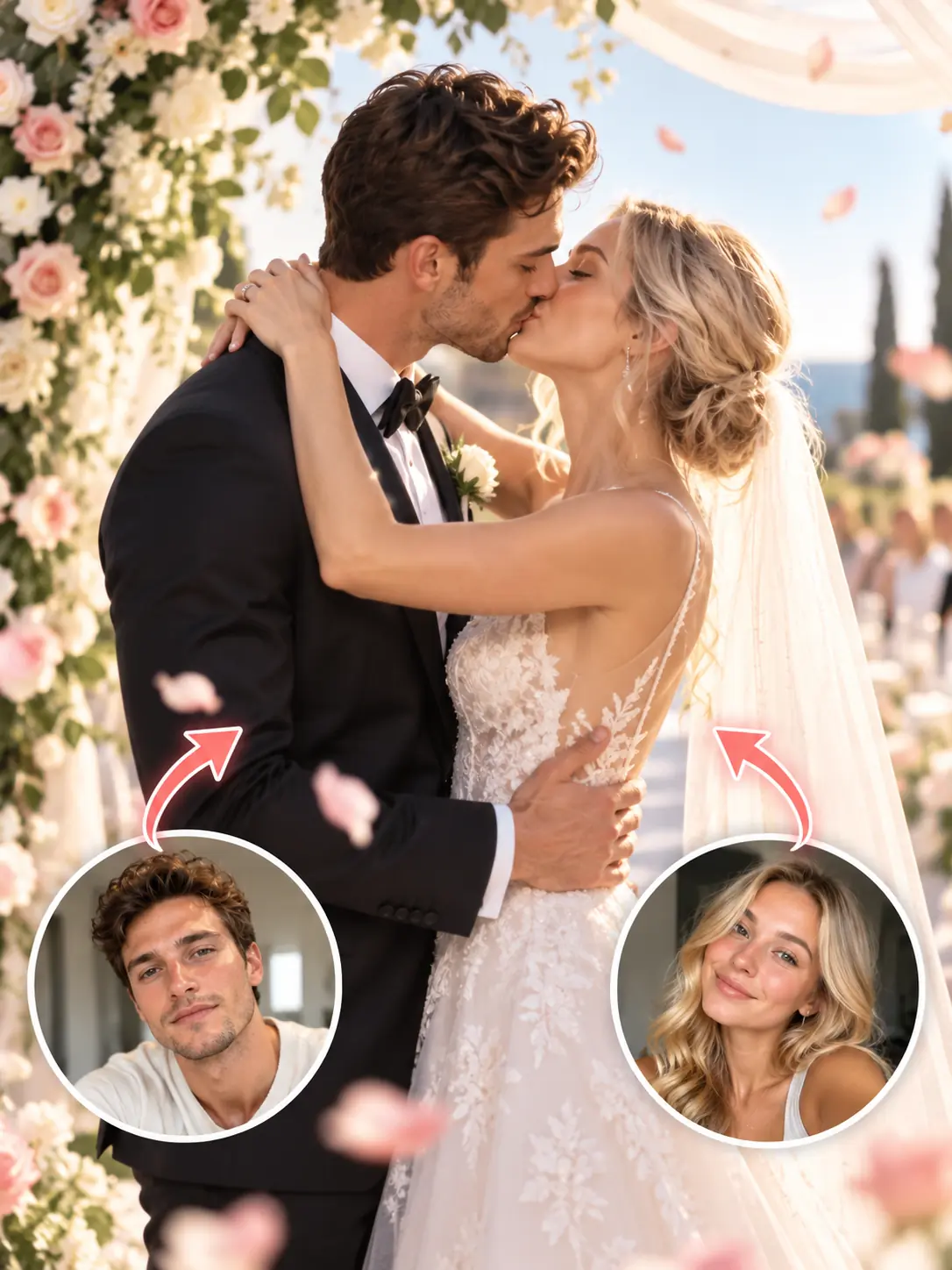
AI Wedding Video Generator
Turn your couple photos into cinematic wedding moments with custom scenes and outfits.
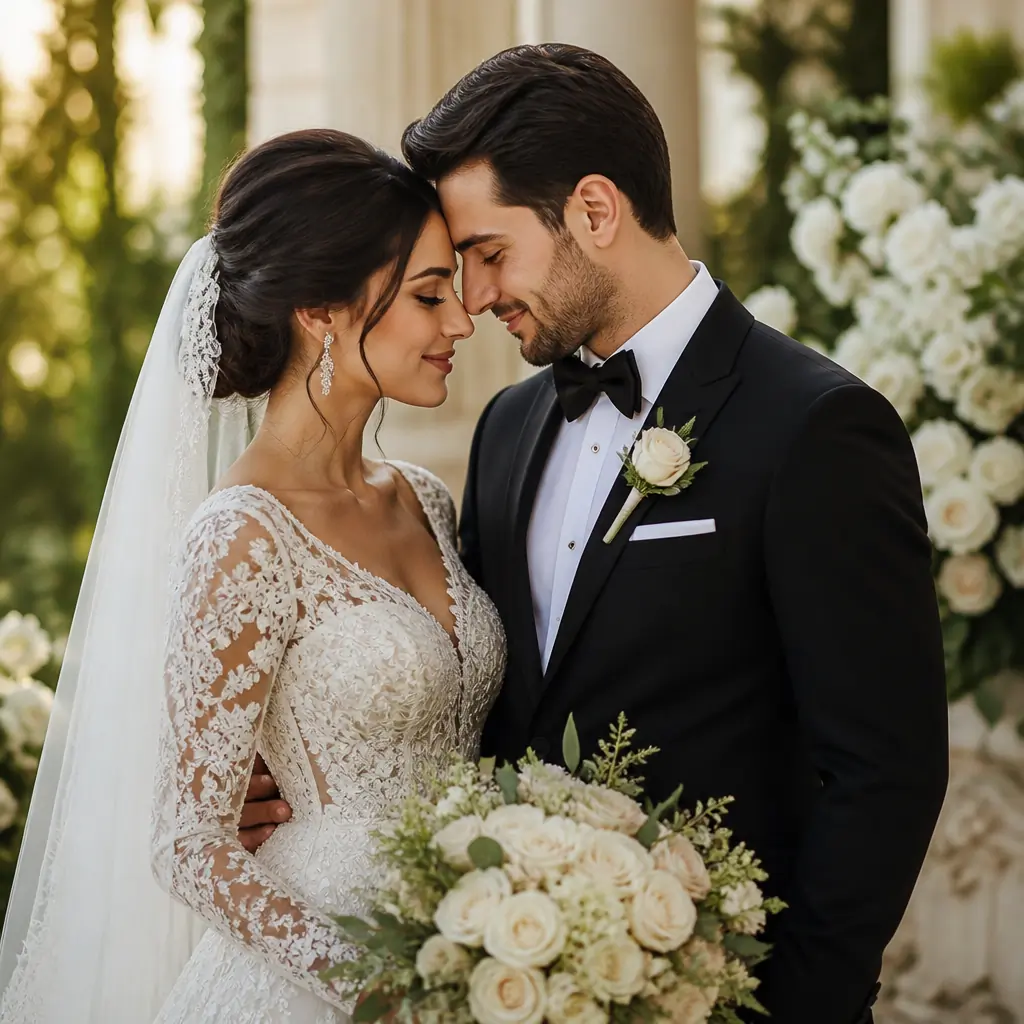
AI Wedding Photo Generator
Create wedding portraits to celebrate your special day.
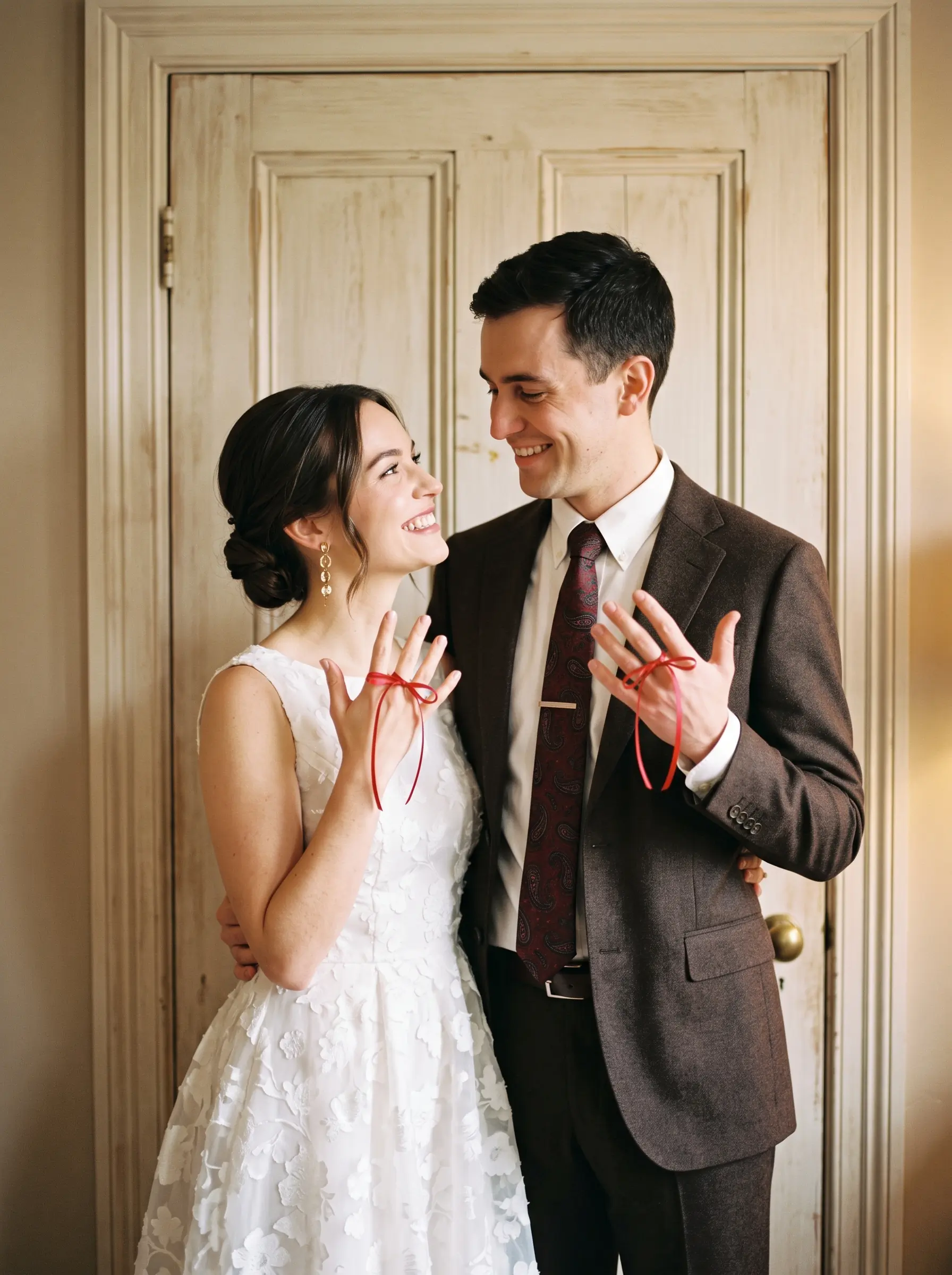
AI Engagement Photo Generator
Create engagement photos from your individual or couple portraits.
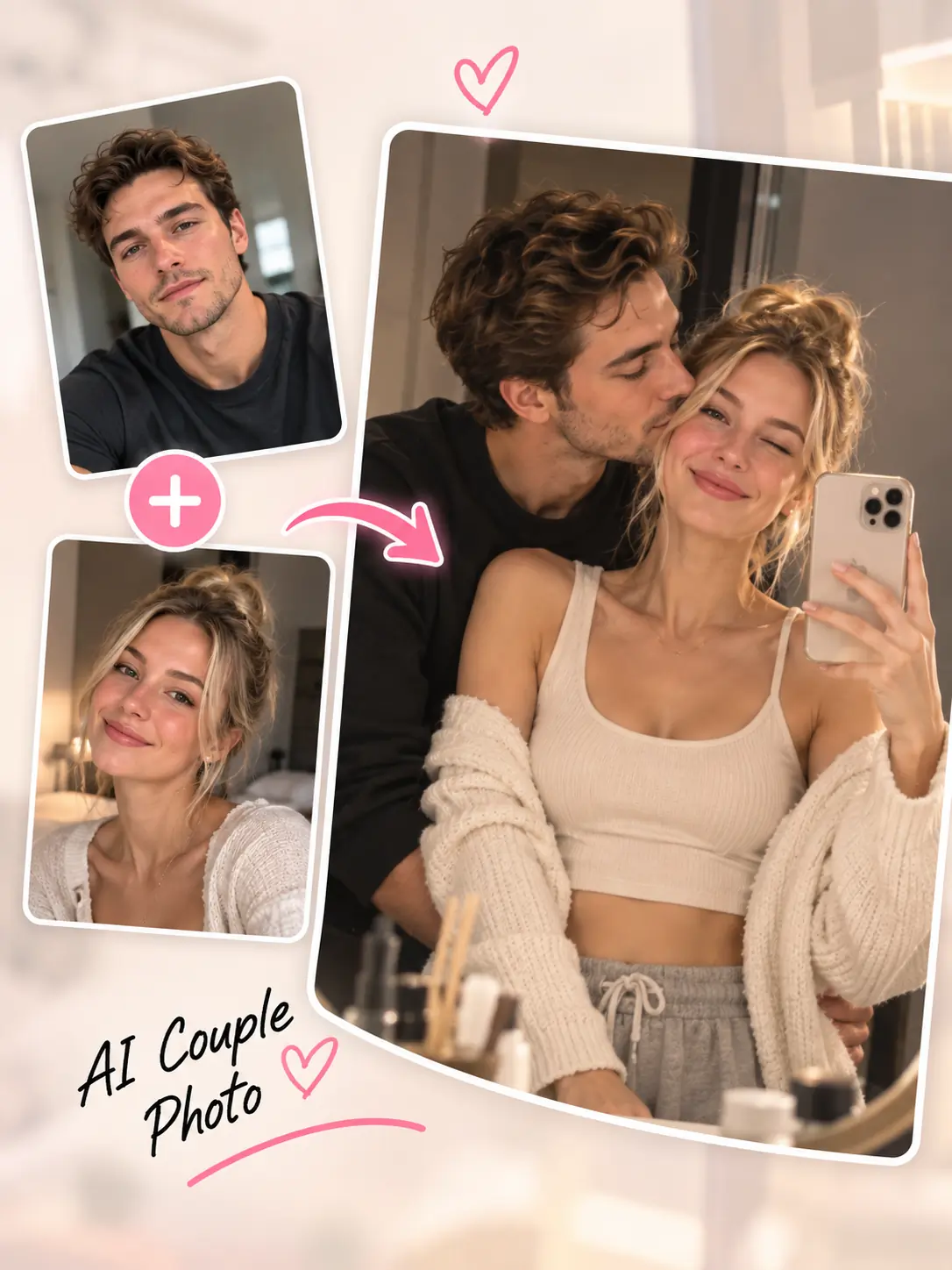
AI Couple Photo Generator
Bring two individual portraits together in a personalized couple photo.
AI Romantic Video Generator
Create romantic videos with your own scenes, actions, and outfits.
AI Anniversary Video Generator
Celebrate your relationship with a personalized anniversary video.
What Users Say
We already had our engagement photos, so I didn’t want another complicated editing app. I uploaded a few pictures, added our wedding details, and the video was basically ready.

Emma R.
I liked that it kept our original photos and outfits. It didn’t suddenly turn us into completely different-looking people.

Olivia T.
We used five of our pre-wedding photos and sent the finished video to our family group. It was much easier than trying to make one ourselves.
Daniel K.
Adding the date, venue, and time automatically saved us a lot of work. I didn’t have to figure out where every piece of text should go.

Rachel T.
Wedding Invitation Video FAQ
A wedding invitation video is a digital invitation that combines couple photos, wedding details, motion, and visual effects into a short video you can share with your guests.
Upload 3–5 couple, engagement, pre-wedding, or wedding photos, arrange their order, and enter your wedding details. Choose a music style and video settings, then let AI create your personalized invitation video.
Use clear couple photos with visible faces. Engagement photos, pre-wedding portraits, and wedding-style couple photos work especially well.
The bride’s and groom’s names, wedding date, time, venue name, and city or region are required. You can also add a detailed address and a personal invitation message. These details appear in the final shot.
The video is designed to preserve the original people, outfits, and visual style in your uploaded photos while adding motion and transitions. Results can vary by model, so preview your video before sharing.
A traditional slideshow mainly displays photos one after another. This wedding invitation video maker adds AI-generated motion, transitions, personalized invitation captions, and background music when audio is enabled.
This generator focuses on invitation captions and background music. Automatic voice narration is not included, and you do not need to record your own voice.
Yes. Choose Relaxing, Light, Cheerful, Elegant, or Upbeat as your background music style. The selected style guides the AI-generated music. Models with an audio switch also let you create a silent video.
The default duration is 6 seconds for 3 photos, 8 seconds for 4 photos, and 10 seconds for 5 photos. You can choose a longer duration within your selected model’s range. Caption timing adjusts to the selected duration.
Yes. Download your generated video and share it with family, friends, and wedding guests through messaging apps or social media.