
Models
Upload Family Member Photos
Upload photos
0/10
Choose Your Family Photo
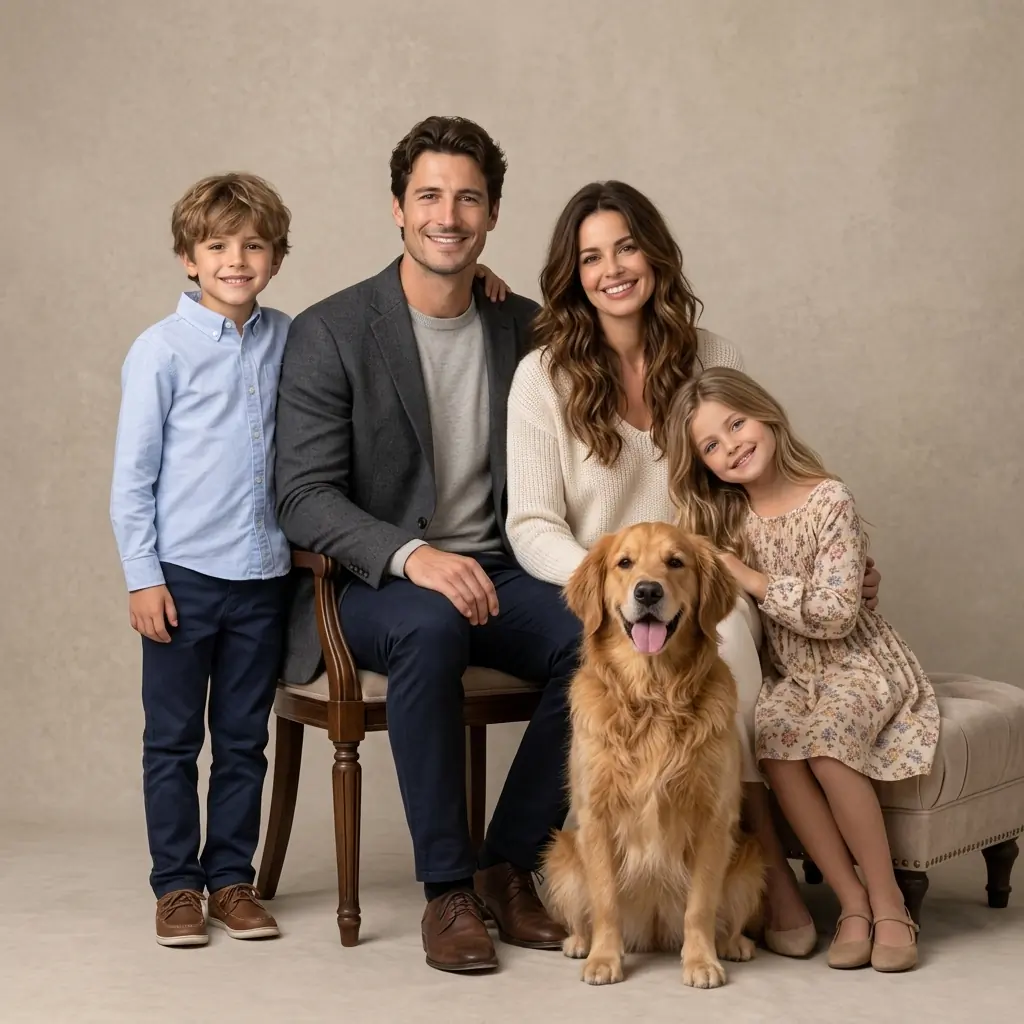
Classic Studio
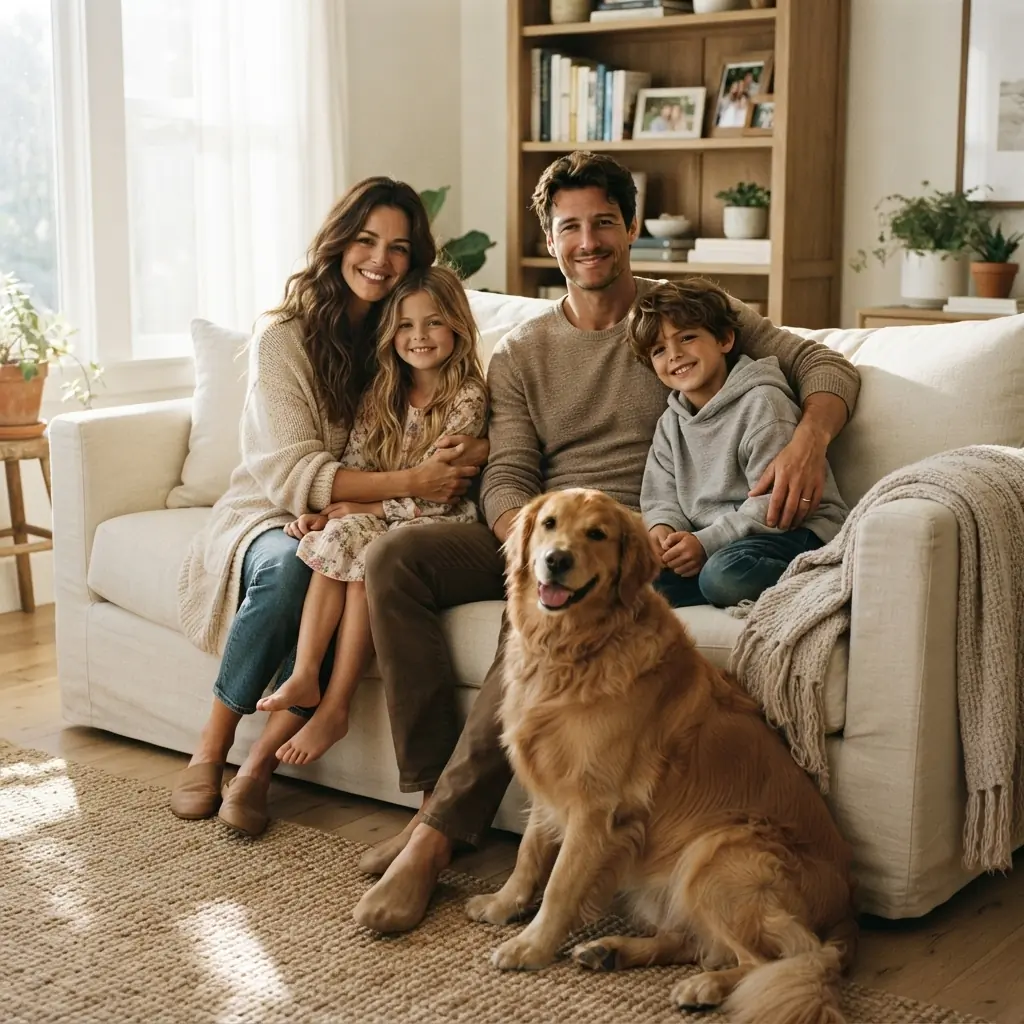
Cozy Home
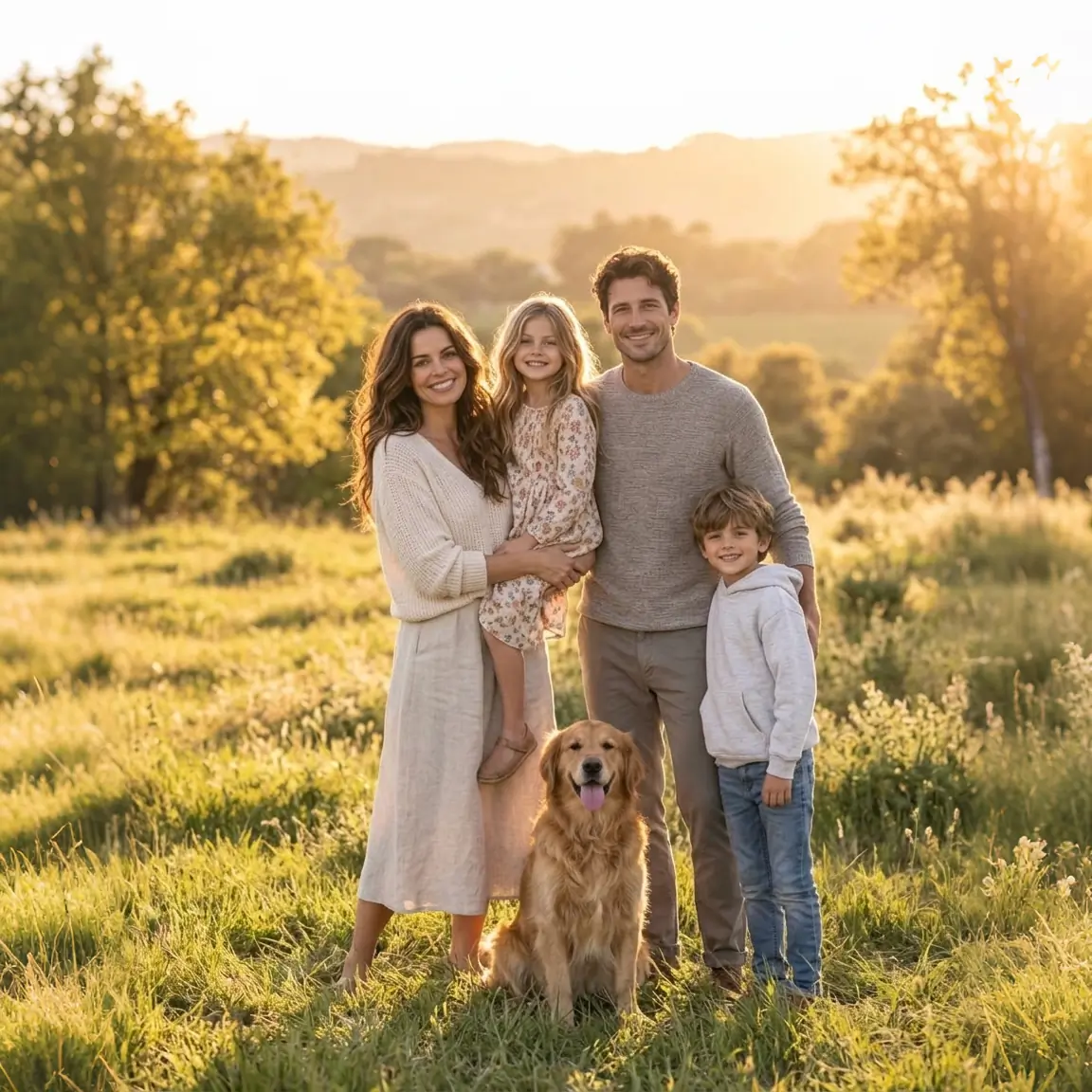
Outdoor Golden Hour
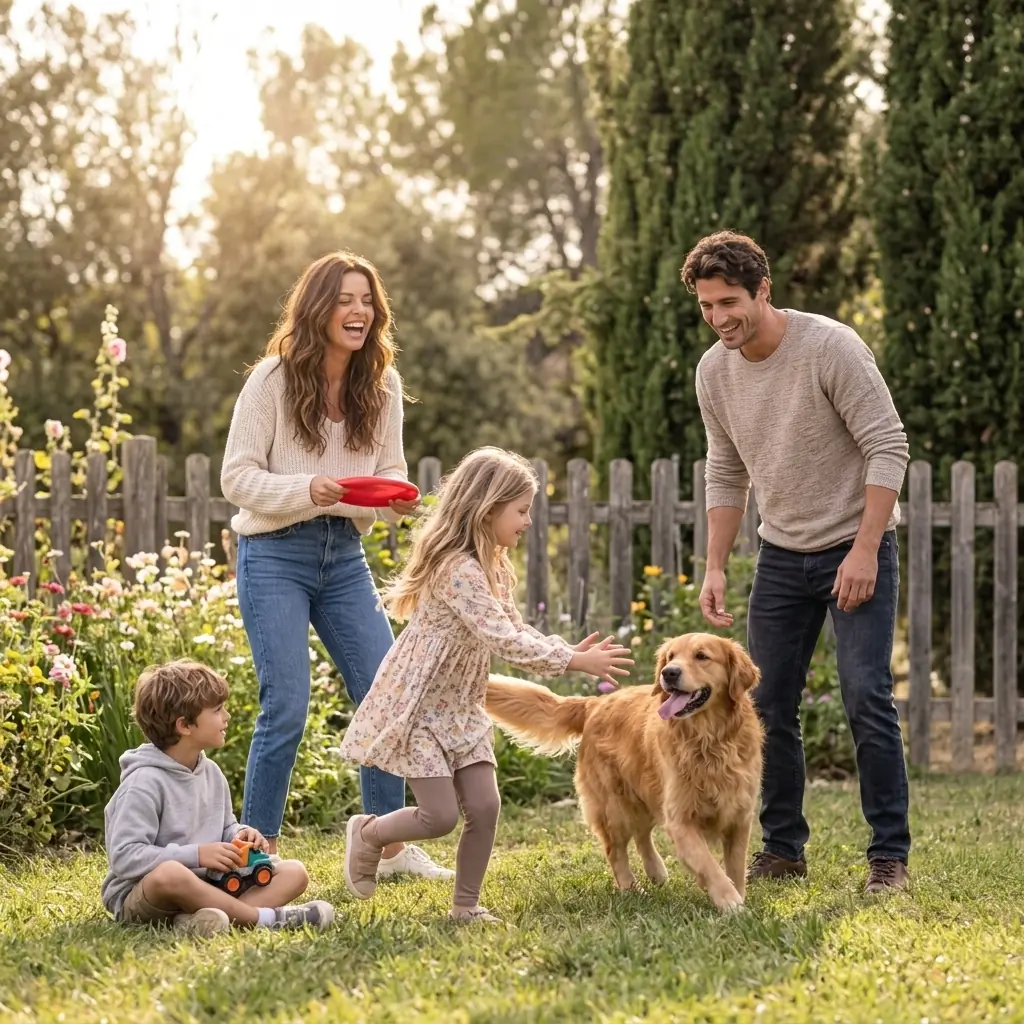
Casual Lifestyle
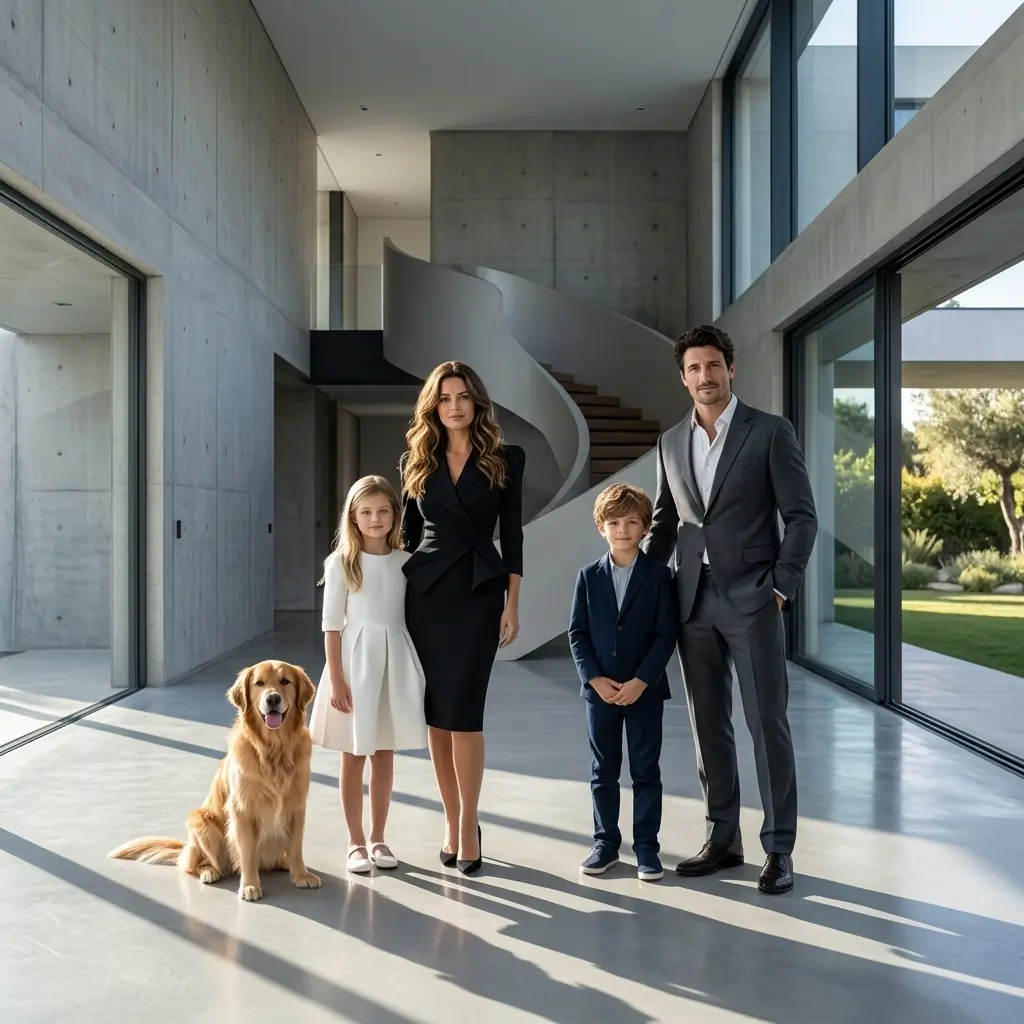
Luxury Editorial
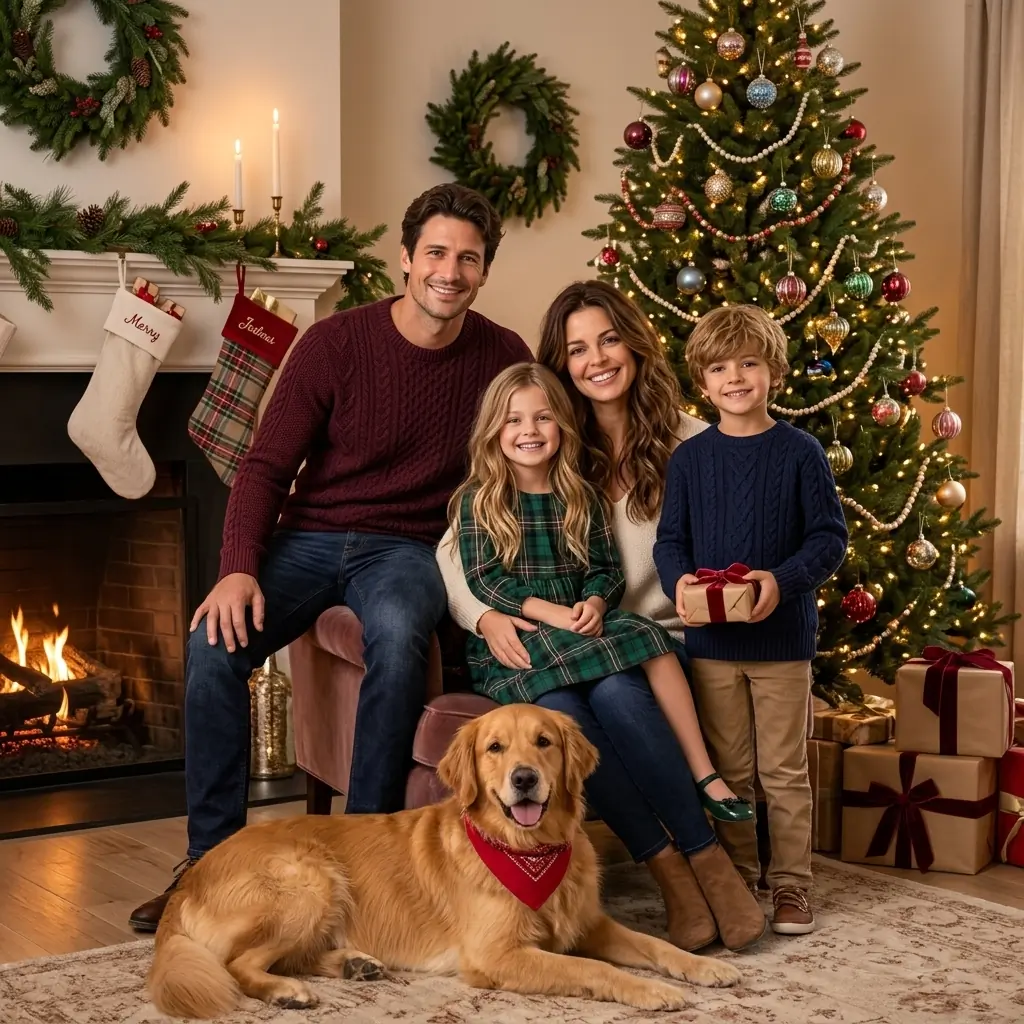
Christmas Family
Framing
AI Family Photo Generator
Upload separate photos of your family members and pets, choose a family photo concept and framing, add an optional custom request, and create one realistic family portrait.
AI Family Photo Generator
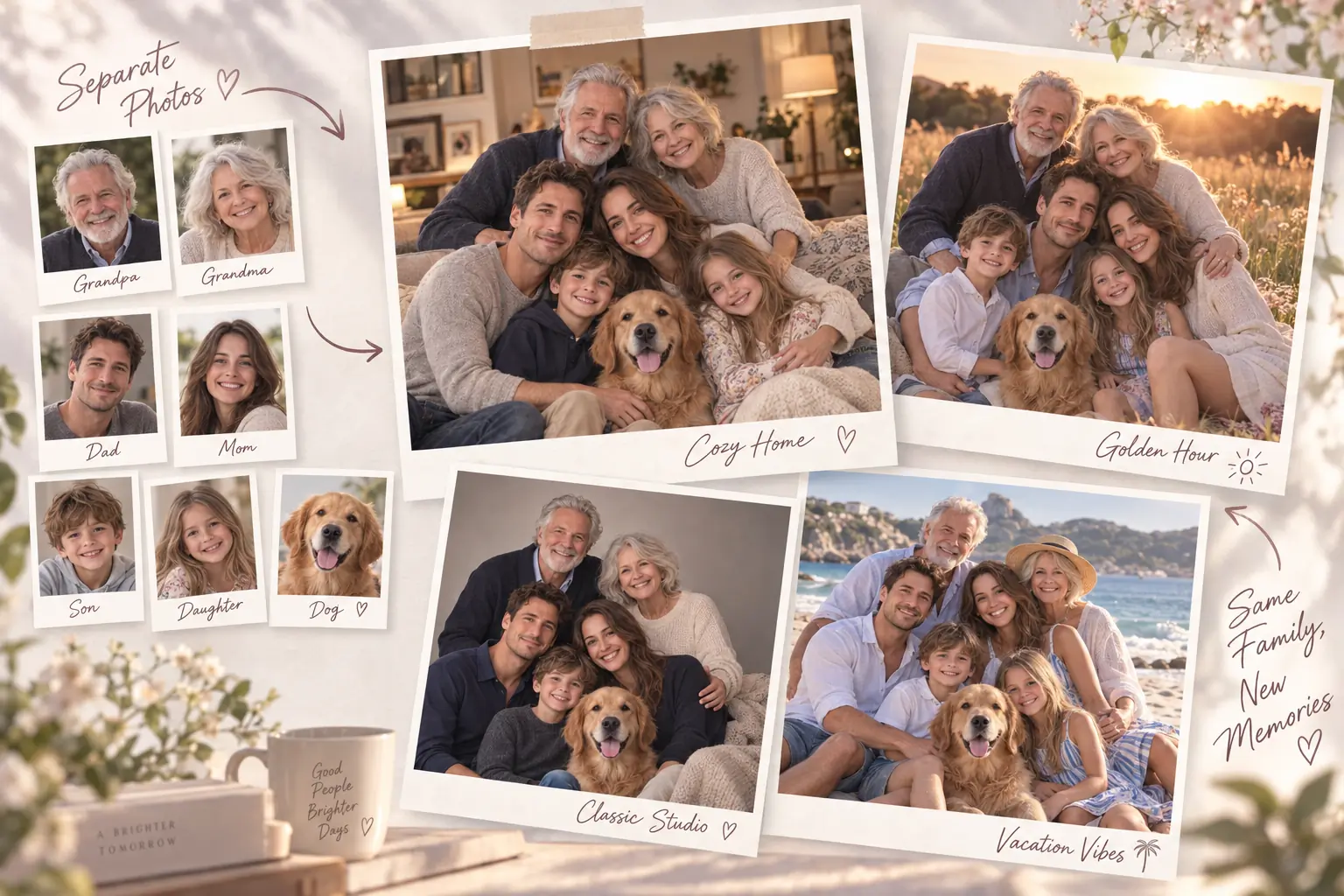
Bring separate family photos together in one realistic family portrait. Create a complete family photo with parents, children, grandparents, and pets—even when everyone was photographed separately.
What Is an AI Family Photo Generator?
An AI Family Photo Generator creates a new family photo from separate reference images. Instead of needing everyone in the same place for a photoshoot, you can upload individual photos of family members and pets, choose a family photo concept, and let AI bring them together in one coherent image. It works as an AI family portrait generator designed for personalized family photography. The uploaded images are used as identity references while the selected concept controls the scene, clothing direction, composition, lighting, mood, and overall photographic look.
How to Create a Family Photo with AI
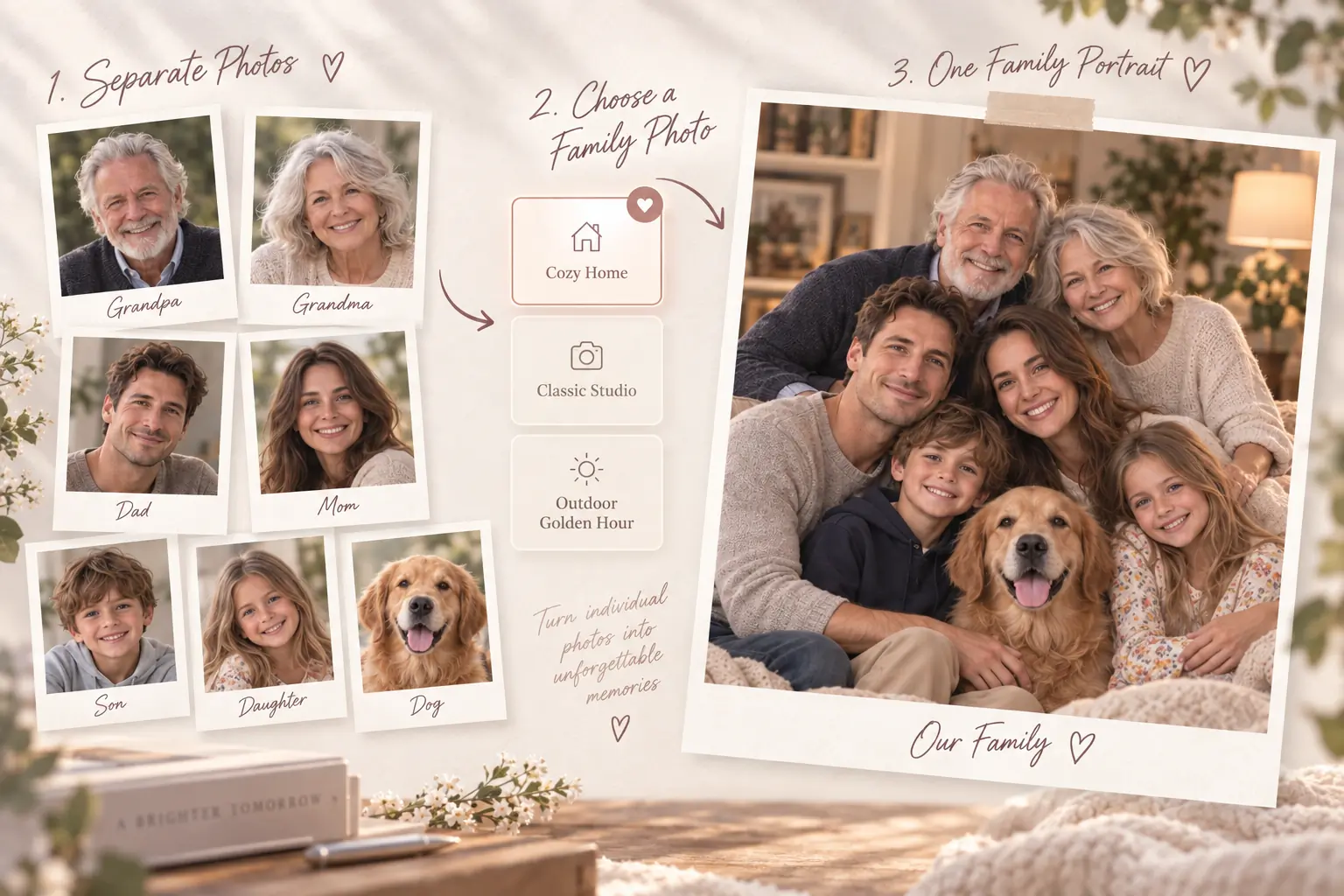
Create one family photo from separate individual photos in three simple steps.
Step 1 – Upload Family Member Photos
Add clear reference photos for the people and pets you want to include. Each uploaded image is used as a separate identity reference for the final family photo.
Step 2 – Choose Your Family Photo
Pick from 13 family photo concepts, choose how tightly the family is framed, and add an optional custom request.
Step 3 – Generate Your Family Photo
Let AIKissfiy bring the uploaded family members together in one coherent photo while following your selected family photo concept and custom request.
Create Family Photos for the Moments That Matter
Bring family members together in one photo for meaningful memories, special occasions, and everyday moments—even when everyone was photographed separately.
Bring Distant Family Members Together
Create one family photo from separate portraits when relatives live in different cities or countries and cannot easily be photographed together.
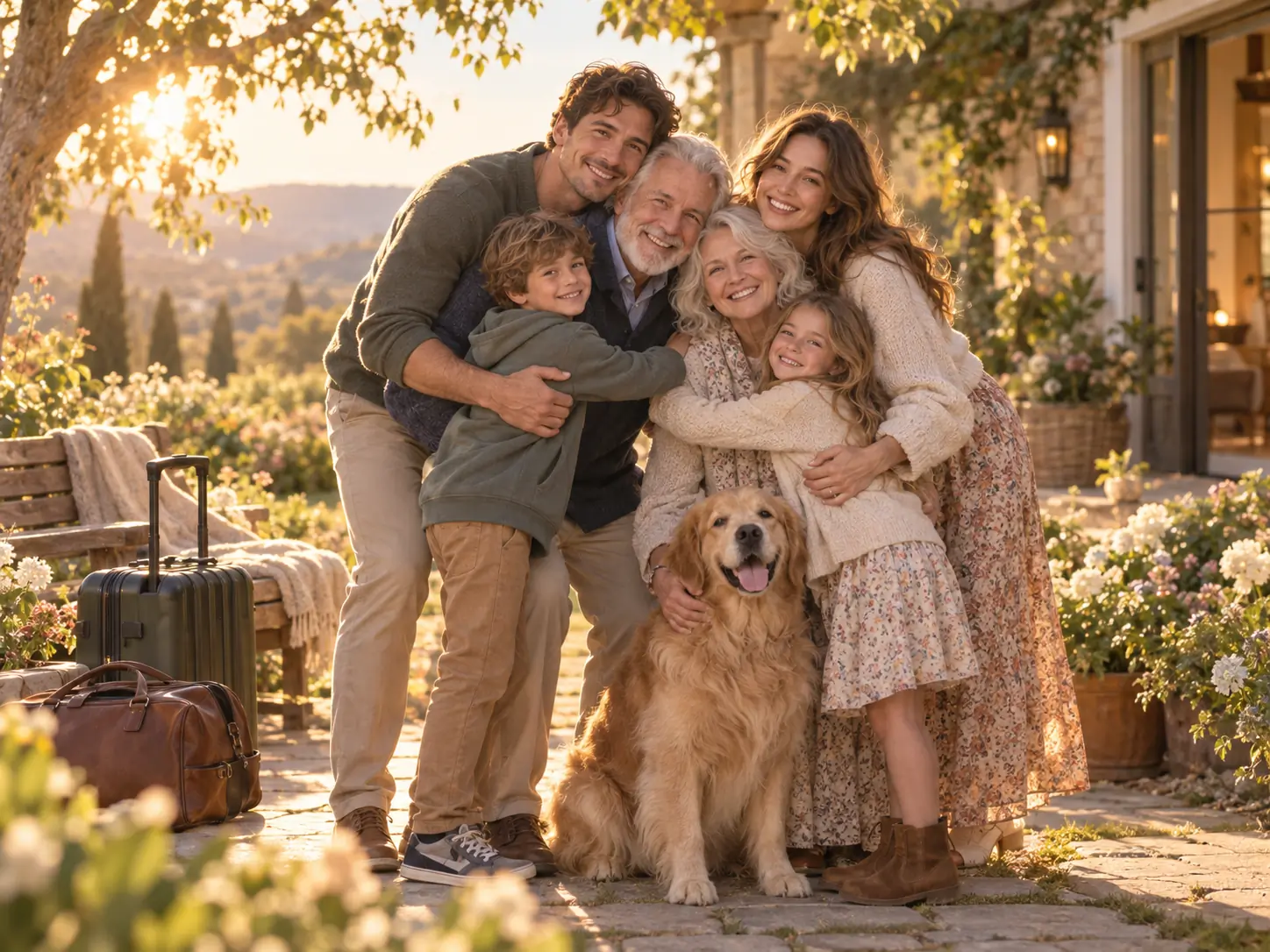
Create Multi-Generation Family Portraits
Combine parents, children, grandparents, and other relatives into one personalized family portrait for a meaningful multi-generation keepsake.
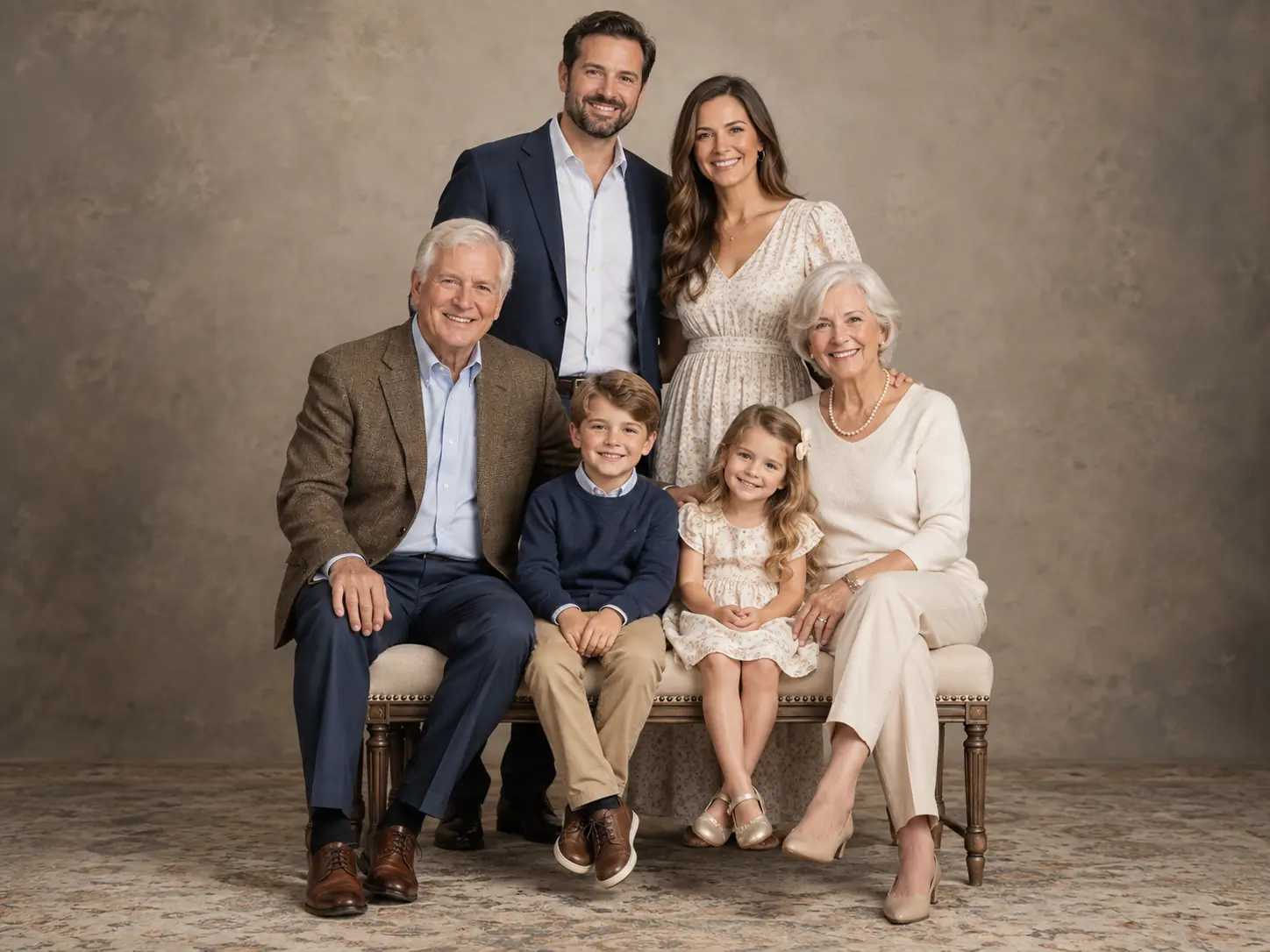
Include Someone Who Couldn't Join the Photoshoot
Use a separate reference photo to include a family member who could not be there for a shared photoshoot and create one complete family portrait together.
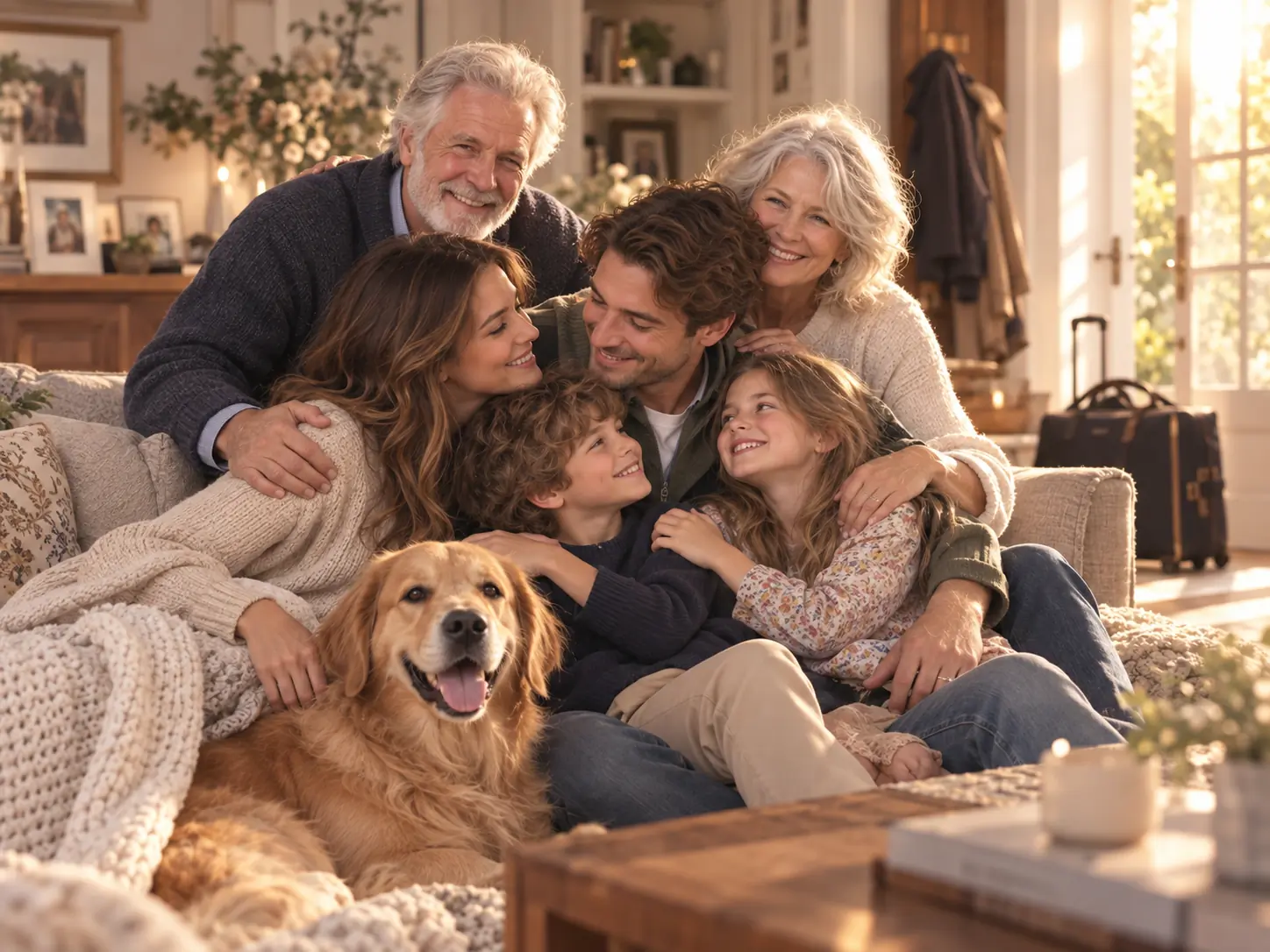
Create Family Photos with Pets
Include dogs, cats, and other pets alongside family members to create a complete family photo that reflects everyone who belongs in the household.
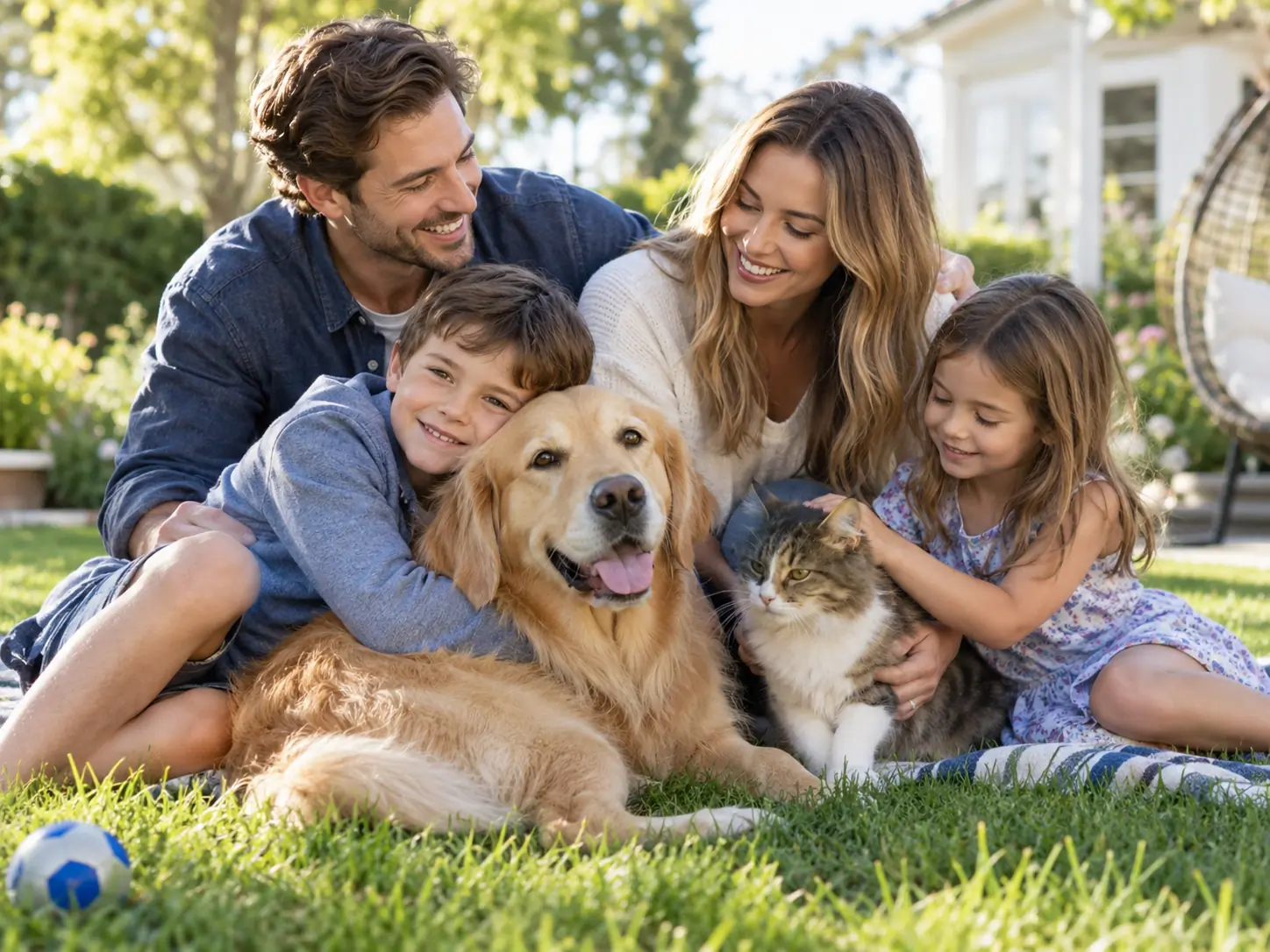
Make Holiday and Christmas Family Photos
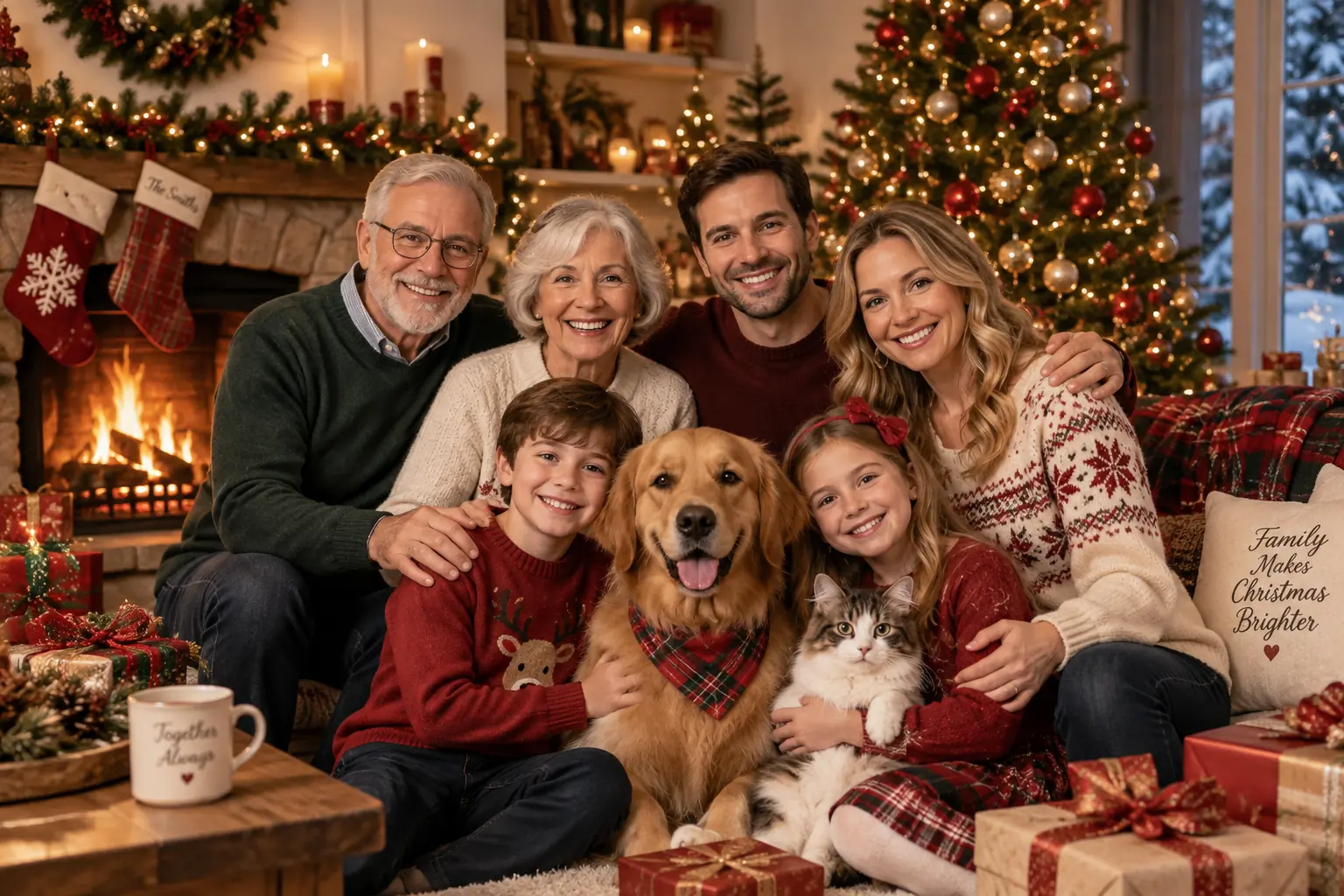
Turn separate family photos into festive Christmas or holiday portraits with coordinated seasonal styling, warm lighting, and a shared holiday setting.
Why Create AI Family Photos with AIKissfiy?
Create a personalized family portrait from separate photos without needing everyone to be photographed together at the same time.
Bring Separate Photos Together
Upload individual reference photos and combine family members into one new family image instead of starting with an existing group photo.
13 Family Photo Concepts
Choose from 13 complete photography concepts, including Classic Studio, Cozy Home, Black & White Fine Art, Neo-Chinese Heritage, Japanese Kimono, and Eid Family.
Include Family Members and Pets
Create family photos with adults, children, grandparents, and pets by adding each intended subject as a separate reference.
Add Your Own Custom Request
Personalize clothing, setting, pose, subject placement, mood, colors, and other visual details with an optional custom instruction.
Keep Recognizable Appearances
Your uploaded photos are used as identity references to help preserve recognizable facial features, appearance, and distinctive pet characteristics.
One Coherent Family Scene
The generator is designed to place everyone into the same photographic environment with consistent lighting, perspective, composition, and visual treatment.
Explore More
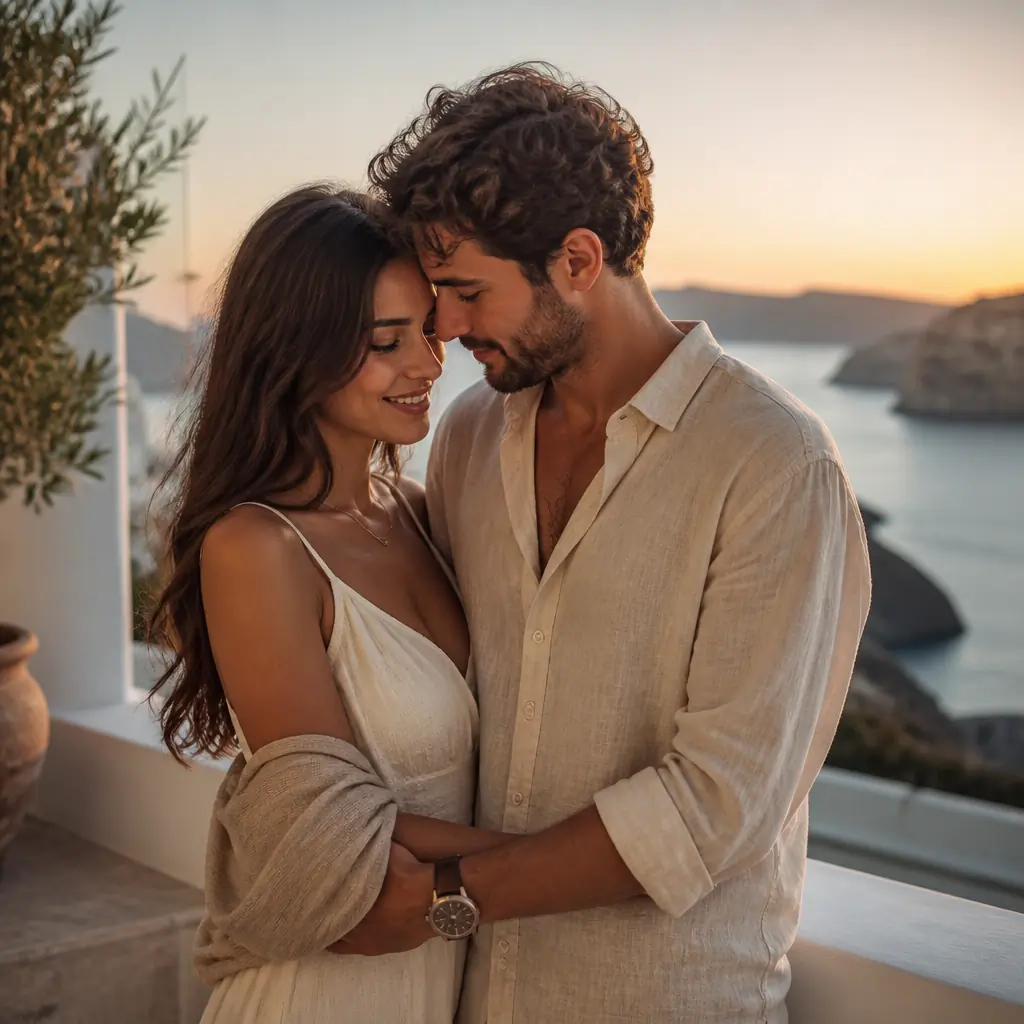
AI Couple Photo
Create personalized couple photos across romantic, lifestyle, travel, and everyday scenes.
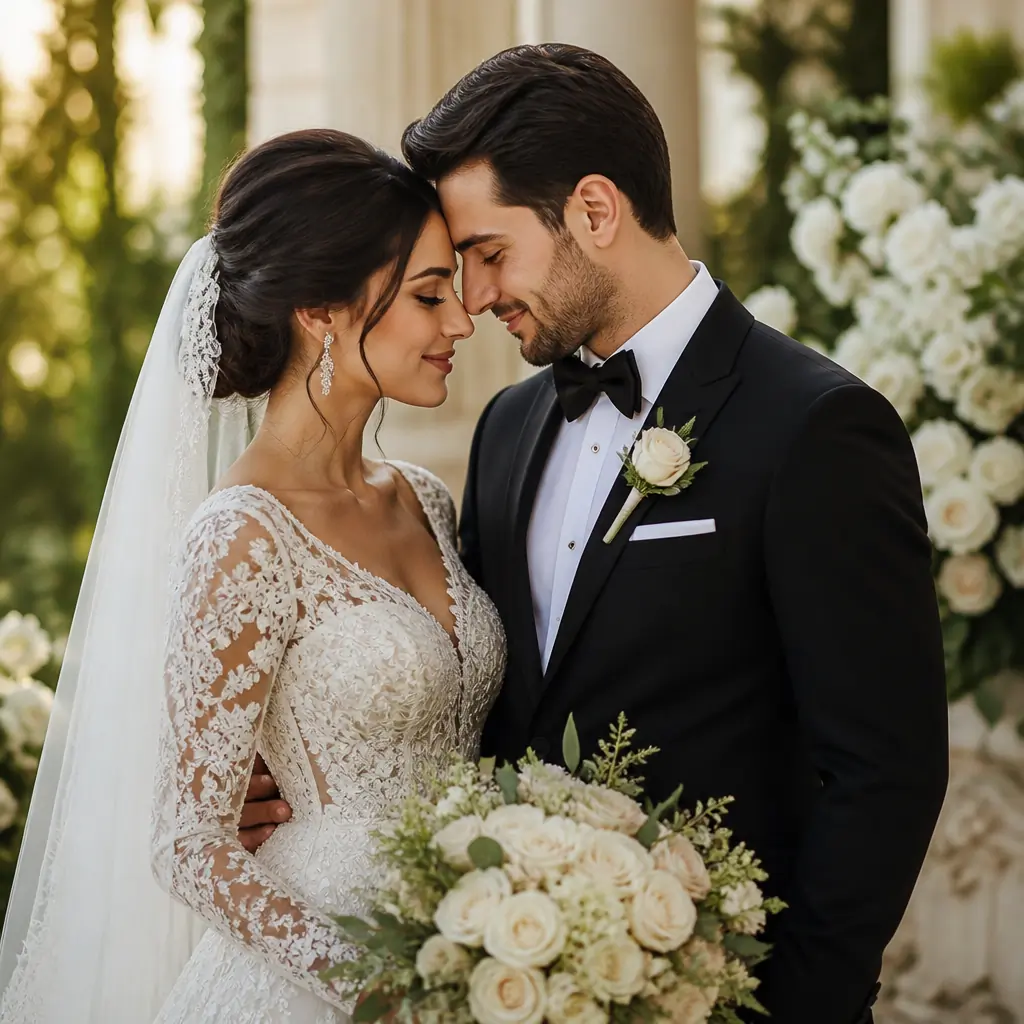
AI Wedding Photo
Create elegant wedding-inspired photos from your uploaded portraits.
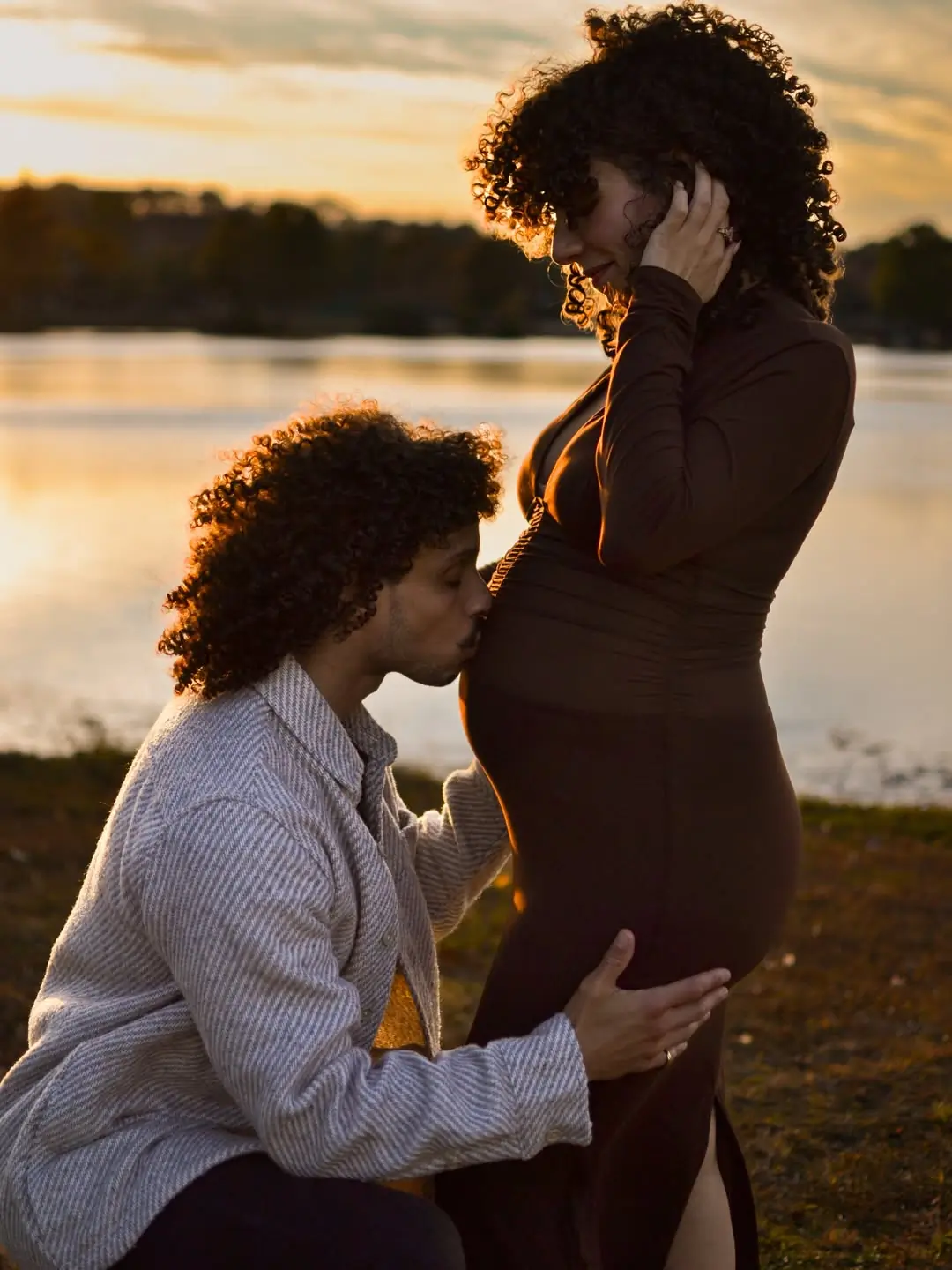
AI Maternity Photography
Create personalized maternity portraits with elegant settings, outfits, and photography styles.
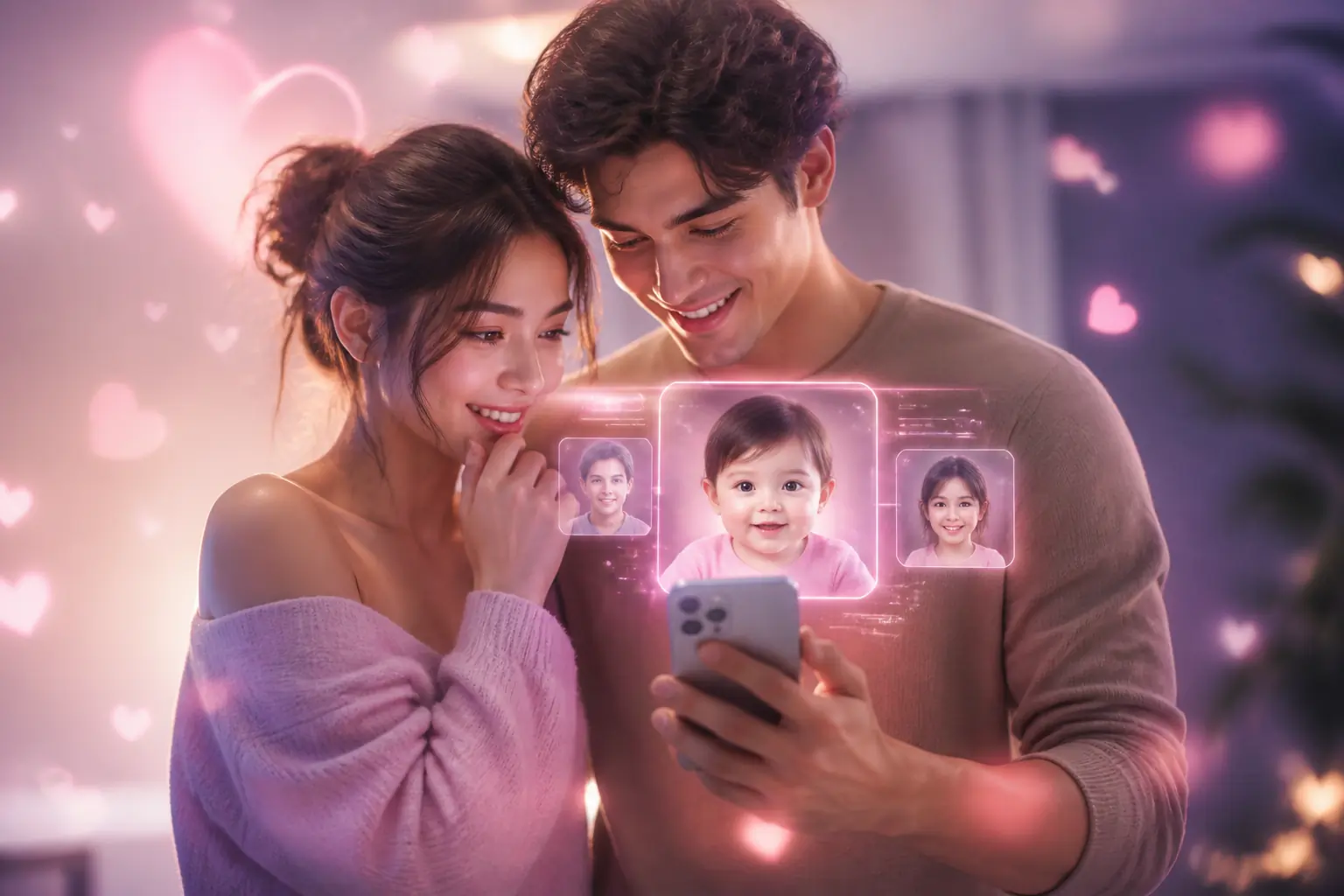
AI Baby Generator
Combine parent photos to imagine your future baby in a realistic AI-generated portrait.
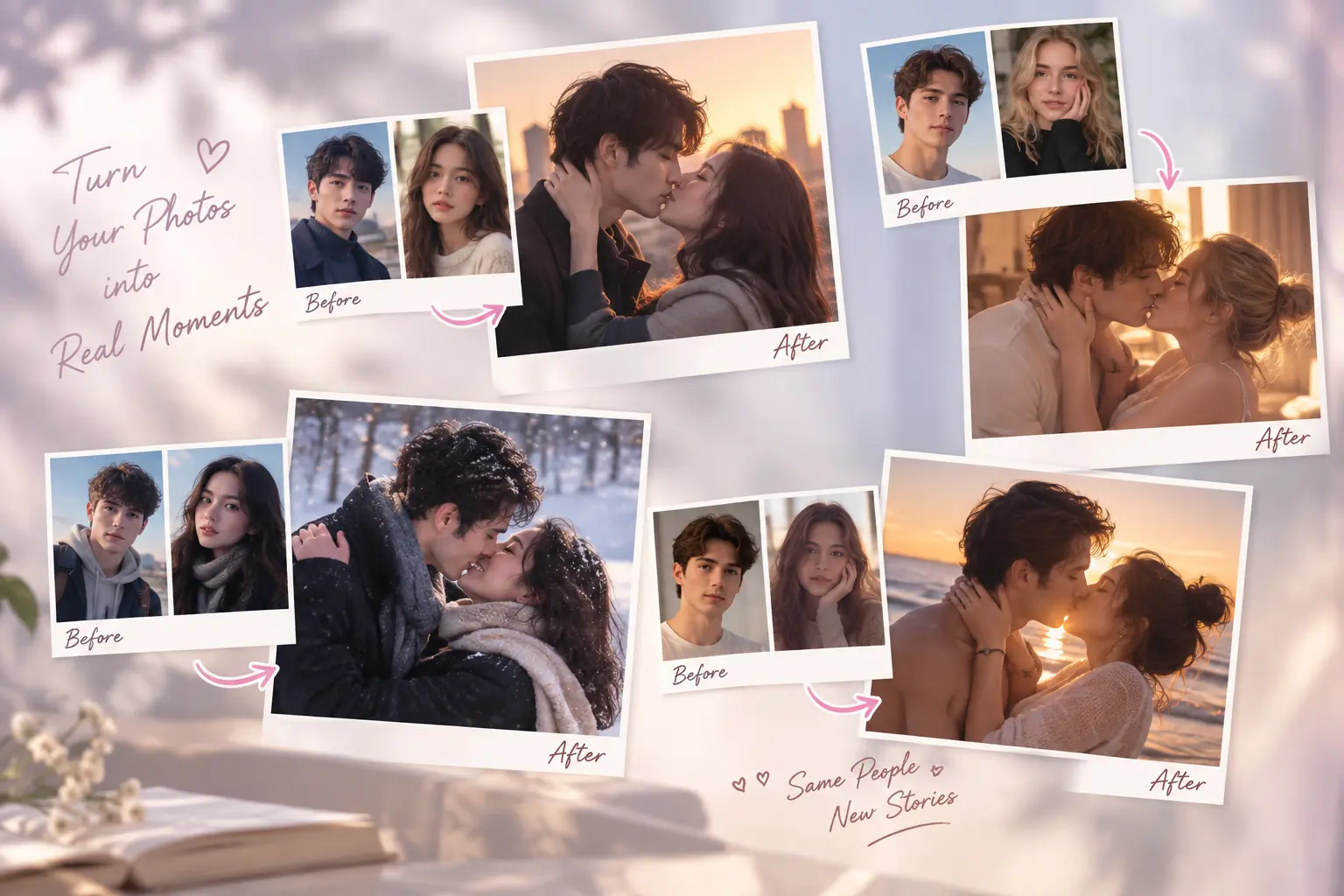
AI Kiss Photo Generator
Turn one couple photo or two separate portraits into a personalized kissing photo.
Ready to Bring Your Family Together in One Photo?
Upload photos of your family members and pets, choose a family photo concept, add an optional custom request, and create a personalized AI family portrait.
AI Family Photo Generator FAQ
An AI Family Photo Generator, also called an AI family portrait generator, uses uploaded reference photos to create a new family image. Upload separate photos of family members and pets, choose a family photo concept, add an optional custom request, and generate one personalized family portrait.
Yes. Upload separate reference photos of the family members you want to include, and AIKissfiy can bring them together in one new family photo.
Yes. The generator is designed to work with multiple individual references rather than requiring an existing group photo. Add each intended family member or pet as a separate reference before generating.
Yes. You can include different generations of family members as well as pets. Clear individual reference photos help the AI understand the appearance of each intended subject.
You can choose from Classic Studio, Cozy Home, Outdoor Golden Hour, Casual Lifestyle, Christmas Family, Vacation Family, Vintage Film, Luxury Editorial, South Asian Traditional, Japanese Kimono, Eid Family, Black & White Fine Art, and Neo-Chinese Heritage.
Yes. Use the optional Custom Request field to describe changes such as clothing, setting, pose, subject placement, mood, colors, or other visual details.
Your uploaded photos are used as identity references to help preserve recognizable facial features and appearance. Results can vary depending on the clarity, angle, lighting, and quality of the source images.
Use clear reference photos with visible faces, good lighting, and minimal blur or obstruction. For pets, use images where distinctive features, coat color, markings, and overall appearance are easy to see.
You can try AIKissfiy's AI Family Photo Generator using available free credits. Additional generations or premium features may require credits.