
Loading the creation workspace…
AI Dance Video Generator from Photos
Turn your photos into realistic AI dance videos. Choose a dance template or upload your own reference video to make your characters dance with AI.
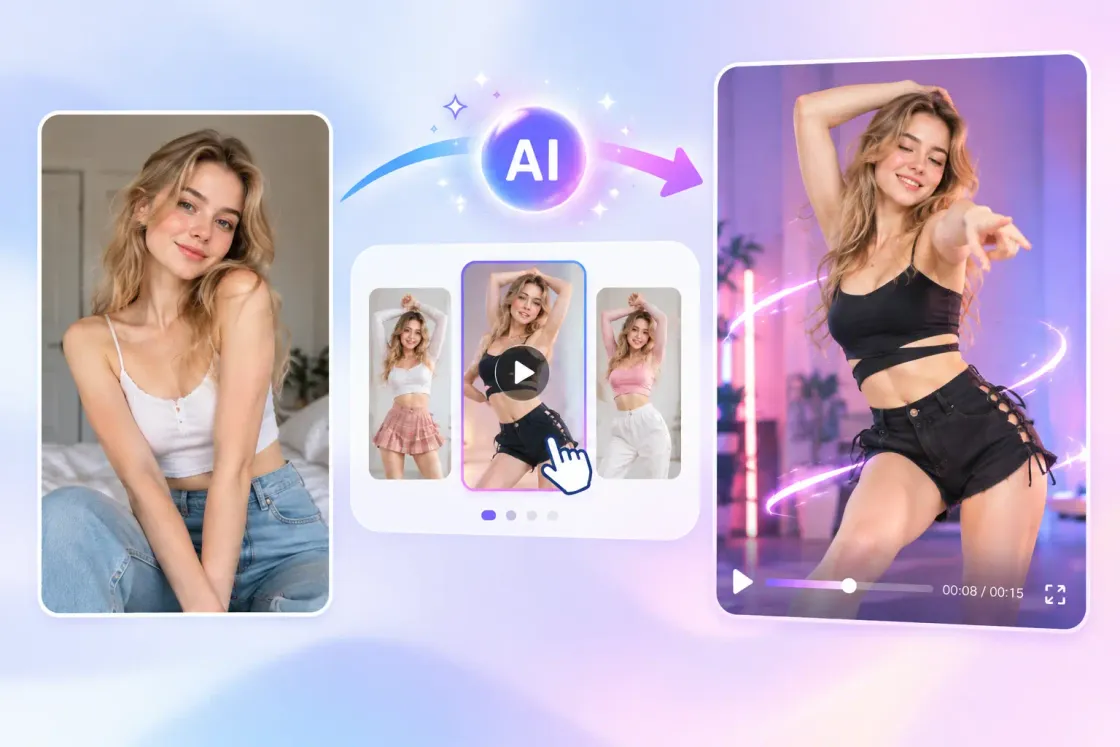
How to Create an AI Dance Video
Make your photo dance in three simple steps. No filming or video editing skills required.
Step 1 – Upload Your Photo
Upload up to 8 clear photos of yourself, friends, a group, or a character you want to animate.
Step 2 – Choose How to Guide the Dance
Choose a dance template or upload your own reference video. You can also turn off video reference and edit the required dance prompt.
Step 3 – Generate & Download
Choose your model and video settings, check the estimated credits, and click Generate. Preview and download the completed dance video.
What Is an AI Dance Video Generator?
An AI Dance Video Generator turns static photos into dancing videos. Choose a dance template or upload a reference video to guide the movements, or turn off video reference and describe the dance with a prompt. AI aims to preserve recognizable features while animating the people in your photos. From trending TikTok dances and energetic K-Pop routines to cute gestures and group performances, you can create personalized dance videos without dancing in front of a camera.
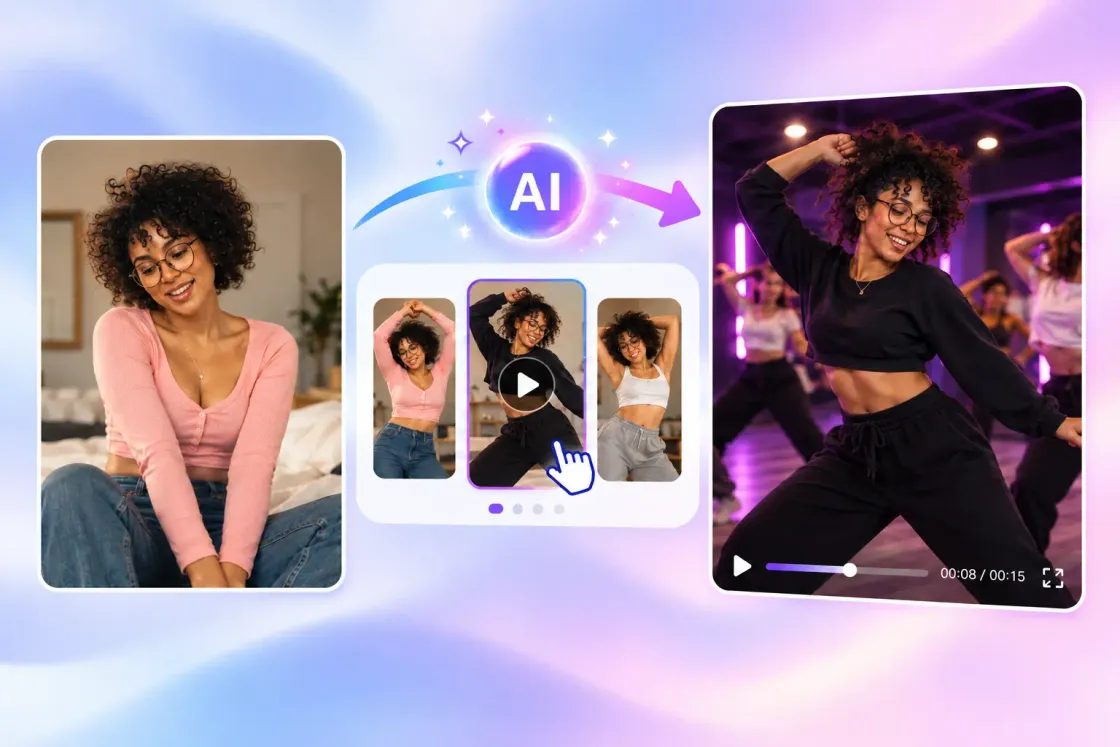
Why Choose AIKissfiy?
Realistic Dance Movements
Bring your photos to life with fluid body movements and expressive dance animations generated from reference videos.
Preserve Character Appearance
Animate your subject while keeping recognizable facial features and overall appearance as consistent as possible.
Upload Your Own Dance Video
Recreate your favorite dance movements by uploading a reference video instead of relying only on preset templates.
Ready-to-Use Dance Templates
Explore dance styles ranging from gentle Sway Dance and expressive Hand Dance to bold Sexy Dance and Twerk Dance, plus energetic K-Pop performances and group dances.
Easy Photo-to-Dance Creation
Make a picture dance without recording yourself, learning choreography, or editing videos manually.
Private Photo Processing
Your uploaded photos are used to process your creation and are not publicly displayed. Uploaded original photos are deleted after one hour. Saved character data and generated results have separate retention periods; see the Privacy Policy.
Creative Ways to Use AI Dance Videos
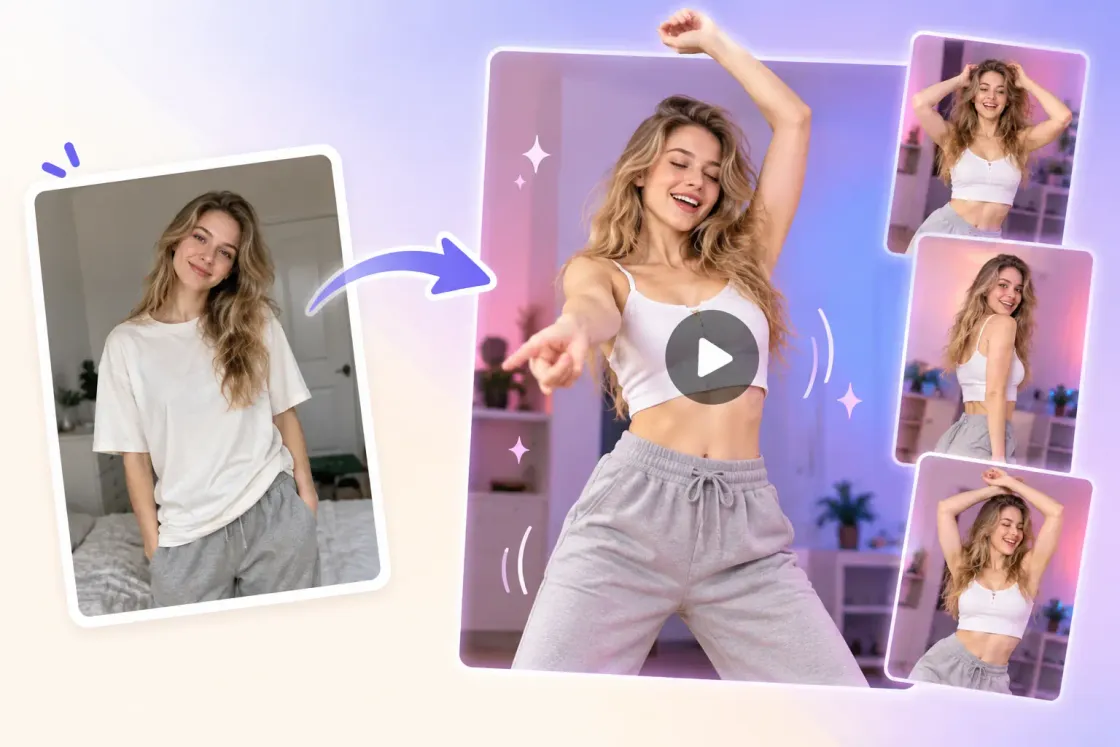
Make Yourself Dance Without Recording
Turn an ordinary photo into a dancing video without performing in front of a camera. Choose a dance you like and let AI recreate the movements using your picture.
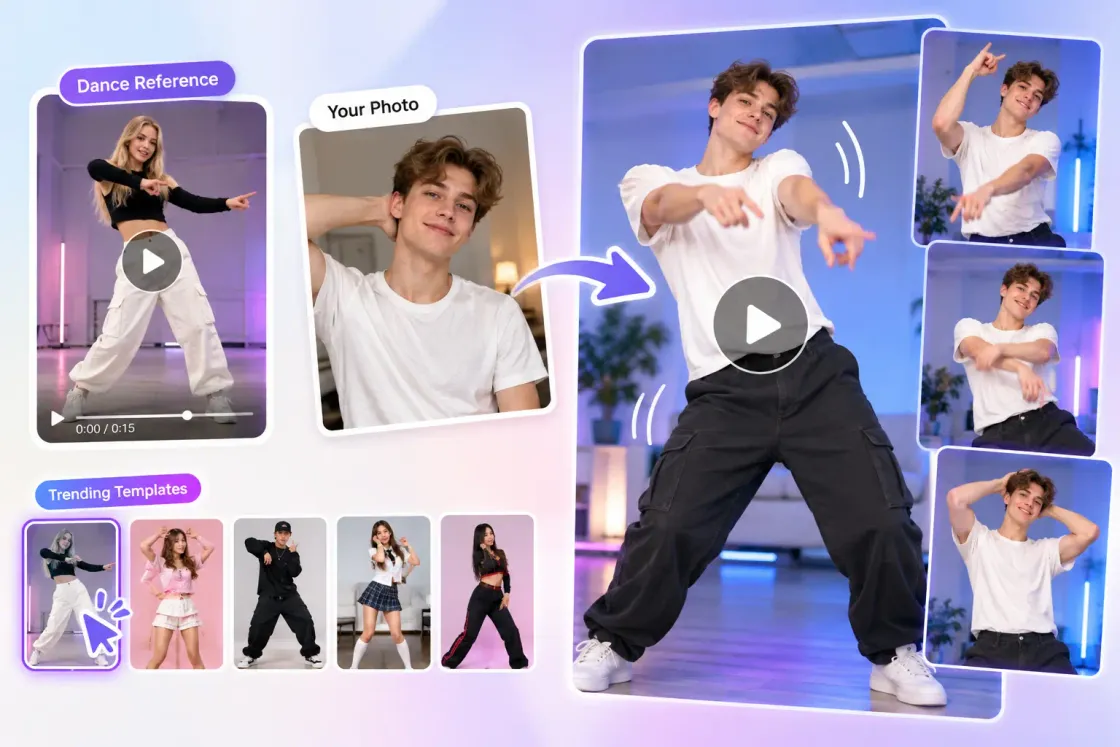
Recreate Your Favorite Dance Trends
Upload a reference video of your favorite dance or select a trending template. Transform your photos into personalized dance clips inspired by popular choreography.
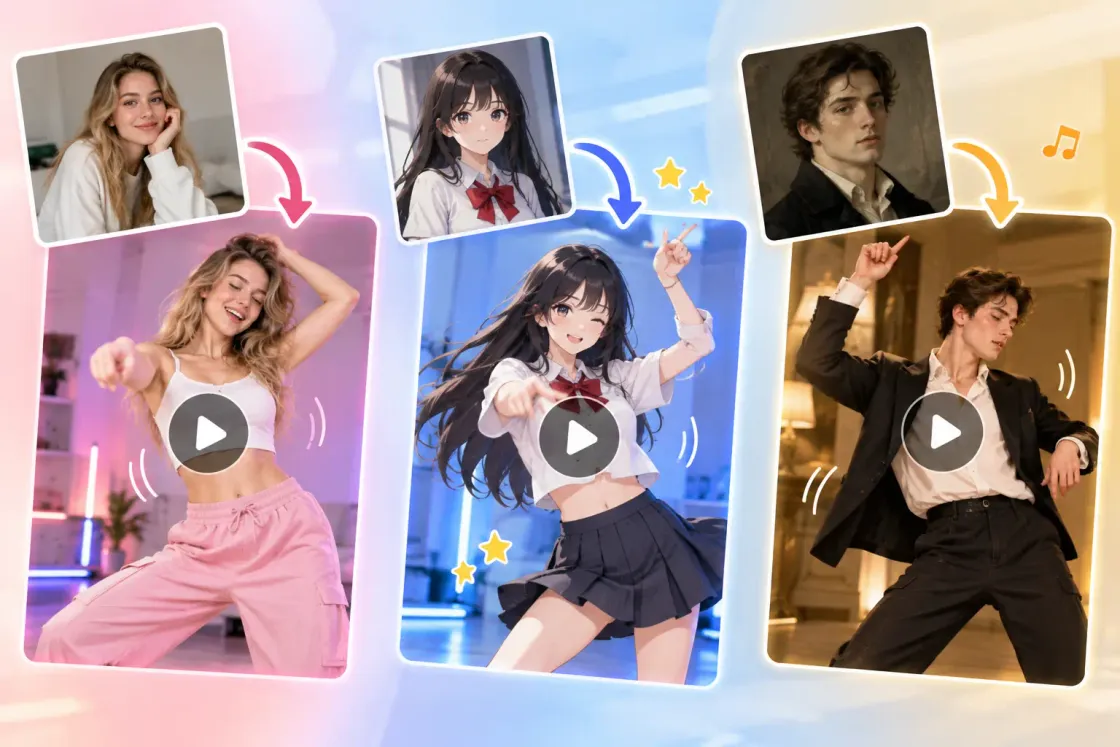
Bring Characters and Portraits to Life
Animate photos, portraits, and illustrated characters with expressive dance movements. Give static images a lively new dimension without creating animations manually.
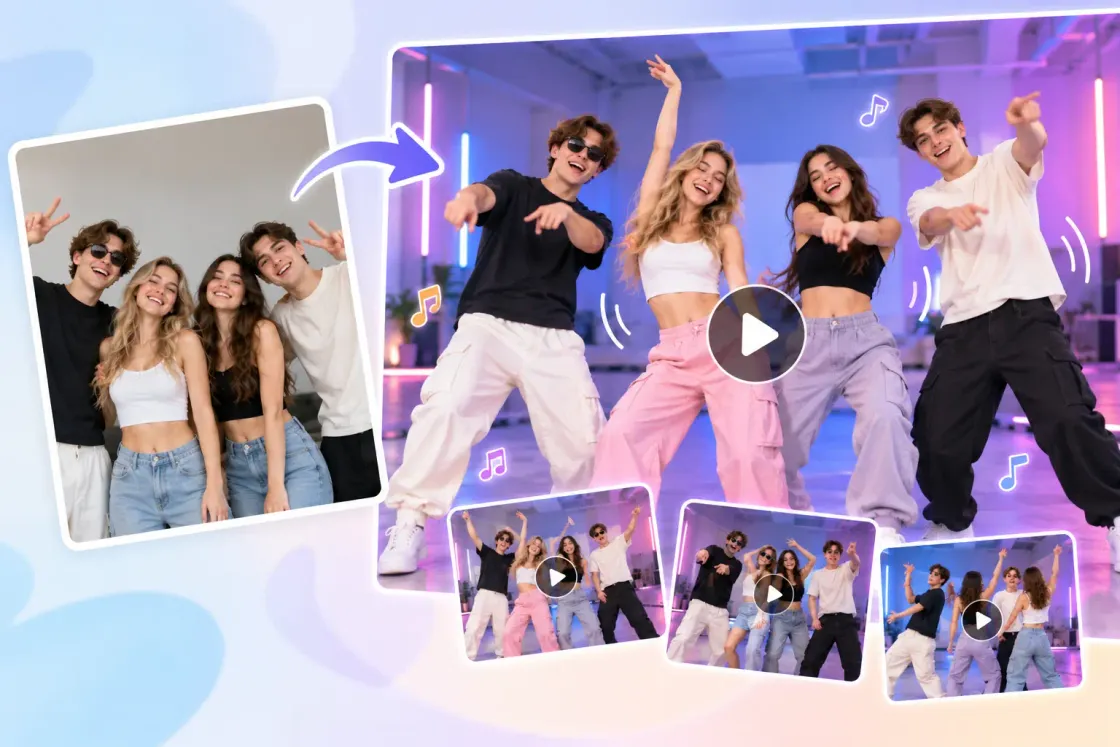
Create Fun Dance Videos with Friends
Turn couple pictures into fun Couple Dance videos or bring friends together with Group Dance. Recreate coordinated movements and share entertaining moments with friends.
Make Every Photo Dance
Bring your favorite photos to life with fun dance moves and create videos worth sharing.
AI Romantic Video Generator
Turn your photos into romantic videos with personalized scenes and movements.
AI Kissing Generator
Create personalized kissing videos from your photos in different kiss styles.
AI Hug Generator
Bring your photos to life with warm AI-generated hugs.
AI Love Story Generator
Create a romantic love story starring the people in your photos.
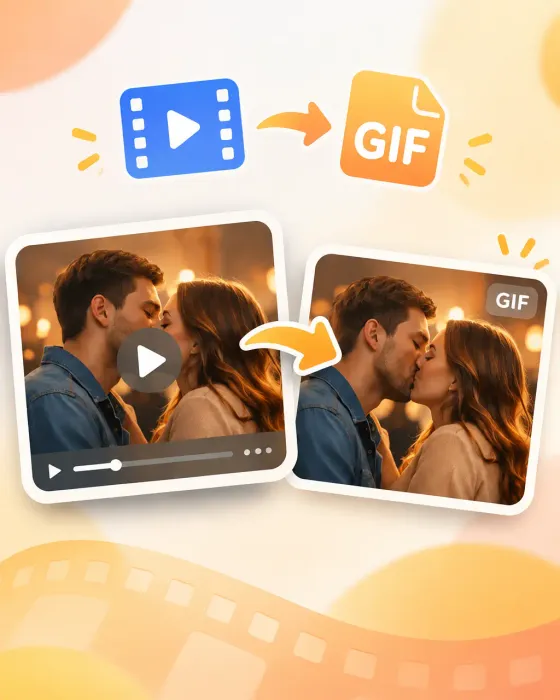
Video to GIF
Convert your video clips into GIFs to share your favorite moments.
What Users Say About AIKissfiy
I turned a regular photo into a dance video, and the movements looked surprisingly natural! It's so fun seeing myself dance without actually doing anything.
Emily Carter
I love that I can upload my own dance reference video! It recreated the moves really well, and I didn't have to learn a single step.
Jessica Miller
The K-Pop and cute dance templates are adorable! I made several videos from my photos, and my friends absolutely loved them.

Yuki Tanaka
The best part is how recognizable my face looks while dancing. I've tried other AI tools, but this one gave me much more natural-looking results.
Sophie Williams
My friend and I made a dance video from our photo together. Watching ourselves perform those moves was hilarious, and we couldn't stop laughing!

Olivia Brown
So easy to use! I just uploaded my photo, chose a dance template, and got a fun video without filming or editing anything.
Mia Anderson
AI Dance Video Generator FAQs
An AI Dance Video Generator is an online tool that turns photos into dancing videos. It uses a template or reference video to guide the movements, or a written dance prompt when video reference is turned off.
Upload up to 8 clear photos to AIKissfiy. Choose a dance template or reference video, or turn off video reference and fill in the dance prompt. Select a model and settings, check the estimated credits, and click Generate.
AIKissfiy is designed to preserve recognizable facial features and appearance while adding dance movements. The final result may vary depending on photo quality, camera angle, and reference video complexity.
Clear, high-resolution photos with visible faces and body parts generally produce better results. Full-body photos are recommended for complex dance moves, while half-body photos work well for Hand Dance.
No. Upload your photos and choose a dance template or reference video, or turn off video reference and edit the dance prompt. AIKissfiy generates the animation, so no dancing, filming, or video editing experience is needed.
You can try creating AI dance videos with available free credits. Sign in and check in daily to claim free credits. Each generation requires enough credits; the amount depends on the selected model and settings.