
Loading the creation workspace…
AI Sexy Dance Generator from Photos
Choose the Sexy Dance template or upload your own reference video to bring your adult character to life with fluid, expressive dance moves.
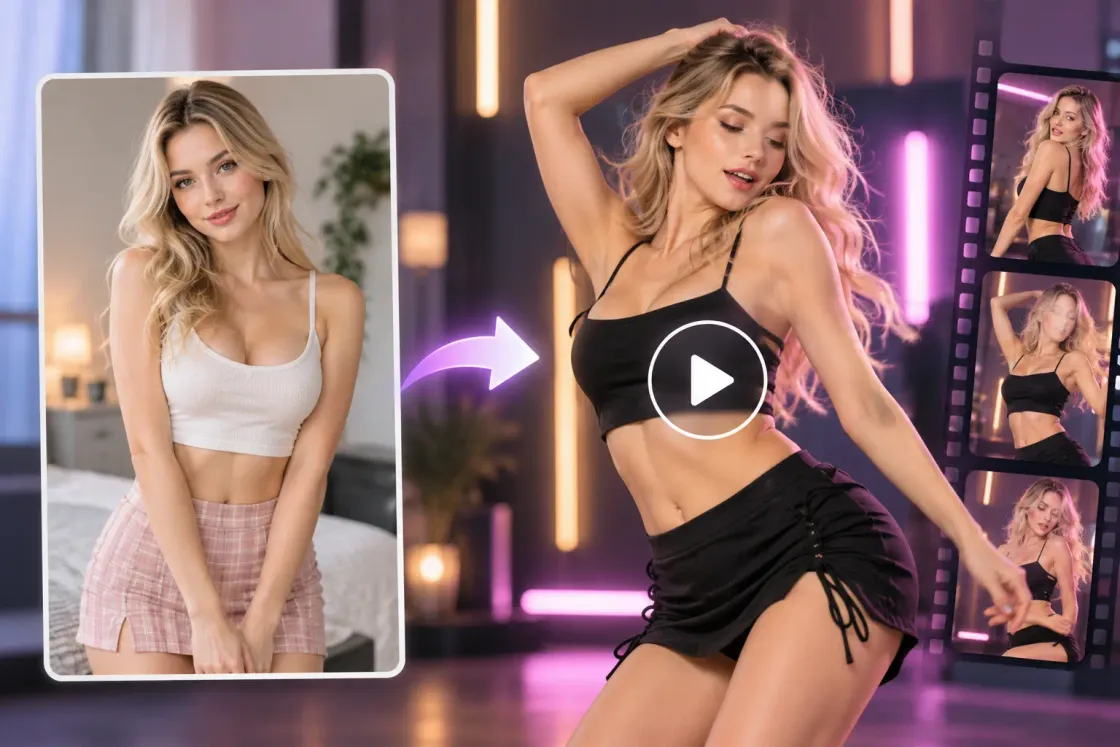
How to Make an AI Sexy Dance Video
Turn a photo of yourself or an adult character into a sexy dance video in three simple steps.
Step 1 – Upload Your Photo
Upload a clear photo of yourself or an adult character you want to animate. A full-body photo gives AI more detail to work with when creating dance movements.
Step 2 – Choose a Dance or Upload a Video
Use the selected Sexy Dance reference or upload your own reference video to guide the movements. You can also turn off video reference and edit the dance prompt. Choose your model and video settings, then check the estimated credits.
Step 3 – Generate & Download
Click Generate to create your AI sexy dance video. Preview the completed result, then download and share your creation.
Create Sexy Dancing Videos from Your Photos
Turn photos of yourself or adult characters into captivating dance videos. Bring your favorite dance moves to life with AI.
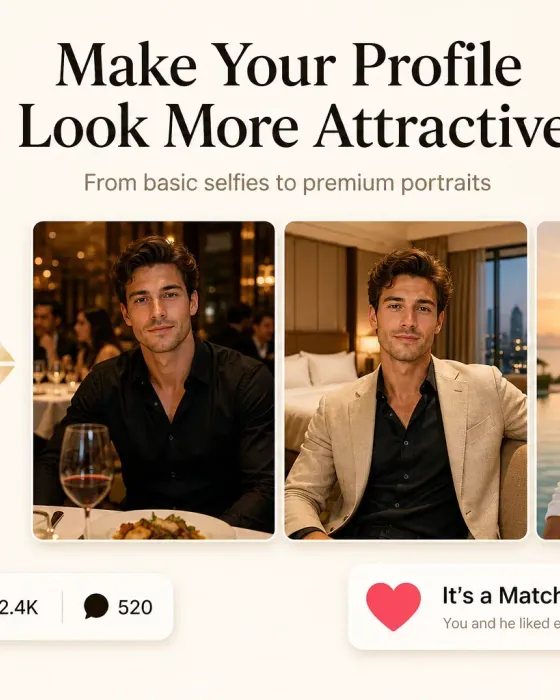
AI Luxury Lifestyle Photo Generator
Create personalized photos inspired by luxury lifestyle scenes.
AI Clothes Changer
Try different clothing looks on the people in your photos.
AI Romantic Video Generator
Turn your photos into romantic videos with personalized scenes and movements.
AI Fashion Photo Generator
Turn your photos into fashion portraits in different styles and settings.
AI Selfie Generator
Create personalized selfies in different styles and settings.