Loading the creation workspace…
AI Bangs Filter – See Yourself with a New Fringe
Thinking about getting bangs? Try different looks on your own photo before picking up the scissors. Choose one of nine styles or upload a photo of the bangs you love, then compare the AI-generated looks.
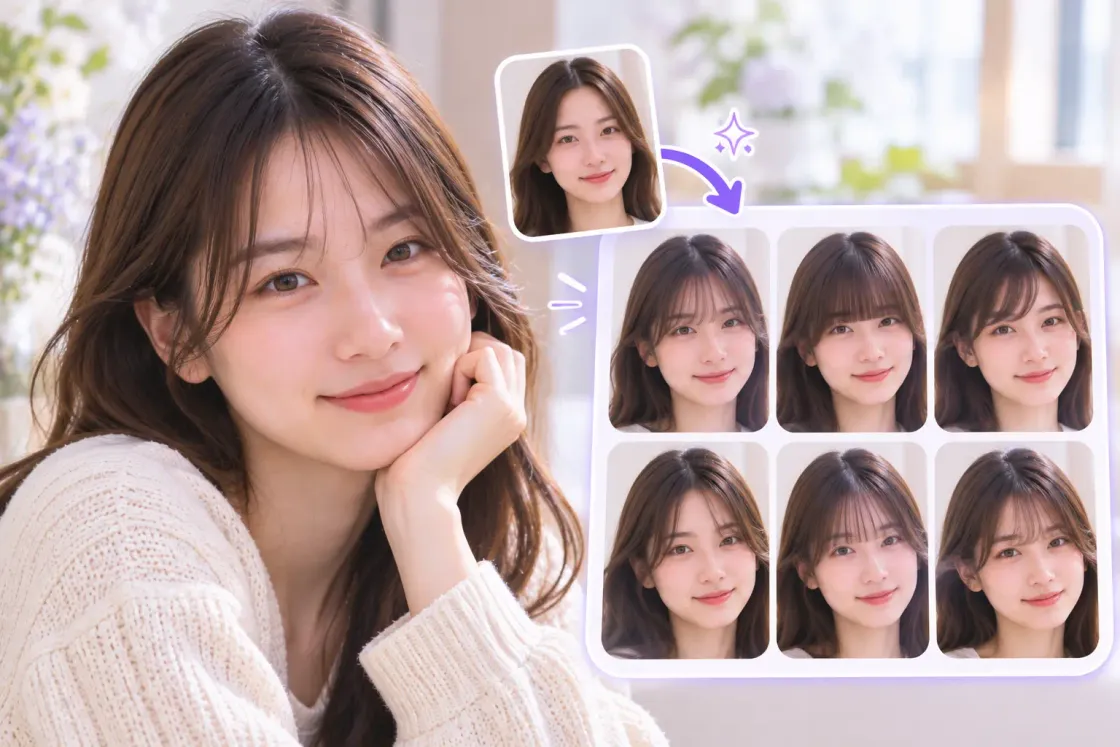
What Is an AI Bangs Filter?
An AI bangs filter edits your photo to help you explore different fringe styles. Choose from nine presets or use a reference photo to see how a new look could suit you before changing your hair.
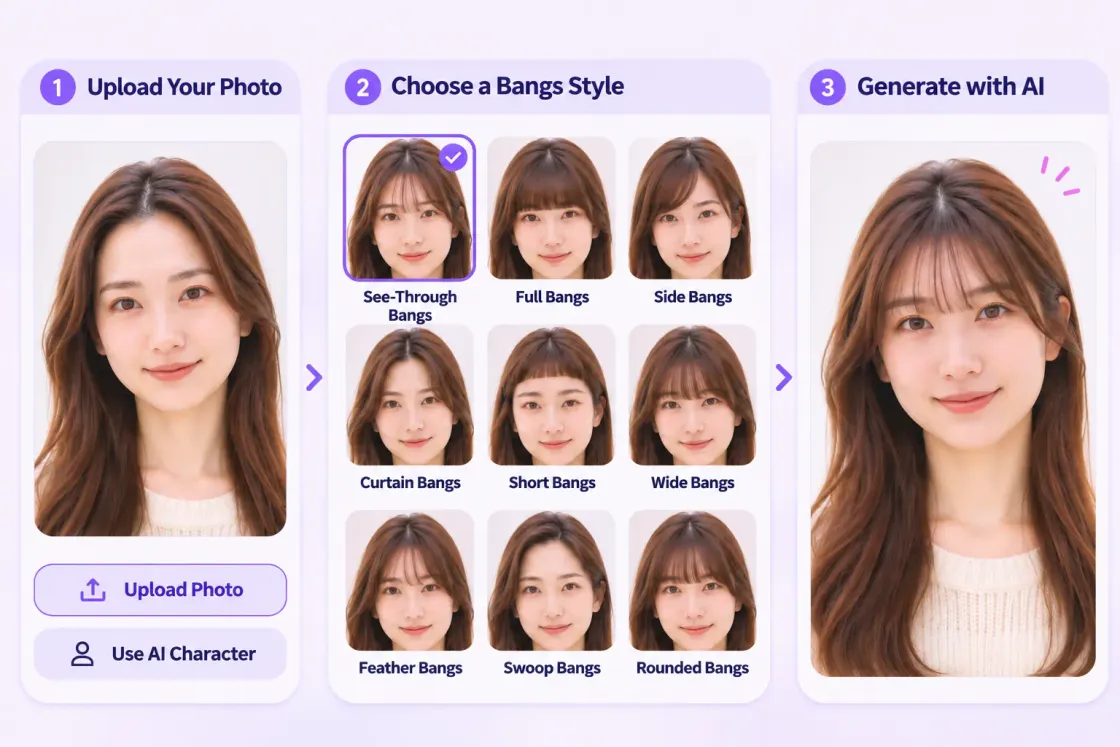
How to Try On Bangs with AIKissfiy
Upload Your Photo
Upload a photo with a clear view of your face and hairline, or choose a saved AI character.
Choose a Bangs Style
Pick one of nine styles or upload a reference photo showing the fringe you want to try.
Generate and Compare
Generate your new look and compare it with your original photo. Download a favorite or try another style.
Why Try the AIKissfiy Bangs Simulator?
Preview Bangs Before the Cut
Explore a new fringe on your own photo. The edit aims to preserve your facial features and hair color while changing your bangs.
Compare Nine Bangs Styles
Try see-through, blunt, curtain bangs and more to find the shapes and lengths you like.
Use a Look You Love as a Reference
Upload a photo from your inspiration collection and try a fringe based on its shape, length and styling.
Explore New Looks with a Bangs Filter
Find Your Favorite Fringe
Try see-through bangs, blunt bangs, curtain bangs and other styles on your photo to explore what suits your taste.
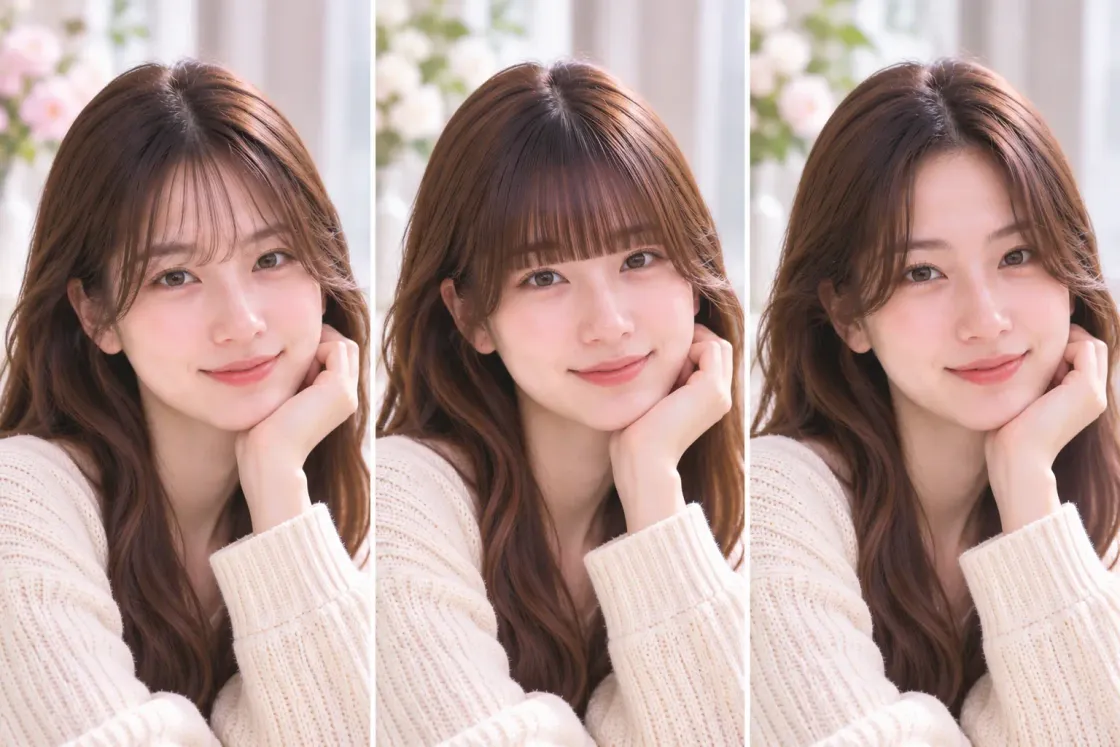
Share Your Ideas with a Hairstylist
Bring your AI-generated photo to a salon to help explain the fringe shape and length you have in mind.
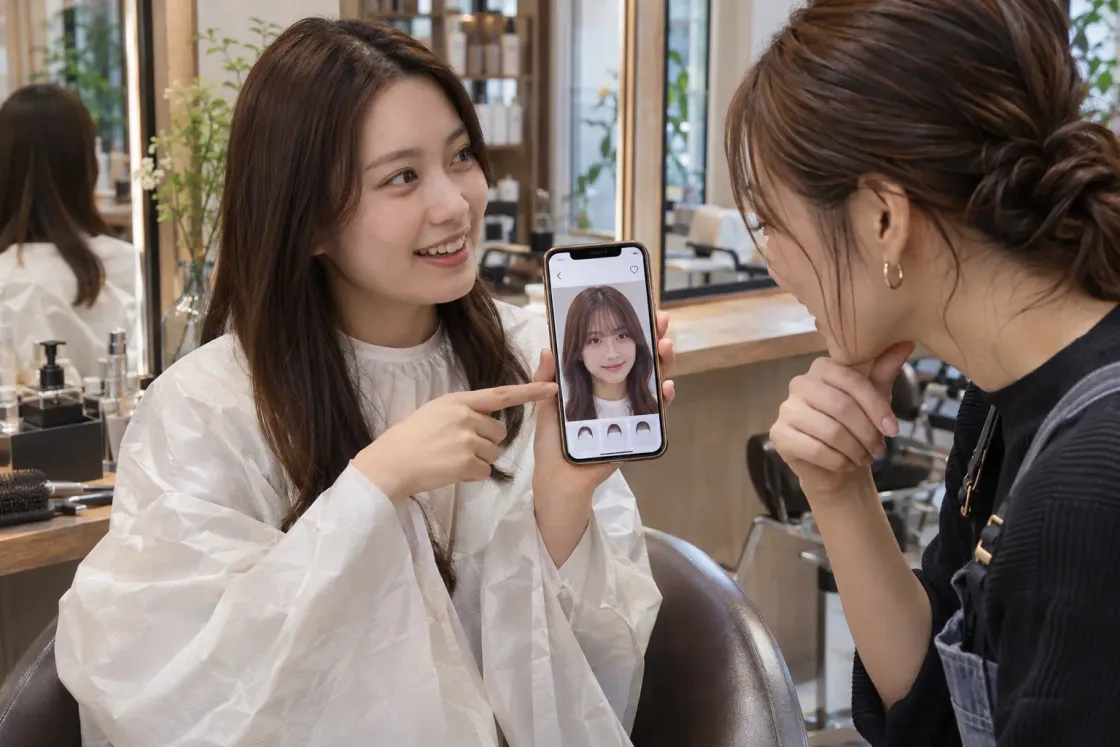
Try a Style from Your Inspiration Photos
Upload a fringe you spotted on social media or in a hair catalog and preview a similar look on your own photo.
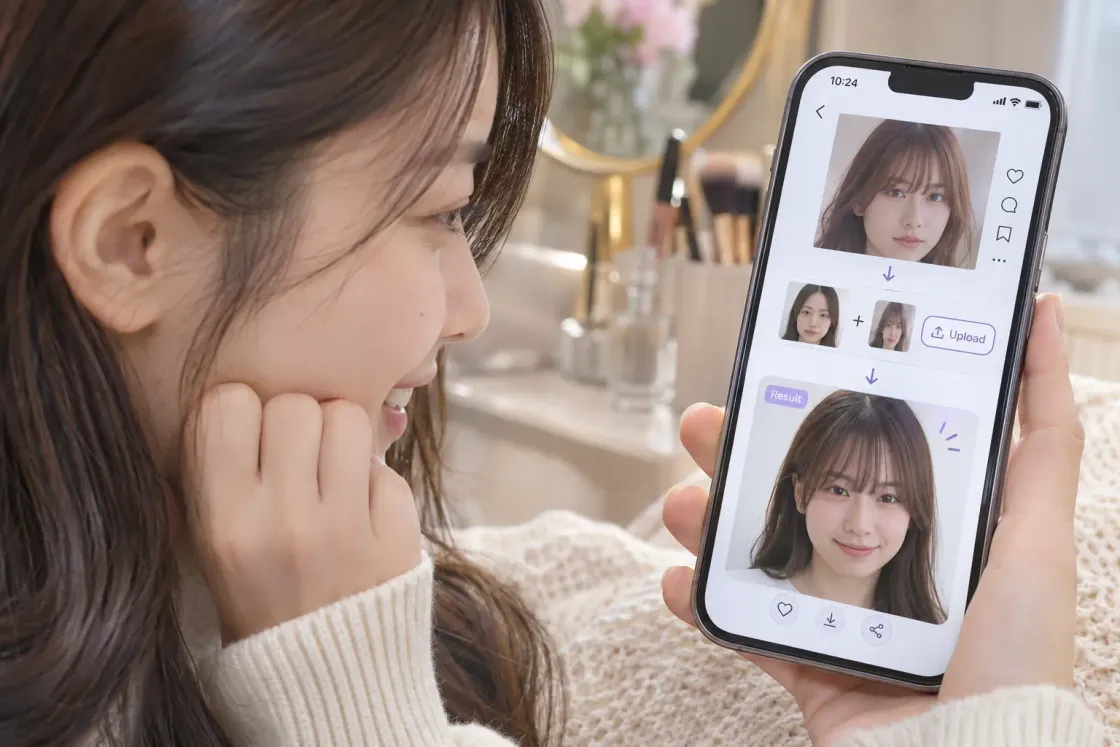
Create a New Look for Social Media
Add a fresh fringe to a photo for your next profile picture or social post.
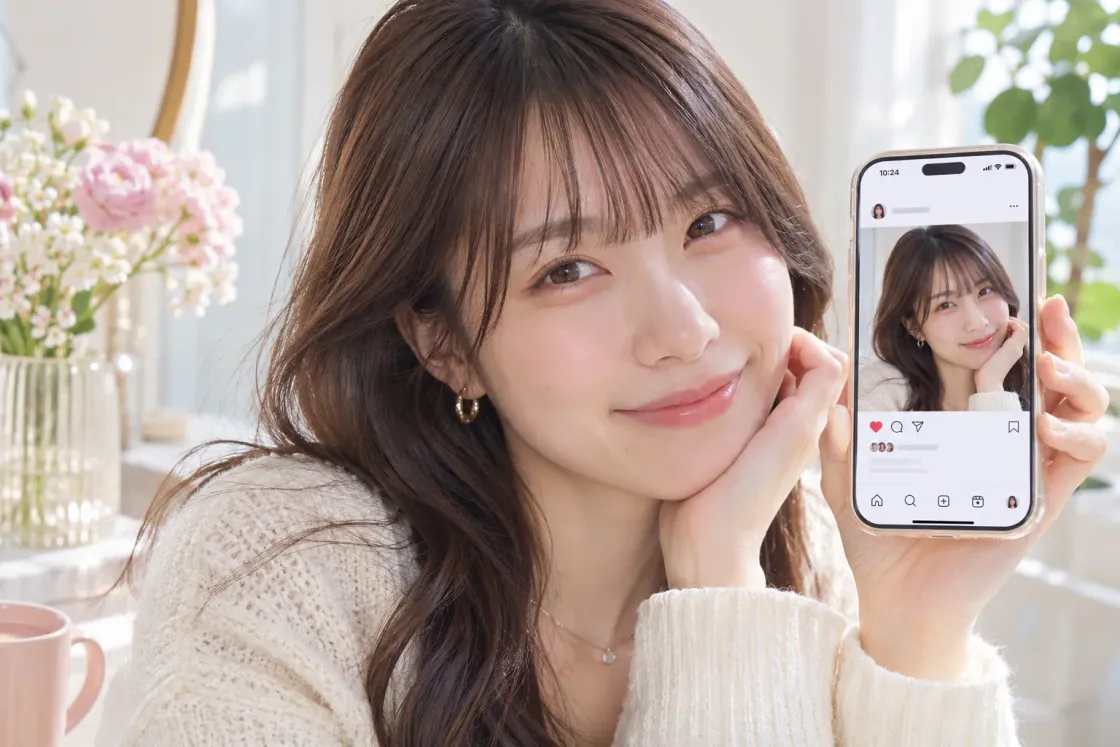
Ready to Try a New Bangs Style?
Choose a preset or upload a reference photo. Explore a new fringe on your own photo and find a look you want to try.
AI Hairstyle Changer
Try new hairstyles, haircuts, lengths, and textures on your photo before changing your real look.
AI Hair Color Changer
Change your hair color and preview different shades while keeping your hairstyle and photo natural.
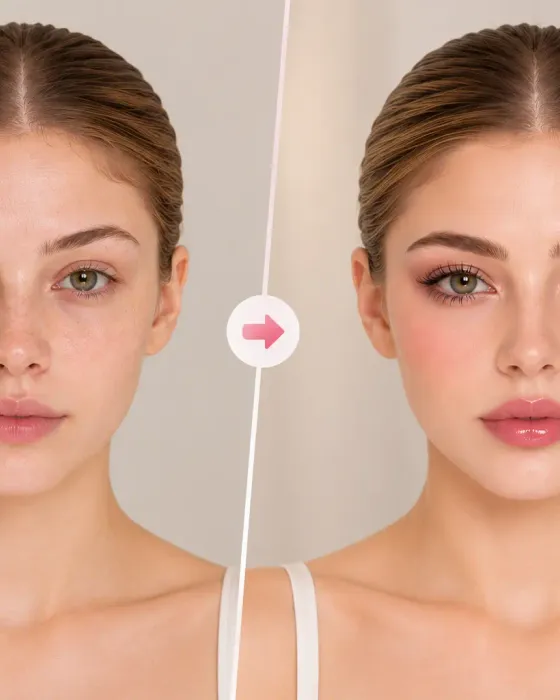
AI Makeup Generator
Try nine makeup styles or upload a makeup reference photo to create your own look.
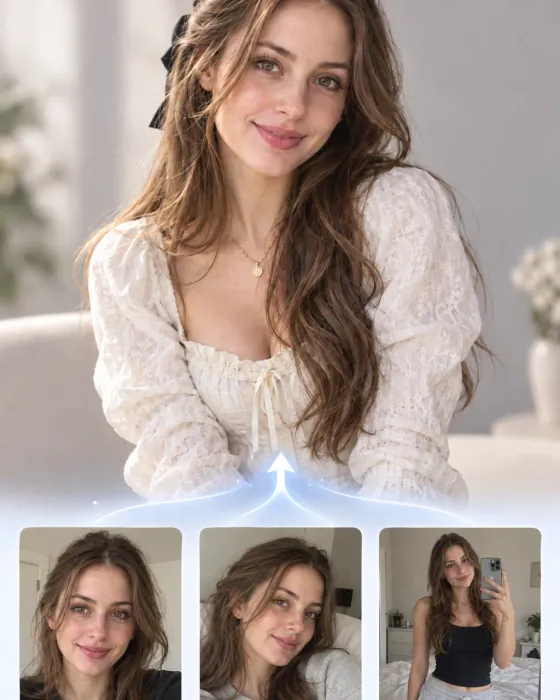
AI Character Generator
Create a consistent AI character that looks like you—or a character you imagine.
AI Photo Editor
Edit, transform, and restyle your photos with simple text prompts powered by AI.
Frequently Asked Questions
It is a photo-editing tool that generates a new fringe on your photo. You can preview different bangs styles before deciding on a haircut.
Yes. Try several styles on your photo and compare the results to find what you like. You choose your favorite by looking at the generated images.
Upload your photo, choose one of nine bangs styles or add a reference photo, then generate an image. Compare the result with your original photo or try another style.
Yes. Upload a photo showing the fringe you want to try. The AI uses its shape, length and styling as a reference for editing your photo. Make sure you have the right to use the image.
Choose from see-through, blunt, side-swept, curtain, micro, wide, feathered, swept-back and rounded bangs.
It guides the bangs style. The edit aims to preserve your face, hair color and overall hairstyle while adapting the reference fringe to your photo. Results vary by image.
Yes. Upload a photo taken on your phone with your face and hairline clearly visible. The tool generates a still image so you can compare fringe styles.
You can use available free credits toward image generation. Generating an image uses credits. Check the tool for your available credits and the amount needed before generating.