
Loading the creation workspace…
AI Hair Color Changer – Try Hair Colors Online
Change your hair color in a photo with AI. Explore natural or creative shades and preview a new look before making it real.
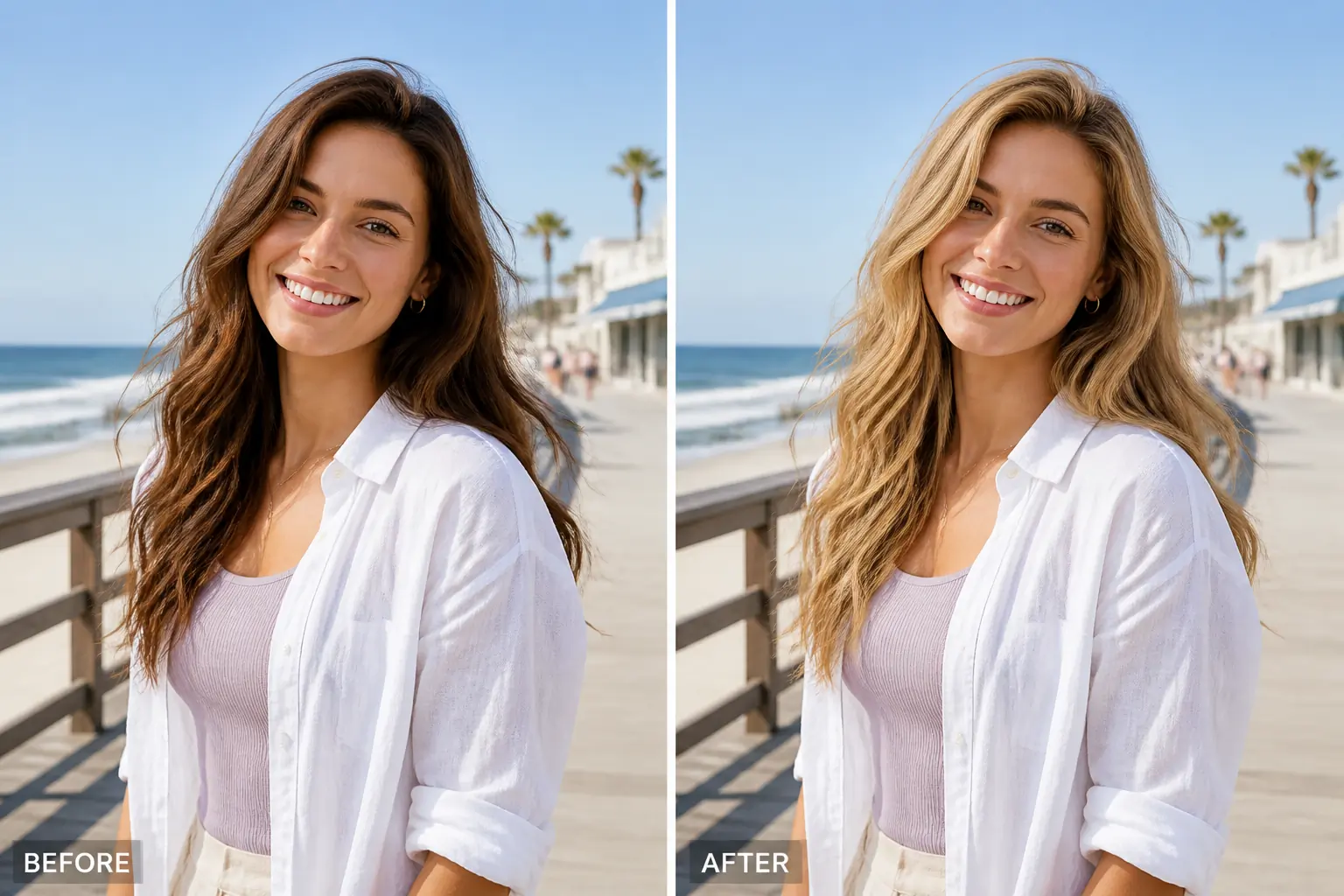
What Is an AI Hair Color Changer?
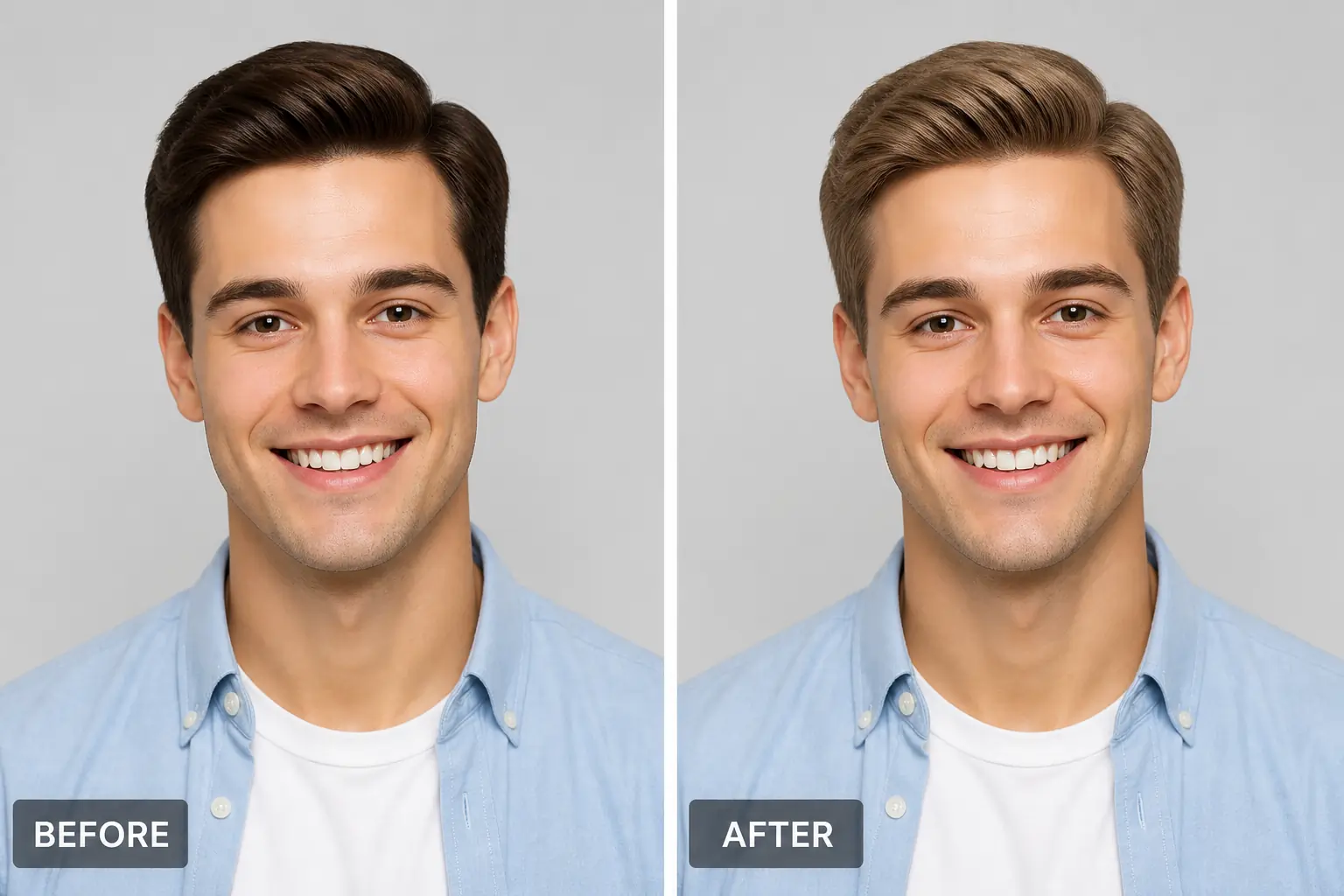
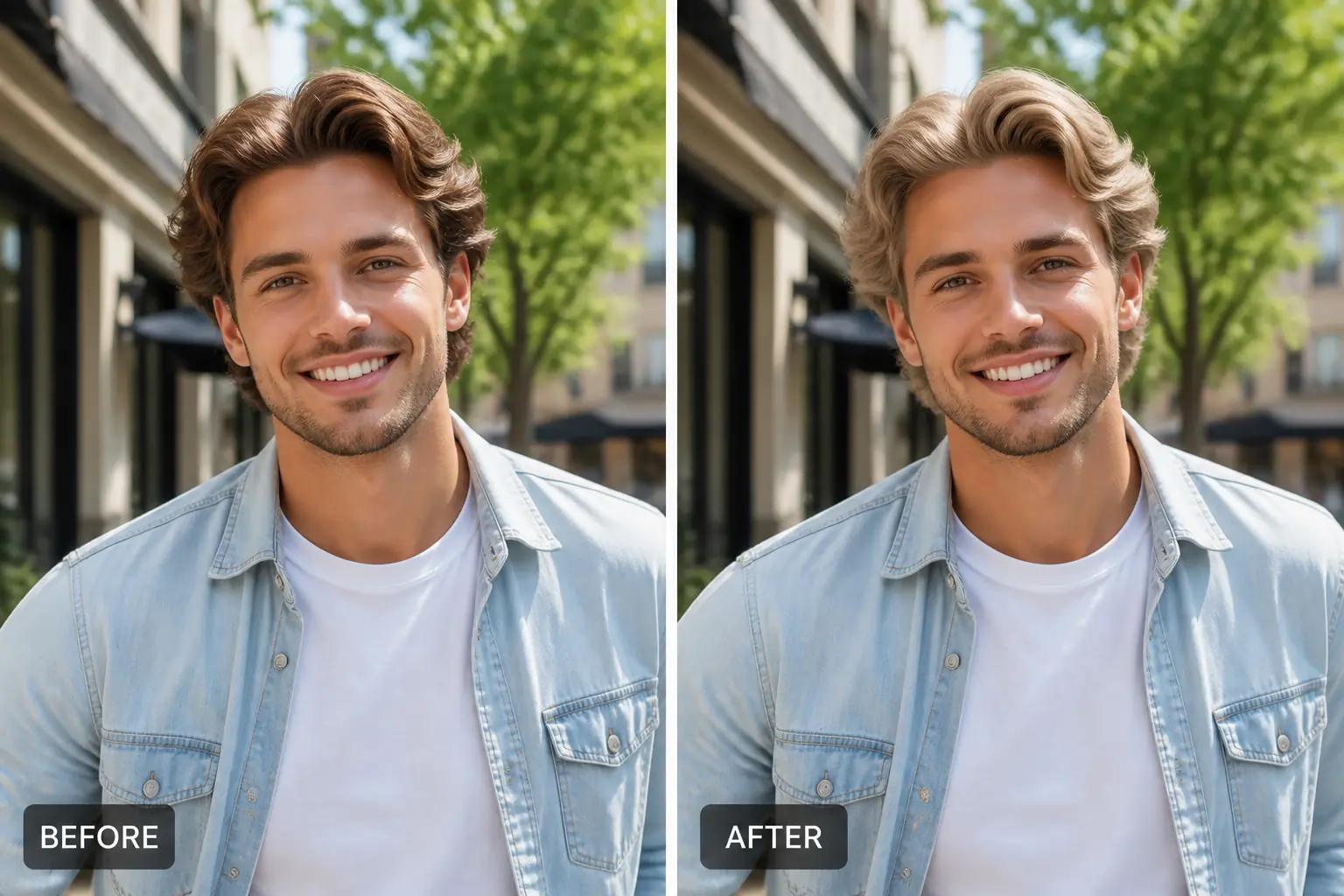
An AI Hair Color Changer is an online tool that lets you change hair color in a photo and preview different shades without dyeing your hair. AI analyzes the hair in your image and applies your selected color while keeping the overall photo natural. Try blonde, brown, black, red, gray, or more creative colors to quickly explore a new look. Want to change more than the color? Try our AI Hairstyle Changer to explore different hairstyles from your photo.
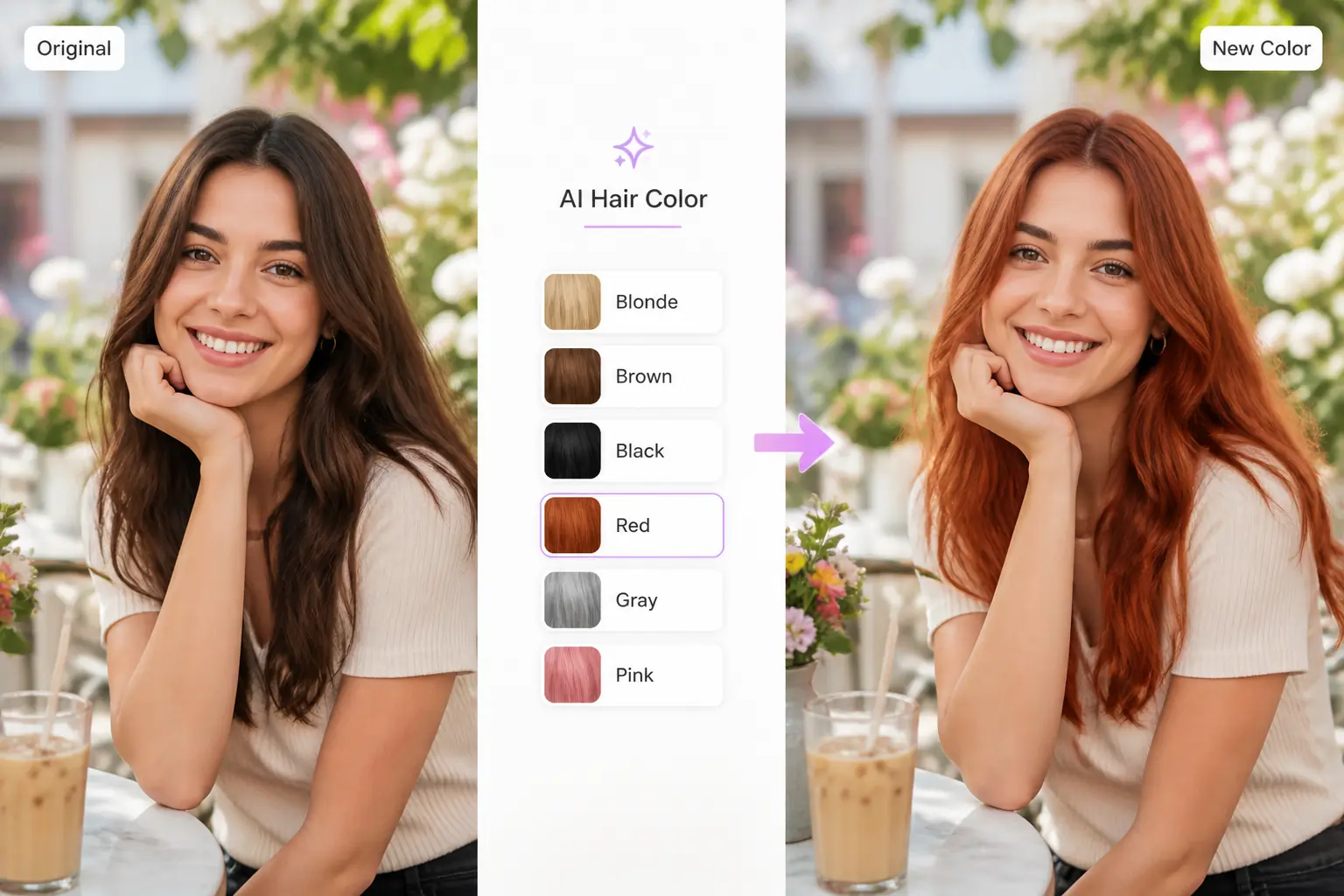
How to Change Hair Color with AI
Try a new hair color in 3 simple steps.
Step 1 – Upload Your Photo
Choose a clear photo of yourself.
Step 2 – Pick a Hair Color
Select the shade you want to try.
Step 3 – Generate
Let AI change the hair color and download your result.
Why Choose AIKissfiy's AI Hair Color Changer?
Easy Online Editing
Change hair color directly online with a simple and intuitive workflow.
Natural-Looking Results
AI blends the new color with the original hair, lighting, and photo for a more realistic appearance.
Multiple Color Options
Explore classic, trendy, and creative shades to find a look that suits you.
Fast AI Processing
Preview a new hair color without spending time on complicated manual editing.
Works with Different Photos
Try new hair colors on portraits, selfies, profile photos, and other everyday images.
No Editing Skills Required
Simply upload your photo, choose a color, and let AI handle the rest.
Discover a Hair Color That Fits Your Look
Preview a New Color Before Dyeing
See how a different hair color may look before making a real-world change. Compare blonde, brunette, black, red, gray, or other shades and explore your options with less guesswork.
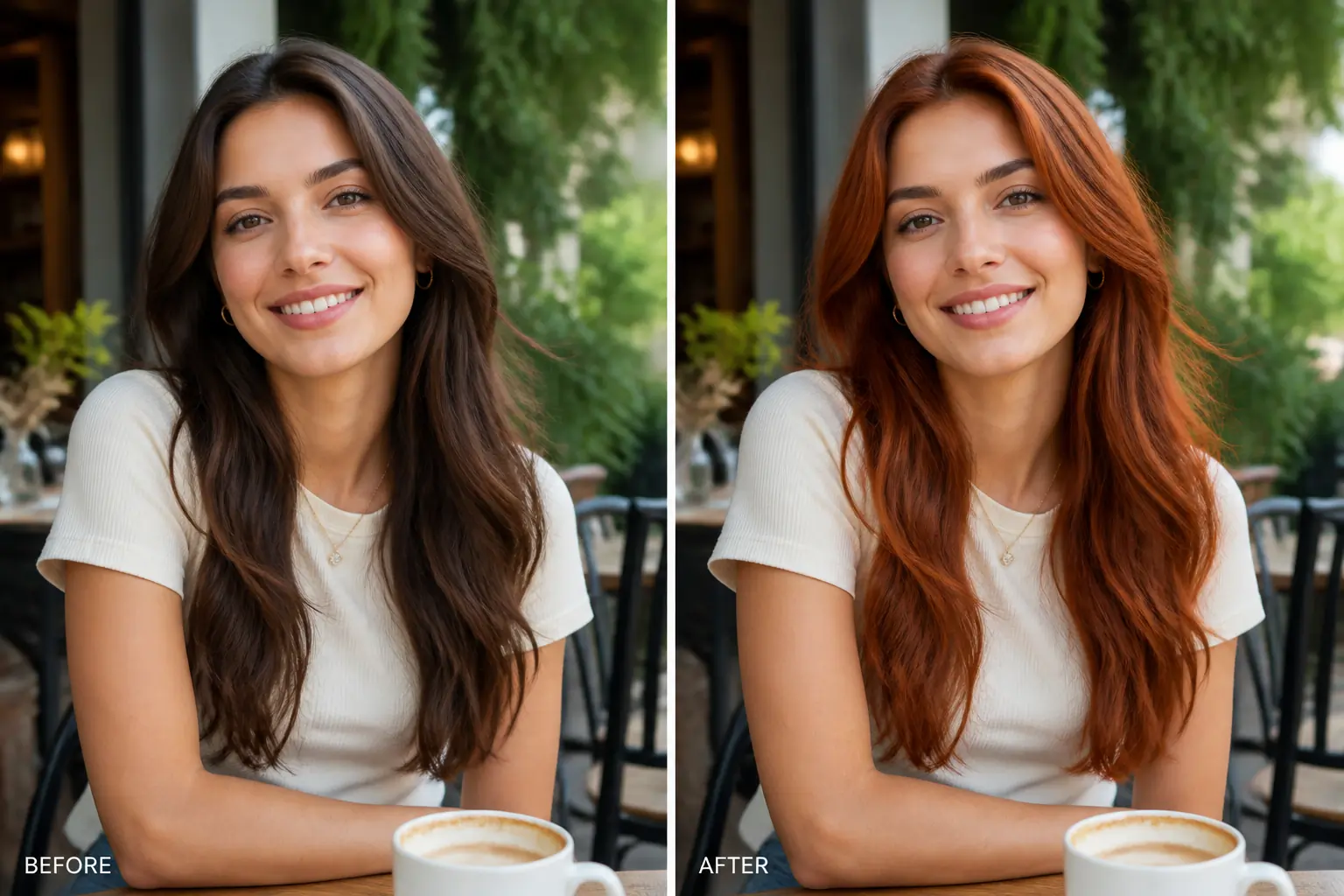
Refresh Portraits and Profile Photos
Give selfies, portraits, and social media photos a fresh new look by changing your hair color. Pair it with our AI Photo Editor to make additional photo adjustments.
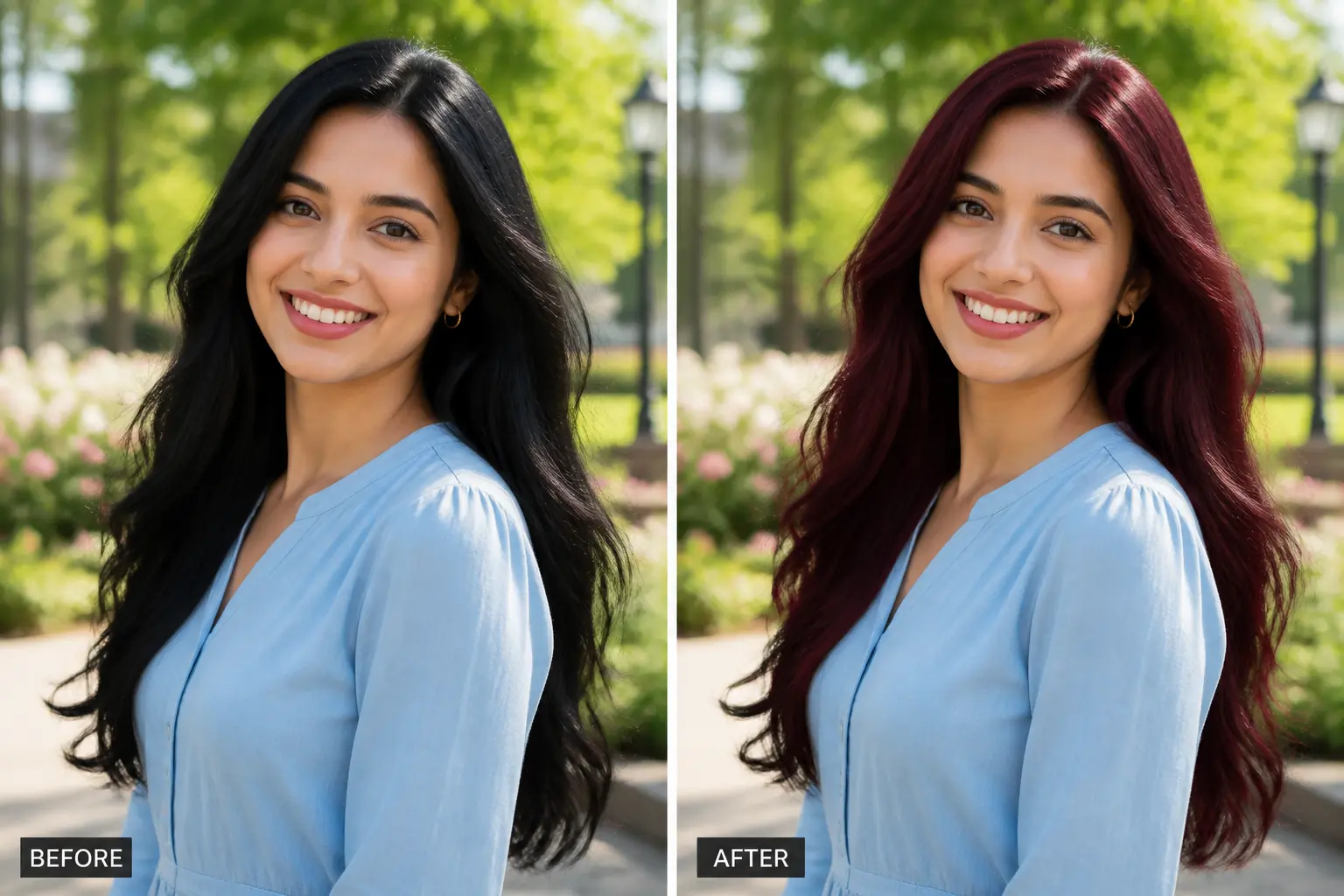
Match Your Hair to Different Styles
Experiment with hair colors that complement different outfits, moods, or aesthetics. Try a natural everyday shade or create a completely different visual style.
Explore Creative Hair Colors
Test bold colors such as pink, blue, purple, or other imaginative shades without permanently changing your hair. Want an even bigger makeover? Explore new cuts and styles with our AI Hairstyle Changer.
Explore More
Continue creating and editing your photos with AIKissfiy. Improve image quality, adjust backgrounds, or create entirely new looks with AI.
Change Your Hair Color with AI
Upload a photo, choose your favorite shade, and create a realistic new hair color in just a few clicks.
Free Credits Available
What Users Say About AIKissfiy's AI Hair Color Changer
I wanted to see whether darker hair would suit me before actually dyeing it. The preview made comparing different shades really easy.

Emily R.
I tried several hair colors on the same portrait and quickly found the one I liked most. The whole process was very straightforward.

Sophia M.
I mainly use it to experiment with different looks for profile photos. It is much faster than editing the hair manually.

Daniel K.
The new hair color blended surprisingly well with the original photo. It was useful for getting an idea of how the shade might look.

Olivia T.
I wanted to try a brighter color without actually committing to it. Being able to preview different options first was really helpful.

Jessica L.
I uploaded a selfie, selected a color, and had a new version in a few steps. There was almost no learning curve.

Ryan P.
Have Questions About AIKissfiy's AI Hair Color Changer?
An AI Hair Color Changer uses AI to recolor the hair in a photo so you can preview different shades online.
Yes. Upload a photo, select a new shade, and AIKissfiy will generate a new version with the hair color changed.
Yes. You can use AIKissfiy as a hair color try on tool to preview different hair colors directly from your photo.
You can try AIKissfiy's hair color changer using available free credits. Additional generations or premium features may require credits.
You can explore common shades such as blonde, brown, black, red, and gray, as well as more creative colors depending on the available options.
Yes. A virtual hair color try on can help you compare different shades before deciding whether you want to make a real-world change.
This tool focuses on changing hair color. To try different cuts, lengths, or hairstyles, use our AI Hairstyle Changer.
No. Simply upload your photo, choose a hair color, and let AI generate the result.